
1. Introduction
Thank you for purchasing the ETTFGUH Portable Electric Space Heater, Model XY-02A. This manual provides important information for the safe operation, installation, maintenance, and troubleshooting of your heater. Please read this manual thoroughly before use and retain it for future reference.
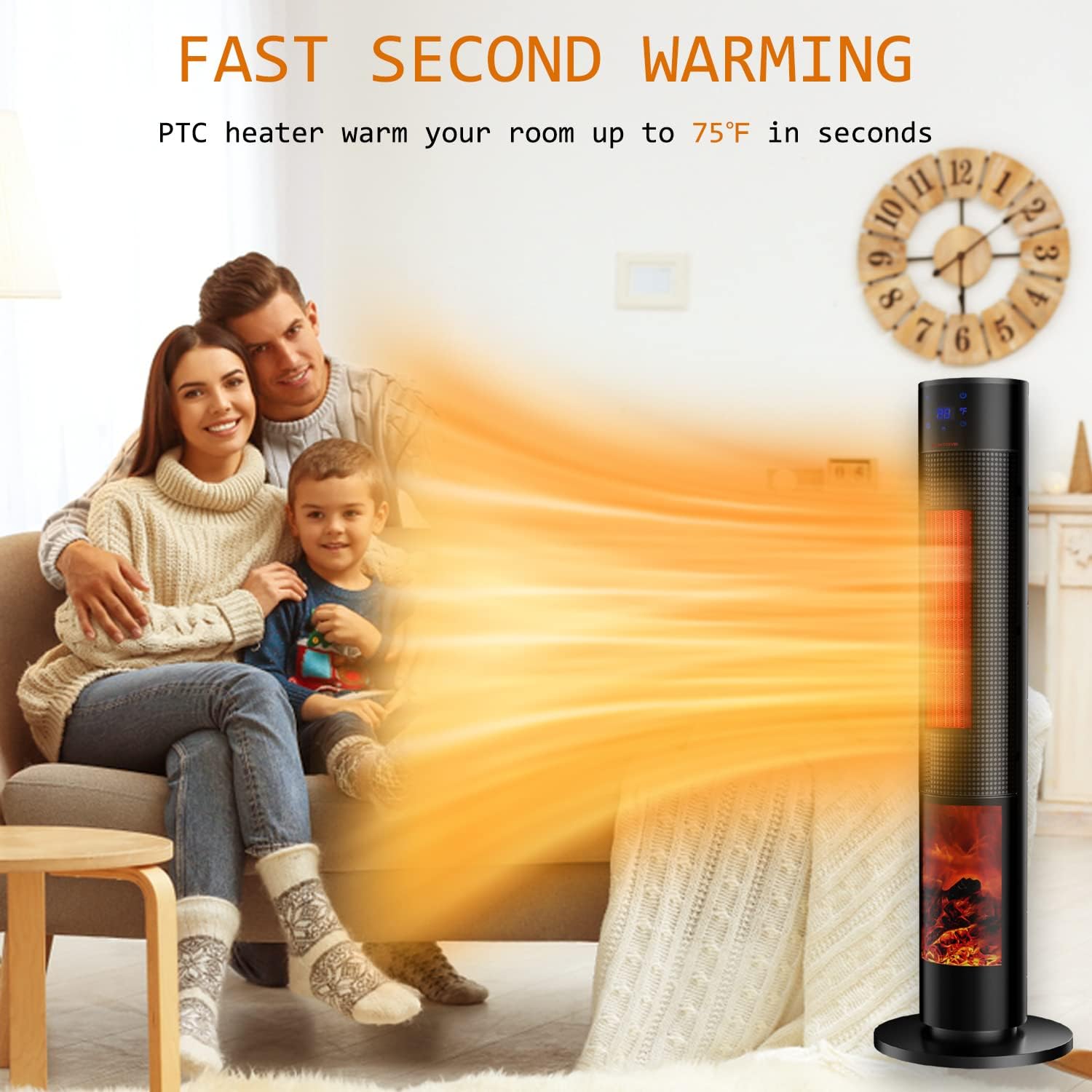
This ceramic tower heater is designed to provide supplemental warmth to indoor spaces, featuring a 3D flame effect, oscillation, and multiple heating modes for enhanced comfort.
2. Important Safety Instructions
WARNING: To reduce the risk of fire, electric shock, or injury, observe the following safety precautions:
- Read all instructions before using this heater.
- This heater is hot when in use. To avoid burns, do not let bare skin touch hot surfaces. Use handles or knobs when moving this heater. Keep combustible materials, such as furniture, pillows, bedding, papers, clothes, and curtains at least 3 feet (0.9 m) from the front of the heater and keep them away from the sides and rear.
- Extreme caution is necessary when any heater is used by or near children or invalids and whenever the heater is left operating and unattended.
- Always unplug the heater when not in use.
- Do not operate any heater with a damaged cord or plug or after the heater malfunctions, has been dropped, or damaged in any manner. Discard heater or return to authorized service facility for examination and/or repair.
- Do not use outdoors.
- This heater is not intended for use in bathrooms, laundry areas, and similar indoor locations. Never locate heater where it may fall into a bathtub or other water container.
- Do not run cord under carpeting. Do not cover cord with throw rugs, runners, or similar coverings. Arrange cord away from traffic area and where it will not be tripped over.
- To disconnect heater, turn controls to off, then remove plug from outlet.
- Do not insert or allow foreign objects to enter any ventilation or exhaust opening as this may cause an electric shock or fire, or damage the heater.
- To prevent a possible fire, do not block air intakes or exhaust in any manner. Do not use on soft surfaces, like a bed, where openings may become blocked.
- A heater has hot and arcing or sparking parts inside. Do not use it in areas where gasoline, paint, or flammable liquids are used or stored.
- Use this heater only as described in this manual. Any other use not recommended by the manufacturer may cause fire, electric shock, or injury to persons.
- Always plug heaters directly into a wall outlet/receptacle. Never use with an extension cord or relocatable power tap (outlet/power strip).
- This heater includes a tip-over safety switch and an overheat protection system. If the heater tips over or overheats, it will automatically shut off. If this occurs, unplug the heater, allow it to cool, and ensure it is on a stable surface before restarting.
3. Package Contents
- ETTFGUH Portable Electric Space Heater (Model XY-02A)
- Base/Stand
- Remote Control
- User Manual (this document)
4. Product Overview



5. Setup
The ETTFGUH Portable Electric Space Heater requires minimal assembly before first use.
Attaching the Base
- Carefully remove the heater body and the base from the packaging.
- Align the heater body with the base. There is an arrow or specific alignment points to guide you.
- Gently press the heater body onto the base until it securely snaps into place. Ensure it is firmly attached and stable.
- Place the assembled heater on a firm, level surface, ensuring it is at least 3 feet (0.9 m) away from walls, furniture, and other combustible materials.
- Plug the power cord into a grounded 120V AC electrical outlet.
6. Operating Instructions
Your ETTFGUH space heater can be operated using the touch control panel on the top of the unit or the included remote control.


Control Panel and Remote Control Functions
- Power On/Off (⏻): Press to turn the heater on or off.
- Mode/Heat Settings (☀): Cycle through heating modes: 1500W High Heat, 1000W Low Heat, and Constant Temperature Mode.
- Temperature Adjustment (+/-): In Constant Temperature Mode, use these buttons to set your desired temperature (41°F - 95°F). The heater will automatically adjust its output to maintain this temperature.
- Oscillation (↻): Activates or deactivates the 60° wide oscillation function, distributing heat across a broader area.
- 3D Flame Effect (🔥): Turns the simulated 3D fireplace flame effect on or off. This can be operated independently of the heating function.
- Timer (⏱): Press to set the auto-off timer from 1 to 12 hours. Each press increases the timer by one hour.
Heating Modes Explained
- High Heat (1500W): Provides maximum heat output for rapid warming of larger spaces.
- Low Heat (1000W): Offers a lower heat output, suitable for maintaining warmth or for smaller areas, consuming less energy.
- Constant Temperature Mode: In this mode, you set a target temperature. The heater will operate to reach and maintain this temperature, cycling on and off as needed.


7. Maintenance
Regular maintenance ensures optimal performance and longevity of your heater.
Cleaning
- Always unplug the heater and allow it to cool completely before cleaning.
- Use a soft, damp cloth to wipe the exterior surfaces of the heater. Do not use abrasive cleaners or solvents.
- Do not immerse the heater in water or allow water to drip into the interior of the heater, as this could create an electric shock hazard.
- Use a vacuum cleaner with a brush attachment to gently remove dust and lint from the air intake and exhaust grilles.
Storage
When storing the heater, keep it in a cool, dry location. It is recommended to store it in its original packaging to protect it from dust and damage.
8. Troubleshooting
If your heater is not operating correctly, please refer to the following common issues and solutions:
| Problem | Possible Cause | Solution |
|---|---|---|
| Heater does not turn on. | No power to the unit. Tip-over switch activated. Overheat protection activated. | Ensure the power cord is securely plugged into a working 120V outlet. Ensure the heater is on a firm, level surface. Unplug the heater, allow it to cool for 10-15 minutes, then plug it back in. |
| No heat output. | Incorrect mode selected. Temperature setting too low. | Cycle through heating modes (High, Low, Constant Temperature). Increase the desired temperature setting using the +/- buttons. |
| Oscillation not working. | Oscillation function not activated. | Press the oscillation button on the control panel or remote control. |
| 3D Flame effect not working. | Flame effect not activated. | Press the 3D flame effect button on the control panel or remote control. |
| Heater automatically shuts off. | Tip-over or overheat protection activated. Timer has expired. | Check for stable placement or obstructions. Unplug, cool, and restart. Check the timer setting. |
9. Specifications
| Feature | Specification |
|---|---|
| Brand | ETTFGUH |
| Model Number | XY-02A |
| Power Output | 1500W / 1000W |
| Voltage | 120 Volts |
| Product Dimensions | 12.6"D x 12.6"W x 33.4"H |
| Item Weight | 8.8 pounds |
| Heating Coverage | 380 to 500 square feet (Whole room heating) |
| Special Features | Electronic Thermostat, Energy Efficient, On Off Timer, Overheat Protection, Portable, 3D Flame, Oscillation, Remote Control |
| Indoor/Outdoor Usage | Indoor |
| UPC | 744585980332 |
10. Warranty and Support
ETTFGUH is committed to providing high-quality products and customer satisfaction.

- 12-Month Replacement: Your product is eligible for a replacement within 12 months of purchase in case of manufacturing defects.
- Lifetime After-Sales Service and Technical Support: ETTFGUH provides lifetime technical support and after-sales service for your product.
- 24-Hour Response: Expect a quick reply to your inquiries within 24 hours.
For any questions, concerns, or support needs, please contact ETTFGUH customer service through the retailer's platform or the contact information provided with your purchase.