
1. Introduction and Overview
The Retevis RT76P is a robust GMRS two-way radio designed for reliable long-range communication. It features a 5-watt high power output, providing strong penetration in densely populated areas and extended range. This radio is equipped with essential functions such as NOAA weather channels, VOX for hands-free operation, SOS emergency alerts, and is repeater capable for even greater range. Its durable construction ensures reliability in various environments, from business warehouses to outdoor adventures.
Video: Overview of the Retevis RT76P Radio. This video provides a general overview of the radio's design and key features.
2. What's in the Box
Upon unboxing your Retevis RT76P GMRS Two-Way Radio, you will find the following components:
- 4 x Retevis RT76P Two-way Radio
- 4 x 1400mAh Li-ion Battery
- 4 x Belt Clip
- 4 x Hand strap
- 4 x USB Charging base
- 4 x English User Manual

Image: Packaging details for the Retevis RT76P radio, illustrating the radio units, batteries, belt clips, hand straps, USB charging bases, and user manuals.
Video: Retevis RT76P unboxing. This video demonstrates the contents of the product packaging.
3. Setup
3.1 Battery Installation and Removal
To install the 1400mAh Li-ion battery, align the battery with the back of the radio and slide it into place until it clicks securely. To remove, locate the release clip on the bottom of the battery and slide it to unlock, then gently pull the battery away from the radio.

Image: The back of the Retevis RT76P radio with the battery removed, highlighting the battery contacts and the secure clip mechanism.
3.2 Charging the Battery
Place the radio with the installed battery into the USB charging base. Ensure the charging contacts on the radio align with those on the base. Connect the USB charging base to a power source using the provided USB adapter. The indicator light on the charging base will show the charging status.
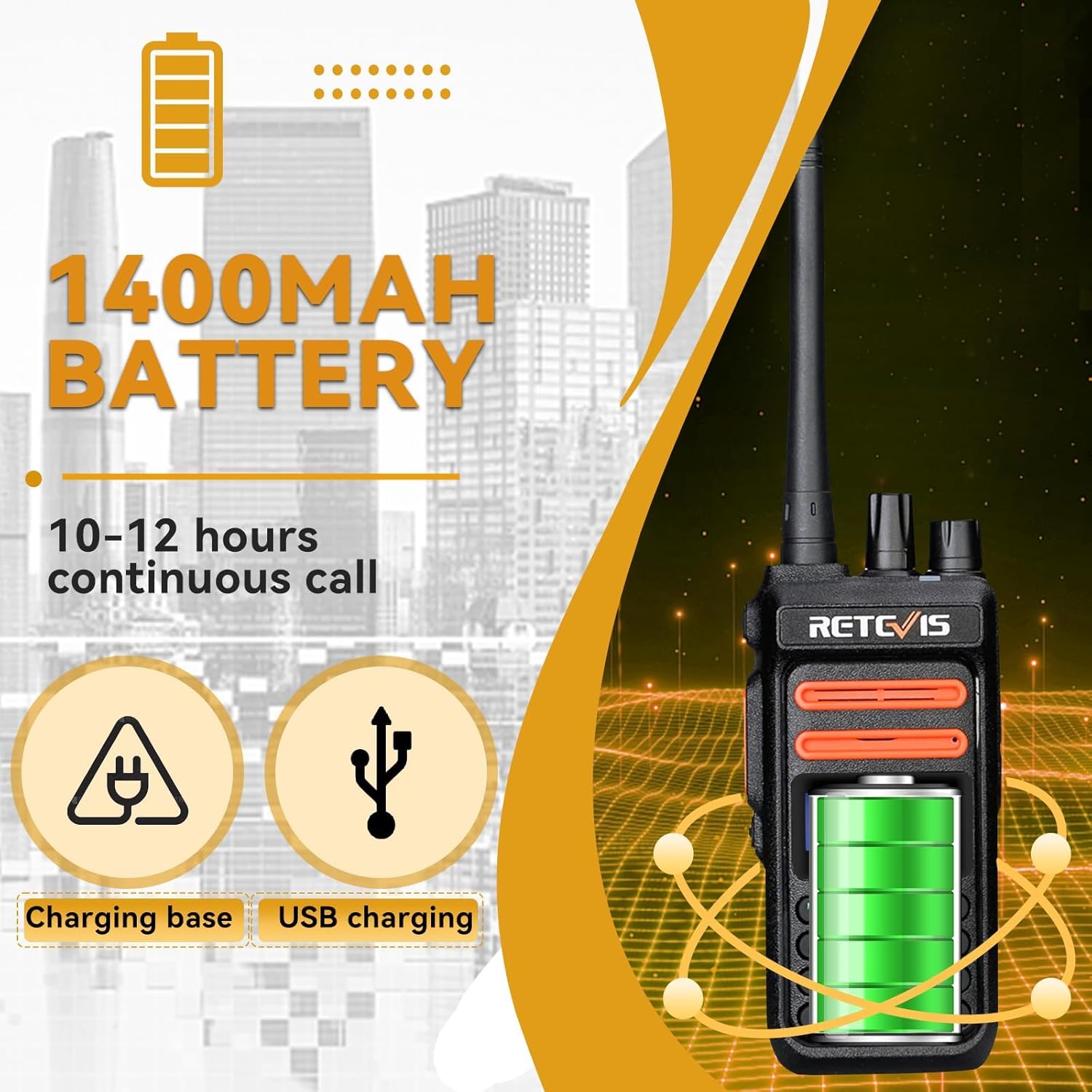
Image: The Retevis RT76P radio securely placed in its USB charging base, ready for charging.
3.3 Attaching Accessories (Belt Clip & Hand Strap)
Attach the belt clip to the designated slot on the back of the radio for convenient carrying. The hand strap can be threaded through the loop on the top side of the radio to prevent accidental drops.
4. Operating Instructions
4.1 Power On/Off and Volume Control
To power on the radio, rotate the top-mounted knob clockwise. Continue rotating to increase the volume. Rotate counter-clockwise to decrease volume and power off.
4.2 Channel Selection
Use the up and down arrow buttons on the keypad to navigate through the available channels. The selected channel number will be displayed on the screen.
4.3 Easy Pairing
For easy pairing with other compatible walkie-talkies, press the "PTT" button and the "9" key simultaneously, then power on the radio. When you hear "off", the preset CTCSS/DCS will be canceled, allowing for easier compatibility.

Image: A hand holding the Retevis RT76P radio, with text indicating to press "PTT+9" for easy pairing with other brands of walkie-talkies.
4.4 NOAA Weather Function
The RT76P includes NOAA weather channels to keep you informed of local weather alerts. This function can be accessed and configured through the radio's menu or a pre-programmed side key.
Video: How to set NOAA function on Retevis RT76P. This video guides users through activating and using the NOAA weather alert feature.
4.5 VOX Function (Voice Operated Exchange)
Activate the VOX function for hands-free communication. The radio will transmit automatically when it detects your voice. Sensitivity levels (0-10) can be adjusted via the keypad to suit your environment and prevent unintended transmissions.

Image: A visual representation of the VOX feature, showing a radio user communicating hands-free, with text indicating 0-10 sensitivity levels adjustable via the keypad.
5. Features
5.1 High Power Output (5W)
The RT76P delivers 5 watts of power, enabling communication through up to 30 floors in buildings and providing clear, long-distance sound even in noisy, densely populated areas. A low power mode is also available to conserve battery life.
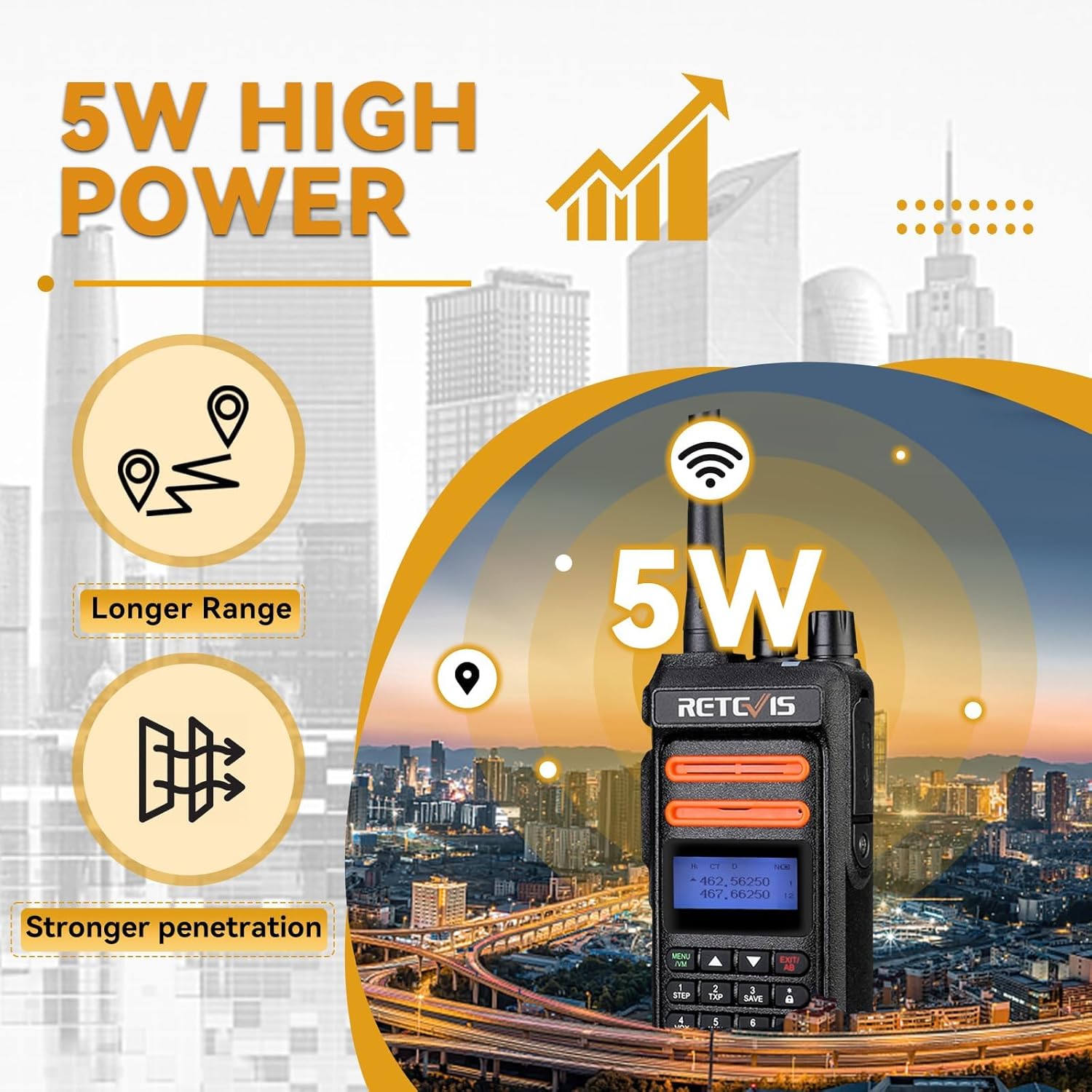
Image: Graphic illustrating the 5W high power output of the radio, emphasizing longer range and stronger penetration in urban environments.
5.2 Multi-Channel Communication
With 30 communication channels, the RT76P allows for flexible group calls and individual communication, making it suitable for various operational needs.

Image: Graphic showing the multi-channel radio feature with 30 communication channels, illustrating radios communicating within different groups.
5.3 Shoulder Microphone
The included shoulder microphone provides clear audio quality and features a 360° rotatable clip and stretchable cable for flexible use. Its large PTT button is convenient for quick communication, ideal for professionals like electricians and maintenance workers.

Image: Close-up of the 2-pin speaker microphone, highlighting its big PTT button, rotating clip, and long PU cable for enhanced usability.
5.4 Rugged and Durable Design
The RT76P is built to withstand harsh conditions, passing a 2-meter drop test and resisting dust, shock, and daily wear. This makes it a reliable choice for construction sites, outdoor activities, and campus use.

Image: Graphic illustrating the drop-resistant and sturdy design of the radio, showing it surviving a two-meter drop.
5.5 Dual Display and Dual Standby
The radio supports dual display and dual standby, allowing you to monitor and answer calls on two channels simultaneously. This feature enhances communication efficiency, especially in environments requiring monitoring of multiple frequencies.
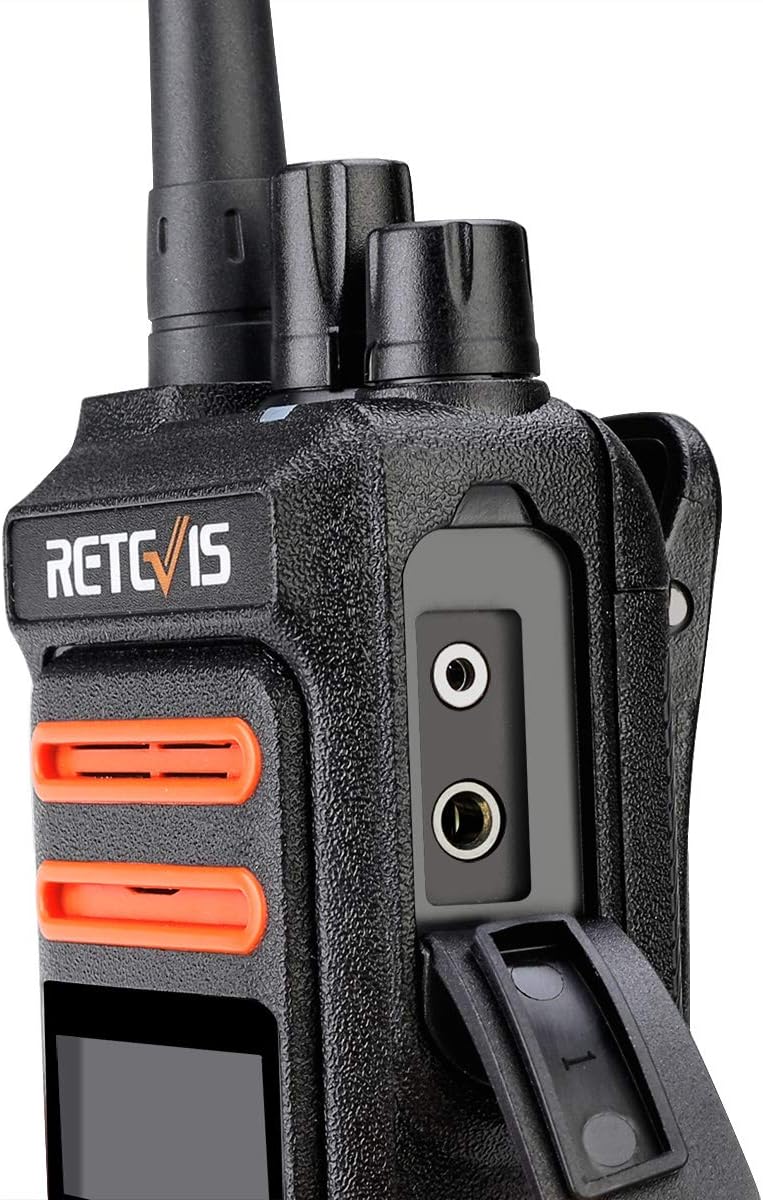
Image: Graphic demonstrating the dual display and dual standby functionality, showing two channels being monitored simultaneously.
5.6 Repeater Capable
The Retevis RT76P is repeater capable, allowing it to connect to GMRS repeaters to significantly extend its communication range beyond direct line-of-sight. This is crucial for covering larger areas or overcoming terrain obstacles.
Video: Do you know the truth about two way radio range? This video explains factors affecting radio range and how repeaters can extend it.
6. Maintenance
To ensure the longevity and optimal performance of your Retevis RT76P radio, follow these maintenance guidelines:
- Cleaning: Use a soft, damp cloth to clean the radio's exterior. Avoid harsh chemicals or abrasive cleaners.
- Battery Care: Always use the provided charger. Do not disassemble, dispose of in fire, or short-circuit the battery terminals.
- Storage: Store the radio in a cool, dry place when not in use. Remove the battery if storing for extended periods.
- Antenna: Ensure the antenna is securely attached. Avoid bending or forcing the antenna, as this can damage the radio's performance.
7. Troubleshooting
If you encounter issues with your Retevis RT76P, consider the following basic troubleshooting steps:
- No Power: Ensure the battery is fully charged and correctly installed. Check that the power/volume knob is turned on.
- Cannot Transmit/Receive: Verify that you are on the correct channel and that the volume is adjusted appropriately. Check for any obstructions or excessive distance between radios. Ensure the antenna is properly connected.
- Poor Audio Quality: Check the microphone and speaker for any blockages. Ensure the radio is within effective range and not experiencing interference.
- Battery Not Charging: Confirm the charging base is properly connected to power and the radio is seated correctly in the base.
For persistent issues, please refer to the detailed user manual included in the box or contact Retevis customer support.
8. Specifications
| Feature | Specification |
|---|---|
| Item Weight | 1.18 pounds (537 Grams) |
| Product Dimensions | 4.76 x 2.32 x 1.34 inches |
| Item Model Number | RT76P GMRS |
| Batteries | 4 Lithium Ion batteries required (included) |
| Brand | Retevis |
| Color | Black |
| Number of Channels | 200 |
| Special Feature | High power/Repeater Capable/Preset CDCSS |
| Frequency Range | GMRS |
| Voltage | 7.4 Volts (DC) |
| Water Resistance Level | Not Water Resistant |
9. Warranty and Support
Retevis provides a 2-year warranty for the radio body and a 1-year warranty for accessories. A 30-day no-reason return policy is also offered. Beyond the warranty period, maintenance services are available, with buyers responsible for associated costs. For support, contact Retevis on Amazon; they aim to reply within 12 hours.
For further assistance or to explore additional products, visit the Retevis Store on Amazon.