
Forten Kingdom FT-SL050
User Manual: OBD Car Door Auto Speed Lock Unlock Intelligent Device Module
Brand: Forten Kingdom | Model: FT-SL050
1. Introduction
This manual provides detailed instructions for the installation, operation, and maintenance of the Forten Kingdom OBD Car Door Auto Speed Lock Unlock Intelligent Device Module. This device is designed to enhance vehicle safety and convenience by automating door locking and unlocking functions based on driving conditions.
It is compatible with Toyota Corolla models from 2009-2021 (including TNGA platform Corolla / Corolla Hybrid 2018-2021).

Image: The Forten Kingdom OBD device shown with a white Toyota Corolla, illustrating its function of automatically locking car doors.
2. Product Specifications
| Specification | Detail |
|---|---|
| Brand | Forten Kingdom |
| Model Name | Car door speed lock device FT-SL050 |
| Special Feature | Auto-Lock |
| Lock Type | Auto lock |
| Item Dimensions (L x W x H) | 2.5 x 1.5 x 1.5 inches |
| Material | Plastic |
| Color | Black |
| Control Method | Touch (via vehicle's system) |
| Item Weight | 4 ounces |
| Country of Origin | China |
3. Key Features and Functions
The Forten Kingdom OBD module provides several automated safety and convenience features:
- Automatic Door Locking:
- For Automatic Transmission (AT) models: Doors auto-lock when the gear is shifted to 'D' (Drive).
- For Manual Transmission (MT) and Hybrid models: Doors auto-lock when the driving speed reaches 15 km/h.
- Automatic Door Unlocking:
- For Automatic Transmission (AT) models: Doors auto-unlock when the gear is shifted to 'P' (Park).
- For Manual Transmission (MT) and Hybrid models: Doors auto-unlock when the engine is turned off.
- Circular Locking: If a passenger exits the vehicle during a trip and the vehicle speed exceeds 15 km/h again, all four doors will automatically re-lock.
- Emergency Braking Unlock: In the event of emergency braking, all doors will automatically unlock for both AT and MT models.
- Flashing Light Functions (AT Model Only):
- Turn signal lights will flash when a door is opened.
- Turn signal lights will flash when the car is put into reverse.
4. Installation Guide
The Forten Kingdom OBD module is designed for simple plug-and-play installation. No complex wiring or modifications are required.
- Ensure No Ignition: Before installation or removal, ensure the vehicle's ignition is completely off. This is crucial to prevent potential electrical issues.
- Locate OBD Interface: Identify the OBD (On-Board Diagnostics) interface port in your Toyota Corolla. This port is typically located under the dashboard, near the steering wheel, often above the main throttle pedal.
- Plug in the Module: Carefully align the Forten Kingdom OBD module with the vehicle's OBD interface and firmly plug it in until it clicks into place.
- Verify Installation: Once plugged in, you can start the engine to verify the module's functionality. The device will automatically begin operating according to its programmed features.

Image: Illustration of the simple plug-and-play installation process for the OBD module into the vehicle's diagnostic port.
5. Operating Instructions
The Forten Kingdom OBD module operates automatically once installed. Below are detailed explanations of its functions during vehicle operation.
5.1 Automatic Door Locking
The device ensures doors are locked automatically to enhance safety, especially when driving.
- For AT Models: Doors lock automatically when the transmission is shifted into 'D' (Drive).
- For MT and Hybrid Models: Doors lock automatically once the vehicle speed reaches 15 km/h.
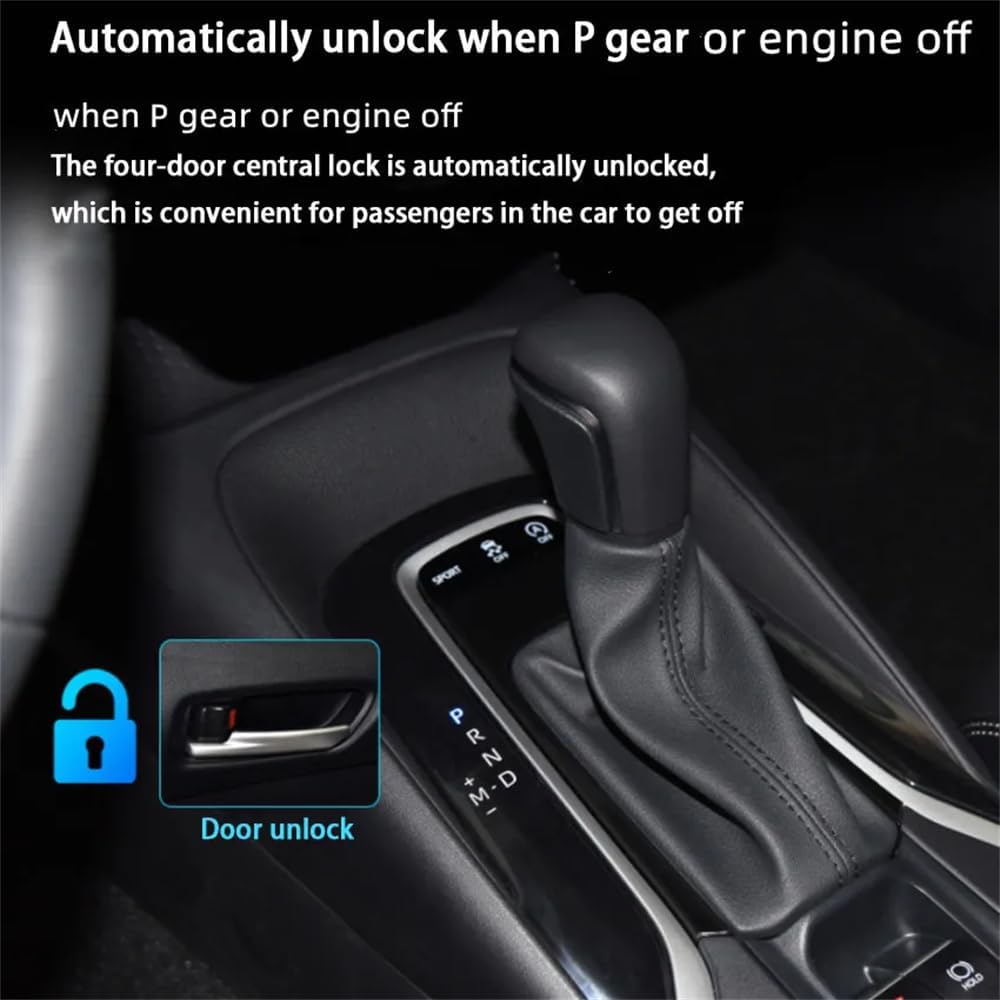
Image: Visual representation of the automatic door locking function, triggered by shifting to 'D' gear or reaching 15 km/h.
5.2 Automatic Door Unlocking
For convenience, doors unlock automatically under specific conditions, allowing easy exit for passengers.
- For AT Models: Doors unlock automatically when the transmission is shifted into 'P' (Park).
- For MT and Hybrid Models: Doors unlock automatically when the engine is turned off.

Image: Visual representation of the automatic door unlocking function, triggered by shifting to 'P' gear or turning off the engine.
5.3 Circular Locking
This feature ensures continued safety during multi-stop journeys. If a door is opened and closed while the vehicle is stopped, and then the vehicle resumes driving and exceeds 15 km/h, the doors will re-lock automatically.
5.4 Emergency Braking Unlock
In situations requiring rapid exit, such as a sudden stop or collision, the module will automatically unlock all doors. This applies to both AT and MT models.
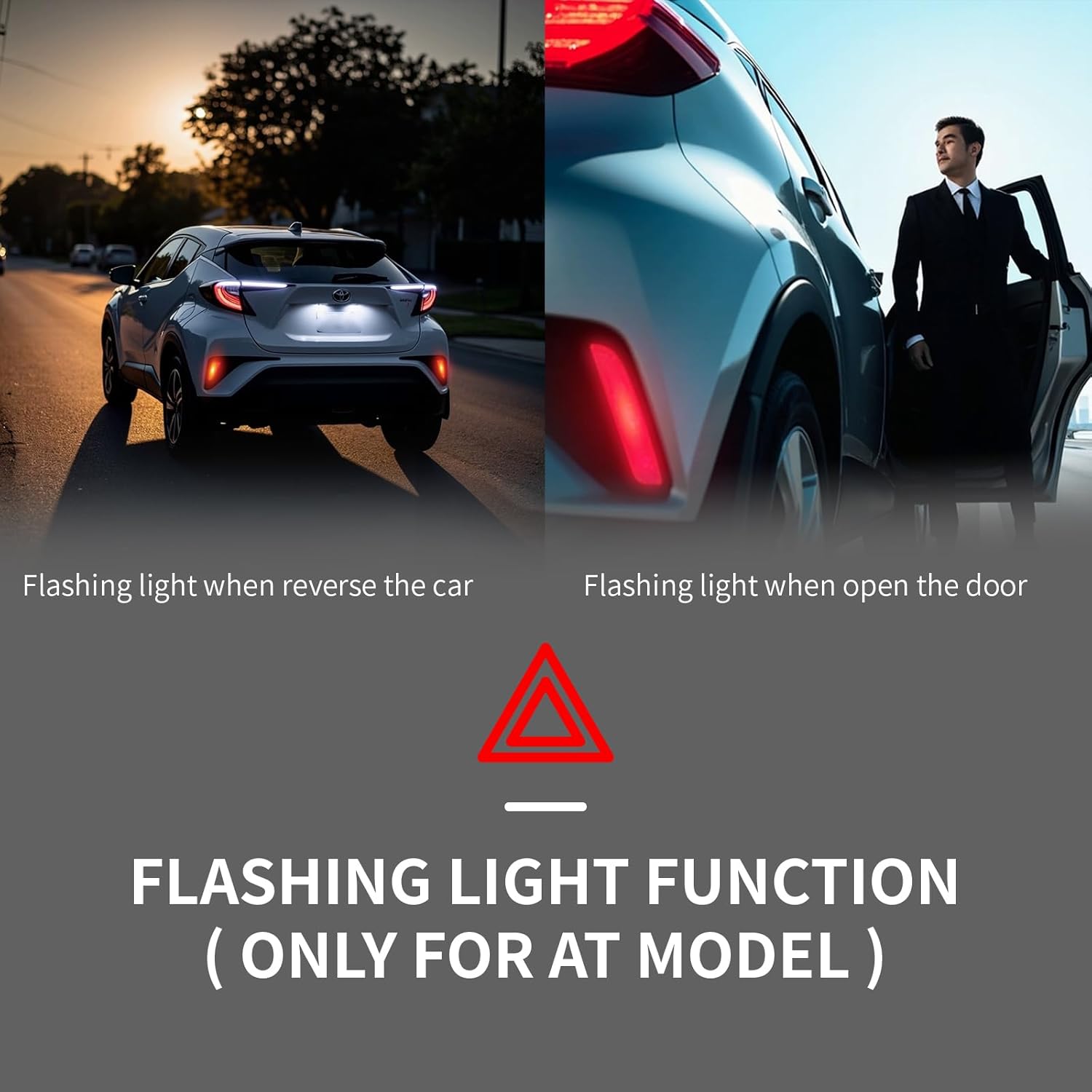
Image: Depiction of the automatic door unlock feature activated during emergency braking, indicated by a warning symbol.
5.5 Flashing Light Functions (AT Model Only)
These visual alerts enhance safety and awareness for other road users and pedestrians.
- Door Open Flashing: When a door is opened, the turn signal lights will flash, alerting surrounding individuals.
- Reverse Flashing: When the vehicle is put into reverse, the turn signal lights will flash, indicating a backing maneuver.

Image: Illustrations of the flashing light functions, showing turn signals activating when reversing and when a door is opened.
5.6 Operational Overview Video
Video: This video demonstrates the various automatic locking and unlocking functions, as well as the flashing light features of the Forten Kingdom OBD module in a vehicle.
6. Troubleshooting
If you encounter issues with your Forten Kingdom OBD module, please refer to the following common troubleshooting steps:
- Module Not Functioning:
- Ensure the module is securely plugged into the OBD port.
- Verify that the vehicle's ignition was off during installation. If not, remove the module, turn off the ignition, wait 30 seconds, and re-install.
- Check if your vehicle model and year are within the compatible range (Toyota Corolla 2009-2021).
- Intermittent Functionality:
- Ensure the OBD port and module connectors are clean and free of debris.
- Confirm the module is not loose in the port.
- Specific Function Not Working (e.g., Flashing Lights):
- Note that flashing light functions are only available for Automatic Transmission (AT) models. Confirm your vehicle's transmission type.
- Review the operating conditions for the specific function (e.g., speed for locking, gear for unlocking).
If problems persist after following these steps, please contact customer support for further assistance.
7. Maintenance
The Forten Kingdom OBD module requires minimal maintenance. Follow these guidelines to ensure optimal performance and longevity:
- Keep Clean: Periodically inspect the module and the OBD port for dust or debris. Clean gently with a dry, soft cloth if necessary. Do not use liquid cleaners.
- Secure Connection: Ensure the module remains firmly seated in the OBD port. A loose connection can lead to intermittent operation.
- Avoid Physical Damage: Protect the module from impacts, extreme temperatures, and moisture.
- Software Updates: This device is plug-and-play and typically does not require user-initiated software updates. Any necessary updates would be pre-installed or handled by the manufacturer.
8. Warranty and Support
Your Forten Kingdom OBD Car Door Auto Speed Lock Unlock Intelligent Device Module comes with a warranty and dedicated customer support.
- Warranty: The product is covered by a 1-year warranty from the date of purchase. This warranty covers manufacturing defects and malfunctions under normal use. Please retain your proof of purchase for warranty claims.
- Customer Support: For any questions, technical assistance, or warranty inquiries, please visit the official Forten Kingdom Store or contact their customer service.
Related Documents - FT-SL050
 |
Yaesu M-70 Desktop Microphone: Operation and Specifications Detailed information on the Yaesu M-70 desktop microphone, including its features, specifications, operating instructions, and compatibility with Yaesu transceivers. Learn about the LOCK key, PTT key, angle adjustment, low-cut switch, and connection types. |
 |
Shantou Xingshun SL050 Off-Road Amphibious RC Car User Manual Official instruction manual for the Shantou Xingshun SL050 off-road amphibious remote control car. Covers remote control features, battery installation, charging, operation, amphibious functions, and FCC compliance. |
 |
Yaesu M-90D Desktop Microphone User Guide and Specifications Detailed guide for the Yaesu M-90D Desktop Microphone, covering its features like PTT and LOCK keys, angle adjustment, connectivity options (8-pin and modular MIC jacks), and technical specifications. Includes information on compatible Yaesu transceivers and FCC compliance. |
 |
LUBAIR PD12A Home Dehumidifier User Manual: Setup, Operation & Troubleshooting Guide Get the most out of your LUBAIR PD12A Home Dehumidifier with this comprehensive user manual. Learn about installation, modes, maintenance, and solutions for common issues to ensure optimal performance and air quality. |
 |
LUBAIR Dehumidifier Important FAQ and Troubleshooting Find answers to common questions about LUBAIR dehumidifiers, including troubleshooting for startup issues, performance, noise, water leakage, and humidity settings. Learn about warranty and customer support. |
 |
Xhorse MINI OBD TOOL (XDMOT0GL) User Manual - Toyota OBD Programming Official user manual for the Xhorse MINI OBD TOOL (XDMOT0GL), an FT-OBD tool for Toyota vehicles. Learn about product features, device connection, app functions for diagnosis, immobilizer programming, key generation, and warranty information. |