
DEATTI ZS-GX3S-2P
DEATTI 2K Wireless Outdoor Security Camera
Model: ZS-GX3S-2P
Introduction
This user manual provides detailed instructions for the installation, operation, and maintenance of your DEATTI 2K Wireless Outdoor Security Camera. Please read this manual thoroughly before using the product to ensure proper functionality and safety.
Safety Information
- Ensure the camera is installed in a location where it is protected from extreme temperatures outside its operating range (-22°F to 122°F / -30°C to 50°C).
- Do not expose the camera to fire or heat sources.
- Use only the specified charging accessories.
- Keep the camera and its components out of reach of children.
- Avoid direct exposure of the camera lens to strong light sources.
Package Contents
- DEATTI 2K Wireless Outdoor Security Camera(s)
- Mounting Bracket(s)
- USB Charging Cable
- Mounting Screws and Wall Plugs
- User Manual

Image: Two DEATTI 2K Wireless Outdoor Security Cameras, showing their compact design and front view with lens, spotlight, and PIR sensor.
Product Overview
The DEATTI 2K Wireless Outdoor Security Camera features a 2K QHD resolution lens, integrated spotlight, PIR motion sensor, and two-way audio capabilities. It is designed for both outdoor and indoor surveillance with IP66 weather resistance.

Image: A DEATTI camera mounted on a wall, with a transparent casing overlay showing the internal rechargeable battery, highlighting its 100% cordless design.
Setup
1. Charging the Camera
Before initial use, fully charge the camera using the provided USB cable. The charging indicator will show the charging status.
2. App Installation and Account Creation
Download the companion mobile application (e.g., "CloudEdge" as suggested by image) from your device's app store. Follow the on-screen instructions to create an account and log in.
3. Camera Pairing
- Open the app and select "Add Device" or the "+" icon.
- Follow the in-app prompts to connect the camera to your 2.4GHz Wi-Fi network. Ensure your camera is close to your Wi-Fi router during the pairing process.
- Scan the QR code displayed on your phone with the camera lens.
- Once connected, you can name your camera and begin live viewing.
4. Mounting the Camera
Choose a suitable location for mounting, ensuring a clear field of view and good Wi-Fi signal strength. Use the provided mounting bracket, screws, and wall plugs to securely attach the camera to a wall or ceiling. The camera's flexible mount allows for angle adjustment.
Operating Instructions
Live View
Access the live video feed of your camera through the mobile application. This allows you to monitor your property in real-time from anywhere.
Motion Detection (PIR)
The camera features an advanced PIR (Passive Infrared) motion sensor that detects human movement, minimizing false alarms from pets or environmental factors. When motion is detected, the camera can trigger an alarm, activate a spotlight, and send a notification to your phone.

Image: A DEATTI camera mounted outdoors, detecting a person. The image illustrates the built-in siren, spotlight activation, and a push notification on a smartphone indicating human detection.
Two-Way Audio
Utilize the built-in microphone and speaker for two-way communication. This allows you to speak to visitors or deter intruders directly through the camera via the app.

Image: A person interacting with a delivery driver via the DEATTI camera's two-way audio feature, demonstrating remote communication.
Night Vision
The camera provides 2K QHD color night vision, offering clear and detailed images even in low-light conditions. It combines 2K resolution with integrated lights for enhanced night visibility.

Image: A comparison showing the camera's 2K Color Night Vision mode versus traditional Infrared Mode, demonstrating clearer and more detailed night time imaging.
Recording and Storage
Recordings can be stored locally on a Micro SD card (up to 128GB, not included) or via cloud storage (7-day free trial available). Recordings are automatically overwritten when storage is full.
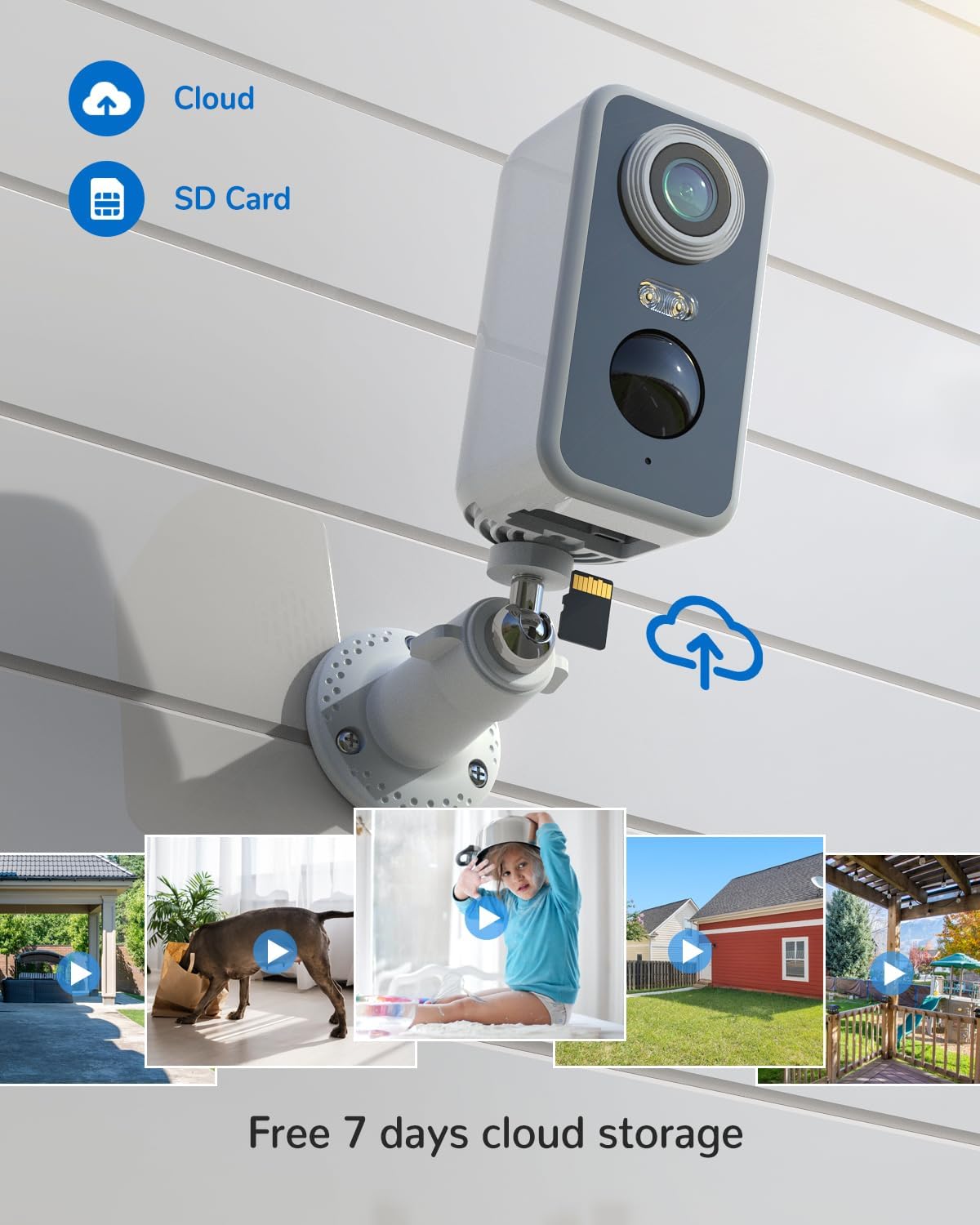
Image: A DEATTI camera illustrating its dual storage options: cloud storage and local Micro SD card storage.
Device Sharing
You can share access to your camera's live feed and recordings with family members through the mobile application, allowing multiple users to monitor the property.
Maintenance
Battery Charging
The camera is powered by a rechargeable lithium-polymer battery. Recharge the battery when the app indicates low power. Battery life varies based on usage and environmental conditions.
Cleaning
Wipe the camera lens and body with a soft, dry cloth. Do not use harsh chemicals or abrasive cleaners.
Weather Resistance
The camera is IP66 weatherproof, designed to withstand various outdoor conditions including rain, snow, and dust. Ensure all ports are securely sealed to maintain water resistance.

Image: A DEATTI camera mounted outdoors, shown enduring heavy rain, illustrating its IP66 weatherproof rating.
Troubleshooting
| Problem | Possible Solution |
|---|---|
| Camera won't connect to Wi-Fi | Ensure your Wi-Fi is 2.4GHz. Check Wi-Fi signal strength at the camera's location. Restart your router and the camera. Re-attempt pairing. |
| Frequent false alarms | Adjust PIR motion detection sensitivity in the app. Ensure the camera is not pointed at busy roads or areas with constant movement (e.g., swaying trees). |
| Poor night vision quality | Ensure the camera lens is clean. Check for obstructions in the camera's field of view. Ensure there are no strong light sources directly facing the camera at night. |
| Battery drains quickly | Reduce motion detection frequency or sensitivity. Ensure the camera is not in an area with constant activity. Consider purchasing a solar panel charger (sold separately) for continuous power. |
| Two-way audio issues | Check your phone's microphone and speaker settings. Ensure the camera's microphone and speaker are not obstructed. Check network connection stability. |
Specifications
| Feature | Detail |
|---|---|
| Model Number | ZS-GX3S-2P |
| Resolution | 2K QHD (1440p) |
| Connectivity | Wi-Fi (2.4GHz) |
| Power Source | Battery Powered (1 Lithium-polymer included) |
| Battery Composition | Lithium-ion |
| Weather Resistance | IP66 Impermeable |
| Night Vision Range | Up to 15 meters |
| Storage Options | Micro SD Card (max. 128GB, not included), Cloud Storage |
| Audio | Two-Way Audio |
| Motion Detection | PIR Human AI Detection |
| Operating Temperature | -22°F to 122°F (-30°C to 50°C) |
| Dimensions (L x W x H) | 25.4 x 5.08 x 7.62 cm (10 x 2 x 3 inches) |
| Weight | 330 grams (0.73 lbs) |
| Compatible Devices | Smartphone (via app) |
| Controller Type | Amazon Alexa |
Warranty and Support
DEATTI products are designed for reliability and performance. For warranty information, please refer to the product packaging or contact DEATTI customer support directly. For technical assistance or further inquiries, please visit the official DEATTI website or contact their support team through the contact information provided with your purchase.
Note: Availability of spare parts information is not provided.
Related documentsZS-GX3S-2P


Ask a question about this manual
Ask about setup, troubleshooting, compatibility, parts, safety, or missing instructions. Manuals+ will review the question and use this page’s manual context to help answer it.