
1. Product Overview
The LIGE Smartwatch Model GST15-A is a versatile wearable device designed for daily use, fitness tracking, and communication. It features a 1.39-inch high-definition display, Bluetooth calling capabilities, and comprehensive health monitoring functions.
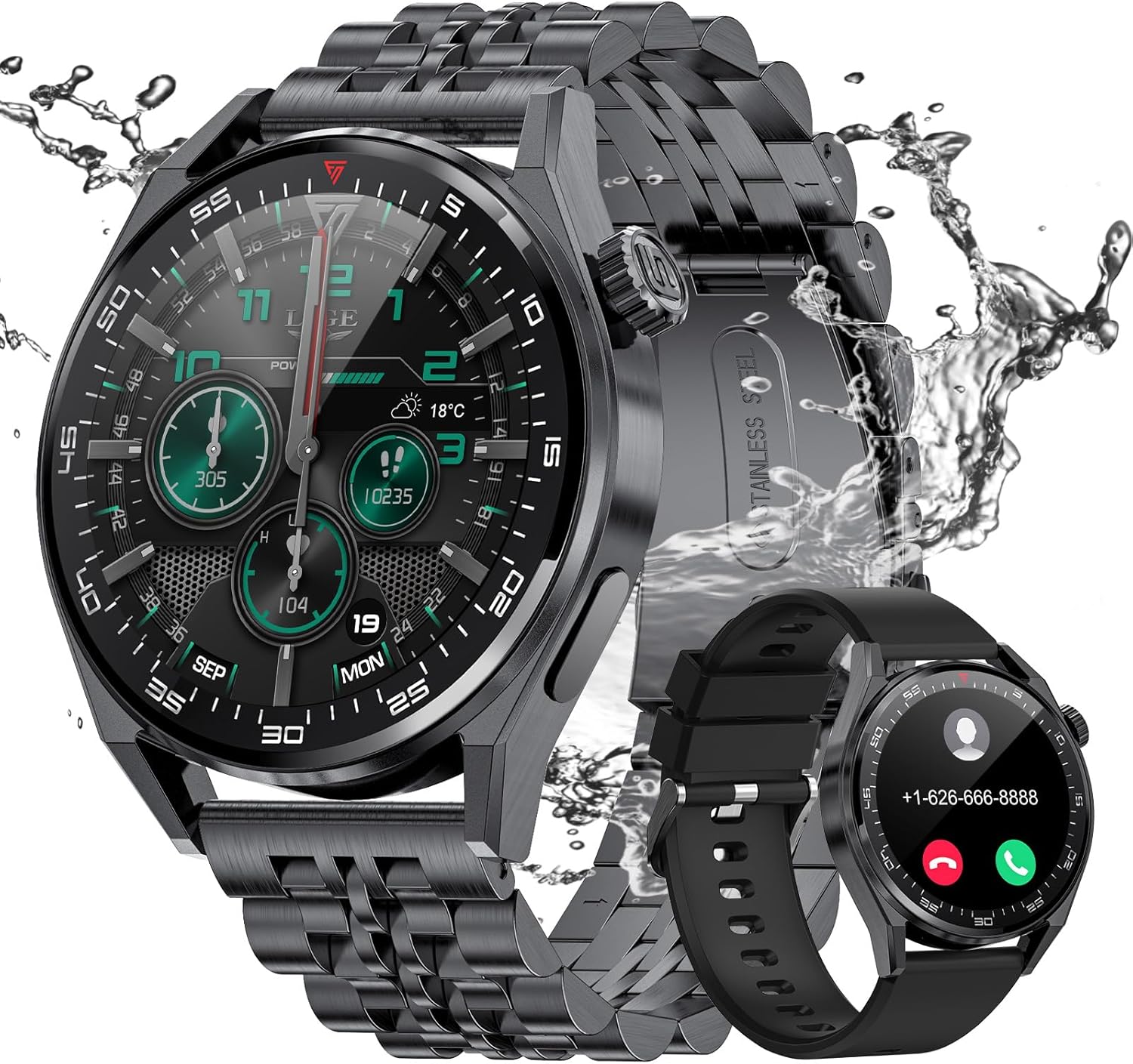
Figure 1: LIGE Smartwatch Model GST15-A, showcasing its sleek design with a metal strap and IP68 water resistance.
Key Features:
- Bluetooth Calling & AI Voice Assistant: Integrated speaker and microphone for direct calls and voice commands.
- IP68 Waterproof & 100+ Sports Modes: Suitable for daily water exposure and supports a wide range of sports activities.
- Long Battery Life: 360mAh battery providing 5-7 days of daily use and up to 30 days standby.
- Health Monitoring: Real-time tracking of heart rate, blood pressure, and sleep patterns via the 'GloryFit' app.
- Wide Compatibility: Compatible with Android 4.0+ and iOS 8.0+ devices.
2. Package Contents
Please check the package for the following items:
- LIGE Smartwatch (Model GST15-A)
- Wireless Charging Cable
- User Manual
3. Setup
3.1 Charging the Smartwatch
Before first use, fully charge the smartwatch. Connect the wireless charging cable to a USB power adapter (not included) and place the watch on the charging base. The watch screen will indicate charging status.
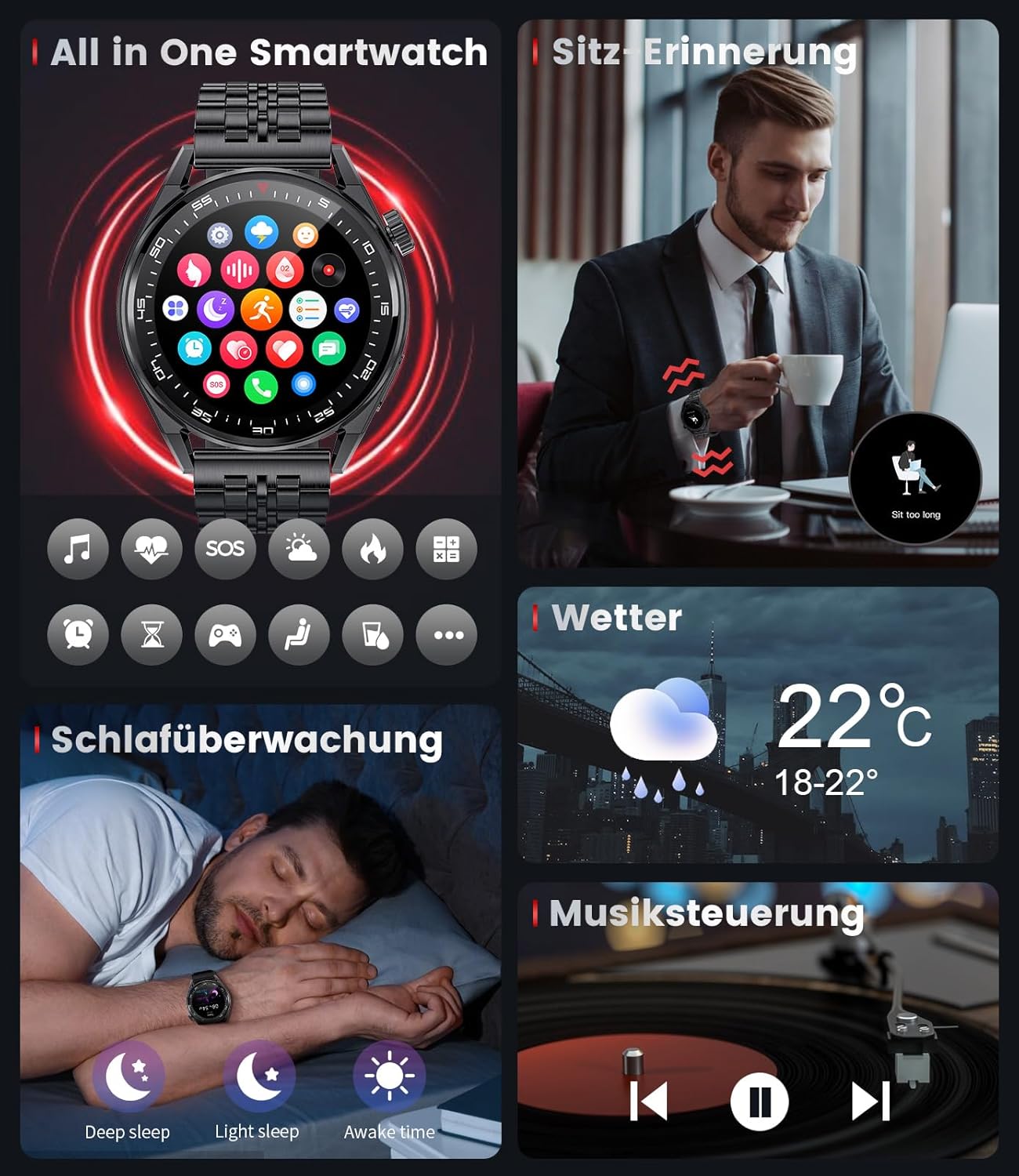
Figure 2: The smartwatch being charged wirelessly. A full charge takes approximately 2 hours.
3.2 App Installation and Pairing
- Scan the QR code in the manual or search for "GloryFit" in your smartphone's app store (App Store for iOS, Google Play Store for Android).
- Download and install the "GloryFit" application.
- Open the app and create an account or log in.
- Ensure Bluetooth is enabled on your smartphone.
- In the "GloryFit" app, navigate to "Device" and select "Add Device".
- Select "GST15-A" from the list of available devices to pair.
- Follow the on-screen prompts to complete the pairing process.
3.3 Bluetooth Call Function Setup
To enable Bluetooth calling, you need to connect the watch's audio Bluetooth separately:
- After successful pairing with the "GloryFit" app, go to your smartphone's Bluetooth settings.
- Look for a device named "GST15-A_Audio" or similar and connect to it.
- Once connected, you can make and receive calls directly from your smartwatch.

Figure 3: Demonstrating the Bluetooth call feature, allowing users to dial, answer, or reject calls directly from the watch.
4. Operating Instructions
4.1 Basic Navigation
- Swipe Down: Access quick settings (e.g., brightness, DND mode, battery).
- Swipe Up: View notifications.
- Swipe Left/Right: Navigate through main functions (e.g., activity data, heart rate, weather, music control).
- Press Side Button: Return to the main watch face or access the app menu.

Figure 4: The smartwatch interface showing various features including sleep monitoring, weather updates, and music playback control.
4.2 Health Monitoring
The smartwatch continuously monitors your health data. Access these features by swiping on the watch face or through the app menu.
- Heart Rate: Real-time heart rate monitoring. Tap to measure.
- Blood Oxygen (SpO2): Measure your blood oxygen saturation.
- Sleep Tracking: Automatically monitors your sleep patterns (deep sleep, light sleep, awake time).
- Activity Tracker: Records steps, distance, and calories burned.
Note: Health monitoring data is for reference only and should not be used for medical purposes. Consult a healthcare professional for any health concerns.

Figure 5: Detailed health tracking graphs for 24/7 heart rate, blood oxygen saturation, and blood pressure, accessible via the watch and the GloryFit app.
4.3 Sports Modes
The smartwatch supports over 100 sports modes. Select your desired activity from the sports menu to track specific metrics.
- Running
- Walking
- Cycling
- Swimming (due to IP68 rating)
- And many more...
4.4 Notifications and AI Voice Assistant
Receive notifications for calls, messages, and social media apps directly on your watch. The AI voice assistant can be activated to perform various tasks by voice command.
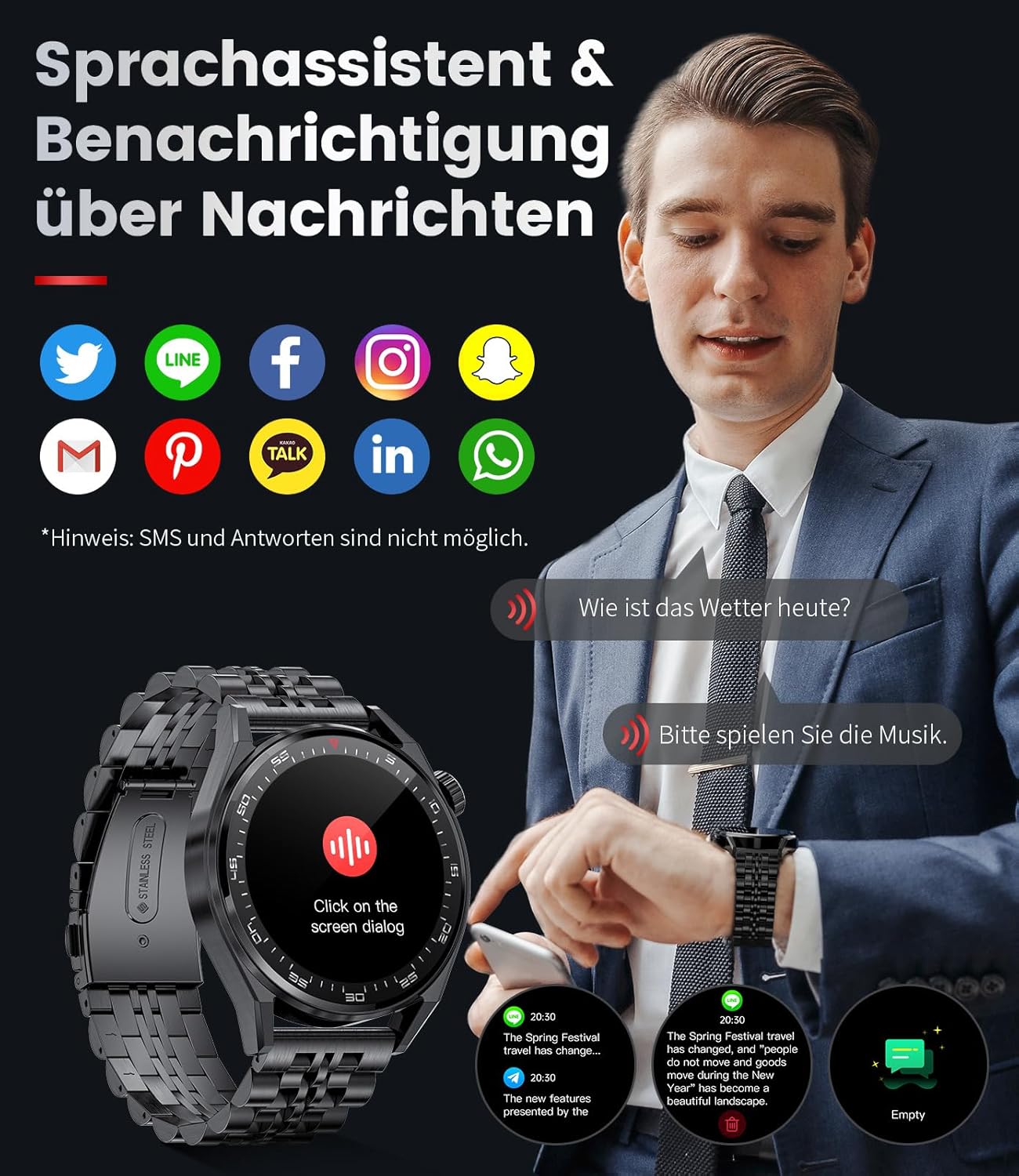
Figure 6: The smartwatch displaying notifications from popular messaging and social media applications, and demonstrating interaction with the AI voice assistant for queries like weather or music control.
5. Maintenance
- Cleaning: Wipe the watch and strap regularly with a soft, dry cloth. For stubborn dirt, use a slightly damp cloth and then dry thoroughly.
- Water Resistance: The watch is IP68 waterproof, meaning it can withstand splashes, rain, and brief immersion. Avoid hot water, steam, or prolonged submersion. Do not press buttons underwater.
- Charging: Use only the provided wireless charging cable. Ensure the charging contacts are clean and dry before charging.
- Storage: Store the watch in a cool, dry place when not in use. Avoid extreme temperatures.
6. Troubleshooting
| Problem | Possible Cause | Solution |
|---|---|---|
| Watch not turning on | Low battery | Charge the watch for at least 30 minutes. |
| Cannot pair with phone | Bluetooth off; App issue; Watch not discoverable | Ensure phone Bluetooth is on. Restart both phone and watch. Reset watch to factory settings if necessary. Ensure "GloryFit" app has necessary permissions. |
| Bluetooth call not working | "GST15-A_Audio" not connected | Go to phone's Bluetooth settings and manually connect to "GST15-A_Audio". |
| Inaccurate health data | Improper fit; Sensor obstruction | Ensure the watch is worn snugly on the wrist, not too tight or too loose. Keep the sensor clean. |
| Notifications not received | App permissions; Bluetooth disconnected; DND mode active | Check app notification permissions. Ensure Bluetooth is connected. Disable Do Not Disturb mode on watch and phone. |
7. Specifications
| Feature | Detail |
|---|---|
| Model Number | GST15-A |
| Brand | LIGE |
| Display Size | 1.39 inches |
| Display Resolution | 360 x 360 pixels |
| Battery Capacity | 360 mAh Lithium-polymer |
| Connectivity | Bluetooth |
| Water Resistance | IP68 |
| Operating System | AsteroidOS |
| Compatibility | Android 4.0+ / iOS 8.0+ |
| Charging Method | Wireless Charging |
8. Warranty and Support
LIGE offers a 24-month warranty for this smartwatch. This includes free returns and exchanges within six months of purchase. For any issues or inquiries, please contact LIGE customer support.
Contact information for support is typically found on the product packaging or the official LIGE website. Please refer to your purchase documentation for specific details.


