
1. Introduction
Thank you for choosing the Hofstein Vex LED Ceiling Panel. This manual provides essential information for the safe installation, operation, and maintenance of your new lighting fixture. Please read these instructions carefully before installation and retain them for future reference.
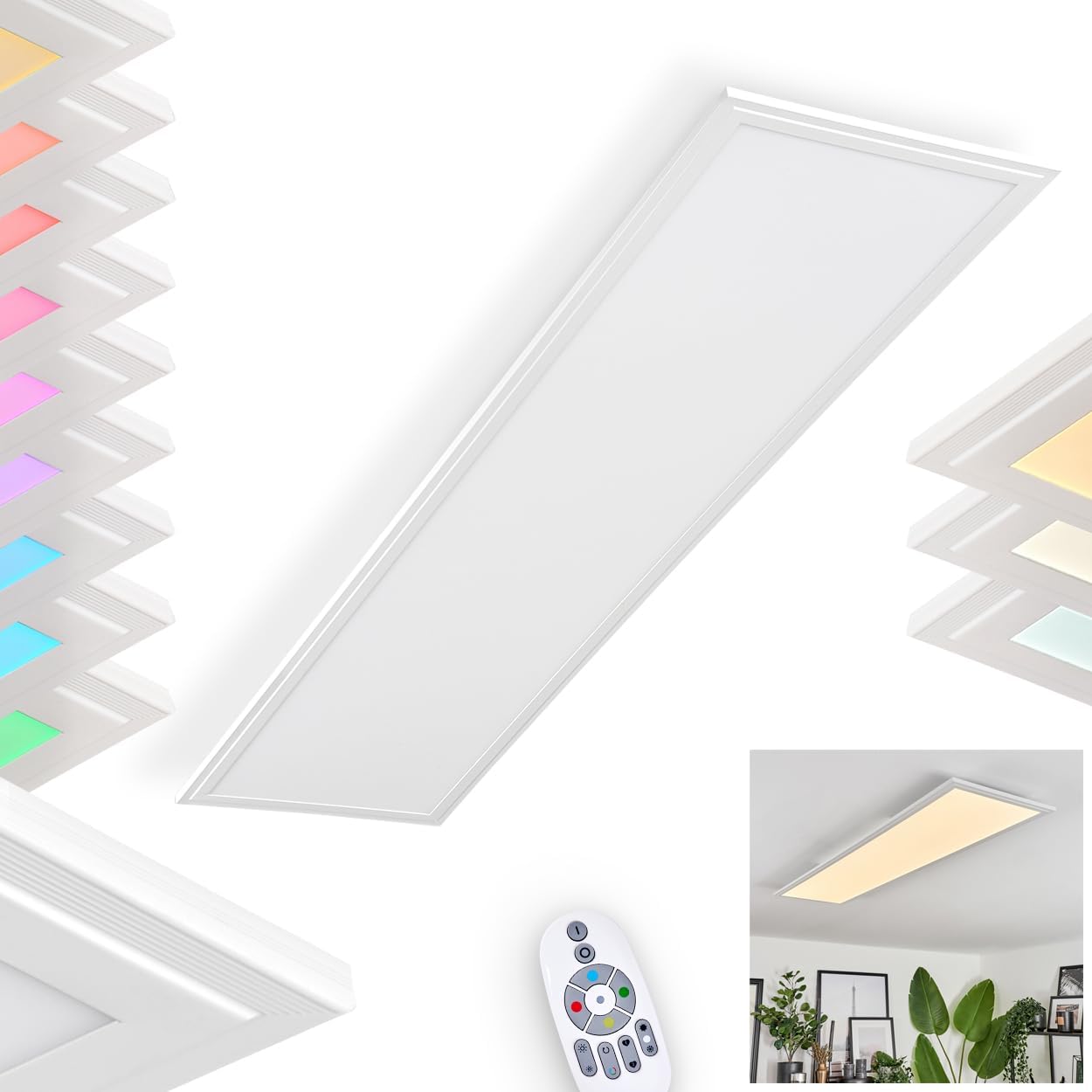
Image 1.1: The Hofstein Vex LED Ceiling Panel, a rectangular white light fixture designed for modern interiors.
2. Safety Instructions
Always follow basic safety precautions when installing or working with electrical devices. Failure to do so may result in fire, electric shock, or personal injury.
- Professional Installation: Installation should only be performed by a qualified electrician in accordance with local wiring regulations.
- Power Disconnection: Ensure the main power supply is switched off at the circuit breaker before commencing any installation, maintenance, or cleaning.
- Voltage: Verify that the supply voltage matches the voltage specified on the product label (230 Volt).
- Damage Check: Do not install the product if any part is damaged. Contact your supplier for replacement parts.
- Indoor Use Only: This fixture is designed for indoor use (IP20 rating). Do not expose it to moisture or extreme temperatures.
- Non-Replaceable LED: The LED light source in this luminaire is not replaceable. When the light source reaches its end of life, the entire luminaire shall be replaced.
3. Package Contents
Carefully unpack the box and ensure all items are present and undamaged. If any items are missing or damaged, please contact your retailer.
- Hofstein Vex LED Ceiling Panel (Model H3711583)
- Remote Control
- Mounting Hardware (screws, wall plugs)
- Instruction Manual (this document)
4. Installation
4.1 Pre-Installation
- Switch off the main power supply at the circuit breaker.
- Ensure the mounting surface is clean, dry, and structurally sound to support the fixture's weight.
- Unpack the fixture and inspect for any damage.
4.2 Mounting the Fixture
The ceiling panel is designed for surface mounting. Refer to the dimensions for proper placement.

Image 4.1: Detailed dimensions of the Hofstein Vex LED Ceiling Panel (120cm length, 30cm width, 5cm height) and its mounting plate (34.5cm length, 15cm width).
- Mark the desired position for the fixture on the ceiling.
- Use the mounting plate as a template to mark the drilling points.
- Drill holes and insert appropriate wall plugs.
- Secure the mounting plate to the ceiling using the provided screws.
4.3 Wiring
Connect the electrical wires from the ceiling to the terminal block on the fixture. Ensure correct polarity (Live, Neutral, Earth) as per local regulations.
- Connect the Live (L) wire to the Live terminal.
- Connect the Neutral (N) wire to the Neutral terminal.
- Connect the Earth (E) wire to the Earth terminal.
After wiring, attach the main body of the fixture to the mounting plate, ensuring it is securely fastened.
5. Operating Instructions
Once installed and powered on, the Hofstein Vex LED Ceiling Panel can be controlled via the included remote control or a compatible smart application.
5.1 Remote Control Functions
The remote control allows for easy adjustment of brightness, color temperature, and RGB colors.
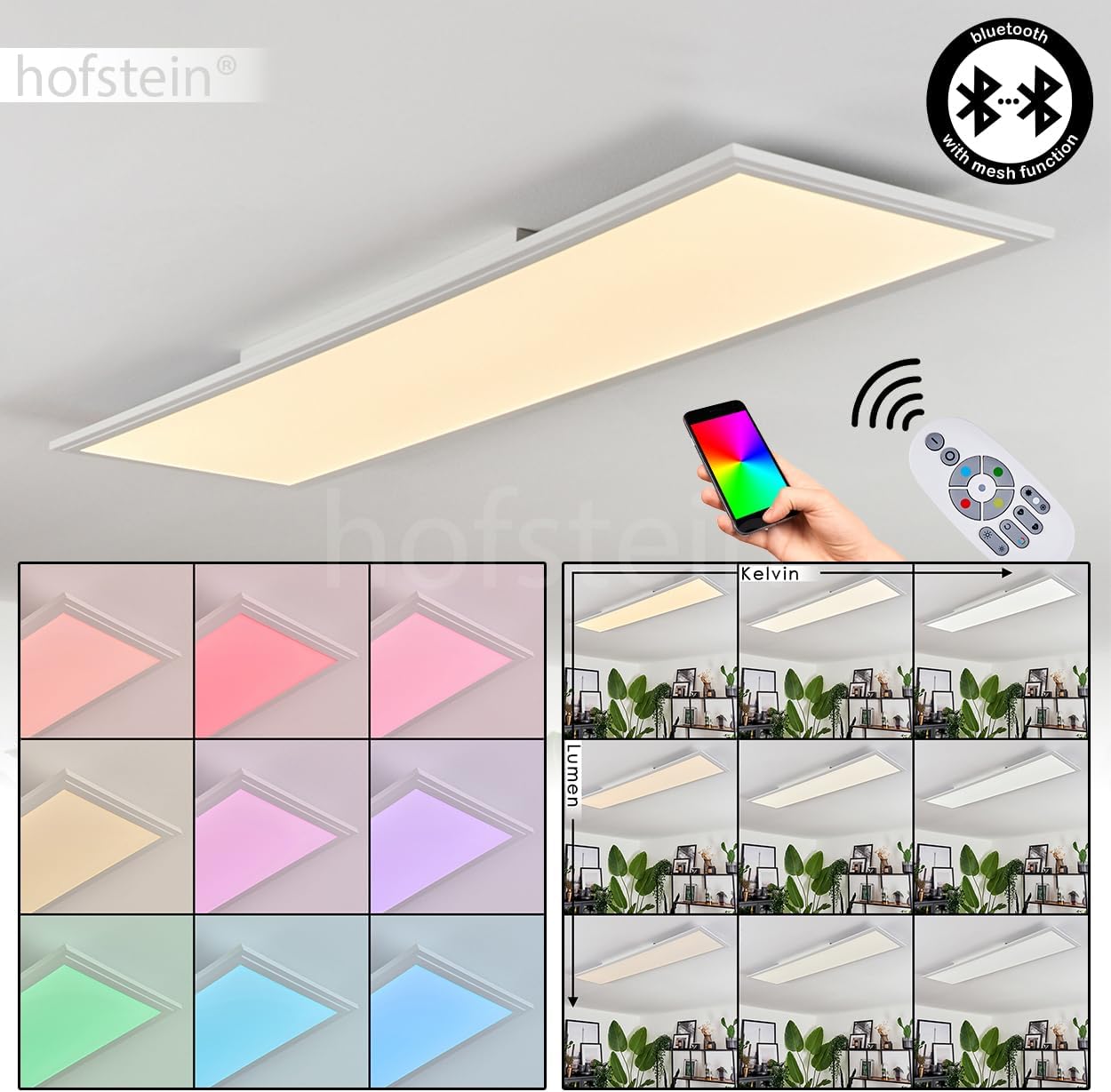
Image 5.1: The Hofstein Vex LED Ceiling Panel demonstrating control via remote and a smartphone app, highlighting its Bluetooth mesh function and various light settings.
- Power On/Off: Press the power button to turn the light on or off.
- Brightness Adjustment: Use the '+' and '-' buttons to increase or decrease the light intensity (dimmable function).
- Color Temperature (CCT) Adjustment: Buttons labeled with 'K' or sun/moon icons typically adjust the color temperature between warm white (2700K) and cool white (6500K).
- RGB Color Change: Dedicated buttons or a color wheel on the remote allow selection of various RGB colors.
- Scene Modes: Some remotes may include pre-set scene modes for different atmospheres.
5.2 Smart Application Control
The fixture supports smart application control via Bluetooth with mesh function. Download the appropriate smart home app (refer to product packaging or manufacturer's website for specific app details) and follow the in-app instructions to pair your device.
- Pairing: Typically involves powering on the light and initiating a search for new devices within the app.
- Full Control: The app usually offers comprehensive control over brightness, color temperature, RGB colors, scheduling, and custom scenes.
6. Key Features
- Dimmable: Adjust the light intensity to suit your preference and mood.
- Color Temperature Control (CCT): Seamlessly transition between warm white (2700 Kelvin) for a cozy ambiance and cool white (6500 Kelvin) for focused tasks.
- RGB Color Change: Explore a spectrum of colors to create dynamic lighting effects for any occasion.
- Control Options: Conveniently operate the light using the included remote control or a smart application on your mobile device.
- Modern Design: A sleek, rectangular white panel that integrates well into contemporary interior spaces.

Image 6.1: Visual representation of the Hofstein Vex LED Ceiling Panel's ability to adjust both color temperature (Kelvin) and brightness (Lumen).
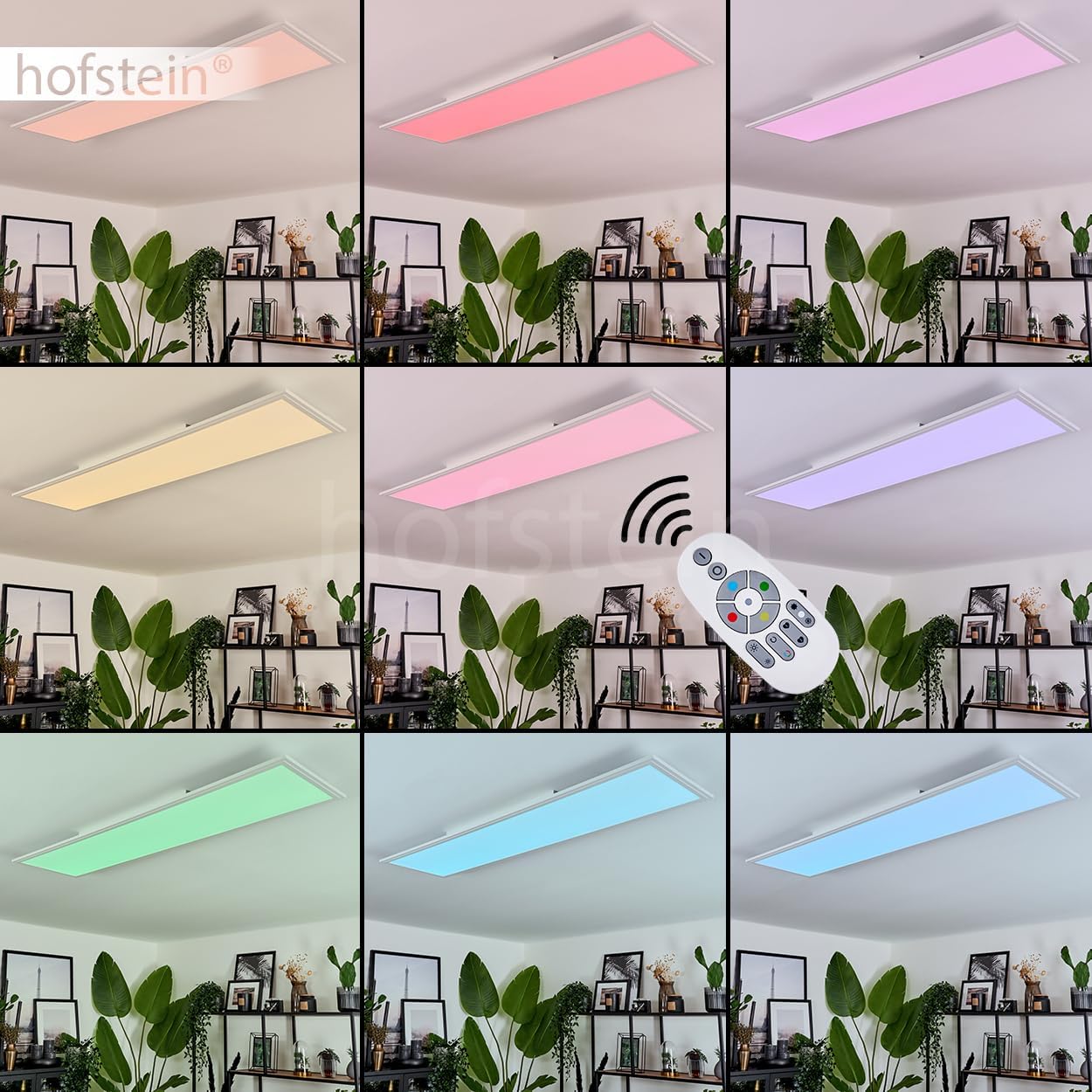
Image 6.2: The Hofstein Vex LED Ceiling Panel displaying a range of vibrant RGB colors, controllable via remote.
7. Maintenance
The Hofstein Vex LED Ceiling Panel requires minimal maintenance.
- Cleaning: Ensure the power is off before cleaning. Wipe the fixture with a soft, dry, or slightly damp cloth. Do not use abrasive cleaners or solvents.
- LED Source: The integrated LED light source is not replaceable. Do not attempt to open or modify the fixture.
8. Troubleshooting
If you encounter issues with your ceiling panel, refer to the following common problems and solutions:
| Problem | Possible Cause | Solution |
|---|---|---|
| Light does not turn on. | No power supply; loose wiring; faulty remote/app. | Check circuit breaker. Verify wiring connections. Test with remote and app. |
| Remote control not working. | Dead batteries; remote out of range; pairing issue. | Replace batteries. Ensure remote is within range. Re-pair remote if necessary (refer to specific pairing instructions if provided with remote). |
| Smart app cannot connect. | Bluetooth off; light not in pairing mode; app issue. | Ensure Bluetooth is enabled on your device. Power cycle the light. Restart the app. |
| Light flickers or dims unexpectedly. | Unstable power supply; faulty wiring; internal component issue. | Consult a qualified electrician to check power supply and wiring. If problem persists, contact customer support. |
If these solutions do not resolve the issue, please contact Hofstein customer support.
9. Technical Specifications
| Feature | Detail |
|---|---|
| Model Number | H3711583 |
| Type | Ceiling Panel |
| Dimensions (L x W x H) | 120 cm x 30 cm x 5 cm |
| Material (Fixture) | Aluminium |
| Material (Shade) | Plastic |
| Color (Fixture/Shade) | White |
| Light Source | Integrated LED |
| Number of Lights | 1 |
| Wattage | 34 Watt |
| Luminous Flux | 4300 Lumen |
| Color Temperature (CCT) | 2700 - 6500 Kelvin |
| Color Changing | RGB (Yes) |
| Dimmable | Yes (via Remote Control / App) |
| Average Lifespan | 25,000 hours |
| Power Supply | 230 Volt |
| Protection Rating | IP20 |
| Protection Class | II |
| Replaceable Bulb(s) | No |
| Special Features | Dimmable, RGB Color Change, Remote Control, Smart App Control (Bluetooth Mesh) |

Image 9.1: The energy efficiency label for the Hofstein Vex LED Ceiling Panel, indicating class F.
10. Warranty and Customer Support
Hofstein products are manufactured to high-quality standards. For information regarding warranty terms and conditions, please refer to the documentation provided with your purchase or visit the official Hofstein website. If you require technical assistance or have questions not covered in this manual, please contact Hofstein customer support.
Hofstein Customer Service: Please refer to your purchase receipt or the Hofstein website for contact details.