
Introduction
This manual provides comprehensive instructions for the Americanflat 16x12 Picture Frame. Designed for displaying photos and artwork, this frame features a sleek black finish and durable construction, suitable for various home and office settings.
Product Features
- Classic Design: Sleek black frame with slim molding for a refined look.
- Durable Construction: Crafted from high-quality PVC material.
- Polished Plexiglass: Provides a pristine finish and shatter resistance.
- Versatile Display: Includes hanging hardware for both vertical and horizontal wall mounting.
- Easy Installation: Designed for quick and hassle-free setup.
Components Overview
The Americanflat 16x12 Picture Frame consists of the following main components:
- Frame: The outer structure, made of durable plastic with a black finish.
- Plexiglass: A polished, shatter-resistant clear sheet that protects your image.
- Backboard: A sturdy Medium Density Fiberboard (MDF) panel that secures the image within the frame.
- Turn Buttons: Easy-to-open fasteners on the backboard for inserting photos.
- Hanging Hardware: Pre-attached sawtooth hangers for wall display.
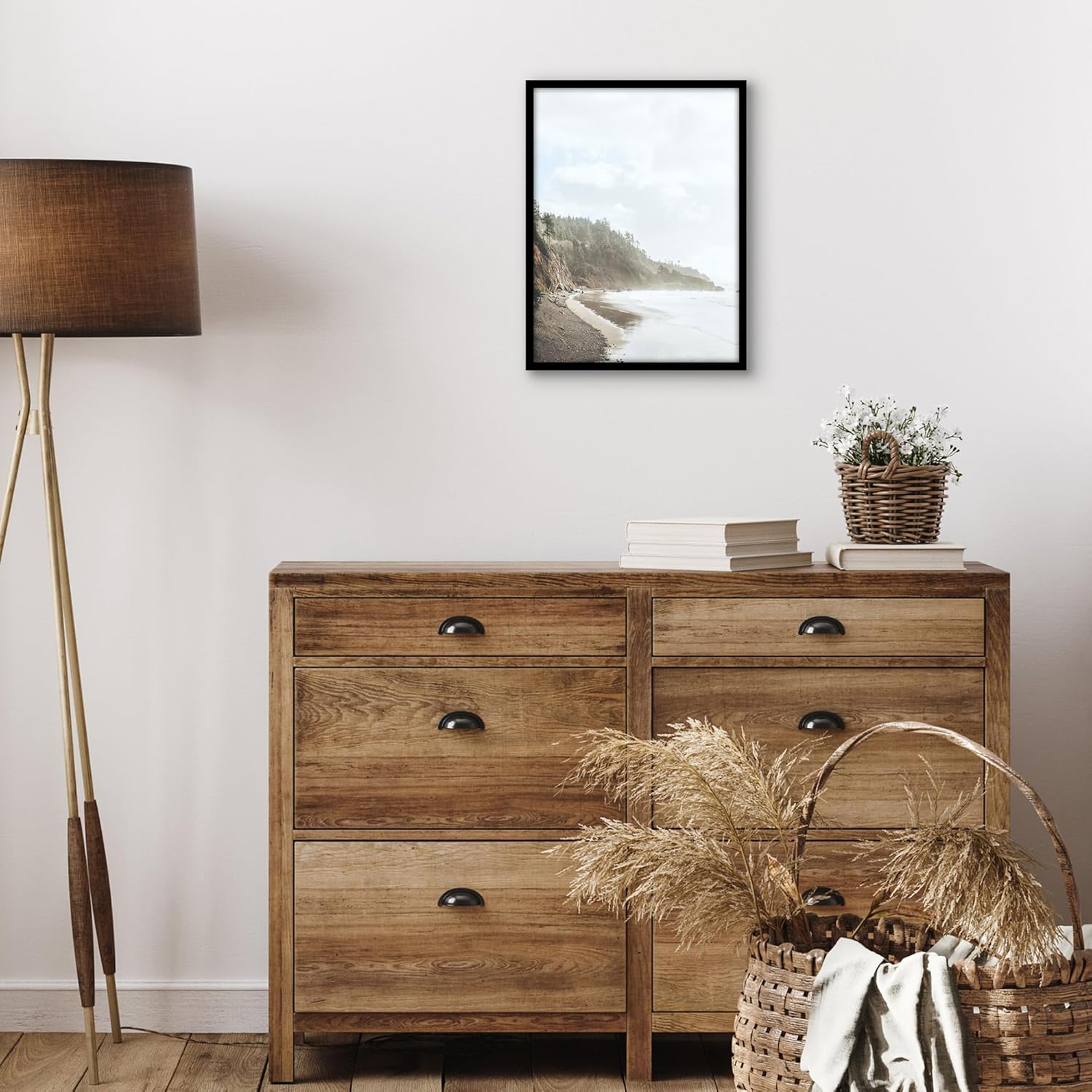
Image: Exploded view showing the frame, plexiglass, picture, and backboard as separate components.
Setup and Installation
Follow these steps to insert your photo or artwork and hang your frame:
- Prepare the Frame: Place the frame face down on a clean, flat surface.
- Remove Backboard: Rotate the turn buttons to release the backboard. Carefully lift and remove the backboard.
- Remove Protective Film: The polished plexiglass has a protective film on both sides. Gently peel off this film from both the front and back of the plexiglass to reveal its clear surface.
- Insert Image: Place your 16x12 inch photo or artwork onto the plexiglass. Ensure it is centered and aligned as desired.
- Replace Backboard: Carefully place the backboard back into the frame, securing your image. Rotate the turn buttons back into position to hold the backboard firmly.
- Wall Mounting: The frame includes pre-attached sawtooth hangers. Choose your desired orientation (vertical or horizontal) and use appropriate wall anchors or nails (not included) to hang the frame securely.

Image: Close-up of the frame's back, highlighting the easy-to-open turn buttons and sawtooth hangers for versatile display.

Image: Two examples demonstrating the frame's ability to be used for both horizontal and vertical display.
Care and Maintenance
- Cleaning the Frame: Wipe the frame with a soft, dry cloth to remove dust. For stubborn marks, a slightly damp cloth can be used, followed by immediate drying.
- Cleaning the Plexiglass: Use a soft, lint-free cloth and a mild, non-abrasive cleaner specifically designed for acrylic or plexiglass. Avoid ammonia-based cleaners, as they can damage the surface.
- Handling: Always handle the frame by its edges to avoid fingerprints on the plexiglass.
- Placement: Avoid placing the frame in direct sunlight or in areas with extreme temperature fluctuations, which can affect the longevity of your artwork and the frame materials.
Troubleshooting
| Issue | Possible Cause | Solution |
|---|---|---|
| Cloudy Plexiglass | Protective film not removed. | Gently peel off the protective film from both sides of the plexiglass. |
| Frame Not Hanging Straight | Improperly placed nail/hook or uneven surface. | Ensure hanging hardware is level and securely fastened to the wall. Adjust as needed. |
| Dust Inside Frame | Dust entered during assembly. | Carefully open the back, clean the inside of the plexiglass and your image with a lint-free cloth, then reassemble. |
Specifications
| Brand | Americanflat |
| Model Number | LX1612BLKNOMAT |
| Color | Black |
| Product Dimensions | 12"L x 16"W |
| Frame Material | Plastic |
| Cover Material | Plexiglass |
| Back Material Type | Medium Density Fiberboard |
| Mounting Type | Wall Mount |
| Orientation | Horizontal/Vertical |
| Item Weight | 1.4 pounds |
| Country of Origin | China |
Warranty and Support
For any questions, concerns, or support regarding your Americanflat picture frame, please contact Americanflat customer service through their official website or the retailer where the product was purchased. Please retain your proof of purchase for any warranty claims.