
1. Introduction
This manual provides essential instructions for the safe and effective use of your SPANN CS-NP55 Ni-MH 6.0V replacement battery. This battery is designed to be compatible with various Blaupunkt devices, including models CC825, CC-825, CC834, CC-834, CC835, CC-835, CC844, CC-844, CC-855, CC856, CC-856, CC866, CC-866, CC874, CC-874, and CC875. Please read this manual thoroughly before installation and operation.

Figure 1: Top-down view of the SPANN CS-NP55 replacement battery.
2. Safety Information
Your safety is paramount. Observe the following precautions to prevent injury or damage to the battery and device:
- CAUTION: WARRANTY VOID IF LABEL IS REMOVED.
- Do not attempt to disassemble, open, or service the battery pack.
- Do not crush, puncture, short external contacts, or dispose of in fire or water.
- Replace only with the battery pack designated for this product.
- Do not store above 60°C (140°F).
- To reduce the risk of fire or burn, read all instructions in the operating guide before using the battery.
- This battery features built-in protection against over-charge, over-discharge, over-heat, over-current, and short-circuit conditions.

Figure 2: Bottom view of the battery showing safety and specification label.
3. Product Overview
The SPANN CS-NP55 is a high-quality Ni-MH replacement battery designed for reliable performance. Key features include:
- Battery Type: Nickel-Metal Hydride (Ni-MH)
- Voltage: 6.0V
- Capacity: 2100mAh / 12.60Wh
- Protection: Over-charge, over-discharge, over-heat, over-current, and short-circuit protection.
- Memory Effect: No memory effect, allowing for flexible charging without capacity degradation.
4. Setup
Follow these general steps to install your new battery. Refer to your specific Blaupunkt device's manual for detailed battery compartment access instructions.
- Power Off Device: Ensure your Blaupunkt device is completely powered off and disconnected from any power source.
- Locate Battery Compartment: Identify and open the battery compartment on your device. This usually involves sliding a latch or unscrewing a cover.
- Remove Old Battery: Carefully remove the old battery, noting its orientation.
- Insert New Battery: Insert the SPANN CS-NP55 battery into the compartment, ensuring it is correctly oriented according to the polarity markings (+/-) and fits securely.
- Close Compartment: Close the battery compartment cover until it latches or is screwed shut.
- Initial Charge: A new battery pack must be fully charged before its first use. Connect your device to its charger and allow it to charge completely.

Figure 3: Angled view of the SPANN CS-NP55 battery, showing connection points.
5. Operating Instructions
Once installed and fully charged, the battery operates seamlessly with your compatible Blaupunkt device.
- Charging: Always use the original charger or a compatible charger recommended by Blaupunkt for your device. Overcharging is prevented by the battery's internal protection circuit.
- Discharging: The battery can be discharged as needed. Ni-MH batteries do not suffer from the 'memory effect,' meaning you do not need to fully discharge them before recharging to maintain capacity.
- Temperature: Operate the device with the battery within the recommended temperature range specified by your Blaupunkt device's manufacturer.
6. Maintenance
Proper maintenance extends the life of your battery:
- Storage: If storing the battery for an extended period, store it in a cool, dry place, ideally at a partial charge (around 50%). Do not store above 60°C (140°F).
- Cleaning: Keep the battery contacts clean. Use a dry, soft cloth to wipe away any dust or debris.
- Disposal: Dispose of old batteries responsibly according to local regulations. Do not dispose of in household waste or fire.
7. Troubleshooting
If you encounter issues with your battery, consider the following:
- Battery Not Charging:
- Ensure the battery is correctly inserted into the device.
- Verify the charger is properly connected to both the device and a working power outlet.
- Check the charger and charging cable for any visible damage.
- Short Operating Time:
- Ensure the battery was fully charged before use.
- Operating the device in extreme temperatures can affect battery performance.
- If the battery is old, its overall capacity may have diminished over time.
- Device Not Powering On:
- Confirm the battery is charged and correctly installed.
- Test the device with another known-good battery if available.
If problems persist after attempting these steps, please contact customer support.
8. Specifications
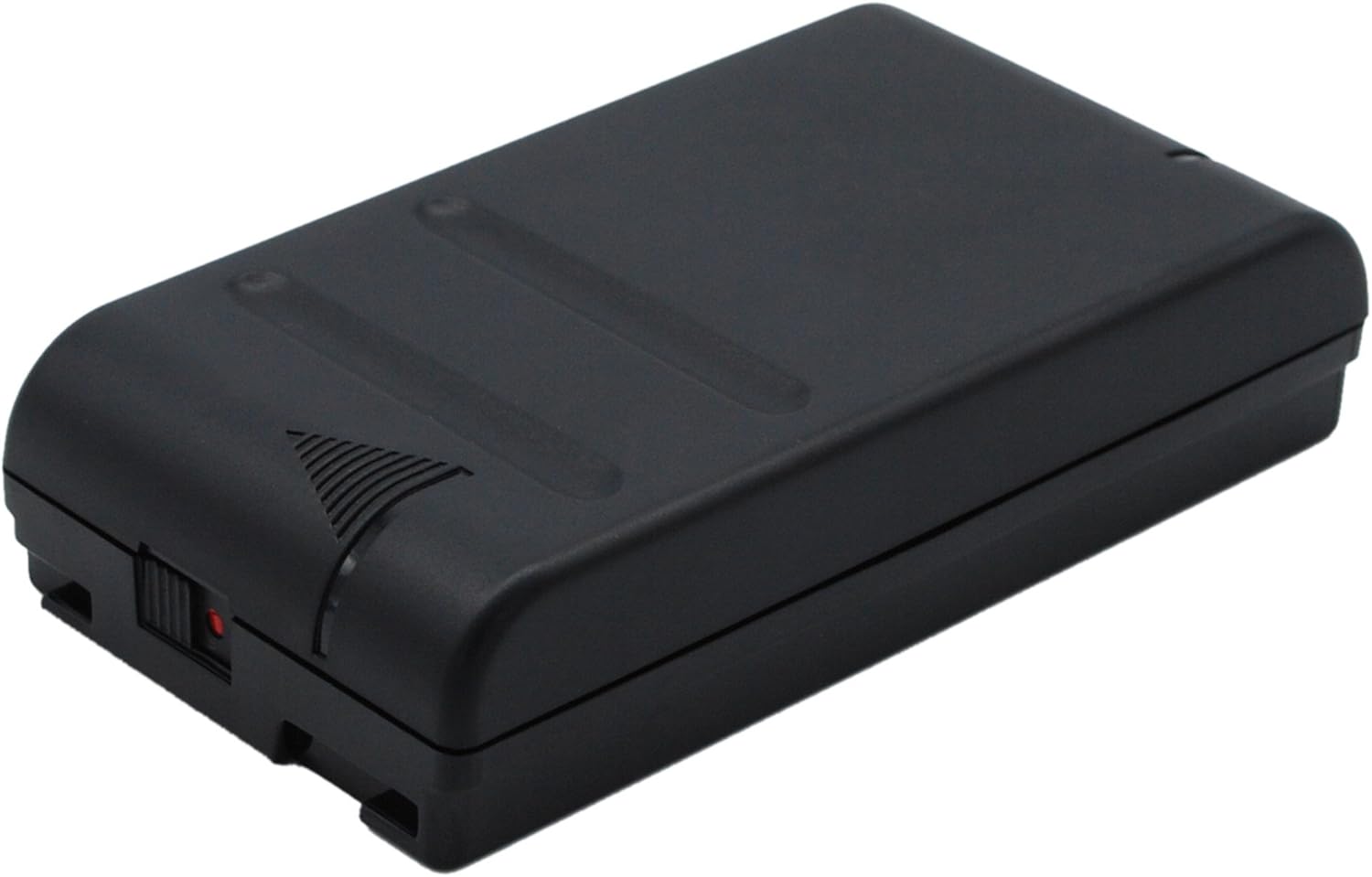
Figure 4: Side view of the SPANN CS-NP55 battery, illustrating its form factor.
| Attribute | Value |
|---|---|
| Model Number | CS-NP55 |
| Battery Type | Ni-MH |
| Voltage | 6.0V |
| Capacity | 2100mAh / 12.60Wh |
| Product Dimensions | 88.95 x 47.55 x 20.73mm (3.5 x 1.87 x 0.82 inches) |
| Item Weight | 260.5g (9.2 ounces) |
| Compatible Part Numbers | NP-33, NP-55, NP-66, NP-66H, NP-68, NP-77, NP-C65, NP-55H, NP-98 |
| Manufacturer | SPANN |
9. Warranty and Support
The SPANN CS-NP55 battery comes with a 365-day warranty from the date of purchase. This warranty covers manufacturing defects and ensures the product meets its stated specifications.
Our products undergo strict quality inspection. If you have any questions, concerns, or require technical assistance, please contact our customer support. Provide your purchase details and a clear description of the issue for prompt service.