
Introduction
This manual provides instructions for the TISHLED V20 Typewriter Style Mechanical Gaming Keyboard. Please read this manual carefully before using the product to ensure proper operation and longevity.

Image: The TISHLED V20 Typewriter Style Mechanical Gaming Keyboard, featuring retro round keycaps and a Matcha Green finish.
Package Contents
Verify that all items are present in the package:
- 1 x TISHLED V20 Wired Mechanical Keyboard
- 1 x USB-C Detachable Cable
Video: An unboxing demonstration of the V20 keyboard, showing the contents of the package.
Setup
Follow these steps to set up your TISHLED V20 keyboard:
- Unpack the keyboard and the USB-C cable from the box.
- Connect the USB-C end of the cable to the port on the keyboard.
- Connect the USB-A end of the cable to an available USB port on your computer (PC, Laptop, iMac) or gaming console.
- The keyboard will be automatically recognized by your operating system. No additional drivers are typically required.
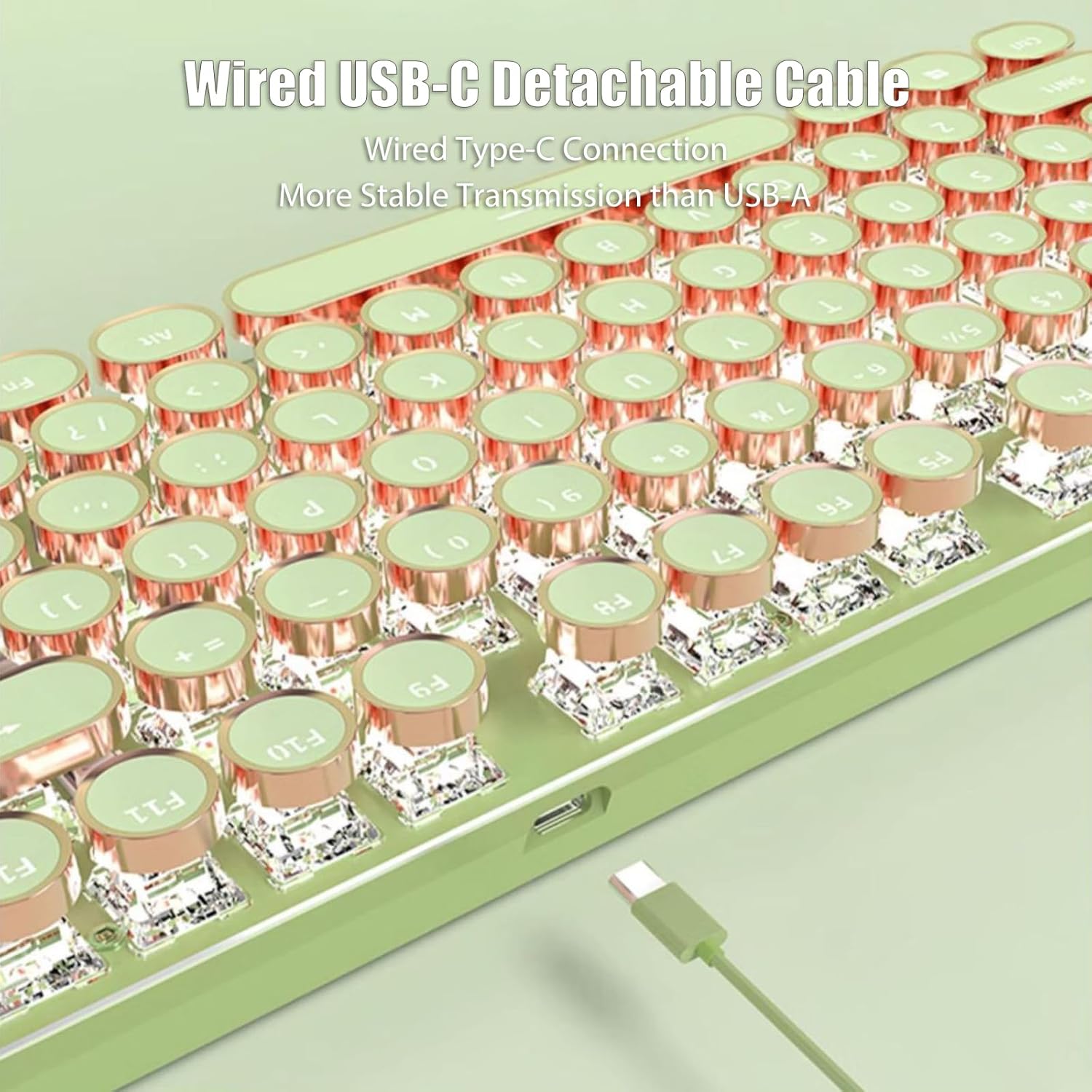
Image: A close-up view of the keyboard's USB-C port with the detachable cable connected, highlighting the wired connection.
Operating Instructions
Basic Functions
The TISHLED V20 is a full-size 104-key mechanical keyboard. It features N-Key Rollover (NKRO) and anti-ghosting, ensuring that every keystroke is registered accurately, even during rapid typing or intense gaming sessions.
LED Backlight Control
The keyboard features white LED backlighting with multiple effects:
- Change Lighting Effects: Press Fn + Ins to cycle through 19 different lighting effects.
- Game Backlight Modes: Press Fn + 1 through 8 to select specific game backlight modes.
- Adjust Brightness: Press Fn + Up Arrow / Down Arrow to adjust the backlight brightness (5 levels). The backlight can be turned off at the lowest setting.
- Adjust Speed: Press Fn + Left Arrow / Right Arrow to adjust the speed of dynamic lighting effects.
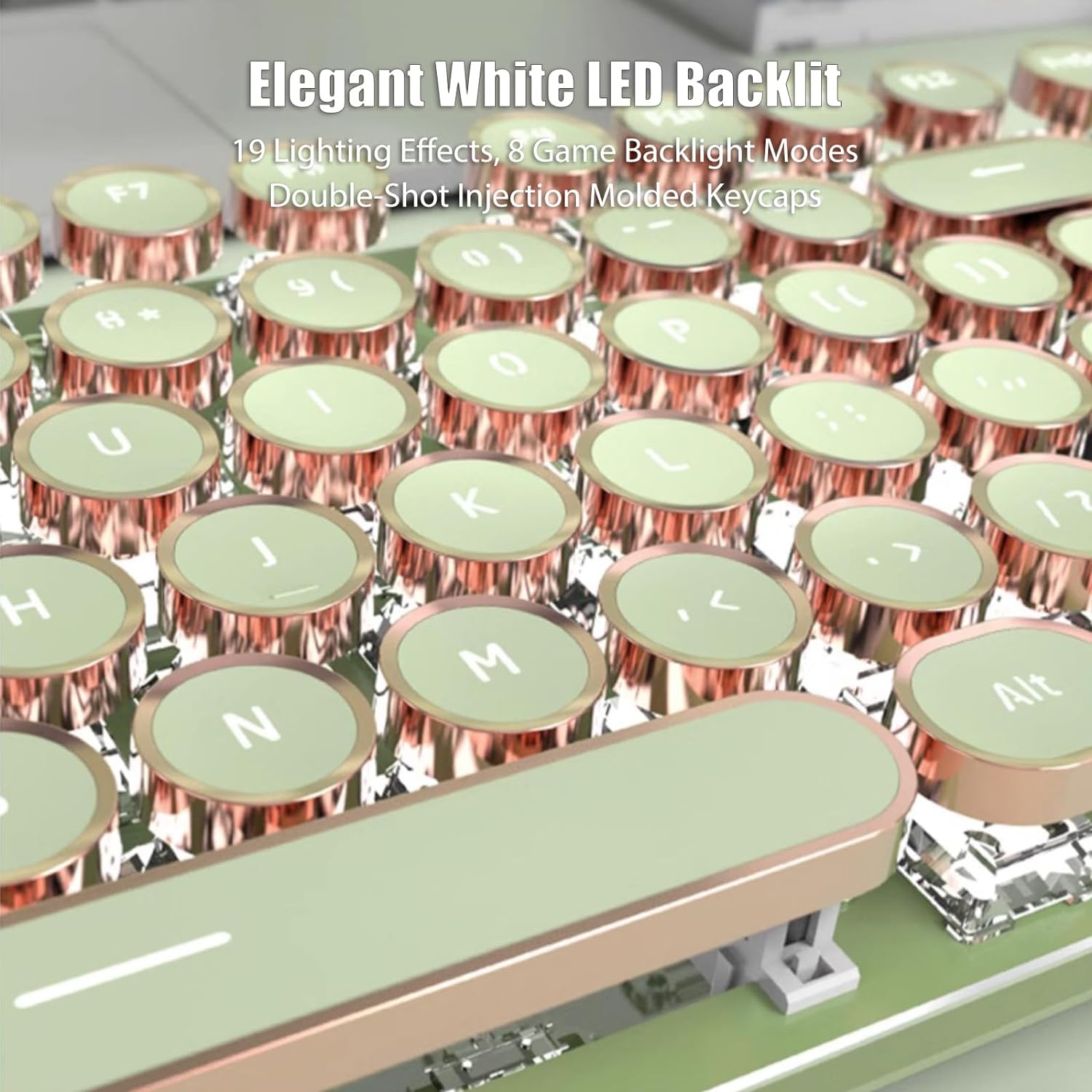
Image: A detailed view of the keyboard's elegant white LED backlighting, illuminating the round keycaps.
Video: A demonstration of the keyboard's appearance, various lighting effects, and key features.
Volume Knob and Multimedia Keys
The keyboard includes a dedicated volume knob and three multimedia buttons for convenient control:
- Volume Knob: Rotate to adjust the system volume.
- Multimedia Buttons: Use the dedicated buttons for media playback control (e.g., Play/Pause, Next Track, Previous Track).
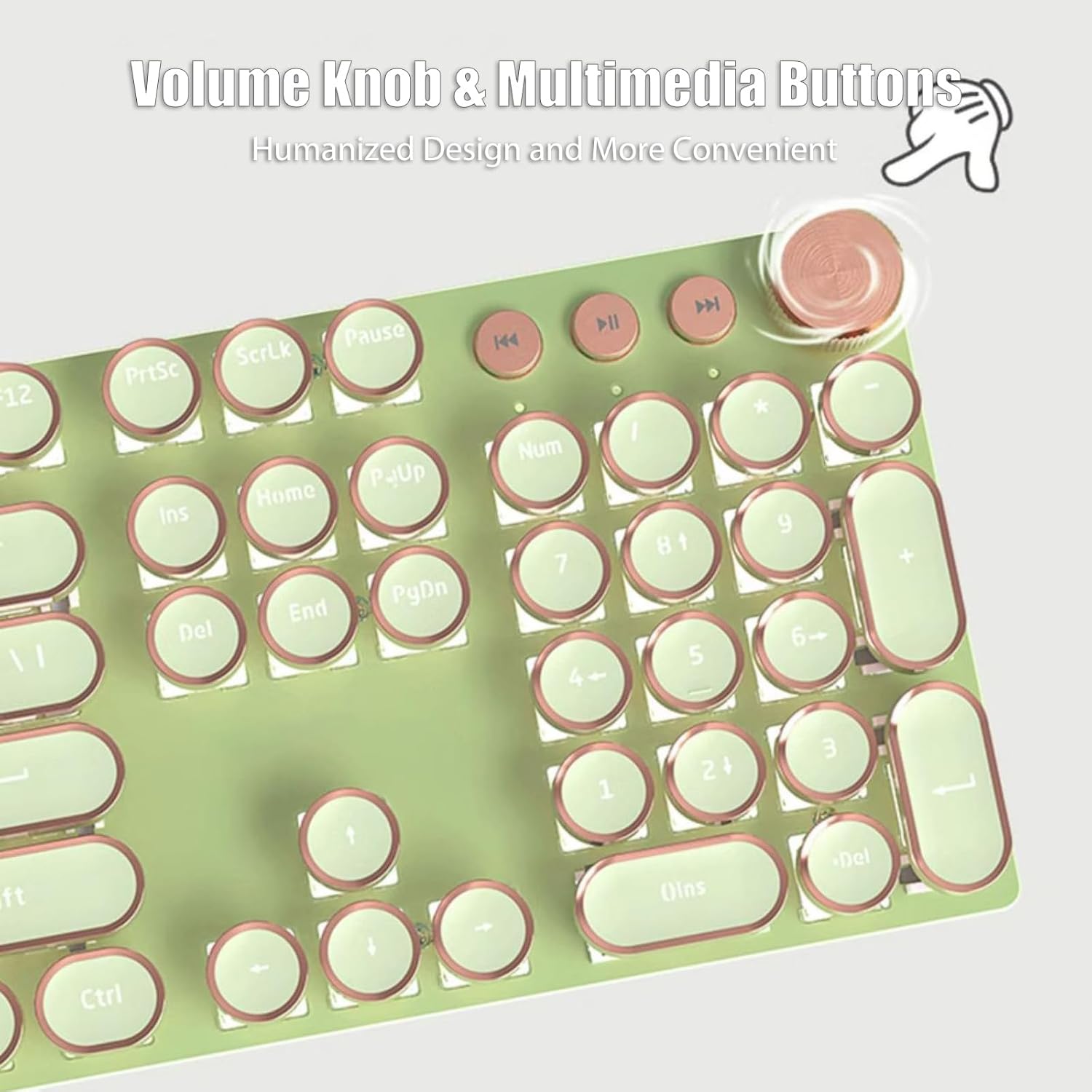
Image: A close-up of the keyboard's golden ring volume knob and adjacent multimedia control buttons.
Mechanical Switches
The V20 keyboard is equipped with custom pink mechanical switches. These switches offer a smooth linear feeling with minimal resistance, providing fast action without a tactile bump. The sound produced during light presses is quiet.
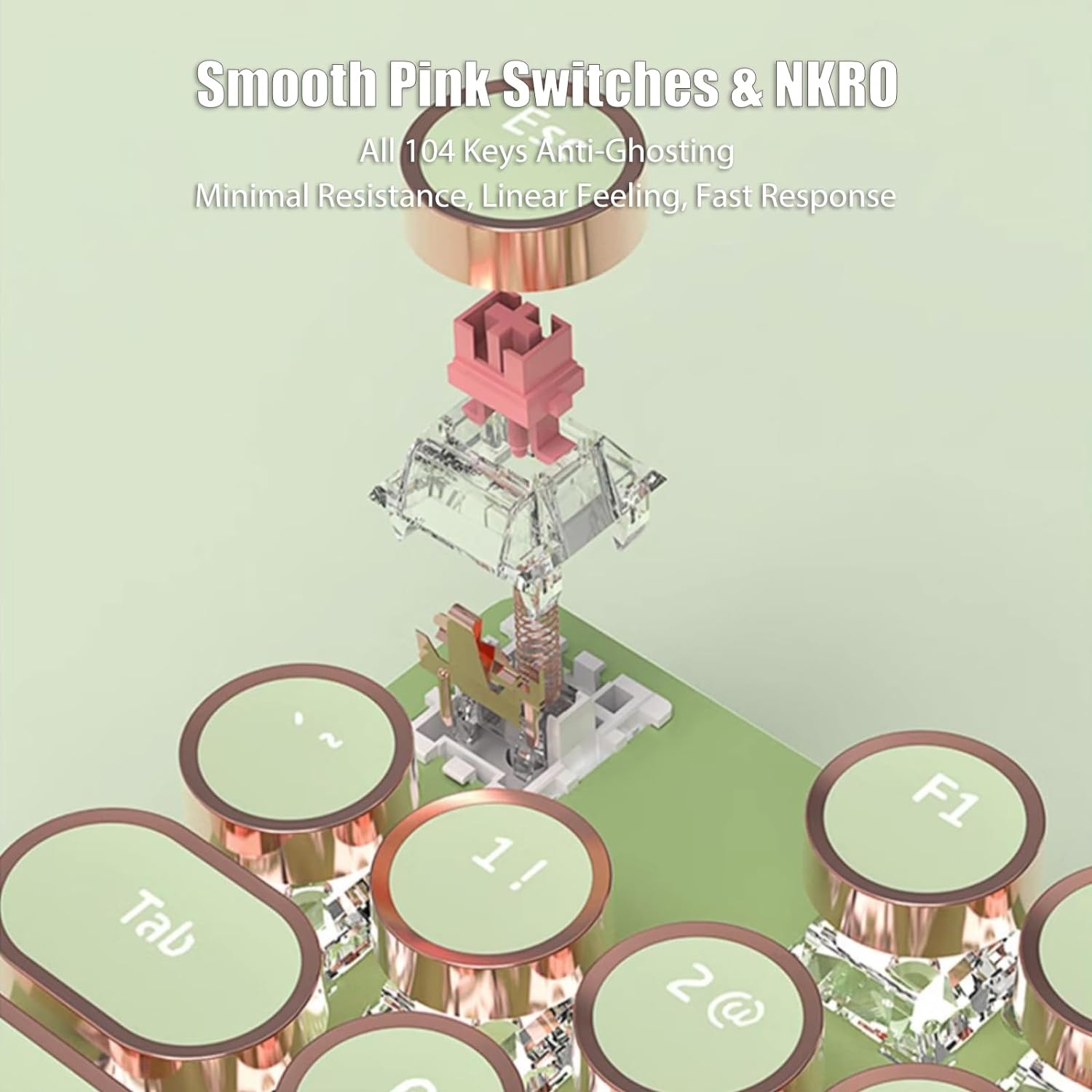
Image: An exploded view illustrating the internal components of the smooth pink mechanical switches and the NKRO functionality.
Maintenance
Proper maintenance ensures the longevity and performance of your keyboard:
- Cleaning: Regularly clean the keycaps and the keyboard surface with a soft, dry cloth. For deeper cleaning, you may use a slightly damp cloth with mild soap, ensuring no liquid enters the keyboard.
- Dust Removal: Use compressed air to remove dust and debris from between the keycaps and switches.
- Avoid Liquids: Do not spill liquids on the keyboard. If a spill occurs, immediately disconnect the keyboard and allow it to dry completely before reconnecting.
- Storage: Store the keyboard in a clean, dry environment away from extreme temperatures.
Troubleshooting
If you encounter issues with your keyboard, refer to the following common problems and solutions:
| Problem | Solution |
|---|---|
| Keyboard is not responding. |
|
| Keys are not registering or are repeating characters. |
|
| Backlight is not working or is dim. |
|
Specifications
| Feature | Detail |
|---|---|
| Model Number | V20 |
| Brand | TISHLED |
| Keyboard Type | Mechanical |
| Number of Keys | 104 |
| Switch Type | Linear (Pink Switches) |
| Connectivity | Wired USB-C (Detachable) |
| Backlighting | White LED, Single Color, 19 effects |
| Special Features | Ergonomic, Round Keycaps, Volume Roller, Multimedia Buttons, Anti-Ghosting |
| Compatible Devices | Gaming Console, Laptop, PC, iMac |
| Product Dimensions | 44.2L x 14.2W x 3H Centimetres |
| Item Weight | 1.8 Pounds (816.47 g) |
| Enclosure Material | Aluminum |
| Keyboard Plate Material | Aluminum |
Warranty and Support
For warranty information or technical support, please refer to the documentation included with your purchase or contact TISHLED customer service directly. Keep your purchase receipt for warranty claims.