
1. Introduction
The SUNOL B39 Bluetooth Wireless Gaming Headset offers a comfortable and immersive audio experience for gaming and multimedia. Featuring a foldable, lightweight design, built-in microphone, and long battery life, these over-ear headphones are designed for extended use with various devices.

Figure 1: SUNOL B39 Bluetooth Wireless Gaming Headset (Black)
2. What's in the Box
Upon opening your SUNOL B39 headset package, you should find the following items:
- SUNOL B39 Bluetooth Wireless Gaming Headset
- Charging Cable (USB-C)
- Audio Cable (for wired connection)
- User Manual (this document)
3. Key Features
The SUNOL B39 headset is equipped with features designed to enhance your audio and gaming experience:
- Bluetooth Wireless Connectivity: Enjoy freedom of movement with stable Bluetooth connection up to 10 meters.
- Built-in Microphone: Facilitates clear communication during gaming or calls.
- Memory Foam Ear Pads: Provides supreme comfort for extended wear and helps absorb sound waves for improved audio.
- Breathable Fabric Earcups: Keeps ears cool during long play sessions.
- Foldable Lightweight Design: Weighing only 165g, the headset is easy to store and transport.
- Long Battery Life: Up to 20 hours of continuous gameplay on a single charge.
- USB-C Charging: Convenient and fast charging.
- TF/Micro SD Card Slot: Play MP3 music directly from a memory card.
- Audio Cable Support: Option for wired connection when wireless is not desired or battery is low.
- Low Latency Bluetooth: Ensures competitive edge with minimal audio delay.

Figure 2: Headset featuring 7-color luminous breathing light.
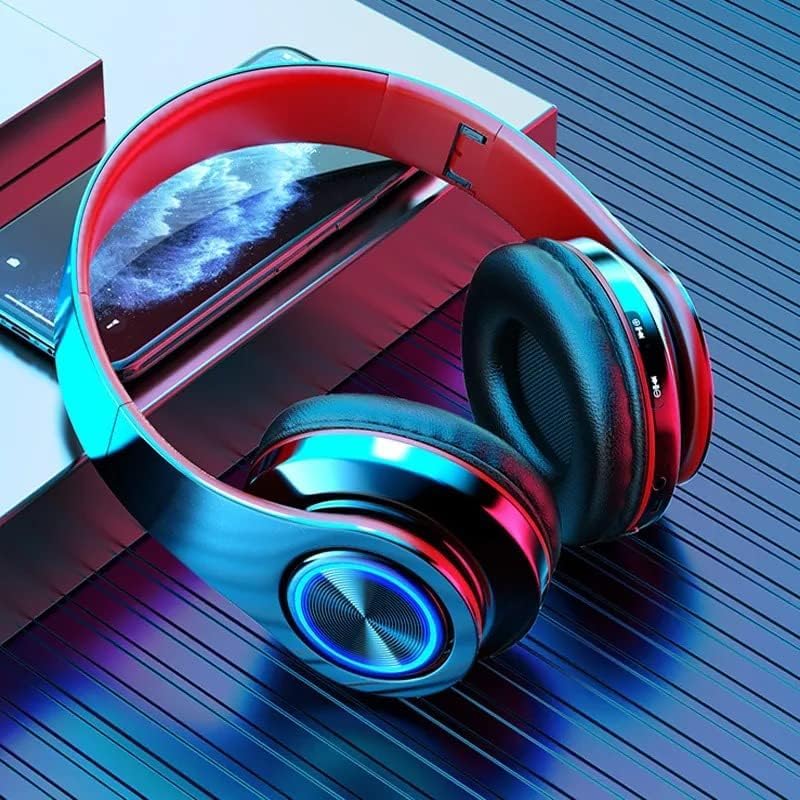
Figure 3: Multi-function controls and TF/Micro SD card slot for direct MP3 playback.
4. Setup
4.1 Charging the Headset
Before first use, fully charge your headset. Connect the provided USB-C charging cable to the headset's charging port and the other end to a USB power source (e.g., computer USB port, wall adapter). A full charge takes approximately 3 hours. The headset can function while charging, allowing for uninterrupted use.
4.2 Bluetooth Pairing
- Ensure the headset is powered off.
- Press and hold the Power button until the indicator light flashes, indicating pairing mode.
- On your device (PC, smartphone, gaming console), enable Bluetooth and search for available devices.
- Select "B39" from the list of found devices.
- Once connected, the indicator light on the headset will change (e.g., solid blue or turn off), confirming successful pairing.
4.3 Wired Connection
To use the headset in wired mode, connect one end of the provided audio cable to the headset's audio jack and the other end to your device's 3.5mm audio port. This mode does not require battery power.
5. Operating Instructions
5.1 Basic Controls
The headset features intuitive controls located on the earcups:
- Power On/Off: Press and hold the Power button.
- Volume Up/Down: Use the dedicated volume buttons (+/-).
- Play/Pause: Press the Multi-function button (often marked with a play/pause icon).
- Next/Previous Track: Use the track skip buttons.
- Answer/End Call: Press the Multi-function button during an incoming call.
- Voice Control: The headset supports voice control (refer to your device's voice assistant activation for specific commands).
- Luminous Breathing Light: The 7-color light can be controlled via a dedicated button or automatically cycles.

Figure 4: Control buttons located on the right earcup for easy access.
5.2 Using the TF/Micro SD Card Slot
Insert a TF/Micro SD card with loaded MP3 music into the designated slot on the headset. The headset will automatically switch to MP3 playback mode. Use the track skip and play/pause buttons to control your music.
6. Maintenance
To ensure the longevity and optimal performance of your SUNOL B39 headset, follow these maintenance guidelines:
- Cleaning: Use a soft, dry cloth to clean the earcups and headband. Do not use abrasive cleaners or solvents.
- Storage: When not in use, store the headset in a cool, dry place. Utilize its foldable design for compact storage.
- Avoid Moisture: Although the headset has a "Waterproof" specification, avoid prolonged exposure to water or high humidity to prevent damage.
- Battery Care: For optimal battery life, avoid fully discharging the battery frequently. Charge it regularly.
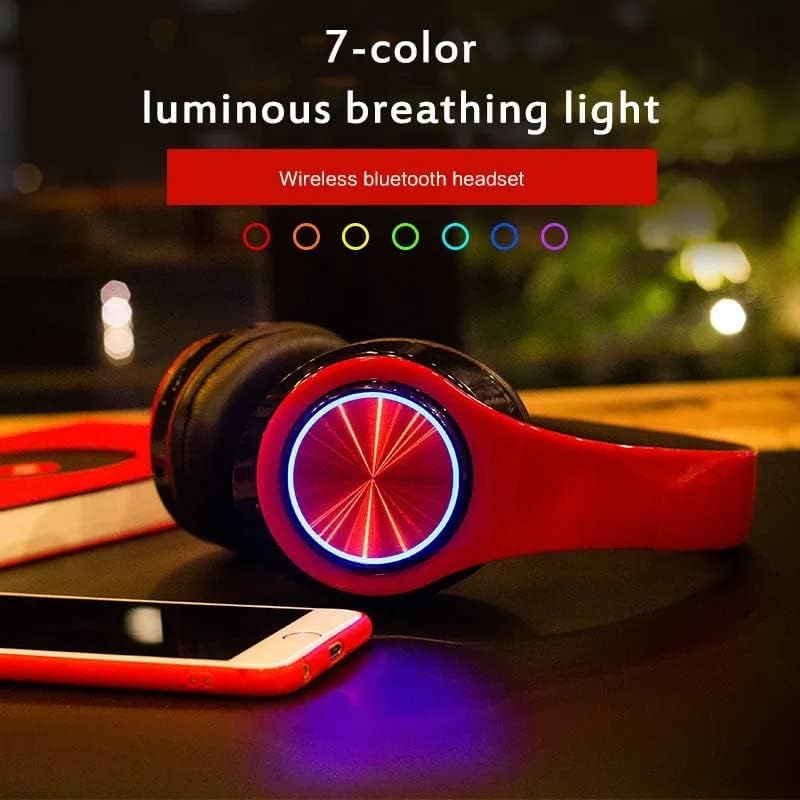
Figure 5: The headset's foldable design for easy storage and portability.
7. Troubleshooting
If you encounter issues with your SUNOL B39 headset, refer to the following common solutions:
| Problem | Possible Cause | Solution |
|---|---|---|
| Headset does not power on. | Low or no battery charge. | Charge the headset fully using the provided USB-C cable. |
| Cannot connect via Bluetooth. | Headset not in pairing mode; device Bluetooth off; interference. |
|
| No sound or low volume. | Volume too low; incorrect audio output selected; headset not connected. |
|
| Sound quality is poor. | Weak Bluetooth signal; audio source quality; interference. |
|
| Low battery voice alert at 3%. | Battery is low. | Charge the headset immediately. You can continue using it while charging. |
8. Specifications
Detailed technical specifications for the SUNOL B39 Bluetooth Wireless Gaming Headset:
| Feature | Detail |
|---|---|
| Model Name | B39 |
| Brand | SUNOL |
| Connectivity Technology | Wireless (Bluetooth) |
| Wireless Communication Technology | Bluetooth |
| Bluetooth Range | 10 Meters |
| Audio Latency | 100 Milliseconds |
| Ear Placement | Over Ear |
| Form Factor | Over Ear |
| Built-in Microphone | Yes |
| Battery Life | Up to 40 Hours (total), 20 Hours (continuous gameplay) |
| Charging Time | 3 Hours |
| Charging Port | USB-C |
| Item Weight | 8.1 ounces (165g) |
| Package Dimensions | 7.09 x 4.8 x 3.46 inches |
| Material | Acrylonitrile Butadiene Styrene (ABS) |
| Control Type | Voice Control |
| Control Method | Touch |
| Water Resistance Level | Waterproof |
| Compatible Devices | PC, Smartphone Gaming Devices |
| Included Components | Cable (Audio/Charging) |
9. Product Video Demonstration
Watch the official product video for a visual guide on the SUNOL B39 Bluetooth Gaming Headset's features and design.
Video 1: SUNOL B39 Bluetooth Gaming Headset Overview. This video highlights the key features, design, and compatibility of the headset, including its foldable structure, comfortable earcups, and Bluetooth connectivity.
10. Warranty and Support
For warranty information, technical support, or further assistance, please refer to the product's official listing page on Amazon or contact SUNOL customer service directly. Keep your purchase receipt for warranty claims.