
1. Introduction and Product Overview
This manual provides essential information for the safe and effective use of 3DMaterials SuperFast 8K Water Washable 3D Printer Resin (Model: STBK-119L, 1000g, Black). This resin is engineered for high-speed, high-resolution 3D printing with the convenience of water washability.

Image 1.1: 3DMaterials SuperFast 8K Water Washable Resin (1000g, Black) bottle and a sample printed grid structure.
Key Features:
- Fast Printing: Achieve 50um layer prints in as little as 0.5 seconds with monochrome LCD 3D printers, optimizing print times and reducing electricity consumption.
- Enhanced Productivity: Designed to increase 3D printing productivity by at least 40%.
- 8K Precision: Extremely low viscosity facilitates high-resolution 8K 3D printing with up to 22um resolution at high speeds.
- Tougher Prints: Utilizes unique oligomer technology for high modulus and improved elongation at break, resulting in more durable prints.
- Water Washable: Printed objects, platforms, and resin tanks can be easily cleaned with warm tap water and soap, eliminating the need for harsh solvents.
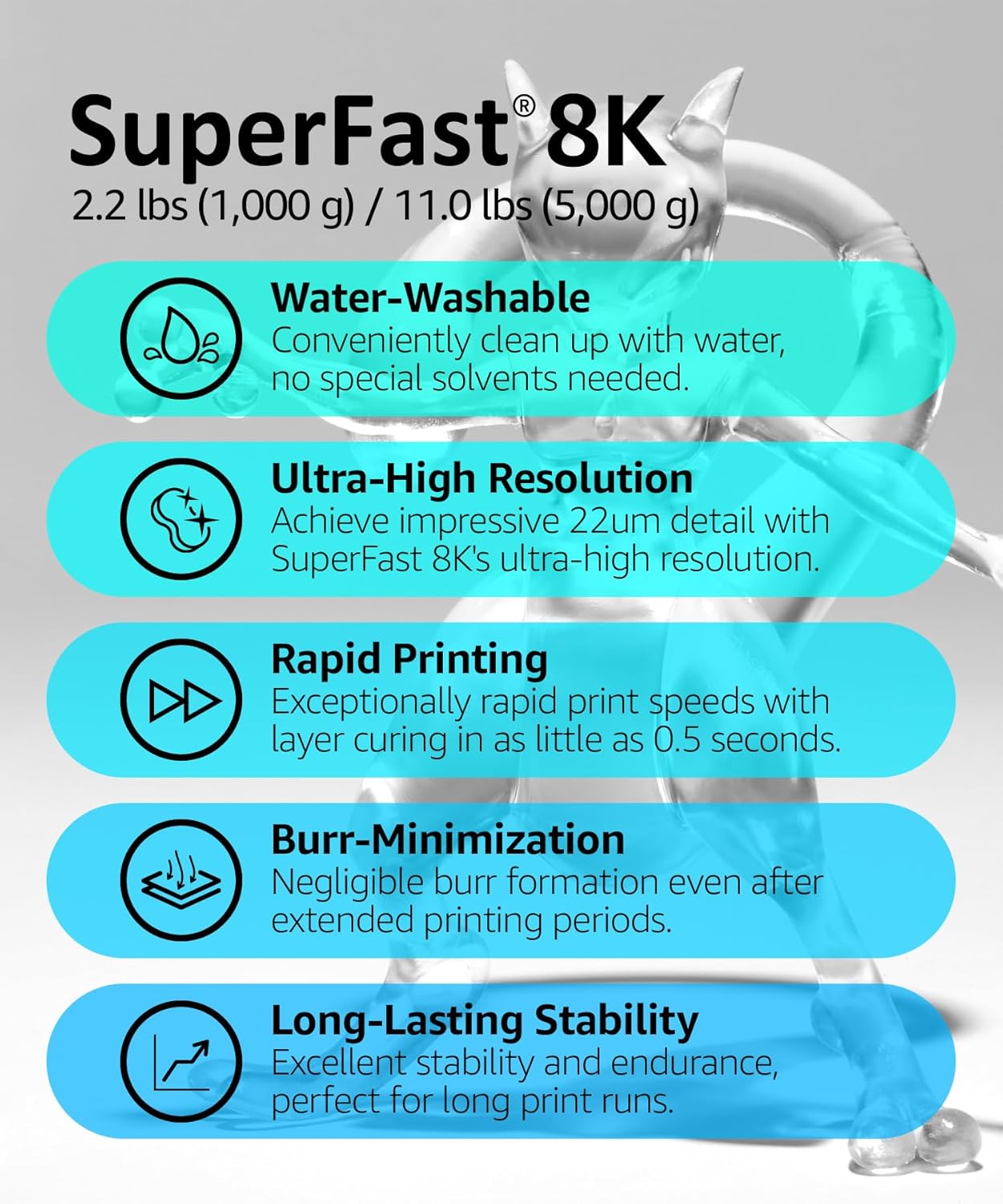
Image 1.2: Key features of SuperFast 8K Resin.
2. Preparation for Use
Before beginning any 3D printing project with 3DMaterials SuperFast 8K Resin, ensure proper preparation to guarantee safety and optimal results.
- Personal Protective Equipment (PPE): Always wear protective gloves (e.g., nitrile gloves) and safety glasses when handling the resin. Ensure adequate ventilation in your workspace.
- Storage Conditions: Keep the resin products away from direct sunlight or other strong light sources. Store in a cool, dry, dark room between 10-25°C (50-77°F).
- Read Instructions: Carefully read this entire manual before using the product.
- Shake Well: Shake the resin bottle thoroughly for at least 1 minute before each use to ensure proper mixing of components.
3. Operating Instructions (How to Use)
Follow these steps for successful 3D printing with 3DMaterials SuperFast 8K Water Washable Resin:
- Printer Settings: Refer to the recommended exposure conditions for your specific 3D printer brand and model. These settings are crucial for print success. A detailed setting chart is provided in Section 6 of this manual and can also be found on the 3DMaterials website.
- Pour Resin: Carefully pour the desired amount of resin into your printer's resin tank. Avoid overfilling.
- Start Printing: Initiate your 3D print according to your printer's operating procedures.
- Post-Processing - Washing:
- After printing, carefully remove the print from the build plate.
- Use warm tap water and soap to thoroughly clean the printed object, build plate, and resin tank.
- For any stubborn sticky residue, Isopropyl Alcohol (IPA) or other suitable alcohol can be used.
- Do not leave prints submerged in water or IPA for more than 5 minutes.
- Drying: Ensure the printed objects are completely dry before proceeding to post-curing. You can use compressed air or allow them to air dry.
- Post-Curing: Cure the dried prints using a UV post-curing unit or by exposing them to direct sunlight. Recommended curing times vary based on the size and complexity of the print and the intensity of the UV source.
4. Storage
Proper storage ensures the longevity and performance of your 3DMaterials SuperFast 8K Resin.
- Store the product in its original sealed container in a dry, dark room.
- Maintain a storage temperature between 10-25°C (50-77°F).
- Keep away from direct sunlight, UV light, and heat sources.
- Do not use the product after its expiration date, which is printed on the label.
- Once solidified, this product is not harmful to the environment. Dispose of residual liquid resin and cured resin in accordance with local waste management regulations.
5. Precautions for Use (Safety Information)
Your safety is paramount. Adhere to the following precautions when handling 3DMaterials SuperFast 8K Resin:
- Skin Contact: If resin comes into contact with skin, immediately flush the affected area with plenty of water and soap for at least 15 minutes. Remove contaminated clothing and shoes. Seek medical attention if irritation, inflammation, or allergic reactions occur.
- Eye Contact: In case of eye contact, do not rub your eyes. Immediately flush eyes with plenty of water for at least 15 minutes and seek immediate medical attention.
- Inhalation: If inhaled, move to an area with fresh air. If symptoms persist, consult a doctor.
- Ingestion: If ingested, rinse your mouth with water immediately and seek medical advice. Do not induce vomiting.
- Ventilation: Always work in a well-ventilated area to minimize exposure to resin fumes.
- Children and Pets: Keep resin out of reach of children and pets.
- Disposal: Dispose of uncured liquid resin and contaminated waste according to local environmental regulations. Cured resin can typically be disposed of as regular plastic waste.

Image 5.1: Safety and storage warnings from the product label.
6. Specifications
| Property | Value |
|---|---|
| Product Name | SuperFast 8K Water Washable 3D Printer Resin |
| Model Number | STBK-119L |
| Color | Black |
| Weight | 1000g (2.2 Pounds) |
| Product Dimensions | 3.35 x 3.35 x 10.04 inches |
| Manufacturer | 3DMaterials Co., Ltd. |
| Minimum Layer Height | 50um (0.05mm) |
| Minimum Curing Time per Layer | 0.5 seconds (with monochrome LCD printers) |
| Resolution | Up to 22um |
| Tensile Strength at Break (Post-Cured) | 47 MPa (6,817 psi) |
| Secant Modulus (Post-Cured) | 1,500 MPa (218 ksi) |
| Elongation at Break (Post-Cured) | < 6.7 % |
Note: Mechanical properties can vary depending on part geometry, printing orientation, and specific print settings. Data obtained from parts printed using a mono LCD printer, 50 µm layer, and post-cured with 20mW/cm² of 395 nm LED light for 10 minutes.

Image 6.1: SuperFast 8K Mechanical Properties.
7. Recommended Printer Settings
Optimal exposure settings are crucial for achieving the best results with 3DMaterials SuperFast 8K Resin. The following tables provide recommended settings for various 3D printer brands and models, based on a 50µm slicing layer thickness. These are maximum times; you may shorten the exposure time if your FEP film is new or if your printer performs well.
For the most up-to-date and comprehensive settings, please refer to the official 3DMaterials website or scan the QR code on the product label for a direct link to the setting chart PDF: SuperFast-Black-8K.pdf
ANYCUBIC Printers:

Image 7.1: Recommended settings for ANYCUBIC 3D printers.
Creality and ELEGOO Printers:

Image 7.2: Recommended settings for Creality and ELEGOO 3D printers.
ELEGOO Saturn and Phrozen Printers:

Image 7.3: Recommended settings for ELEGOO Saturn and Phrozen 3D printers.
8. Troubleshooting
Encountering issues during 3D printing can be frustrating. Here are some common problems and potential solutions:
Common Issues and Solutions:
- Print Not Sticking to Build Plate:
- Increase bottom layer exposure time.
- Ensure the build plate is properly leveled and clean.
- Verify the room temperature is within the recommended range (20-30°C).
- Partial Prints or Failed Layers:
- Increase normal layer exposure time slightly.
- Check for debris or cured resin in the resin tank or on the FEP film.
- Ensure the resin is well-mixed by shaking the bottle before use.
- Verify that the print supports are adequate for the model.
- Sticky or Tacky Prints After Washing:
- Ensure prints are thoroughly washed with warm water and soap. For persistent tackiness, use IPA.
- Make sure prints are completely dry before post-curing.
- Increase post-curing time or ensure adequate UV exposure.
- Poor Detail or Blurry Prints:
- Decrease normal layer exposure time slightly.
- Check your printer's LCD screen for any damage or inconsistencies.
- Ensure the resin is not expired.
9. Warranty and Support
3DMaterials is committed to providing high-quality products. For any questions, technical support, or concerns regarding your SuperFast 8K Water Washable Resin, please contact 3DMaterials customer service.
While specific warranty details are not provided in this manual, please retain your proof of purchase for any potential claims. For further assistance, you can visit the official 3DMaterials store or website:
- 3DMaterials Store: Visit the 3DMaterials Store on Amazon
- Manufacturer Website: Refer to the product label for the manufacturer's website and contact information.