
1. Introduction
Thank you for choosing the Modecom MC-899 Wired Gaming Mouse. This manual provides essential information to help you set up, operate, and maintain your new mouse. Please read these instructions carefully before using the product and retain them for future reference.
2. Safety Information
- Do not expose the mouse to liquids or excessive moisture.
- Avoid extreme temperatures.
- Do not attempt to disassemble or repair the mouse yourself. This will void the warranty.
- Keep the device away from strong magnetic fields.
- Use a soft, dry cloth for cleaning.
3. Package Contents
Please check the package contents. If any items are missing or damaged, contact your retailer.
- Modecom MC-899 Wired Gaming Mouse
- User Manual (this document)
4. Product Overview
The Modecom MC-899 is a wired optical gaming mouse designed for comfortable and precise control. It features a multicolored backlit design and an ambidextrous form factor.
Product Components
The mouse typically includes:
- Left Click Button
- Right Click Button
- Scroll Wheel (also functions as a middle click button)
- Optical Sensor (located on the underside)
- USB Cable
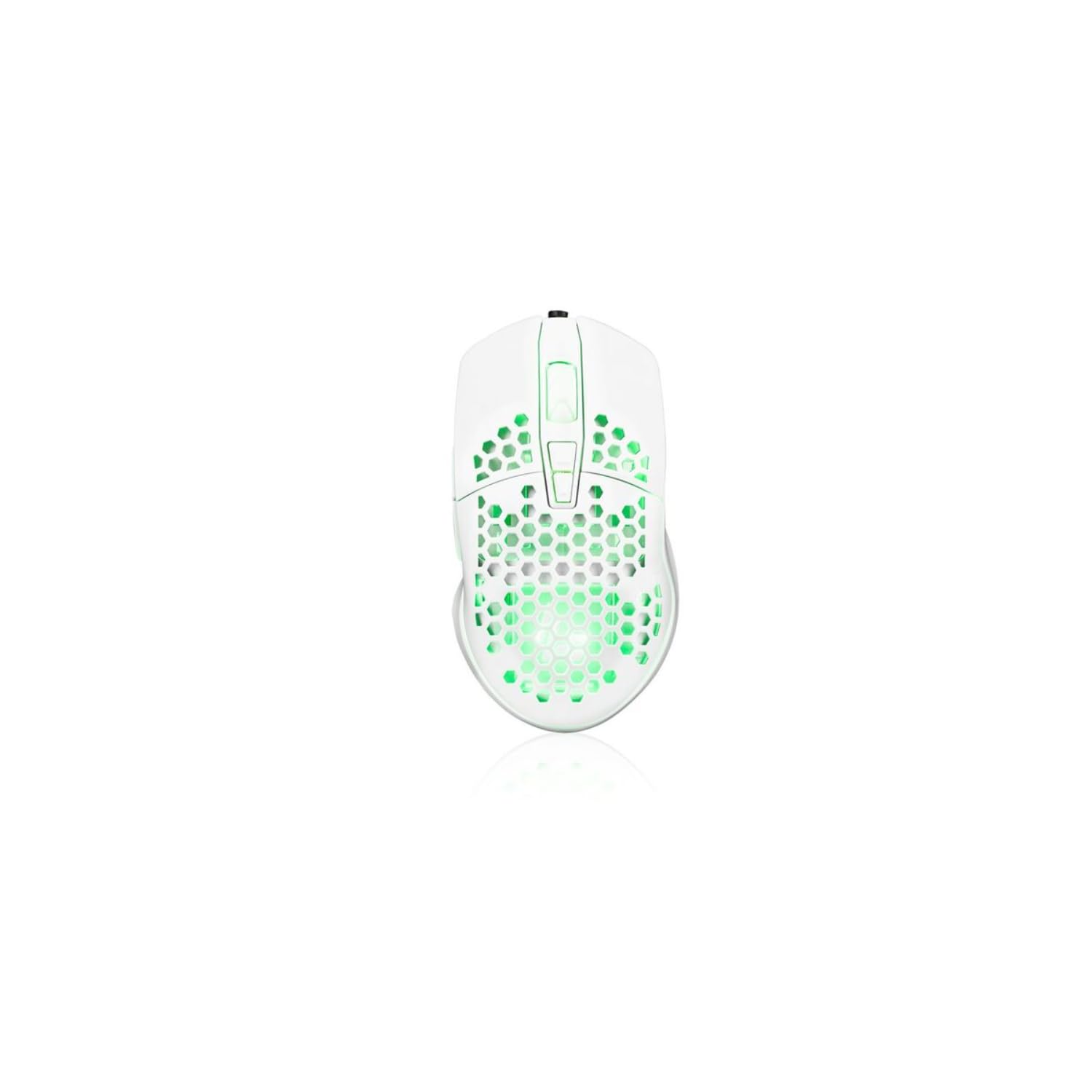
Image showing the Modecom MC-899 wired gaming mouse, featuring its ergonomic design and multicolored finish.
5. Setup
Connecting the Mouse
The Modecom MC-899 is a plug-and-play device, requiring no special driver installation for basic functionality.
- Locate an available USB port on your computer (PC or laptop).
- Plug the USB connector of the Modecom MC-899 mouse into the USB port.
- Your operating system should automatically detect and install the necessary drivers. The mouse will be ready for use within a few seconds.
6. Operating the Mouse
Basic Functions
- Left Click: Primary action, used for selecting items, opening files, and confirming actions.
- Right Click: Opens context menus, providing additional options for selected items.
- Scroll Wheel: Used for scrolling through documents and web pages vertically. Pressing the scroll wheel typically acts as a middle click, which can open links in new tabs or enable auto-scrolling.
Backlighting
The Modecom MC-899 features integrated backlighting. This lighting is typically active when the mouse is connected and powered, enhancing its aesthetic appeal, especially in gaming environments.
7. Maintenance
Cleaning
- Disconnect the mouse from your computer before cleaning.
- Use a soft, lint-free cloth slightly dampened with water or a mild cleaning solution.
- Do not spray cleaners directly onto the mouse.
- Avoid getting moisture into any openings.
- Clean the optical sensor area gently with a cotton swab if dust accumulation affects performance.
Storage
- Store the mouse in a cool, dry place when not in use for extended periods.
- Avoid placing heavy objects on the mouse or its cable.
8. Troubleshooting
If you encounter issues with your Modecom MC-899 mouse, please refer to the following common problems and solutions:
| Problem | Possible Solution |
|---|---|
| Mouse is not responding. |
|
| Cursor movement is erratic or jumpy. |
|
| Buttons are not working. |
|
9. Specifications
Technical Specifications
| Brand: | Modecom |
| Model Number: | S9135943 (MC-899) |
| Connectivity Technology: | Wired (USB) |
| Movement Detection Technology: | Optical |
| Number of Buttons: | 3 |
| Hand Orientation: | Ambidextrous |
| Recommended Use: | Gaming, Office |
| Compatible Devices: | Personal Computer, Laptop |
| Color: | Multicolored |
| Cable Length: | 2.2 meters |
| Features: | Backlit |
| Dimensions: | 5.5 x 13.5 x 19 cm |
10. Warranty and Support
Modecom products are designed and manufactured to the highest quality standards. For information regarding warranty terms and conditions, please refer to the warranty card included with your product or visit the official Modecom website. For technical support or service inquiries, please contact your local retailer or Modecom customer service.

