Introduction
Thank you for purchasing the cheero Wireless Open Earphones Smart. These earphones are designed to provide a comfortable listening experience while allowing you to stay aware of your surroundings. Featuring an open-ear design, Bluetooth 5.3 connectivity, and IPX5 water resistance, they are perfect for various activities from daily commutes to outdoor exercises. This manual will guide you through the setup, operation, and maintenance of your new earphones.
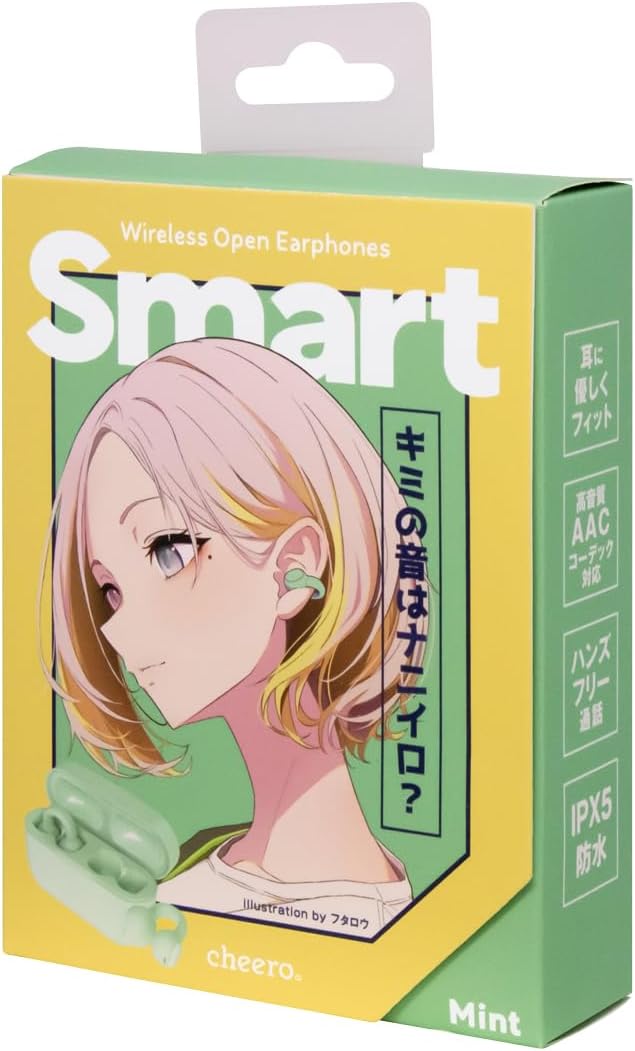
Image: The product packaging for the cheero Wireless Open Earphones Smart, showcasing the mint color variant.
Safety Information
Please read this section carefully before using the product to ensure safe and proper operation.
- Do not disassemble, repair, or modify the product. This may cause fire, electric shock, or malfunction.
- Keep the product away from water and high humidity. While IPX5 rated for water droplets, it is not designed for prolonged submersion.
- Avoid exposing the product to extreme temperatures (hot or cold) or direct sunlight.
- Do not use the product in environments where it may interfere with medical devices or other electronic equipment.
- Keep out of reach of children and pets. Small parts may pose a choking hazard.
- Do not use the earphones at excessively high volumes for extended periods, as this may cause hearing damage.
- Be aware of your surroundings when using the earphones, especially in traffic or other potentially dangerous situations.
Package Contents
Please check that all items are present in the package:
- cheero Wireless Open Earphones Smart (Left and Right)
- Charging Case
- USB-C Charging Cable
- User Manual (this document)
Product Overview
Familiarize yourself with the different parts of your earphones and charging case.

Image: A detailed diagram showing the components of the cheero Wireless Open Earphones Smart and their charging case. The earphones feature a multi-indicator, balance port, head, multi-function button, body, charging terminal, bridge (joint part), and sound output port. The charging case includes a battery indicator and a USB-C input port.
- Earphone Body: The main part of the earphone that sits on your ear.
- Multi-function Button: Used for various controls like playback, calls, and voice assistant.
- Charging Terminal: Connects with the charging case for power.
- Sound Output Port: Where the audio is emitted.
- Multi-indicator: Shows status like pairing, charging, and battery level.
- Charging Case: Stores and charges the earphones.
- USB-C Input Port: For charging the case.
- Battery Indicator (Case): Shows the charging status of the case.
Setup
1. Charging the Earphones and Case
Before first use, fully charge the earphones and the charging case.
- Place the earphones into the charging case. Ensure they are correctly seated.
- Connect the USB-C charging cable to the charging case's USB-C input port and the other end to a USB power adapter (not included) or a computer's USB port.
- The indicator lights on the case will show the charging status. Once fully charged, the lights will indicate completion or turn off.

Image: The cheero Wireless Open Earphones Smart placed inside their charging case, ready for charging.
2. Pairing with a Bluetooth Device
The earphones support automatic pairing for convenience.
- Open the charging case. The earphones will automatically enter pairing mode, and the indicator lights will flash.
- On your device (smartphone, tablet, computer), enable Bluetooth.
- Search for "cheero Smart Earphones" or a similar name in the list of available Bluetooth devices.
- Select the earphones to connect. Once connected, the indicator lights on the earphones will stop flashing.
- If pairing fails, close the case, wait a few seconds, and repeat the steps.
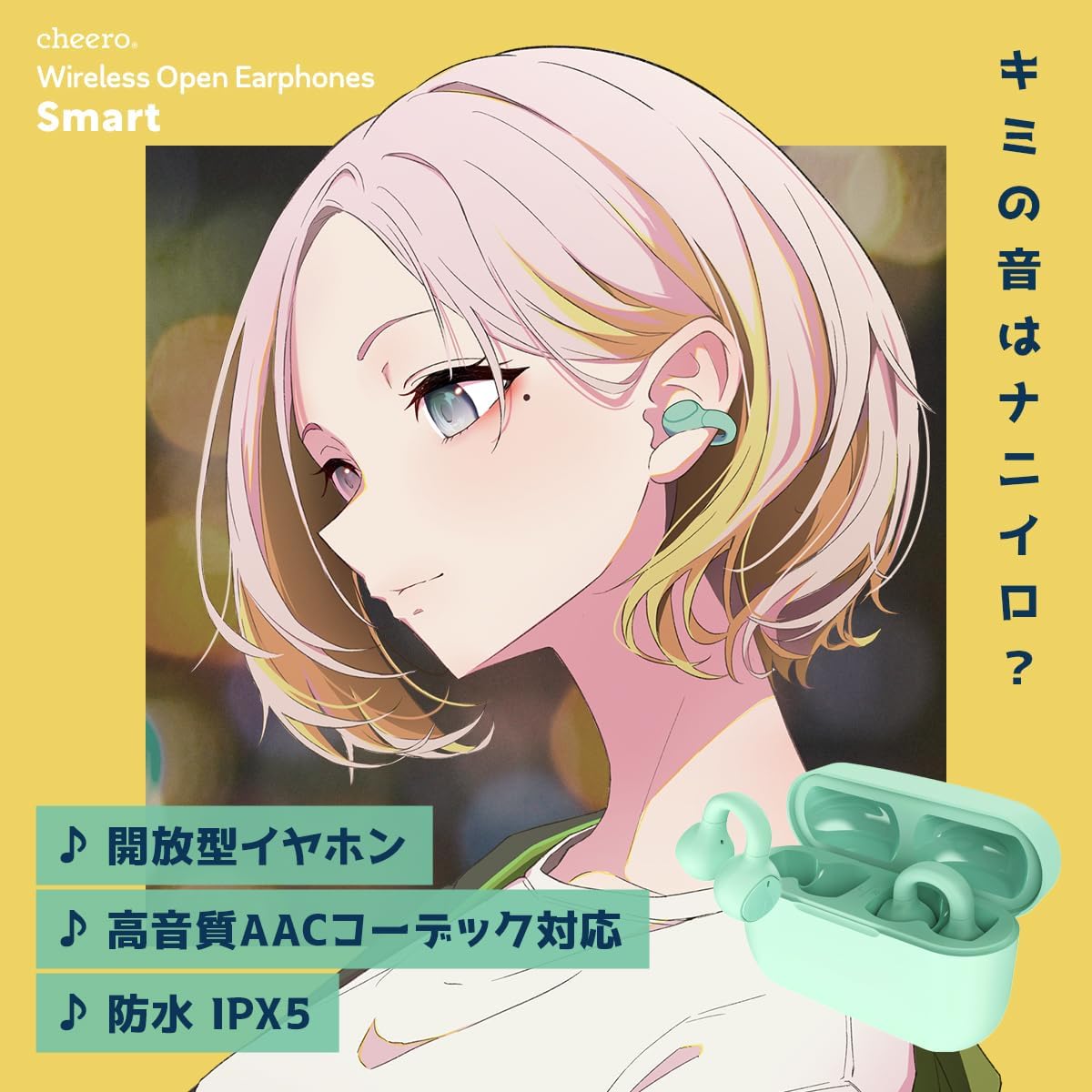
Image: A visual representation of the cheero Wireless Open Earphones Smart, highlighting their open-ear design and compatibility with various devices.
Operating Instructions
The cheero Wireless Open Earphones Smart feature physical buttons to prevent accidental touches. The controls are mirrored on both the left (L) and right (R) earphones, with slight differences for volume and track control.

Image: A diagram illustrating the button controls for the cheero Wireless Open Earphones Smart. It shows functions for single click, double click, triple click, and long press for both the right (R) and left (L) earphones.
Music Playback Controls
| Action | Right Earphone (R) | Left Earphone (L) |
|---|---|---|
| Play/Pause | 1 Click | 1 Click |
| Next Track | 2 Clicks | N/A |
| Previous Track | N/A | 2 Clicks |
| Volume Up | Long Press | N/A |
| Volume Down | N/A | Long Press |
Call Management
| Action | Control |
|---|---|
| Answer/End Call | 1 Click (Either earphone) |
| Reject Call | Long Press (Either earphone) |
Voice Assistant Activation
| Action | Control |
|---|---|
| Activate Siri / Voice Assistant | 3 Clicks (Either earphone) |
| End Voice Assistant | 3 Clicks again (Either earphone) |
Maintenance
Proper maintenance will extend the lifespan of your earphones.
- Cleaning: Use a soft, dry, lint-free cloth to wipe the earphones and charging case. Do not use harsh chemicals or abrasive materials.
- Storage: When not in use, store the earphones in their charging case to protect them from dust and damage. Store in a cool, dry place.
- Battery Care: To preserve battery life, avoid fully discharging the earphones frequently. Charge them regularly, even if not used for extended periods.
Troubleshooting
If you encounter any issues, please refer to the following common problems and solutions:
| Problem | Possible Cause / Solution |
|---|---|
| Earphones do not turn on. | Battery may be depleted. Place earphones in the charging case and charge fully. |
| Cannot pair with device. |
|
| No sound or sound cutting out. |
|
| Charging case not charging. |
|
Specifications
| Feature | Detail |
|---|---|
| Model Number | CHE-645 |
| Connectivity Technology | Wireless (Bluetooth 5.3) |
| Ear Placement | Open-Ear |
| Headphone Form Factor | True Wireless |
| Waterproof Rating | IPX5 (Water droplet level, not for submersion) |
| Weight (per earphone) | Approx. 3.6g |
| Impedance | 32 Ohms |
| Included Components | Earphones, Charging Case, USB-C Cable |
| Manufacturer | cheero |
| Color | Mint |
| Technical Compliance Certification | Certified (Certification number: 219-239183) |

Image: A display of the cheero Wireless Open Earphones Smart available in multiple colors, highlighting their sleek design and IPX5 waterproof rating.
Warranty and Support
cheero products are manufactured and inspected according to strict Japanese manufacturer standards, including circuit board design checks by quality control personnel, to ensure safety and quality.
If you experience any initial defects or malfunctions during use, please contact us first. When contacting support, please provide your Amazon order number for faster assistance.
For further assistance, please visit the cheero brand store on Amazon.


