
1. Introduction
This manual provides comprehensive instructions for the installation, use, and maintenance of your Bruni Screen Protector, specifically designed for the Blow BlackBox DVR F700. Please read these instructions carefully to ensure proper application and optimal performance of the protective film.
2. Product Overview
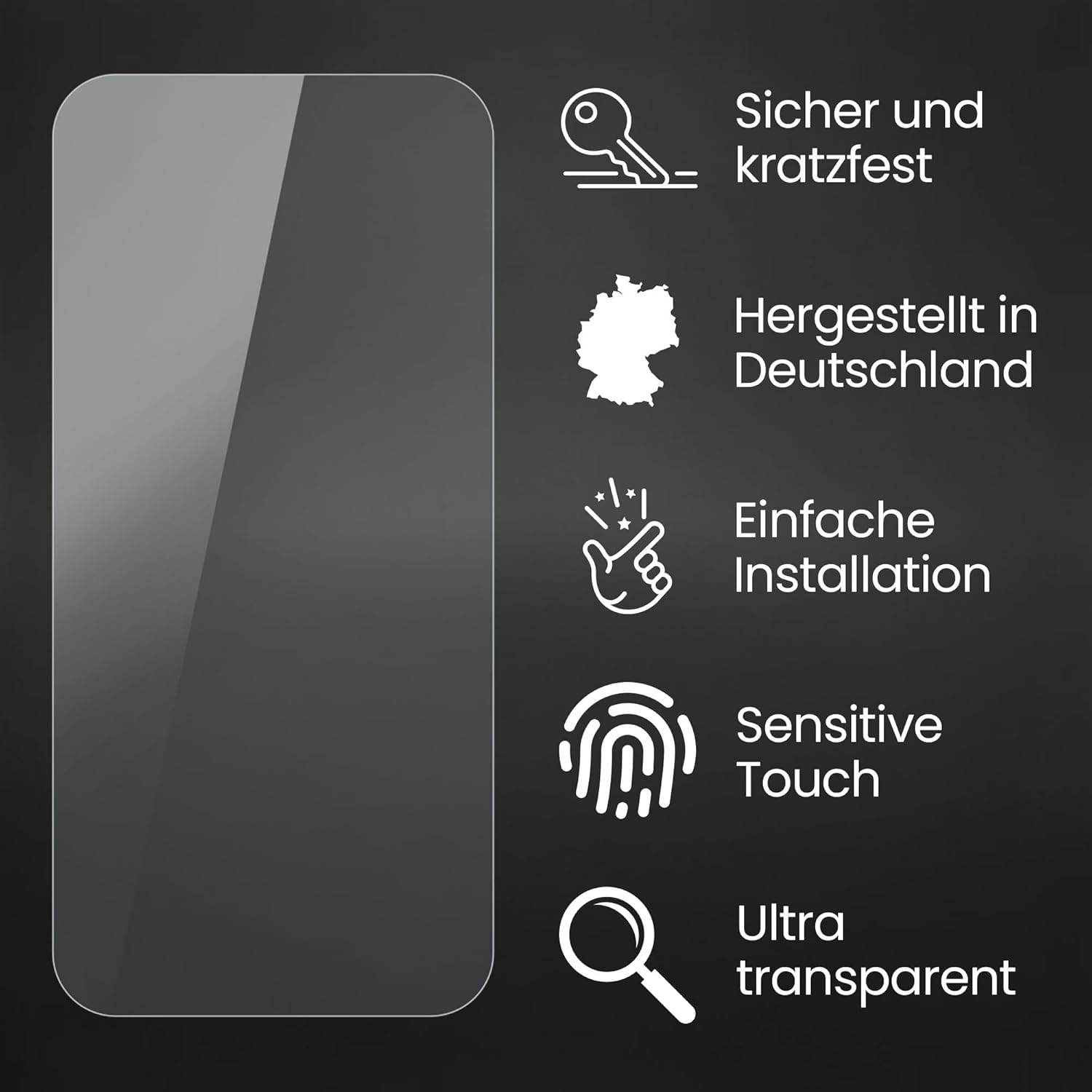
The Bruni Screen Protector is a high-quality, crystal-clear protective film engineered to safeguard the display of your Blow BlackBox DVR F700. It is made from scratch-resistant, highly transparent PET material, precision laser-cut for an accurate fit. Key features include:
- Accurate Fit: Specifically developed and compatible with Blow BlackBox DVR F700.
- Scratch Resistance: Made of durable PET material to protect against scratches.
- High Transparency: Ensures unadulterated display of screen contents.
- Bubble-Free Application: Designed for easy, bubble-free installation.
- Residue-Free Removal: Can be removed or repositioned without leaving adhesive residue.
- Optimal Touch Sensitivity: Maintains full functionality of touch displays.
- Made in Germany: Manufactured with precision and quality standards.
3. Package Contents
Your Bruni Screen Protector package typically includes the following items:
- Bruni Screen Protector Film (2X)
- Mounting Tool (e.g., squeegee)
- Microfiber Cleaning Cloth
- Installation Instructions

4. Setup and Installation
Follow these steps for a successful and bubble-free application of the screen protector:
- Clean the Screen: Use the provided microfiber cloth to thoroughly clean the display of your Blow BlackBox DVR F700. Ensure there is no dust, fingerprints, or smudges. For best results, clean in a dust-free environment.
- Align the Protector: Carefully peel off a small portion of the protective layer from the screen protector (usually marked "Step 1" or similar). Align the exposed edge of the screen protector with one edge of your device's screen.
- Apply Gradually: Slowly peel off the remaining protective layer while simultaneously applying the screen protector to the display. Use the included mounting tool (squeegee) to gently push out any air bubbles towards the edges as you go.
- Remove Top Layer: Once the protector is fully applied and all bubbles are removed, carefully peel off the top protective layer (usually marked "Step 2" or similar), if present.
- Final Check: Inspect the screen for any remaining bubbles or dust. Small bubbles may disappear over 24-48 hours.

5. Operating Instructions
Once installed, the Bruni Screen Protector requires no special operating procedures. It is designed to seamlessly integrate with your device's functionality.
- Touch Sensitivity: The film is optimized for touch displays, ensuring no impairment of usability. Your device's touch response will remain fast, highly sensitive, and precise.
- Display Clarity: The crystal-clear material provides an unadulterated display of screen contents, preserving true colors and brightness without attenuation.


6. Maintenance
To maintain the clarity and effectiveness of your screen protector:
- Cleaning: Use a soft, lint-free cloth (like the provided microfiber cloth) to gently wipe the screen. For stubborn smudges, slightly dampen the cloth with water or a screen-safe cleaning solution. Avoid harsh chemicals or abrasive materials.
- Avoid Sharp Objects: While the protector is scratch-resistant, extreme force or sharp objects can still damage it.
7. Troubleshooting
If you encounter issues during or after installation, consider the following:
- Bubbles: Most small bubbles will dissipate within 24-48 hours. For larger bubbles, gently lift the nearest edge of the protector and reapply, using the squeegee to push the air out. Ensure the screen is clean before reapplication.
- Dust Particles: If dust is trapped under the protector, carefully lift the nearest edge and use a piece of adhesive tape to gently dab and remove the dust particle from both the screen and the protector's adhesive side.
- Misalignment: The protector can be repositioned if done carefully and immediately after initial application. If it has been on for a while, removal and reapplication might introduce dust or reduce adhesion.
8. Specifications
| Feature | Detail |
|---|---|
| Compatibility | Blow BlackBox DVR F700 |
| Material | Polyethylene terephthalate (PET) |
| Item Hardness | 4H |
| Finish Type | Glossy |
| Screen Surface Description | Smooth |
| Special Features | Made in Germany, Residue-free removable, Very easy to apply, Crystal clear |
| Product Dimensions | 0.98 x 0.98 x 0.5 inches (2.5 x 2.5 x 1.27 cm) |
| Item Weight | 0.176 ounces (5 grams) |
| Manufacturer | atFoliX GmbH |
| Model Number | Bruni 4052225305626 |
9. Warranty and Support
For warranty information or technical support regarding your Bruni Screen Protector, please contact the manufacturer, atFoliX GmbH, or your point of purchase. Refer to the packaging or the manufacturer's official website for contact details.
The product is designed for durability and ease of use. If you experience any manufacturing defects or issues not covered in the troubleshooting section, professional assistance is recommended.