
1. Introduction
This manual provides essential information for the safe and efficient operation of your Sharp Roku TV 4K Ultra HD with HDR10 (55"). Please read this manual thoroughly before using the television and retain it for future reference. Your new Sharp Roku TV offers a stunning 4K Ultra HD resolution, integrated Roku streaming experience, and immersive Dolby Audio.

Figure 1.1: Front view of the Sharp Roku TV 4K Ultra HD (55 inch). This image shows the television from the front, highlighting its slim bezels and the display with a colorful image.
2. Safety Information
Always observe the following safety precautions to prevent fire, electric shock, or injury.
- Do not expose the TV to rain or moisture.
- Do not block ventilation openings. Ensure adequate space around the TV for proper airflow.
- Use only attachments/accessories specified by the manufacturer.
- Unplug the TV during lightning storms or when unused for long periods.
- Refer all servicing to qualified service personnel.
- Keep batteries out of reach of children.
3. What's in the Box
Verify that all components are present before proceeding with setup.
- Sharp Roku TV (55")
- TV Stand (2 pieces)
- Remote Control (requires 2 AAA batteries, not included)
- Power Cord
- Quick Start Guide (refer to this manual for detailed instructions)
4. Setup
4.1 Attaching the TV Stand
To ensure stability, attach the included stand to the television. Place the TV face down on a soft, clean surface to prevent screen damage.
- Identify the left and right stand pieces.
- Align each stand piece with the corresponding screw holes on the bottom of the TV.
- Secure the stands using the provided screws. Do not overtighten.

Figure 4.1: Side view of the Sharp Roku TV with the stand attached. This image illustrates the profile of the television with its support base.

Figure 4.2: Angled view of the Sharp Roku TV with the stand attached. This image provides a perspective view of the television, showing the stand's design and how it supports the unit.
4.2 Connecting Power and Initial Setup
Once the stand is securely attached, place the TV in its desired location and proceed with power connection and initial setup.
- Connect the power cord to the TV's power input and then to a wall outlet.
- Insert 2 AAA batteries into the remote control, observing polarity.
- Press the Power button on the remote to turn on the TV.
- Follow the on-screen instructions to complete the Roku TV guided setup, including network connection (Wi-Fi), channel scanning (if using an antenna), and Roku account activation.

Figure 4.3: Rear view of the Sharp Roku TV. This image displays the back panel of the television, showing the arrangement of various input and output ports for connectivity.
5. Operating the TV
5.1 Basic Functions
- Power On/Off: Press the Power button on the remote.
- Volume Control: Use the Volume Up/Down buttons.
- Input Selection: Press the Input button to cycle through connected devices (HDMI, AV, etc.) or select from the Roku Home screen.
- Navigation: Use the directional pad (Up, Down, Left, Right) and OK button to navigate menus and select options.
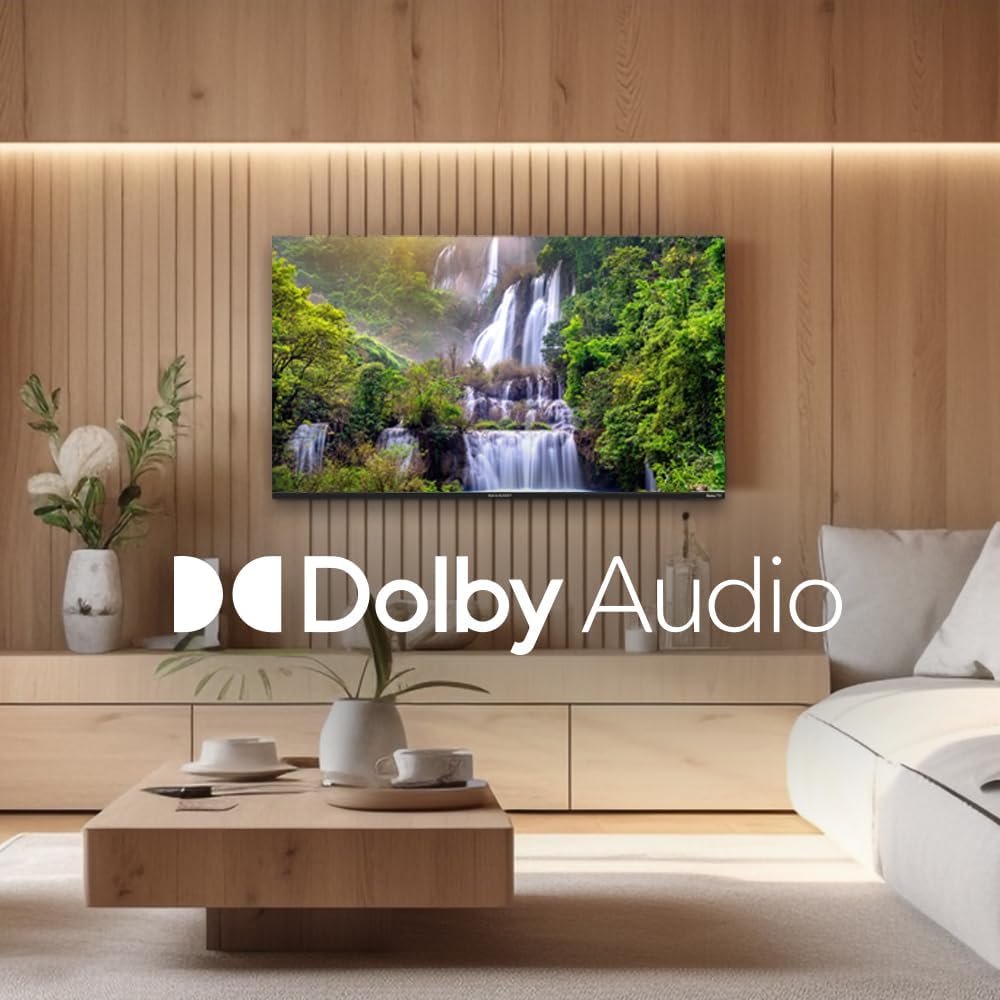
Figure 5.1: Sharp Roku TV showcasing Dolby Audio. This image highlights the television's audio capabilities, with the Dolby Audio logo prominently displayed over a vibrant nature scene.
5.2 Roku OS Navigation
The Roku Home screen provides access to all your streaming channels, inputs, and settings.
- Home Screen: Press the Home button on the remote to return to the main menu.
- Streaming Channels: Select a channel icon to launch the app.
- Live TV: Access live broadcast channels (if an antenna is connected) or The Roku Channel's live TV guide.
- Settings: Navigate to the Settings menu for network configuration, display options, audio settings, and system updates.
6. Maintenance
6.1 Cleaning the TV
To maintain the appearance and performance of your TV, follow these cleaning guidelines:
- Always unplug the TV before cleaning.
- Use a soft, lint-free cloth to gently wipe the screen. For stubborn marks, slightly dampen the cloth with water or a specialized screen cleaner. Never spray cleaner directly onto the screen.
- Wipe the cabinet and stand with a soft, dry cloth.
- Avoid using abrasive cleaners, waxes, or solvents.
7. Troubleshooting
Refer to this section for solutions to common issues you may encounter.
| Problem | Possible Cause | Solution |
|---|---|---|
| No Power | Power cord not securely connected; outlet not working. | Check power cord connection. Test outlet with another device. |
| No Picture, but Sound is Present | Incorrect input selected; external device issues. | Press the Input button to select the correct source. Check connections to external devices. |
| No Sound, but Picture is Present | Volume muted or too low; audio settings incorrect. | Unmute volume or increase level. Check audio output settings in the TV menu. |
| Wi-Fi Connection Issues | Incorrect password; router issues; TV too far from router. | Re-enter Wi-Fi password. Restart router and TV. Move TV closer to router or use a Wi-Fi extender. |
| Remote Control Not Working | Dead batteries; obstruction between remote and TV. | Replace batteries. Remove any obstructions. Ensure remote is pointed at the TV. |
8. Specifications
Key technical specifications for the Sharp Roku TV 4K Ultra HD (55").
| Feature | Detail |
|---|---|
| Model Number | 4TC55EL8UR |
| Screen Size | 55 Inches (140 cm diagonal) |
| Display Technology | LED |
| Resolution | 4K Ultra HD (3840 x 2160p) |
| Refresh Rate | 60 Hz |
| Aspect Ratio | 16:9, 4:3 |
| Audio Output | 16 Watts (8W+8W) Speaker System, Dolby Audio |
| Connectivity | Wi-Fi, HDMI, USB (specific port count not detailed in input, general) |
| Product Dimensions (with stand) | Approx. 11.22 x 48.35 x 29.41 inches (D x W x H) |
| Item Weight | Approx. 29 pounds (13.2 Kilograms) |
| Power Consumption | 130 watts (operating) |
| Batteries Required (Remote) | 2 AAA batteries |

Figure 8.1: Dimensional diagram of the Sharp Roku TV (55 inch). This diagram provides precise measurements of the television, including width and height with and without the stand.
9. Warranty and Support
For warranty information and technical support, please refer to the official Sharp website or contact their customer service directly. Warranty terms and conditions may vary by region and purchase date.
You can find more information and support resources by visiting the official Sharp Store on Amazon.


