
Mobility Lab R484321
Mobility Lab RYGHT NOIR TEMPO Wireless Headphones
User Manual
Model: R484321
Introduction
Thank you for choosing the Mobility Lab RYGHT NOIR TEMPO Wireless Headphones. These headphones are designed to provide a superior audio experience with crystal-clear sound, deep bass, and exceptional comfort. With intuitive controls and a long-lasting battery, they are perfect for music listening and phone calls on the go.
What's in the Box
- RYGHT NOIR TEMPO Wireless Headphones
- USB-C Charging Cable
- 3.5mm Audio Jack Cable
- User Manual (this document)
Product Overview


Setup
1. Charging the Headphones
Before first use, fully charge the headphones. Connect the supplied USB-C cable to the charging port on the headphones and the other end to a USB power source (e.g., computer USB port or wall adapter).
- The LED indicator will show charging status.
- A full charge provides up to 20 hours of playback.
2. Powering On/Off
- To Power On: Press and hold the Power button until the LED indicator lights up.
- To Power Off: Press and hold the Power button until the LED indicator turns off.
3. Bluetooth Pairing
- Ensure the headphones are powered off.
- Press and hold the Power button for approximately 5 seconds until the LED indicator flashes blue and red, indicating pairing mode.
- On your device (smartphone, tablet, computer), enable Bluetooth and search for new devices.
- Select "RYGHT TEMPO" from the list of available devices.
- Once paired, the LED indicator will turn solid blue or flash slowly.
4. Wired Connection (3.5mm Jack)
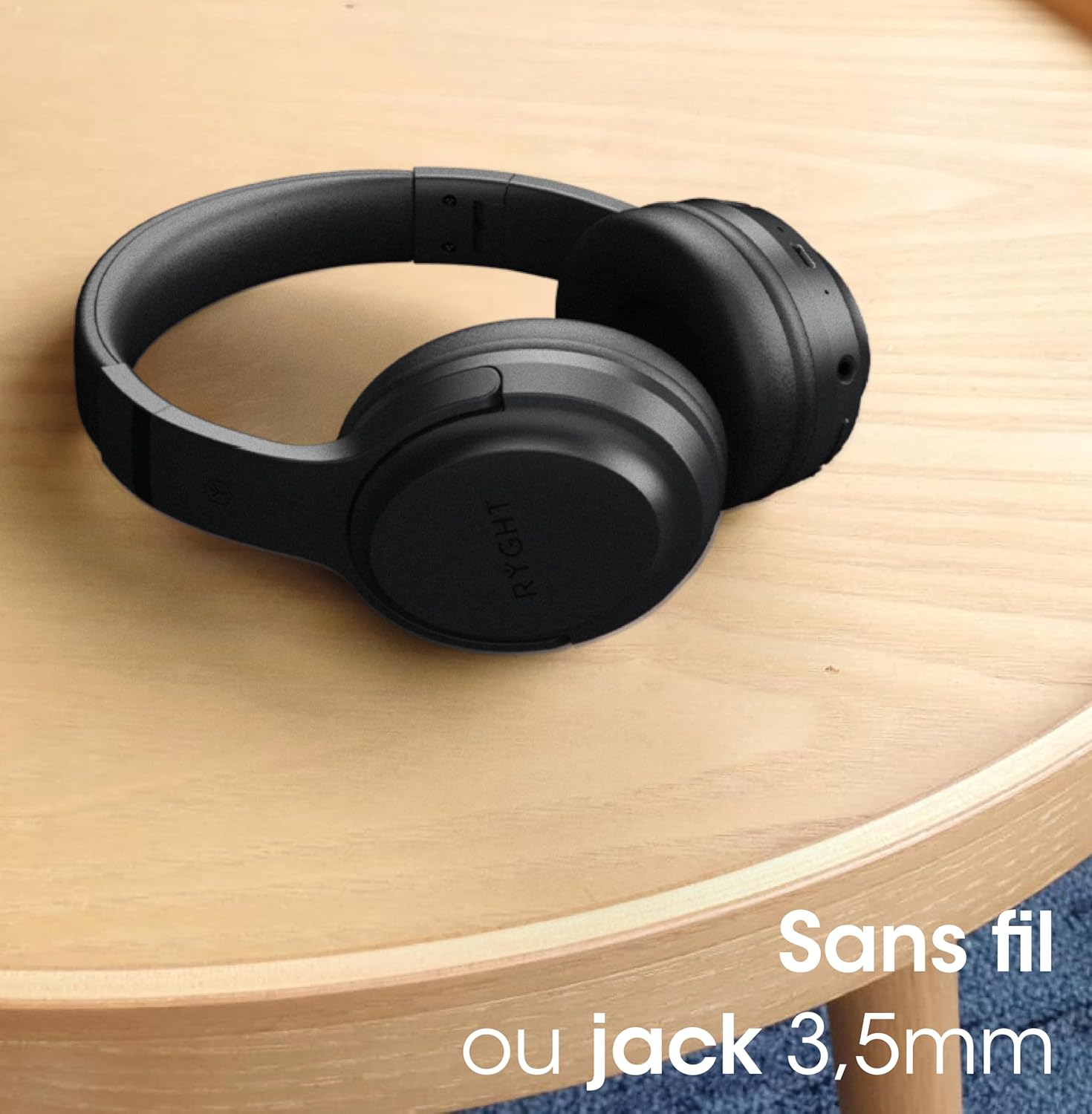
For a wired connection, simply plug one end of the 3.5mm audio jack cable into the headphone's audio input and the other end into your audio device's headphone jack. The headphones can be used passively in wired mode without battery power.
Operating Instructions
1. Music Control
- Play/Pause: Press the Multi-function button once.
- Next Track: Press and hold the Volume Up button.
- Previous Track: Press and hold the Volume Down button.
- Volume Up: Short press the Volume Up button.
- Volume Down: Short press the Volume Down button.
2. Call Management
- Answer/End Call: Press the Multi-function button once.
- Reject Call: Press and hold the Multi-function button for 2 seconds.
- Redial Last Number: Double-press the Multi-function button.
3. Voice Assistant Activation
- Activate Voice Assistant: Triple-press the Multi-function button to activate your device's voice assistant (e.g., Siri, Google Assistant).
Maintenance
1. Cleaning
- Wipe the headphones with a soft, dry cloth.
- Do not use abrasive cleaners or solvents.
- Keep the charging port and audio jack free of dust and debris.
2. Storage
- Store the headphones in a cool, dry place away from direct sunlight and extreme temperatures.
- Utilize the foldable design for compact storage when not in use.
3. Battery Care
- To preserve battery life, charge the headphones regularly, even if not used frequently.
- Avoid fully discharging the battery for extended periods.
Troubleshooting
| Problem | Solution |
|---|---|
| Headphones do not power on. | Ensure the headphones are charged. Connect to a power source and try again. |
| Cannot pair with device. | Ensure headphones are in pairing mode (flashing blue/red LED). Turn off and on Bluetooth on your device. Move headphones closer to the device. |
| No sound or low volume. | Check volume levels on both headphones and your device. Ensure headphones are properly paired or the 3.5mm cable is fully inserted. |
| Sound distortion. | Move closer to your device to avoid interference. Check audio source quality. |
| Microphone not working. | Ensure the headphones are connected and selected as the input device on your computer/smartphone. |
Specifications
| Feature | Detail |
|---|---|
| Brand | Mobility Lab |
| Model Name | TEMPO |
| Item Model Number | R484321 |
| Color | NOIR (Black) |
| Connectivity Technology | Wireless (Bluetooth) |
| Wireless Communication Technology | Bluetooth |
| Headphone Jack | 3.5 mm Jack |
| Form Factor | Over Ear |
| Ear Placement | Supra-aural |
| Impedance | 32 ohms |
| Frequency Range | 20 Hz - 20,000 Hz |
| Noise Isolation | Active Noise Cancellation |
| Item Weight | 160 Grams |
| Dimensions | 173 x 191 x 79mm |
| Material | Faux Leather |
| Features | Long Battery Life, Padded Earcups, Foldable and Lightweight, Clear and Deep Sound |
| Compatible Devices | Computer, Smartphones, Tablet |
| Control Type | Voice Assistant |
| Cable Function | Detachable |
Warranty and Support
Mobility Lab products are designed for reliability and performance. For information regarding warranty coverage, technical support, or service, please refer to the warranty card included with your purchase or visit the official Mobility Lab website. Keep your proof of purchase for any warranty claims.
For further assistance, you may contact Mobility Lab customer support through their official channels.
Ask a question about this manual
Ask about setup, troubleshooting, compatibility, parts, safety, or missing instructions. Manuals+ will review the question and use this page’s manual context to help answer it.