
TOPTRO TR23
TOPTRO TR23 Mini Projector User Manual
Model: TR23
1. Introduction
Thank you for choosing the TOPTRO TR23 Mini Projector. This manual provides essential information for setting up, operating, and maintaining your projector to ensure optimal performance and longevity. The TR23 features smart electric focus, WiFi 6 and Bluetooth 5.2 connectivity, 1080P support, and an advanced dustproof design, offering a superior home theater experience.
2. Safety Information
Please read all safety instructions before using the projector. Keep this manual for future reference.
- Do not look directly into the projector lens when the lamp is on.
- Ensure proper ventilation to prevent overheating. Do not block ventilation openings.
- Use only the power adapter supplied with the projector.
- Avoid placing the projector in unstable locations or near water.
- Do not attempt to repair the projector yourself. Contact qualified service personnel.
3. Package Contents
Verify that all items are present in the package:
- TOPTRO TR23 Mini Projector
- Remote Control
- HDMI Cable
- Power Adapter
- User Manual
- Cleaning Kit
- 3.5 mm Jack Cable
4. Product Overview
Familiarize yourself with the components of your TOPTRO TR23 projector.

Figure 4.1: Front view of the TOPTRO TR23 Mini Projector, showcasing its compact design and integrated handle for portability.

Figure 4.2: The TOPTRO TR23 Mini Projector positioned on a table, highlighting its portable form factor and sleek appearance.

Figure 4.3: Top and side view of the projector, illustrating the one-key start button and various input ports (HDMI, USB, IR receiver).
5. Setup
5.1 Unpacking
Carefully remove the projector and all accessories from the packaging. Retain the original packaging for future storage or transport.
5.2 Placement
Place the projector on a stable, flat surface. Ensure there is adequate space around the projector for ventilation. The projector supports front, rear, ceiling, and table mounting options.
5.3 Power Connection
Connect the power adapter to the projector's power input port, then plug the adapter into a power outlet.
5.4 Initial Setup and Focus
After powering on, the projector will automatically adjust focus. For fine-tuning, use the remote control's electric focus function.

Figure 5.1: Demonstrates the ease and precision of the TR23's electric focus compared to traditional manual focus, achieving clarity in seconds.
6. Operating Instructions
6.1 Power On/Off
Press the power button on the projector or the remote control to turn the unit on or off.
6.2 Input Sources
The projector supports multiple input sources:
- HDMI: Connect devices like Fire TV Stick, Chromecast, Roku, DVD players, laptops, PS5.
- USB: Connect USB devices for media playback.
- AV: Connect older devices using the AV port.
6.3 Wireless Connectivity
The TR23 features advanced wireless capabilities:
- WiFi 6: For stable and fast wireless screen mirroring from iOS, Android, and Windows 10 devices.
- Bluetooth 5.2: For connecting external audio devices like Bluetooth headphones, speakers, or AirPods.

Figure 6.1: Illustrates the superior speed and stability of 5G WiFi connectivity for seamless screen mirroring compared to 2.4G WiFi.
6.4 Screen Mirroring
To mirror your device's screen:
- Ensure your device and the projector are connected to the same WiFi network.
- Select the screen mirroring option on the projector's menu.
- Follow the on-screen instructions for iOS, Android, or Windows devices.
Note on Copyrighted Content: Due to copyright restrictions, direct screen mirroring of content from platforms like Netflix, Prime Video, and Disney+ is not supported. For these services, please use an external streaming device (e.g., Fire TV Stick, Chromecast) connected via HDMI.
6.5 Adjusting Projection
Optimize your viewing experience with these adjustments:
- Zoom Function: Adjust the image size from 100% down to 50% using the remote control.
- Keystone Correction: The projector supports 4D/4P Keystone Correction and Auto Vertical Correction to ensure a perfectly rectangular image even when the projector is not perfectly aligned with the screen.

Figure 6.2: Illustrates the various keystone correction methods available, including 4-point, horizontal, and vertical adjustments, for optimal image alignment.
6.6 Audio Output
The projector features dual 6W stereo speakers for an immersive sound experience. You can also connect external audio devices via Bluetooth or the 3.5mm headphone jack.
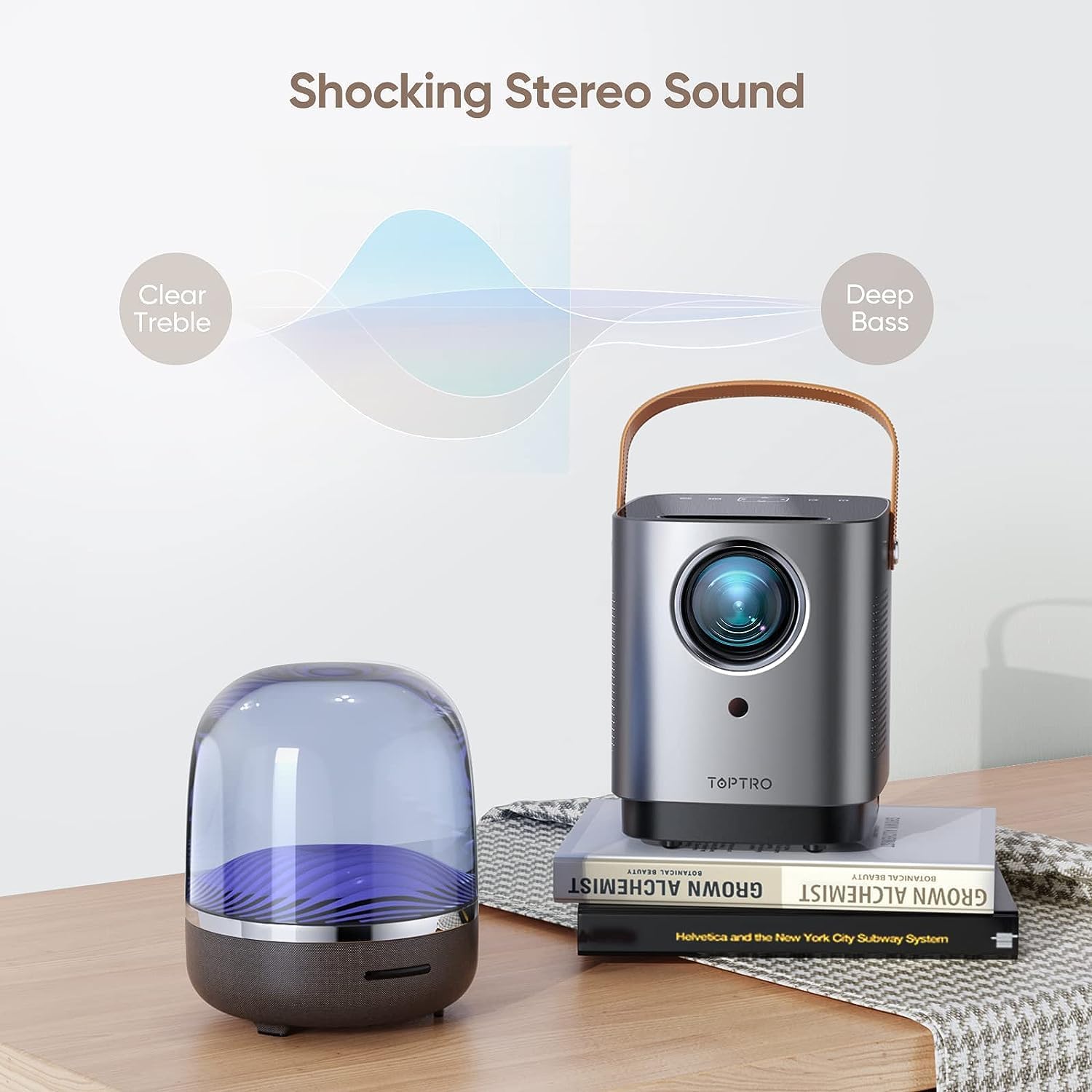
Figure 6.3: The projector's audio capabilities, emphasizing clear treble and deep bass from its built-in stereo speakers.
7. Maintenance
7.1 Dustproof Design
The TOPTRO TR23 features an IP5X-certified fully sealed optical system. This design effectively prevents dust from entering the optical components, reducing issues like yellow screens, black spots, and light leakage, and extending the projector's lifespan.

Figure 7.1: Internal view illustrating the full-sealed optical engine, designed to prevent dust accumulation and maintain image quality.
7.2 Cleaning
To maintain optimal performance:
- Use a soft, dry cloth to clean the exterior of the projector.
- For the lens, use a lens cleaning cloth and specialized lens cleaning solution. Do not use abrasive cleaners.
- Regularly check and clean the ventilation openings to ensure proper airflow.
8. Troubleshooting
If you encounter issues, refer to the following common problems and solutions:
| Problem | Possible Cause | Solution |
|---|---|---|
| No picture / No signal | Incorrect input source selected; Loose cable connection; Device not powered on. | Select correct input source (HDMI/USB/AV); Check all cable connections; Ensure connected device is powered on. |
| Blurred image | Focus not adjusted; Projector too close/far from screen. | Use electric focus via remote control; Adjust projection distance. |
| No sound | Volume too low/muted; External audio device not connected properly; Source device audio settings. | Increase volume/unmute; Check Bluetooth connection or 3.5mm cable; Adjust audio output on source device. |
| Screen mirroring issues (e.g., Netflix black screen) | Copyright restrictions; Network instability. | Use an external streaming device (Fire TV Stick, Chromecast) for copyrighted content; Ensure stable WiFi connection. |
| Overheating / Automatic shutdown | Blocked ventilation; Prolonged use in hot environment. | Ensure ventilation openings are clear; Operate in a well-ventilated area; Allow projector to cool down. |
9. Specifications
| Feature | Specification |
|---|---|
| Model | TR23 |
| Native Resolution | 1280 x 720P |
| Supported Resolution | 1920 x 1080P |
| Brightness | 15000 Lux (320 ANSI Lumen) |
| Contrast Ratio | 20000:1 |
| Display Technology | LCD |
| Aspect Ratio | 16:9 / 4:3 |
| Projection Size | 40-300 inches |
| Projection Distance | 3-12 feet |
| Focus | Electric Focus |
| Keystone Correction | 4D/4P Keystone, Auto Vertical Correction |
| Zoom Function | 100%-50% |
| WiFi Standard | WiFi 6 (5G) |
| Bluetooth Standard | Bluetooth 5.2 |
| Audio | Dual 6W Stereo Speakers |
| Input Ports | HDMI, USB, AV, 3.5mm Audio |
| Noise Level | Below 35dB |
| Dimensions | 15.7 x 13.18 x 17.48 cm |
| Weight | 861.83 g |
10. Warranty and Support
TOPTRO provides a 2-year after-sales service for the TR23 Mini Projector. If you encounter any issues or have questions, please do not hesitate to contact our dedicated customer support team.
Customer Support Email: service@toptro.com
Our support team is available 24/7 to assist you and ensure your complete satisfaction.
Related documentsTR23


Ask a question about this manual
Ask about setup, troubleshooting, compatibility, parts, safety, or missing instructions. Manuals+ will review the question and use this page’s manual context to help answer it.