
1. Introduction
Thank you for choosing the T'nB Astro EBXASTRO Bluetooth 5.3 TWS Semi In-Ear Earphones. These wireless earphones are designed for daily use, offering a comfortable semi in-ear fit, touch controls, and an integrated microphone for clear calls. Featuring Bluetooth 5.3 technology, they provide stable connectivity and up to 12 hours of listening time with the charging case.
2. Package Contents
Please ensure all items are present in your package:
- 1 x Pair of T'nB Astro Semi In-Ear Earphones
- 1 x Charging Case
- 1 x USB-C Charging Cable
- 1 x User Manual (this document)
3. Safety Information
Read all safety instructions before using this product. Failure to follow these instructions may result in electric shock, fire, or other hazards.
- Do not expose the earphones or charging case to extreme temperatures (above 45°C or below 0°C).
- Keep the device away from water and moisture. This product is not waterproof.
- Do not attempt to disassemble, repair, or modify the product. This will void the warranty.
- Avoid prolonged listening at high volume levels to prevent hearing damage.
- Keep out of reach of children and pets.
- Dispose of the product responsibly according to local regulations.
4. Setup
4.1 Charging the Earphones and Case
Before first use, fully charge the earphones and the charging case. Connect the supplied USB-C cable to the charging port on the case and to a compatible USB power source (e.g., computer, wall adapter). The indicator lights on the case will show the charging status. Once fully charged, the earphones provide over 12 hours of total listening time with the charging case.

Image: The T'nB Astro charging case and earphones, highlighting the 12-hour battery life.
4.2 Initial Bluetooth Pairing
- Ensure the earphones are charged.
- Open the charging case. The earphones will automatically enter pairing mode.
- On your device (smartphone, tablet, etc.), enable Bluetooth and search for new devices.
- Select "T'nB Astro" from the list of available devices.
- Once connected, a confirmation sound will play, and the earphones are ready for use.
The earphones feature automatic pairing. After the initial setup, they will automatically connect to the last paired device when removed from the case.
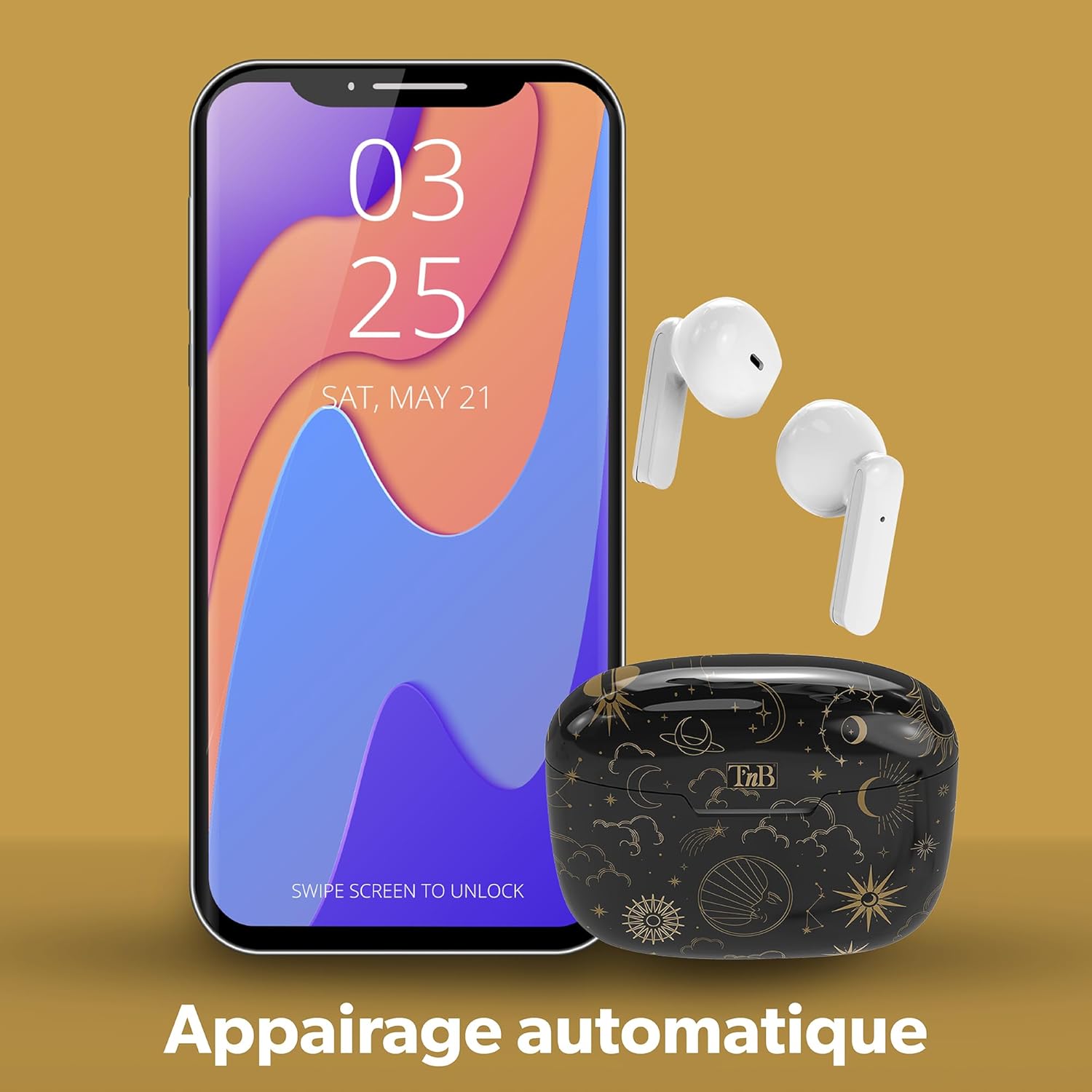
Image: Illustration of automatic pairing with a smartphone.
5. Operating Instructions
5.1 Wearing the Earphones
The T'nB Astro earphones are designed with an ergonomic, semi in-ear form factor for comfortable wear during extended listening sessions. Gently insert each earbud into your ear canal until it feels secure and comfortable.

Image: A user demonstrating the ergonomic fit of the earphones.
5.2 Touch Controls
The earphones feature intuitive touch controls on each earbud. Specific functions may vary slightly depending on your device and application.
- Play/Pause: Single tap on either earbud.
- Next Track: Double tap on the right earbud.
- Previous Track: Double tap on the left earbud.
- Volume Up: Triple tap on the right earbud.
- Volume Down: Triple tap on the left earbud.
- Answer/End Call: Single tap on either earbud.
- Reject Call: Press and hold on either earbud for 2 seconds.
- Activate Voice Assistant: Press and hold on either earbud for 3 seconds (when not on a call).
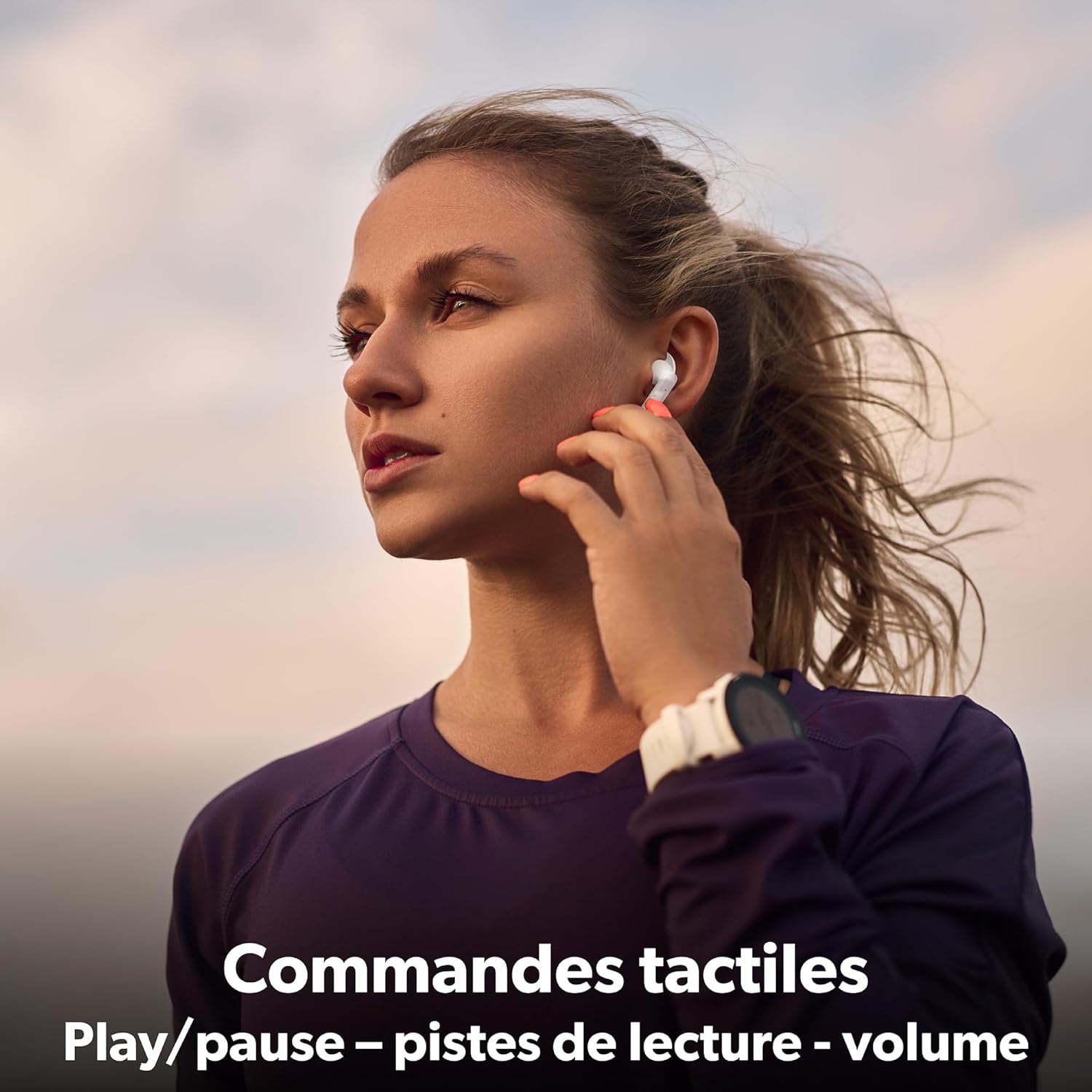
Image: Demonstrating the touch control functionality on the earphones.
5.3 Making and Receiving Calls
The integrated microphone allows for hands-free calls. Use the touch controls as described above to manage your calls.

Image: A user making a call with the integrated microphone.
5.4 Power On/Off
- Power On: The earphones power on automatically when removed from the charging case.
- Power Off: Place the earphones back into the charging case and close the lid. They will power off automatically and begin charging.
6. Maintenance
6.1 Cleaning
Regular cleaning helps maintain optimal performance and hygiene:
- Use a soft, dry, lint-free cloth to wipe the earphones and charging case.
- Do not use abrasive cleaners, alcohol, or chemical solvents.
- Gently clean the ear tips and speaker mesh with a dry cotton swab to remove any earwax or debris.
6.2 Storage
When not in use, store the earphones in their charging case to protect them from dust, damage, and to keep them charged.
7. Troubleshooting
| Problem | Solution |
|---|---|
| Earphones do not power on. | Ensure the earphones and charging case are fully charged. |
| Cannot pair with device. |
|
| No sound or low volume. |
|
| One earbud has no sound. |
|
8. Specifications
| Feature | Detail |
|---|---|
| Brand | T'nB |
| Model Name | Astro |
| Model Number | EBXASTRO |
| Connectivity Technology | Wireless (Bluetooth) |
| Bluetooth Version | 5.3 |
| Form Factor | Semi In-Ear |
| Battery Life (with case) | Up to 12 hours |
| Charging Port | USB-C |
| Control Type | Touch Control |
| Integrated Microphone | Yes |
| Impedance | 32 Ohms |
| Frequency Response | 100-12000 Hz |
| Sensitivity | 96 dB |
| Material | Plastic with silicone/rubber for tips |
| Water Resistance Level | Not waterproof |
| Recommended Uses | Music listening, video games, phone calls |
9. Warranty and Support
For warranty information and customer support, please refer to the documentation provided at the time of purchase or visit the official T'nB website. Keep your proof of purchase for any warranty claims.