
Introduction
The 7RYMS iRay DW10 is a versatile mini multi-functional wireless microphone system designed for high-quality audio recording across various devices. It features advanced noise reduction, reverb effects, and broad compatibility, making it ideal for content creation, live streaming, and more.

Image: The 7RYMS iRay DW10 wireless microphone system, including two transmitters, one receiver, and a charging case, along with various cables and accessories.
What's in the Box
The 7RYMS iRay DW10 package includes the following components:
- 2 x Transmitter (TX)
- 1 x Receiver (RX)
- 1 x Charging Case
- 1 x 3.5mm TRRS-TRRS Audio Cable
- 1 x 2-in-1 Charging/Audio Cable
- 2 x Wind Muff
- 1 x Carry Case
- 1 x User Manual
- 1 x Warranty Card

Image: A visual representation of all items included in the product packaging, clearly labeled for identification.
Setup
Initial Charging
Before first use, ensure all components (transmitters and receiver) are fully charged using the provided USB-C charging cable and charging case. The charging case itself also provides extended battery life.

Image: The iRay DW10 charging case with the transmitters and receiver docked inside, indicating charging status.
Connecting the Receiver (RX)
The receiver offers multiple output options for broad compatibility:
- USB-C Digital Output: Connect directly to smartphones (Android, iPhone 15 series), tablets, or computers using the appropriate USB-C cable.
- 3.5mm TRRS Output: Use the 3.5mm TRRS-TRRS audio cable for smartphones (older iPhones with adapter, Android with adapter) or devices requiring a TRRS connection.
- 3.5mm TRS Output: For cameras and camcorders, use a 3.5mm TRS cable (not included, but compatible).
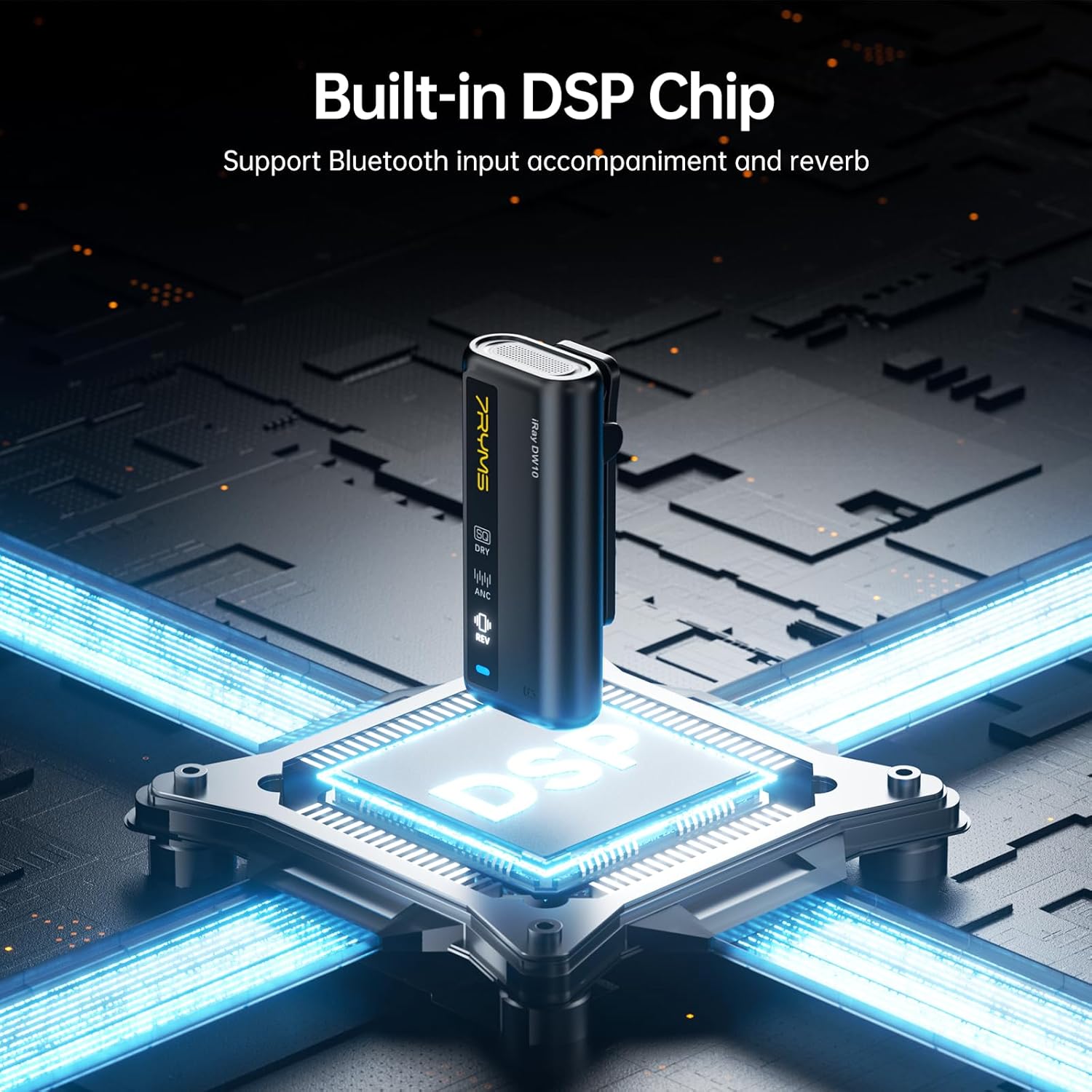
Image: The iRay DW10 receiver shown connected to a camera, smartphone, and laptop, demonstrating its wide compatibility.
Pairing Transmitters (TX)
The transmitters and receiver are typically pre-paired from the factory. If re-pairing is needed, refer to the user manual for specific instructions on activating pairing mode on both devices.
Operating
Power On/Off
Press and hold the power button on both the transmitters and receiver to turn them on or off. Indicators will light up to confirm power status.
Audio Modes and Controls
The iRay DW10 features a built-in DSP chip and offers multiple audio modes:
- Original Mode (DRY): Captures raw, unprocessed audio.
- Noise Reduction Mode (ANC): Utilizes AI noise reduction technology for clear sound. Activate with a one-click noise reduction button.
- Reverb Mode (REV): Adds a reverberation effect for enriched stereo and spatial sense.

Image: Close-up of the transmitter unit highlighting the "DRY" (Original), "ANC" (Noise Reduction), and "REV" (Reverb) mode indicators and control buttons.
Mute Function: A dedicated "Mute" button on the transmitter allows for quick handling of streaming/recording emergencies.
Stepless Gain Control: The receiver features a large yellow dial for precise adjustment of audio gain, allowing you to fine-tune input levels to meet diverse shooting needs.

Image: A visual representation of how the AI noise reduction technology processes audio, showing the waveform before and after noise reduction.
Two-way Communication & Bluetooth Input
The system supports bidirectional audio transmission, enabling communication while recording or monitoring sound through the transmitter. It also allows inputting background music via Bluetooth 5.3.

Image: The iRay DW10 receiver displaying its Bluetooth connection to a smartphone, indicating external audio input capability.
Transmission Range
The iRay DW10 offers a remarkable 656ft (200m) transmission range in open areas, ensuring stable and reliable signal transfer for uninterrupted recording.

Image: A person walking away from a camera setup with the iRay DW10, demonstrating the extensive 656ft (200m) transmission range in an open outdoor environment.
Maintenance
Battery Life & Charging
Each transmitter provides 7.5 hours of battery life, with the charging case extending total usage time up to 15 hours. Both TX and RX units feature USB-C charging ports, allowing charging while in use.

Image: The iRay DW10 charging case with the units inside, showing indicators for charging time, continuous podcasting time, and total usage time with the charging case.
Cleaning and Storage
Use a soft, dry cloth to clean the units. Store the microphone system in its provided carry case when not in use to protect it from dust and damage.
Attach the included wind muffs to the transmitters when recording outdoors to minimize wind noise.
Troubleshooting
| Problem | Possible Cause | Solution |
|---|---|---|
| No Audio Output | Muted transmitter/receiver, low battery, incorrect connection, out of range. | Check mute status, charge units, ensure correct cable connection, move closer to receiver. |
| Poor Audio Quality / Noise | Interference, incorrect mode, no wind muff outdoors. | Activate Noise Reduction (ANC) mode, use wind muff, avoid strong interference sources. |
| Units Not Pairing | Out of range, pairing mode not activated correctly. | Bring units closer, follow manual's pairing instructions. |
| Short Battery Life | Units not fully charged, aging battery. | Ensure full charge cycles, consider battery replacement if severe degradation. |
Specifications
- Model Name: iRay DW10
- Brand: 7RYMS
- Connectivity Technology: UHF
- Connector Type: USB Type-C, 3.5 mm Jack
- Microphone Form Factor: Lavalier
- Polar Pattern: Omnidirectional
- Audio Sensitivity: 32 dB
- Signal-to-Noise Ratio: 70 dB
- Power Source: Battery Powered (3 Lithium Polymer batteries included)
- Operating Time: Up to 15 hours (with charging case)
- Transmission Range: 656ft (200m) in open areas
- Sampling Rate: 48kHz/16bit
- Special Features: Built-in Sound Card, AI Denoise Technology, Built-in DSP Chip (Reverb Effect), Two-way Communication, Bluetooth 5.3 Input, Stepless Gain Control, One-key Mute
- Compatible Devices: Cameras, Camcorders, Laptops, Macbooks, Tablets (via adapter cables), Samsung S24/S23/22/21/20/10, Pixel, Oneplus, and all Android Smartphones (via adapter cables), iPhone14/13/12/XR/8/7/6 (adapter cables not included)
- Material: Aluminum, Plastic
- Item Weight: 11.3 ounces
- Package Dimensions: 7.01 x 4.33 x 2.6 inches
- Color: Black
Official Product Videos
Watch the official product video for a comprehensive overview of the 7RYMS iRay DW10 Wireless Lavalier Microphone system:
Video: Official product demonstration of the 7RYMS DW10 Wireless Lavalier Microphone, showcasing its features and use cases.
Warranty and Support
7RYMS offers a 365-day replacement and lifetime service for their products. For any inquiries or support, please refer to the contact information provided in the included Warranty Card or visit the official 7RYMS Store.
7RYMS is committed to providing professional audio equipment with stringent quality control and advanced technology.
Visit the 7RYMS Store