
Introduction

This manual provides detailed instructions for the setup, operation, and maintenance of your AT&T CL83107 DECT 6.0 Cordless Phone system. This system features DECT 6.0 technology, a dual keypad base, an integrated answering machine, Smart Call Blocker, Caller ID Announcer, intercom functionality, and extended range capabilities. Please read this manual thoroughly to ensure proper use and to take full advantage of all features.
Setup
Package Contents
Verify that your package contains the following items:
- AC Adapter
- Base Unit
- Battery Pack (1 product specific battery required, included)
- Cordless Handset
- Quick Start Guide
- Telephone Line Cord
Battery Installation
- Open the battery compartment cover on the back of the cordless handset.
- Connect the battery pack connector securely into the jack inside the compartment.
- Place the battery pack into the compartment.
- Close the battery compartment cover.
- Place the handset in the charger or base unit to charge for at least 16 hours before initial use.
Connecting the Base Unit
- Plug one end of the telephone line cord into the TEL LINE jack on the back of the base unit.
- Plug the other end of the telephone line cord into a telephone wall jack.
- Plug the small end of the AC adapter into the POWER jack on the back of the base unit.
- Plug the large end of the AC adapter into an electrical outlet not controlled by a wall switch.
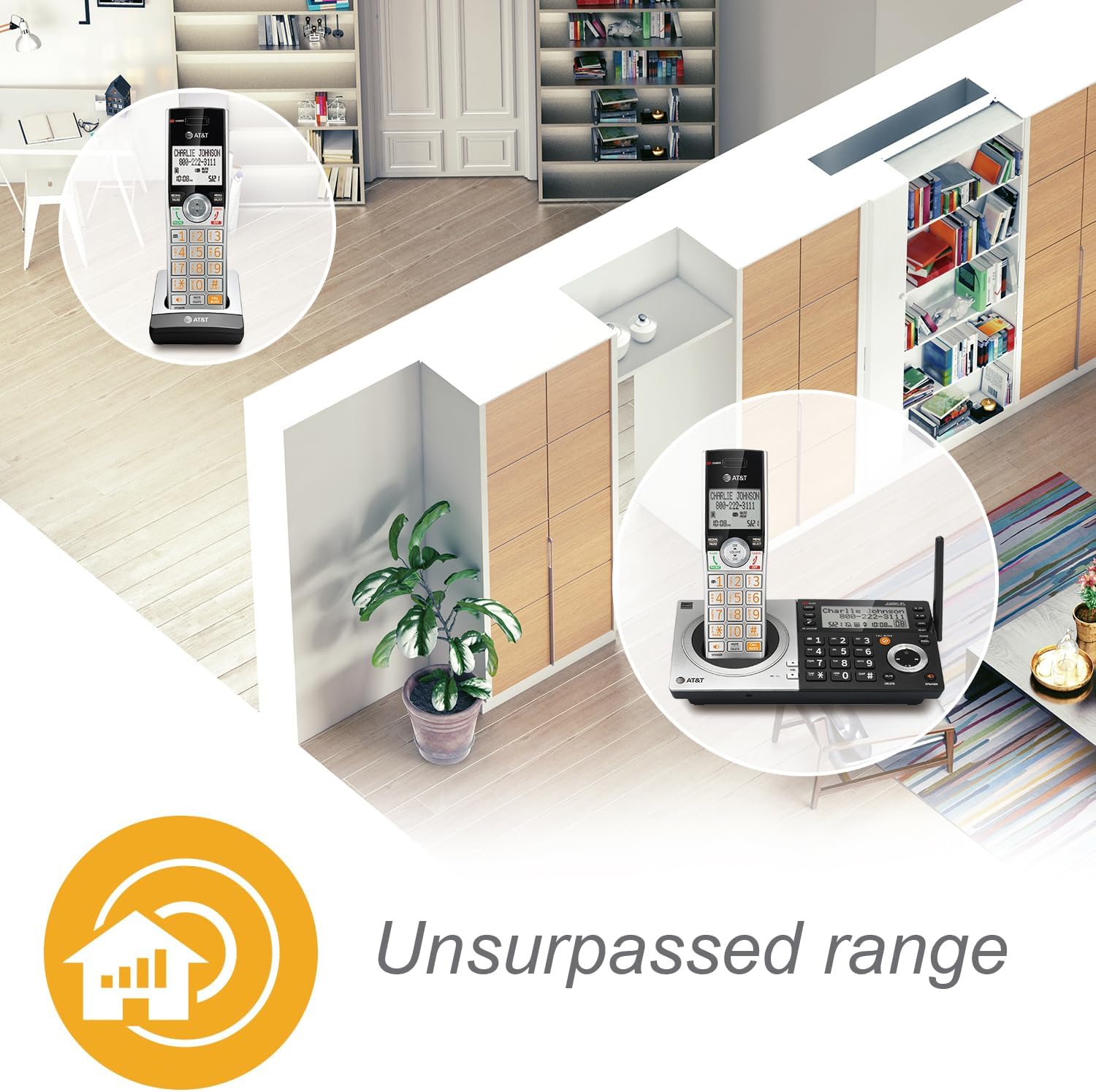
Note: Use only the supplied power adapter and telephone line cord. Ensure the base unit is placed in a central location for optimal range.
Handset Registration
Your handset(s) are pre-registered to the base unit. If you purchase additional CL80107 or CL80067 accessory handsets (up to 12 total), you will need to register them. Refer to the accessory handset's manual for specific registration instructions.
Operating Instructions
Making and Receiving Calls
- To Make a Call: Press PHONE or SPEAKER, then dial the number.
- To Answer a Call: Press PHONE or SPEAKER when the phone rings.
- To End a Call: Press OFF or place the handset in the charger/base.
Digital Answering System
The integrated digital answering system can record up to 22 minutes of messages, announcements, and memos.
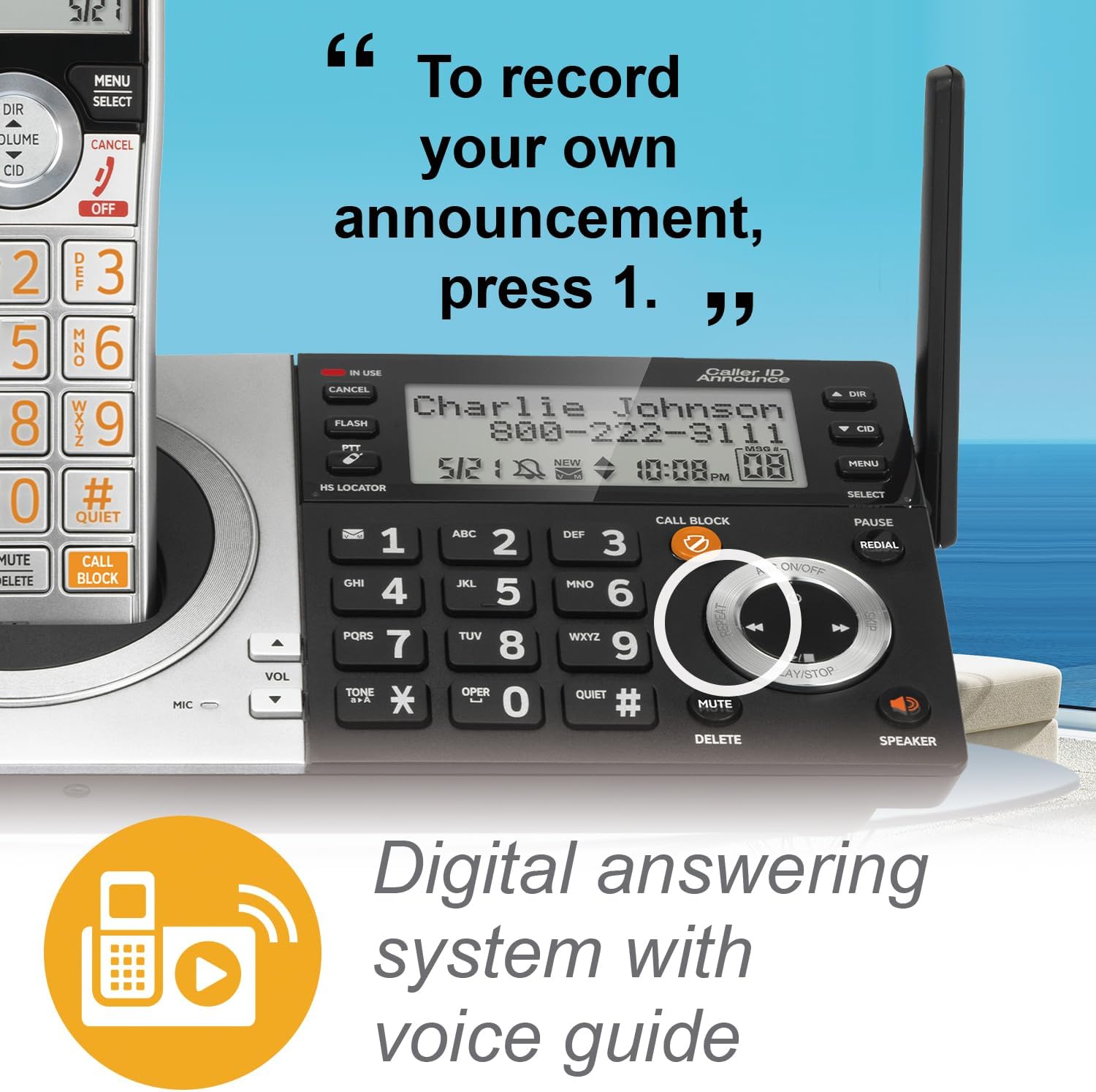
- Playing Messages: Press PLAY/STOP on the base or handset.
- Recording an Announcement: Follow the voice prompts from the answering system menu.
- Deleting Messages: Press DELETE during message playback or from the menu.
Smart Call Blocker
The Smart Call Blocker feature helps filter unwanted calls. Robocalls are automatically blocked. You can also manually block numbers.
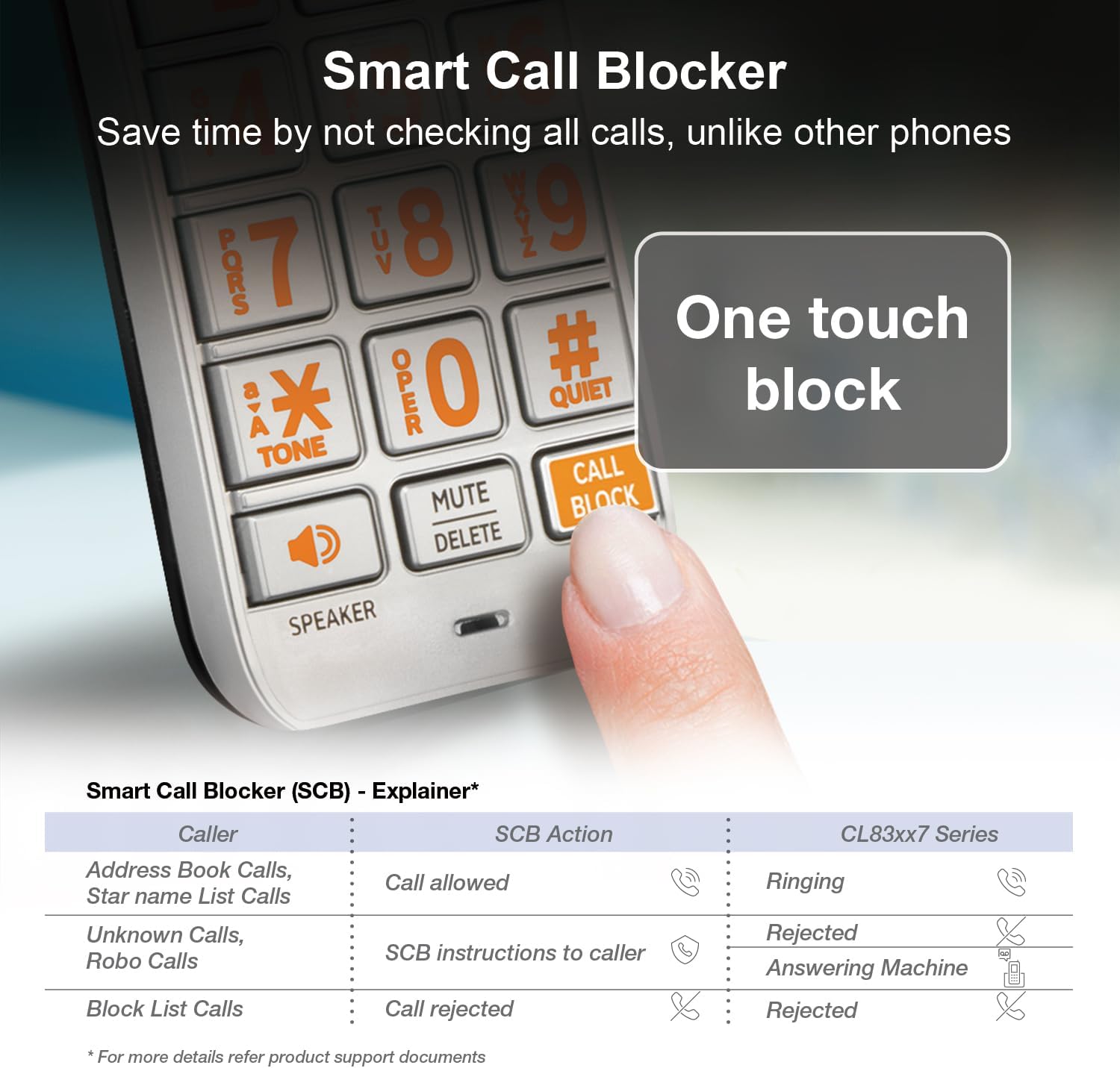
- Blocking a Number: During a call or from the Caller ID log, press the CALL BLOCK button.
- Managing Block List: Access the Call Blocker menu to add or remove numbers. The directory can store up to 1,000 entries.
Caller ID Announce
When a call comes in, the handset and base unit will announce the name of the caller (if available in your Caller ID service and phonebook).

Speakerphone and Intercom

- Speakerphone: Press SPEAKER on the handset or base to activate the speakerphone during a call. This allows for hands-free communication.
- Intercom: Use the intercom feature to communicate between handsets or between a handset and the base unit. Refer to the menu options for initiating an intercom call.
Push-to-Talk
The Push-to-Talk (PTT) feature allows you to use your handset as a walkie-talkie with other handsets in your system.

- Initiating PTT: Press and hold the PTT button on the side of the handset.
- Speaking: Speak into the handset while holding the PTT button.
- Listening: Release the PTT button to listen.
Quiet Mode
Quiet mode silences all handset and base ringers for a set period, useful for uninterrupted sleep or activities.

- Activating Quiet Mode: Access the menu on the handset or base and select the Quiet Mode option. You can set the duration.
Display and Keypad Features


- Extra-Large Display: The handset features a high-contrast, extra-large LCD for easy viewing of caller ID and menu options.
- Lighted Keypad: The keypad is backlit, allowing for easy dialing in low-light conditions.
- Big Buttons: Large, clearly labeled buttons enhance usability.
HD Audio
The system supports HD audio with an equalizer, allowing for customized audio profiles for clearer conversations.
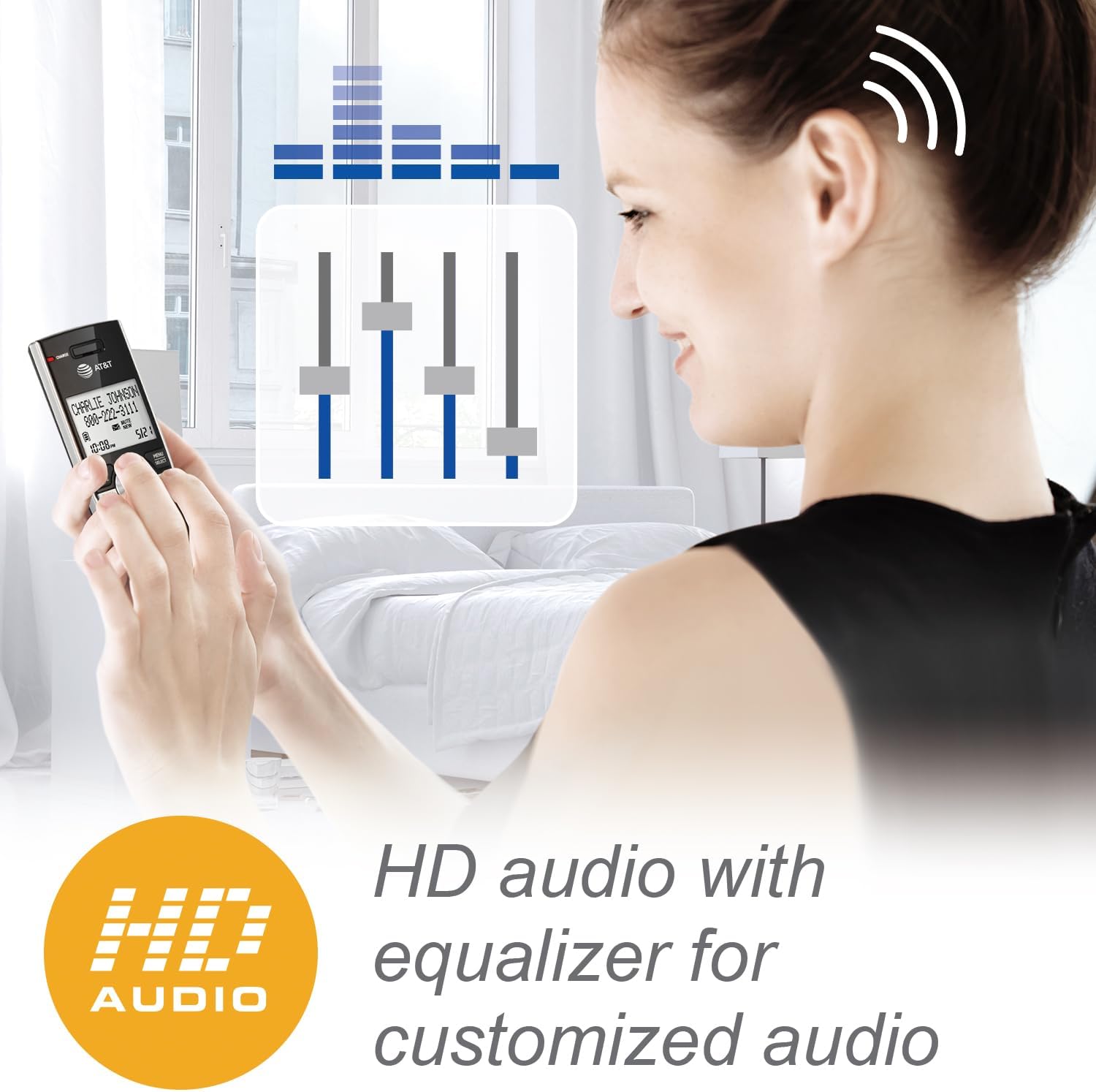
- Adjusting Audio: Access the audio settings in the handset menu to adjust equalizer settings for preferred sound quality.
Maintenance
- Cleaning: Clean the phone and base unit with a soft, damp cloth. Do not use cleaning sprays or liquid cleaners.
- Battery Care: To maintain optimal battery performance, fully charge the handset for 16 hours before first use. If the handset will not be used for an extended period, remove the battery.
- Environmental Conditions: Avoid placing the phone in direct sunlight, near heat sources, or in areas with high humidity.
Troubleshooting
| Problem | Solution |
|---|---|
| No dial tone |
|
| Handset does not charge |
|
| Poor range or static |
 |
| Smart Call Blocker not working as expected |
|
Specifications
- Model Number: CL83107
- Technology: DECT 6.0
- Color: Silver/Black Keypad Base
- Telephone Type: Cordless
- Dialer Type: Dual Keypad
- Answering System Type: Digital
- Recording Capacity: Up to 22 minutes
- Power Source: Corded Electric (AC Adapter)
- Batteries: 1 Product Specific battery (included)
- Phone Talk Time: Approximately 2.5 days
- Phone Standby Time: Approximately 5 days
- Dimensions (L x W x H): 14 x 7.6 x 22.1 Centimetres
- Material: Plastic
- Caller ID: Yes
- Conference Call Capability: Up to five parties
- Multiline Operation: Single-Line Operation
- Expandability: Up to 12 handsets (compatible with CL80107, CL80067, and other specified models)
Warranty Information
AT&T products are manufactured by VTech Communications, Inc. A limited warranty typically covers this product for a period of one year from the date of purchase. For specific warranty terms and conditions, please refer to the warranty card included with your product or visit the official AT&T product support website. Keep your original purchase receipt as proof of purchase.
Customer Support
For technical assistance, product registration, or to download the full user manual, please visit the official AT&T product support website or contact their customer service. Contact information can typically be found in the Quick Start Guide or on the manufacturer's website.


