
1. Introduction
The Caddytek CaddyView Version 3 rangefinder is designed to enhance your golf game with advanced distance measurement capabilities. It incorporates FlagSeeking, Pin-Validation, and Slope functions to provide accurate and reliable readings on the course. This manual will guide you through the proper use and care of your new rangefinder.
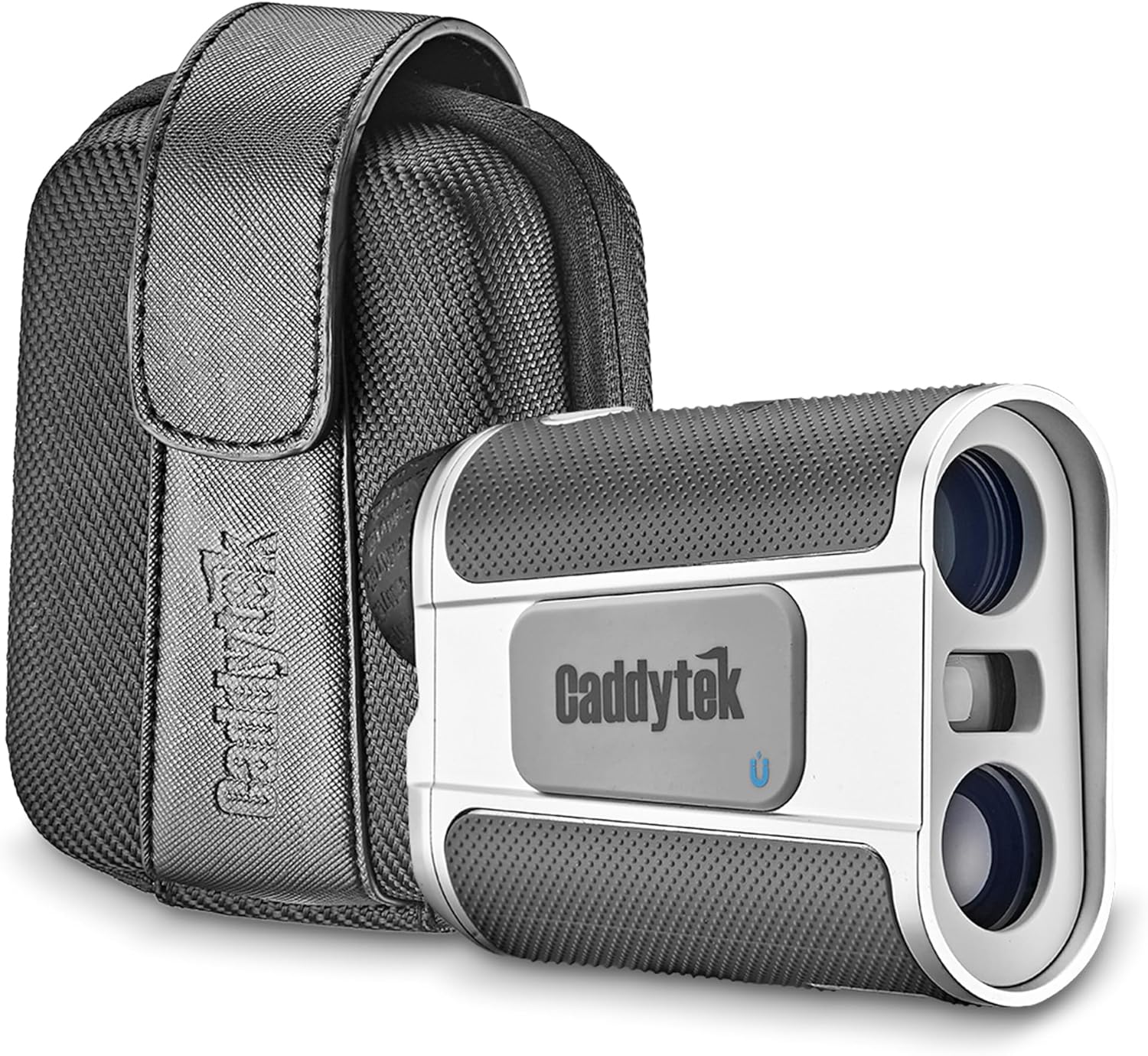
Image 1.1: Caddytek Golf Laser Rangefinder (Model LRF-V3) with its included protective case.
2. Key Features
- Slope and Non-Slope Mode: Easily switch between modes using the dedicated 'Mode' button. An LED indicator (green for non-slope, red for slope) on the V3 name plate clearly identifies the active mode, ensuring compliance with USGA and R&A Rules of Golf when slope is disabled.
- FlagSeeking and Pin-Validation Technology: This feature allows the rangefinder to accurately measure the distance to the flagstick, ignoring background objects like trees or bushes. The 'Pin-Validation' function provides a slight vibration to confirm that the target has been successfully locked.
- Powerful Magnification and Range: Features 6x magnification for clear viewing. The device can range distances from 5 to 800 yards (4.5 to 730 meters) and specifically 5 to 250 yards (4.5 to 228 meters) to a golf flag. Accuracy is +/- 1 yard/meter.
- Scan Mode: Allows for continuous scanning of the landscape to obtain multiple distance readings quickly.
- Convenient Power Source: Operates on a CR-2, 3V battery, which is included with the unit.
- Magnet Suction Plate: Equipped with a magnet suction plate for convenient attachment to a golf cart's metal frame, providing easy access during play.
- Durable Design: Features an IPX4 waterproof design, protecting it from splashes and light rain.
- Lightweight and Compact: Weighs less than 8 oz (227 g) with dimensions of 4'' x 3'' x 1.5'' (10 x 7.6 x 3.8 cm), making it easy to carry and handle.

Image 2.1: Visual representation of key product features including 6x magnification, IPX4 waterproof rating, and lightweight design.
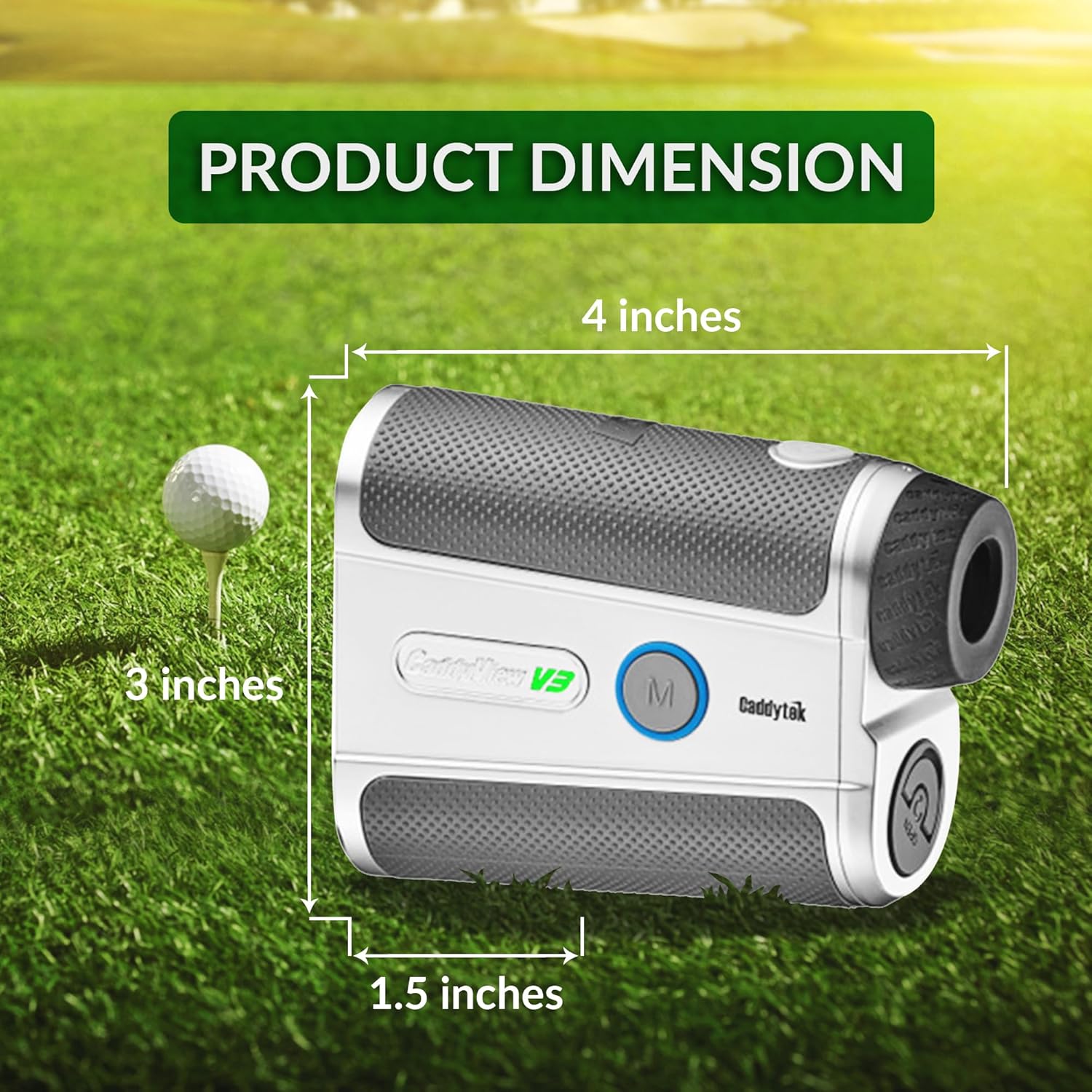
Image 2.2: Detailed product dimensions of the rangefinder.
3. Setup
3.1 Battery Installation
- Locate the battery compartment on the side or bottom of the rangefinder.
- Twist or slide open the battery cover.
- Insert the included CR-2, 3V battery, ensuring the positive (+) and negative (-) terminals are correctly aligned as indicated inside the compartment.
- Close the battery cover securely.
3.2 Power On/Off
- To power on the device, press the Power button (usually located on the top). The display will activate.
- The device will automatically power off after a period of inactivity to conserve battery life.
4. Operating Instructions
4.1 Measuring Distance
- Look through the eyepiece.
- Aim the reticle (crosshairs) at your desired target.
- Press the Power/Measure button once to get a single distance reading. The distance will be displayed on the internal LCD.
4.2 Switching Between Non-Slope and Slope Mode
- Press the 'Mode' button (often labeled 'M') to toggle between Non-Slope and Slope modes.
- Observe the LED indicator on the V3 name plate: Green indicates Non-Slope mode (legal for tournament play), and Red indicates Slope mode (provides adjusted distance for elevation changes).

Image 4.1: Illustration of the rangefinder's display and the mechanism for switching between Non-Slope and Slope modes.
4.3 FlagSeeking and Pin-Validation
- When aiming at a flagstick with background objects, activate the FlagSeeking function by pressing and holding the Power/Measure button while slowly scanning across the flag.
- The rangefinder will identify the closest target (the flag) and provide a slight vibration to confirm the lock, indicating the Pin-Validation function is active.

Image 4.2: Demonstrates the FlagSeeking technology and Pin-Validation feature.

Image 4.3: Shows the rangefinder being used to measure distance to a flagstick.
4.4 Scan Mode
- To activate Scan Mode, press and hold the Power/Measure button.
- While holding the button, slowly pan the rangefinder across multiple targets. The display will continuously update with distances to different objects.
4.5 Magnet Suction Plate
- The integrated Magnet Suction Plate allows you to conveniently attach the rangefinder to any metal surface, such as the frame of a golf cart.
- Ensure the surface is clean and flat for optimal magnetic adhesion.
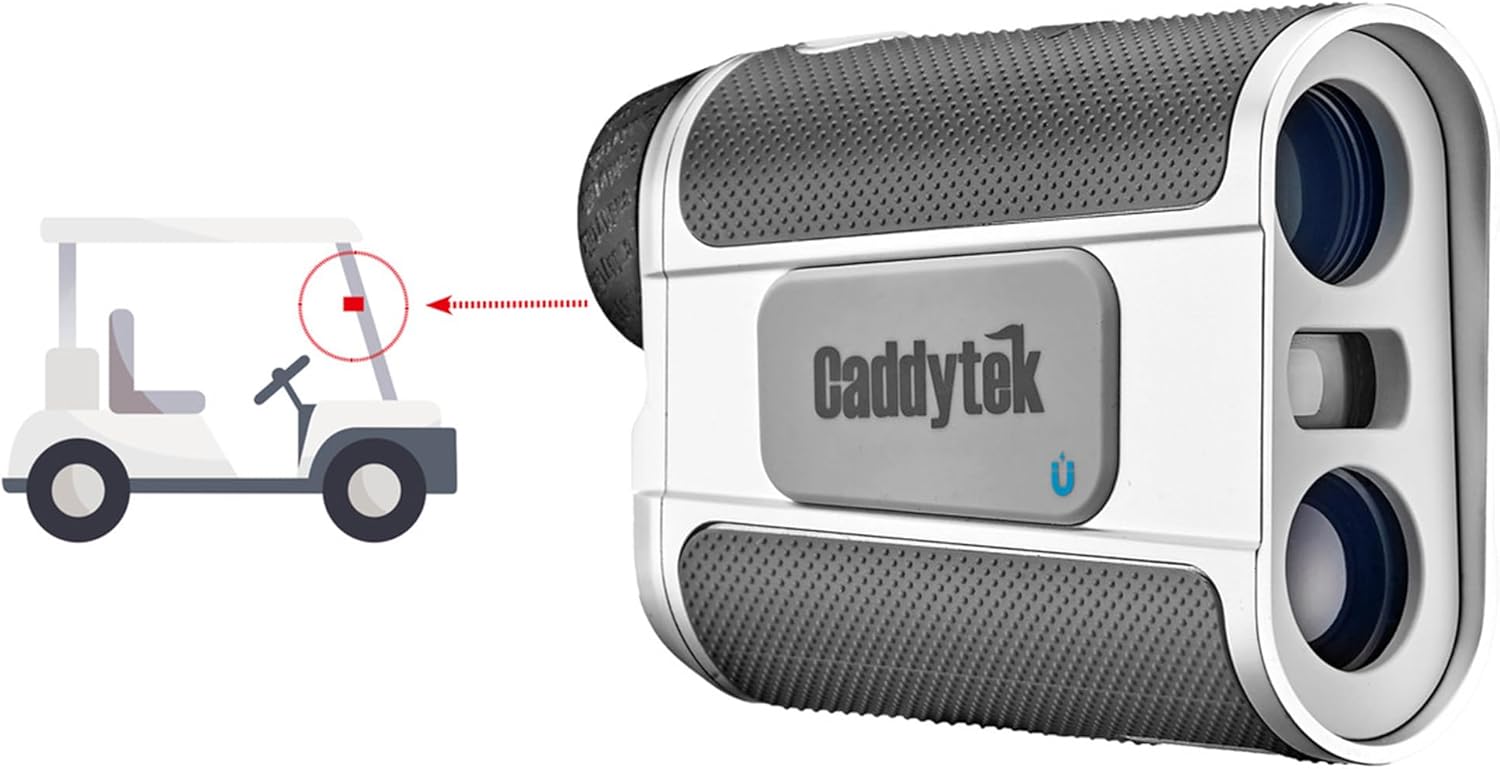
Image 4.4: Illustration of the Magnet Suction Plate feature for attaching to a golf cart.
5. Maintenance
- Cleaning Lenses: Use a soft, clean microfiber cloth to gently wipe the lenses. Avoid using abrasive materials or harsh chemicals that could scratch the lens coating.
- Battery Replacement: Replace the CR-2, 3V battery when the low battery indicator appears on the display. Always dispose of used batteries responsibly.
- Storage: Store the rangefinder in its protective pouch in a cool, dry place when not in use. Avoid extreme temperatures and direct sunlight.
- Water Resistance: The device is IPX4 waterproof, meaning it is resistant to splashing water from any direction. Do not submerge the rangefinder in water.
6. Troubleshooting
| Problem | Possible Cause | Solution |
|---|---|---|
| Device does not power on. | Battery is dead or incorrectly installed. | Check battery orientation. Replace with a new CR-2, 3V battery. |
| Inaccurate distance readings. | Lens is dirty; target is too far or too close; unstable aiming. | Clean lenses. Ensure target is within 5-800 yards range. Hold device steady or use Scan Mode. |
| Display is dim or flickering. | Low battery. | Replace the battery. |
| Pin-Validation not vibrating. | Not properly locked onto the flag; flag is too far. | Ensure you are scanning slowly across the flag. Flag must be within 250 yards. |
7. Specifications
| Specification | Detail |
|---|---|
| Model Number | LRF-V3 |
| Magnification | 6X |
| Measuring Range | 5 to 800 yards (4.5 to 730 meters) |
| Flag Range | 5 to 250 yards (4.5 to 228 meters) |
| Accuracy | +/- 1 yard/meter |
| Power Source | CR-2, 3V Battery (included) |
| Water Resistance | IPX4 Waterproof |
| Weight | Less than 8 oz (227 g) |
| Dimensions (L x W x H) | 4'' x 1.5'' x 3'' (10 x 3.8 x 7.6 cm) |
| Material | Plastic |
| Included Components | Pouch, Rangefinder, CR2 V3 Lithium Battery |
| UPC | 850018062473 |
8. Warranty and Support
Your Caddytek Golf Laser Rangefinder (Model LRF-V3) is covered by a 1-year manufacturer's warranty from the date of purchase. This warranty covers defects in materials and workmanship under normal use.
For warranty claims, technical support, or any questions regarding your product, please contact Caddytek customer service directly. Refer to the contact information provided on the product packaging or the official Caddytek website for the most up-to-date support details.
Please retain your proof of purchase for warranty validation.
