
Fashionit U Hydro
Fashionit U Hydro Portable Bluetooth Speaker User Manual
Model: U Hydro
1. Introduction
Thank you for purchasing the Fashionit U Hydro Portable Bluetooth Speaker. This manual provides essential information for setting up, operating, and maintaining your speaker. Please read it carefully before use to ensure optimal performance and longevity of your device.
2. Safety Information
- Do not attempt to disassemble or modify the speaker. This may void the warranty and cause damage.
- Keep the speaker away from extreme temperatures, direct sunlight, and open flames.
- Ensure the charging port cover is securely closed when using the speaker near water to maintain its IPX6 water resistance.
- Avoid prolonged exposure to loud volumes to prevent hearing damage.
- Use only the provided or certified charging cables.
3. Package Contents
Please check the package for the following items:
- U Hydro Portable Bluetooth Speaker
- USB Charging Cable
- User Manual
4. Product Overview
Familiarize yourself with the speaker's components:

Image 1: Front view of the U Hydro Portable Bluetooth Speaker, showing the speaker grille, LED light band, and attached strap.
Buttons and Indicators:
- Power Button: Press and hold to turn on/off.
- Play/Pause Button: Press to play or pause music.
- Volume Up/Next Track Button: Press to increase volume, hold for next track.
- Volume Down/Previous Track Button: Press to decrease volume, hold for previous track.
- Multi-function Button (M): Double-click for selfie remote function.
- LED Indicator: Shows power status, charging status, and Bluetooth pairing status.
Ports:
- USB Charging Port: For charging the speaker's internal battery. Ensure the protective cover is sealed when not charging.
5. Setup
5.1 Charging the Speaker
- Open the protective cover of the USB charging port.
- Connect the USB charging cable to the speaker's charging port and the other end to a USB power adapter (not included) or a computer's USB port.
- The LED indicator will show charging status (e.g., red while charging, off when fully charged).
- A full charge takes approximately 5 hours.
- Once charging is complete, securely close the protective cover to maintain water resistance.
5.2 Powering On/Off
- To Power On: Press and hold the Power Button until the LED indicator lights up and you hear an audible prompt.
- To Power Off: Press and hold the Power Button until the LED indicator turns off and you hear an audible prompt.
6. Operating Instructions
6.1 Bluetooth Pairing
- Ensure the speaker is powered on and in pairing mode (LED indicator will flash, usually blue).
- On your device (smartphone, tablet, etc.), enable Bluetooth and search for available devices.
- Select "U Hydro" from the list of devices.
- Once paired, the LED indicator will stop flashing and remain solid, and you will hear a confirmation sound.
- The speaker will automatically connect to the last paired device when powered on, if within range.
6.2 Playing Music
- After successful Bluetooth pairing, start playing music on your connected device.
- Play/Pause: Press the Play/Pause Button.
- Volume Control: Press the Volume Up or Volume Down buttons.
- Next Track: Hold the Volume Up button.
- Previous Track: Hold the Volume Down button.
6.3 Selfie Remote Function
The U Hydro speaker features a remote shutter function for your smartphone camera.
- Ensure the speaker is paired with your smartphone.
- Open your smartphone's camera application.
- Double-click the Multi-function Button (M) on the speaker to trigger the camera shutter.
6.4 True Wireless Stereo (TWS) Pairing (Optional)
For an immersive stereo experience, you can pair two U Hydro speakers together.
- Ensure both U Hydro speakers are powered on and not connected to any Bluetooth device.
- On one speaker, press and hold the Multi-function Button (M) until you hear a pairing tone, indicating it's searching for another speaker.
- The two speakers will automatically connect to each other. Once connected, you will hear a confirmation sound.
- Now, connect your device to one of the paired speakers via Bluetooth as described in section 6.1. The device will recognize them as a single stereo unit.

Image 2: Multiple U Hydro speakers by a pool, illustrating the possibility of True Wireless Stereo pairing for enhanced sound.

Image 3: A U Hydro speaker being held inside a tent, demonstrating its compact size and portability for outdoor adventures like camping.
7. Maintenance
- Cleaning: Wipe the speaker with a soft, damp cloth. Do not use abrasive cleaners or solvents.
- Water Resistance: Always ensure the charging port cover is tightly sealed when using the speaker in wet environments. While IPX6 rated, it is water resistant, not fully submersible.
- Storage: Store the speaker in a cool, dry place when not in use for extended periods.
- Battery Care: To prolong battery life, avoid fully discharging the speaker frequently. Charge it regularly.

Image 4: The U Hydro speaker in a shower environment, highlighting its IPX6 water resistance for use in wet conditions.
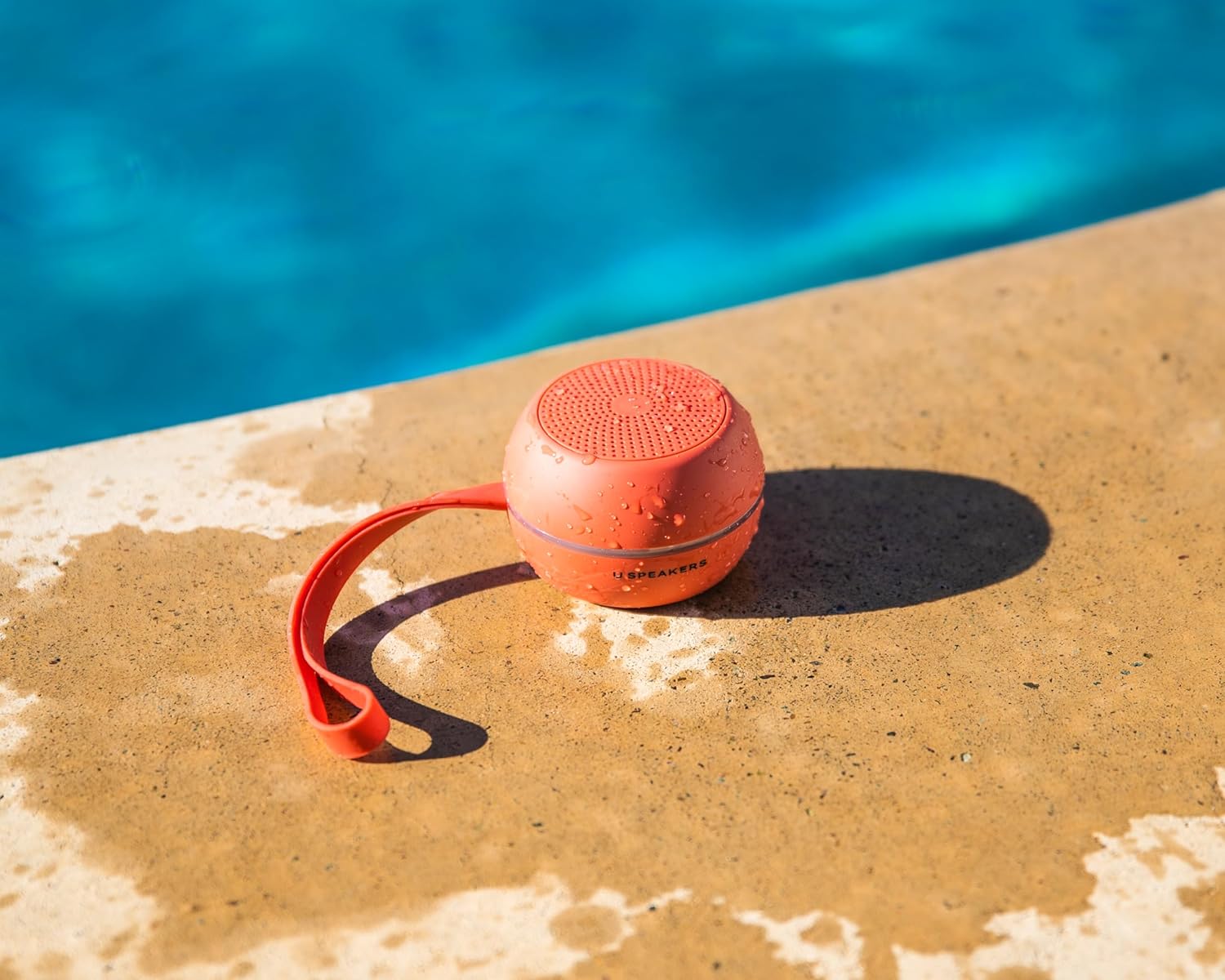
Image 5: A U Hydro speaker placed by a swimming pool, wet from splashes, emphasizing its suitability for outdoor and water-related activities.
8. Troubleshooting
| Problem | Possible Cause | Solution |
|---|---|---|
| Speaker does not turn on. | Low battery. | Charge the speaker fully. |
| Cannot pair with Bluetooth device. | Speaker not in pairing mode; device Bluetooth off; too far from speaker. | Ensure speaker is in pairing mode. Turn device Bluetooth off/on. Move device closer to speaker (within 10 meters). |
| No sound or low volume. | Volume too low on speaker or device; speaker not connected. | Increase volume on both speaker and device. Re-pair the speaker. |
| Sound distortion. | Volume too high; low battery. | Reduce volume. Charge the speaker. |
| Selfie remote not working. | Speaker not paired; camera app not open. | Ensure speaker is paired. Open your smartphone's camera app. |
9. Specifications
- Model Name: U Hydro
- Brand: Fashionit
- Connectivity: Bluetooth 5.0
- Wireless Range: Up to 10 meters (33 feet)
- Water Resistance: IPX6 (Water Resistant)
- Battery Life: Up to 5 hours
- Charging Time: Approximately 5 hours
- Power Source: Battery Powered
- Item Weight: 7.8 ounces (0.22 kg)
- Material: Aluminum
- Compatible Devices: Laptop, Smartphone, Tablet, Television
- Special Features: True Wireless Stereo (TWS) Pairing, Selfie Remote Function
10. Warranty and Support
Fashionit products are designed for reliability and performance. For specific warranty details, please refer to the warranty card included with your purchase or visit the official Fashionit website. If you encounter any issues or have questions regarding your U Hydro speaker, please contact Fashionit customer support through their official channels.
For more information, visit: Fashionit Store on Amazon
Related documentsU Hydro

Ask a question about this manual
Ask about setup, troubleshooting, compatibility, parts, safety, or missing instructions. Manuals+ will review the question and use this page’s manual context to help answer it.