
1. Introduction
Thank you for choosing JOYWISE Bluetooth Headphones. These wireless earbuds are designed for an active lifestyle, offering a comfortable and secure fit, long-lasting battery life, and high-fidelity audio. With IPX7 waterproofing and Bluetooth 5.3 technology, they are ideal for sports, running, and workouts.
This manual provides detailed instructions on how to set up, operate, and maintain your headphones to ensure optimal performance and longevity.
2. What's in the Box
Upon unboxing your JOYWISE U18C headphones, please verify that all the following components are included:
- Wireless Headphones (JOYWISE U18C)
- USB-C Charging Cable
- User Manual
- Eartips (3 pairs: S, M, L)
- Carrying Bag
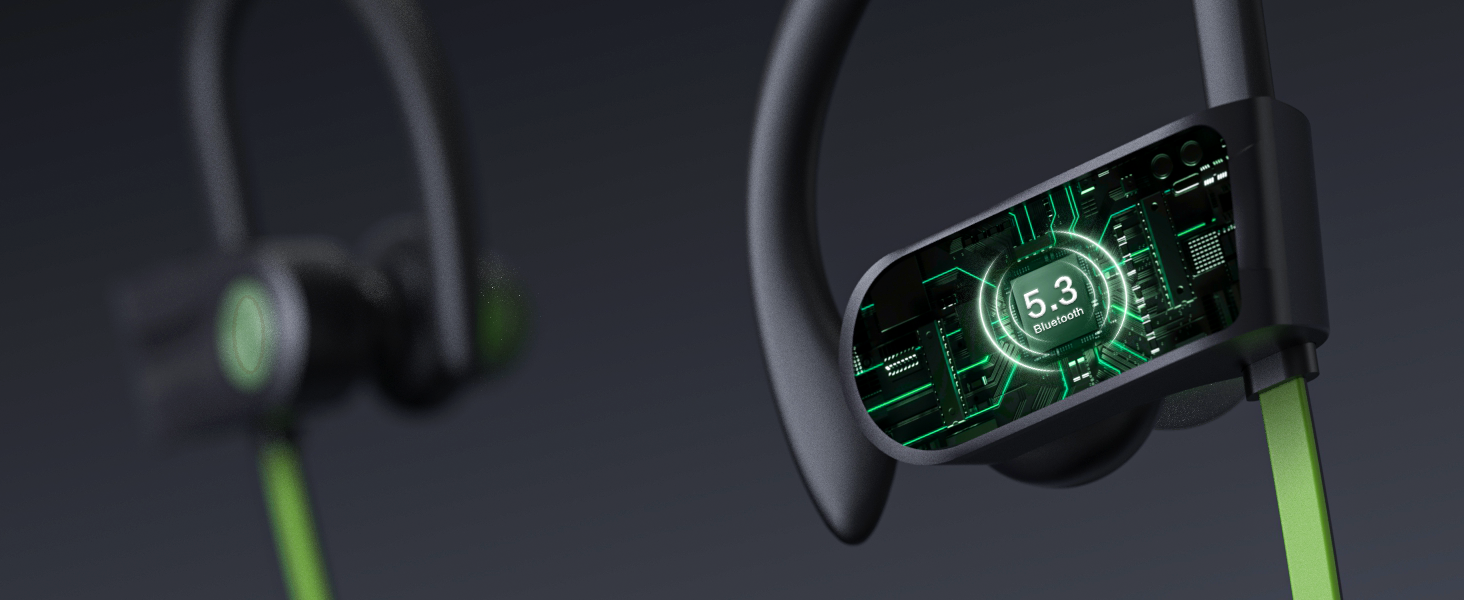
Figure 2.1: Included components of the JOYWISE U18C package.
3. Product Overview
The JOYWISE U18C headphones feature an ergonomic design with ear hooks for a secure fit, a durable neckband, and intuitive controls for a seamless audio experience.

Figure 3.1: JOYWISE U18C Bluetooth Headphones and carrying case.
3.1 Key Features
- Comfortable Fit and Durability: Ergonomic design with adjustable ear hooks and an upgraded durable neck lanyard for secure wear during intense activities.
- Long-lasting 16-hour Play Life: Enjoy extended music playback and call time without frequent recharging.
- Premium High-Fidelity Music & Clear Calls: Advanced audio technology for immersive sound and clear communication.
- Bluetooth 5.3 & Hassle-Free Button Controls: Stable wireless connection and easy management of audio and calls.
- IPX7 Waterproof Rating: Designed to withstand sweat and splashes, suitable for various workout conditions.
- AI Tailored Tunes with Boean APP: Enhance your music experience with the exclusive AI-driven Boean app for personalized compositions.

Figure 3.2: Overview of key features.
3.2 Controls and Indicators
The headphones feature intuitive button controls for easy operation:
- MFB Button (Multi-Function Button): Power On/Off, Play/Pause, Answer/End Calls.
- "+" Button: Volume Up, Next Track.
- "-" Button: Volume Down, Previous Track.
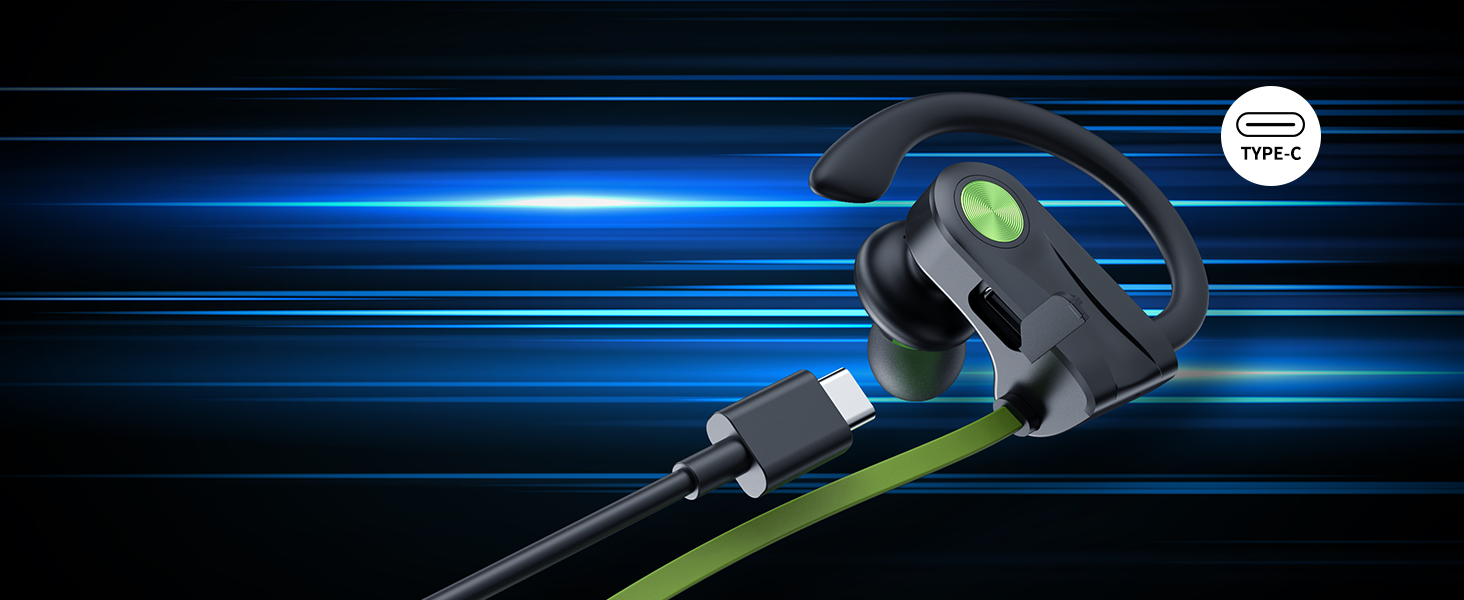
Figure 3.3: Button controls layout.
4. Setup
4.1 Charging the Headphones
Before first use, fully charge your JOYWISE U18C headphones. Use the provided USB-C charging cable.
- Connect the USB-C end of the cable to the charging port on the headphones.
- Connect the USB-A end to a compatible USB power source (e.g., computer USB port, wall adapter).
- The LED indicator on the headphones will show charging status (refer to specific light patterns in the quick start guide if available).
- A full charge provides up to 16 hours of continuous music playback.

Figure 4.1: Battery life and charging information.
4.2 Bluetooth Pairing
Pair your headphones with your Bluetooth-enabled device (smartphone, tablet, laptop) for the first time.
- Ensure the headphones are fully charged and turned off.
- Press and hold the MFB button until the LED indicator flashes blue and red alternately, indicating pairing mode.
- On your device, enable Bluetooth and search for available devices.
- Select "JOYWISE U18C" (or similar name) from the list of found devices.
- Once connected, the LED indicator will typically show a solid blue light or flash blue slowly.
Note: The headphones do not currently support direct connection with smartwatches. This is a common limitation across many headphone brands.

Figure 4.2: Bluetooth 5.3 technology for stable connection.
5. Operating Instructions
5.1 Power On/Off
- Power On: Press and hold the MFB button for approximately 3 seconds until the LED indicator flashes blue.
- Power Off: Press and hold the MFB button for approximately 5 seconds until the LED indicator flashes red and then turns off.
5.2 Music Playback
- Play/Pause: Short press the MFB button.
- Next Track: Long press the "+" button.
- Previous Track: Long press the "-" button.
- Volume Up: Short press the "+" button.
- Volume Down: Short press the "-" button.
5.3 Phone Calls
- Answer/End Call: Short press the MFB button.
- Reject Call: Long press the MFB button.
- Activate Voice Assistant: Double-press the MFB button.

Figure 5.1: Built-in microphone for clear calls.
5.4 Boean App Integration
Enhance your audio experience by connecting your JOYWISE U18C headphones with the exclusive AI-driven Boean app. The app allows you to:
- Experiment with diverse genres, beats, and tones.
- Generate personalized compositions based on your interactions.
- Access convenient modes for music creation.
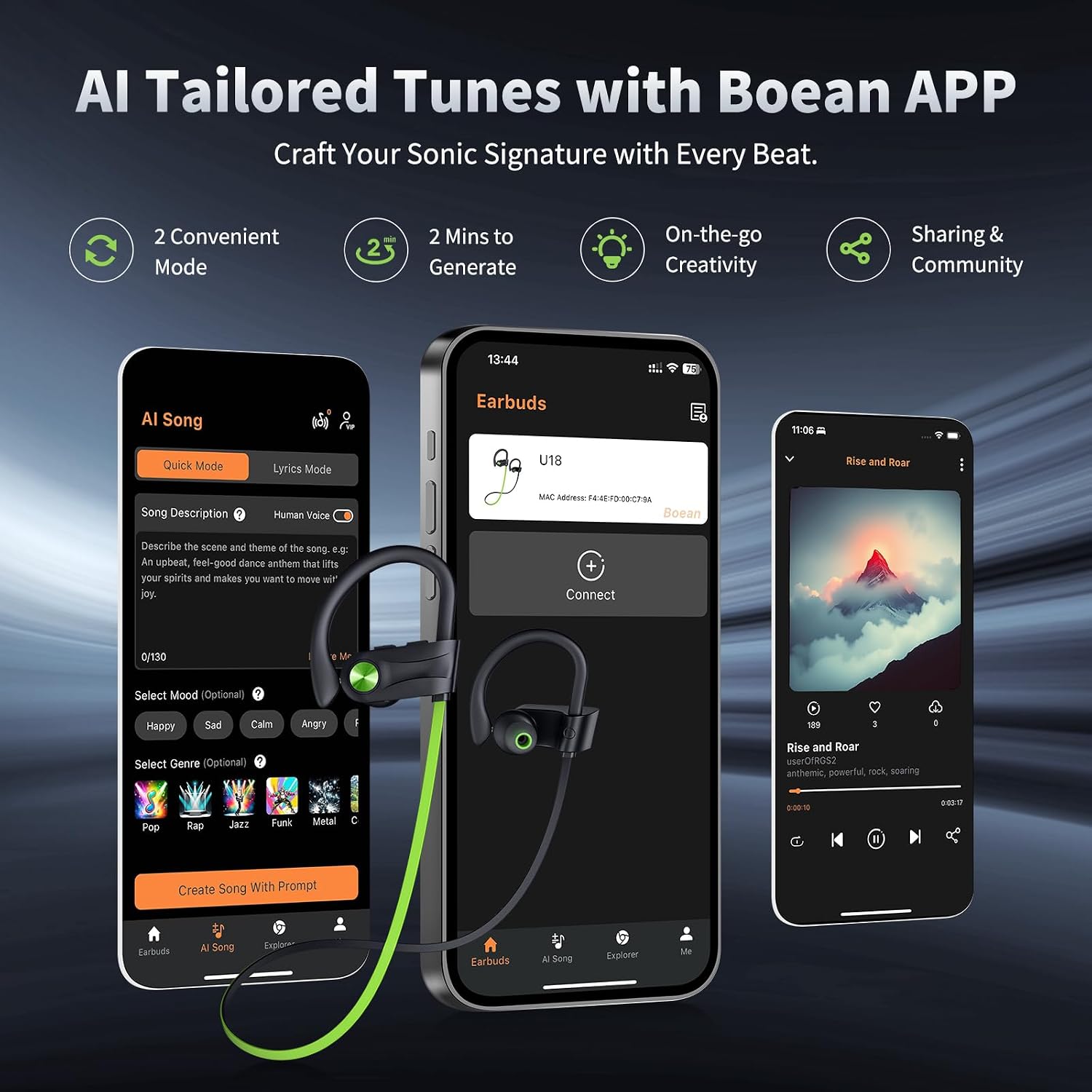
Figure 5.2: Boean App interface for tailored tunes.
6. Maintenance
6.1 Cleaning and Care
- Regularly clean the eartips and ear hooks with a soft, dry cloth.
- For deeper cleaning, remove the eartips and wash them with mild soap and water. Ensure they are completely dry before reattaching.
- Avoid using abrasive cleaners or solvents, as they may damage the headphones.
6.2 Waterproofing (IPX7)
The JOYWISE U18C headphones are rated IPX7 waterproof, meaning they can withstand submersion in up to 1 meter of water for 30 minutes. This makes them resistant to sweat and rain during workouts.
- While IPX7 rated, it is not recommended for swimming or prolonged submersion.
- Ensure the charging port cover is securely closed before exposure to water.
- If the headphones get wet, wipe them dry thoroughly before charging or storing.

Figure 6.1: IPX7 Waterproof Rating for exercise and outdoor activities.
6.3 Storage
When not in use, store your headphones in the provided carrying bag to protect them from dust, scratches, and damage.
7. Troubleshooting
| Problem | Possible Cause | Solution |
|---|---|---|
| Headphones do not power on. | Low battery. | Charge the headphones fully using the provided USB-C cable. |
| Cannot pair with device. | Headphones not in pairing mode; Bluetooth off on device; device too far. | Ensure headphones are in pairing mode (flashing red/blue). Turn on Bluetooth on your device. Keep devices within 10 meters. |
| No sound or poor sound quality. | Volume too low; improper fit; device not connected. | Increase volume on headphones and device. Adjust eartips for a snug fit. Re-pair the headphones. |
| Headphones disconnect frequently. | Out of range; interference; low battery. | Stay within Bluetooth range. Avoid strong electromagnetic interference. Charge headphones. |
7.1 Official Product Video
Watch this official video from the seller for a demonstration of the headphones' suitability for running and active use.
Video: Are these headphones suitable for running? (Source: Gofong, Seller)
8. Specifications
| Feature | Detail |
|---|---|
| Model Name | U18C |
| Connectivity Technology | Wireless (Bluetooth 5.3) |
| Water Resistance Level | IPX7 Waterproof |
| Battery Life | 16 Hours (Playtime) |
| Frequency Range | 20 Hz - 20,000 Hz |
| Bluetooth Range | 10 Meters |
| Ear Placement | In Ear (with Earhooks) |
| Control Type | Button, Touch (Media Control) |
| Material | Plastic |
| Item Weight | 3.52 Ounces |
| Recommended Uses | Running, Exercising |
9. Warranty and Support
JOYWISE products are designed for reliability and performance. Your JOYWISE U18C headphones come with a 1-year warranty from the date of purchase, covering manufacturing defects.
- For warranty claims or technical support, please contact JOYWISE customer service through the retailer where you purchased the product or visit the official JOYWISE website.
- Please retain your proof of purchase for warranty validation.

Figure 9.1: JOYWISE Brand Logo.
