
1. Product Overview
The Retevis RM01 is a 1-pin 3.5mm shoulder speaker microphone designed for use with compatible VHF marine radios. It features a built-in speaker, an inline Push-to-Talk (PTT) button, and a 3.5mm audio jack for connecting an external earphone. Its compact design and rotatable collar clip offer convenience and ease of use in various environments.
Key Features:
- 3.5mm 1-pin Connector: Ensures compatibility with specific Retevis marine radios.
- Integrated 1.5W Speaker: Provides clear audio for effective communication.
- Inline PTT Button: Allows for easy and quick transmission without needing to access the radio directly.
- 3.5mm Audio Jack: For private listening with a compatible earphone.
- 360° Rotatable Collar Clip: Enables secure and flexible attachment to clothing.
- Durable Construction: Features a robust PU cable designed for long-term use.
Package Contents:
- 1 x Retevis RM01 Shoulder Speaker Microphone

Image: The Retevis RM01 Shoulder Speaker Microphone with its coiled cable, as included in the package.
2. Setup Instructions
2.1 Connecting to Your Radio
- Locate the 3.5mm audio jack on your compatible Retevis VHF marine radio (RM01, RT55, or RA26).
- Insert the 1-pin 3.5mm connector of the shoulder speaker microphone firmly into the radio's audio jack. Ensure a secure connection.

Image: The 3.5mm 1-pin connector of the shoulder speaker microphone being inserted into a compatible Retevis marine radio.
2.2 Attaching the Collar Clip
- Identify the 360° rotatable collar clip on the back of the speaker microphone.
- Rotate the clip to your desired orientation.
- Securely attach the clip to your collar, shoulder strap, or other suitable clothing for convenient access and stable positioning.

Image: The shoulder speaker microphone clipped to a user's uniform, demonstrating the rotatable clip functionality.
3. Operating Instructions
3.1 Transmitting (Push-to-Talk - PTT)
- To transmit, press and hold the PTT button located on the side of the speaker microphone.
- Speak clearly into the microphone grille.
- Release the PTT button to stop transmitting and return to receive mode.

Image: A hand pressing the Push-to-Talk (PTT) button on the side of the shoulder speaker microphone.
3.2 Receiving Audio
Audio from your radio will be broadcast through the built-in 1.5W speaker on the front of the microphone. Ensure the radio's volume is adjusted to a comfortable listening level.

Image: A close-up view of the speaker grille on the Retevis RM01, illustrating its high-quality sound output.
3.3 Using the 3.5mm Audio Jack
For private communication, you can connect a standard 3.5mm earphone (not included) to the audio jack located on the bottom or side of the speaker microphone. When an earphone is connected, audio will typically be routed through the earphone instead of the built-in speaker.
4. Maintenance
4.1 Cleaning
- Wipe the exterior of the speaker microphone with a soft, damp cloth.
- Do not use harsh chemicals, solvents, or abrasive cleaners.
- Ensure the 3.5mm connector and audio jack are free from dust and debris.
4.2 Storage
- Store the device in a cool, dry place away from direct sunlight and extreme temperatures.
- Avoid bending or kinking the coiled cable excessively to prevent damage.
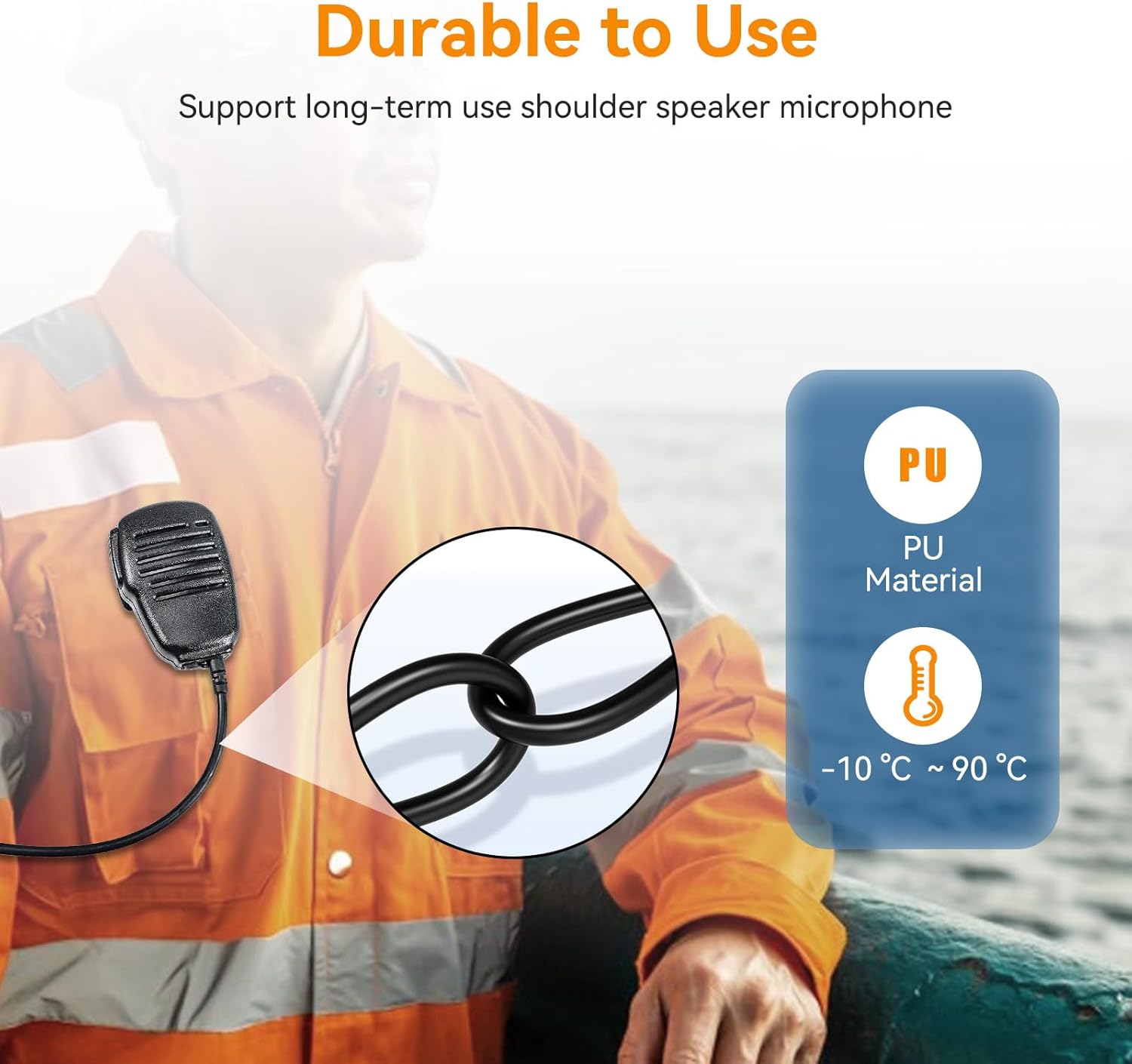
Image: A close-up of the durable PU cable, highlighting its robust construction for long-term use.
5. Troubleshooting
| Problem | Possible Cause | Solution |
|---|---|---|
| No audio from speaker mic | 1. Loose connection to radio. 2. Radio volume too low. 3. Earphone connected (if applicable). 4. Speaker mic malfunction. | 1. Ensure the 3.5mm connector is fully inserted. 2. Increase the radio's volume. 3. Disconnect the earphone to use the built-in speaker. 4. Test with another compatible radio or contact support. |
| Cannot transmit (PTT not working) | 1. Loose connection to radio. 2. PTT button malfunction. | 1. Ensure the 3.5mm connector is fully inserted. 2. Test the radio's internal microphone. If it works, contact support for the speaker mic. |
| Poor sound quality / Feedback | 1. Loose connection. 2. Radio settings. 3. Environmental interference. | 1. Re-seat the connector. 2. Check your radio's audio settings. 3. Move away from sources of electrical interference. |
6. Specifications
| Feature | Detail |
|---|---|
| Model Name | RM01 |
| Connector Type | 3.5mm 1-pin Audio Jack |
| Speaker Output Power | 1.5W |
| Microphone Form Factor | Gooseneck (integrated) |
| Signal-to-Noise Ratio | 88 dB |
| Item Weight | 5.3 ounces |
| Package Dimensions | 7.87 x 7.87 x 1.97 inches |
| Compatible Devices | Retevis RM01, Retevis RT55, Retevis RA26 VHF Marine Radios |
| Special Feature | 3.5mm earphone jack, 360° rotatable collar clip |
| Color | Black |
7. Warranty and Support
7.1 Warranty Information
Retevis provides a 1-year warranty for accessories from the date of purchase. Additionally, a 30-day no-reason return policy is offered. Beyond the warranty period, maintenance services are available, with buyers responsible for associated costs.
7.2 Customer Support
For any questions, technical assistance, or warranty claims, please contact Retevis customer support through Amazon. Responses are typically provided within 12 hours.
You can visit the Retevis Store on Amazon for more information and to contact support.


