
1. Introduction
This manual provides detailed instructions for the safe and efficient operation of your NUTRI FIT Digital Food Scale EK5950. Please read this manual thoroughly before use and retain it for future reference.
1.1 Package Contents
- 1 x NUTRI FIT Digital Kitchen Scale
- 2 x AAA Batteries
- 1 x User Manual
2. Safety Information
- Place the scale on a hard, flat, and stable surface to ensure accurate readings.
- Do not immerse the scale in water or other liquids.
- Clean the scale with a damp cloth; do not use abrasive cleaners.
- Do not overload the scale beyond its maximum capacity of 11 lbs (5 kg).
- Remove batteries if the scale will not be used for an extended period.
- Keep out of reach of children.
3. Product Features
- Weighs up to 5kg/11lbs with 0.1oz / 1g precision.
- Large weighing panel for easy reading with various container sizes.
- Equipped with 4 units of measure: grams (g), ounces (oz), milliliters (ml), and pounds:ounces (lb:oz).
- Features a clear LCD display.
- Includes low power and overload indications.
- Automatic turn-off function after 3 minutes of inactivity to conserve battery life.
- Stylish and slim design for easy storage and hanging.
- Tare function for zeroing out container weight.

Image: The NUTRI FIT Digital Food Scale EK5950, showcasing its sleek design and LCD display.
4. Setup
4.1 Battery Installation
- Open the battery compartment cover on the underside of the scale.
- Insert the 2 AAA batteries, ensuring correct polarity (+/-).
- Close the battery compartment cover securely.
4.2 Initial Placement
Place the scale on a firm, flat, and level surface. Uneven surfaces can affect accuracy.
5. Operating Instructions
5.1 Power On/Off
- To turn on: Lightly press the ZERO button. The display will show "8888" and then "0" or "0.0" when ready.
- To turn off: Press and hold the ZERO button for a few seconds, or the scale will automatically turn off after 3 minutes of inactivity.
5.2 Unit Conversion
Press the UNIT button to cycle through the available measurement units: grams (g), ounces (oz), milliliters (ml), and pounds:ounces (lb:oz).
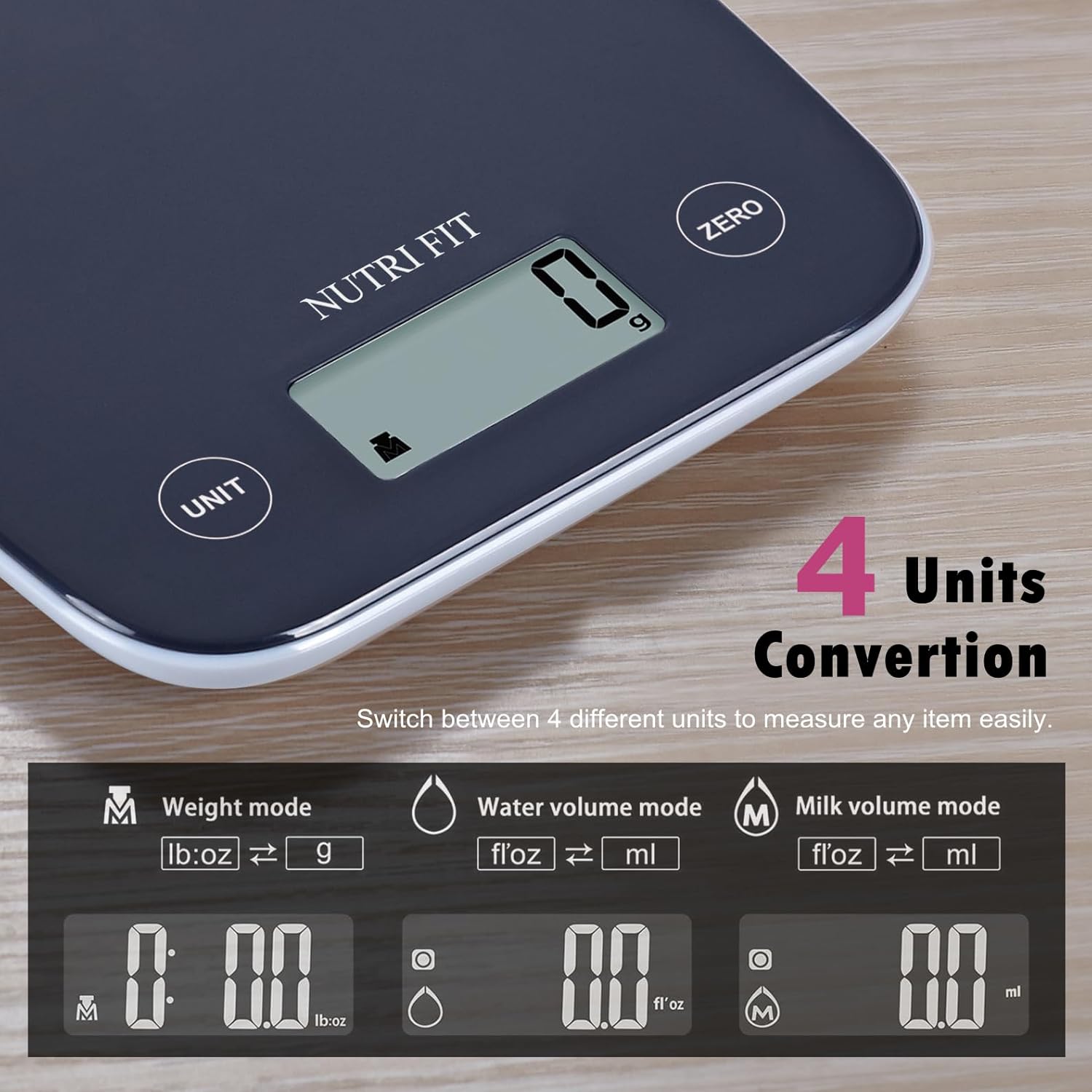
Image: Illustration of the four unit conversion modes available on the scale: Weight (lb:oz, g), Water Volume (fl:oz, ml), and Milk Volume (fl:oz, ml).
5.3 Tare Function
The tare function allows you to weigh items in a container by subtracting the container's weight. This is useful for measuring multiple ingredients in the same bowl.
- Turn on the scale and ensure it displays "0" or "0.0".
- Place an empty container on the weighing platform. The display will show the container's weight.
- Press the ZERO button. The display will reset to "0" or "0.0".
- Add the item you wish to weigh into the container. The display will now show only the weight of the added item.

Image: A four-step visual guide demonstrating the tare function: 1. Turn on scale, 2. Place container, 3. Press ZERO, 4. Add item and get measurement.
5.4 Weighing Items
Once the scale is on and set to your desired unit (and tared if using a container), simply place the item(s) on the center of the weighing platform. The weight will be displayed on the LCD screen.

Image: The digital food scale displaying the weight of a mix of nuts and dried fruits, illustrating clear result readability.
6. Maintenance
6.1 Cleaning
To clean the scale, wipe the weighing surface with a soft, damp cloth. Avoid using harsh chemicals or abrasive materials. Ensure the scale is dry before storing or next use.
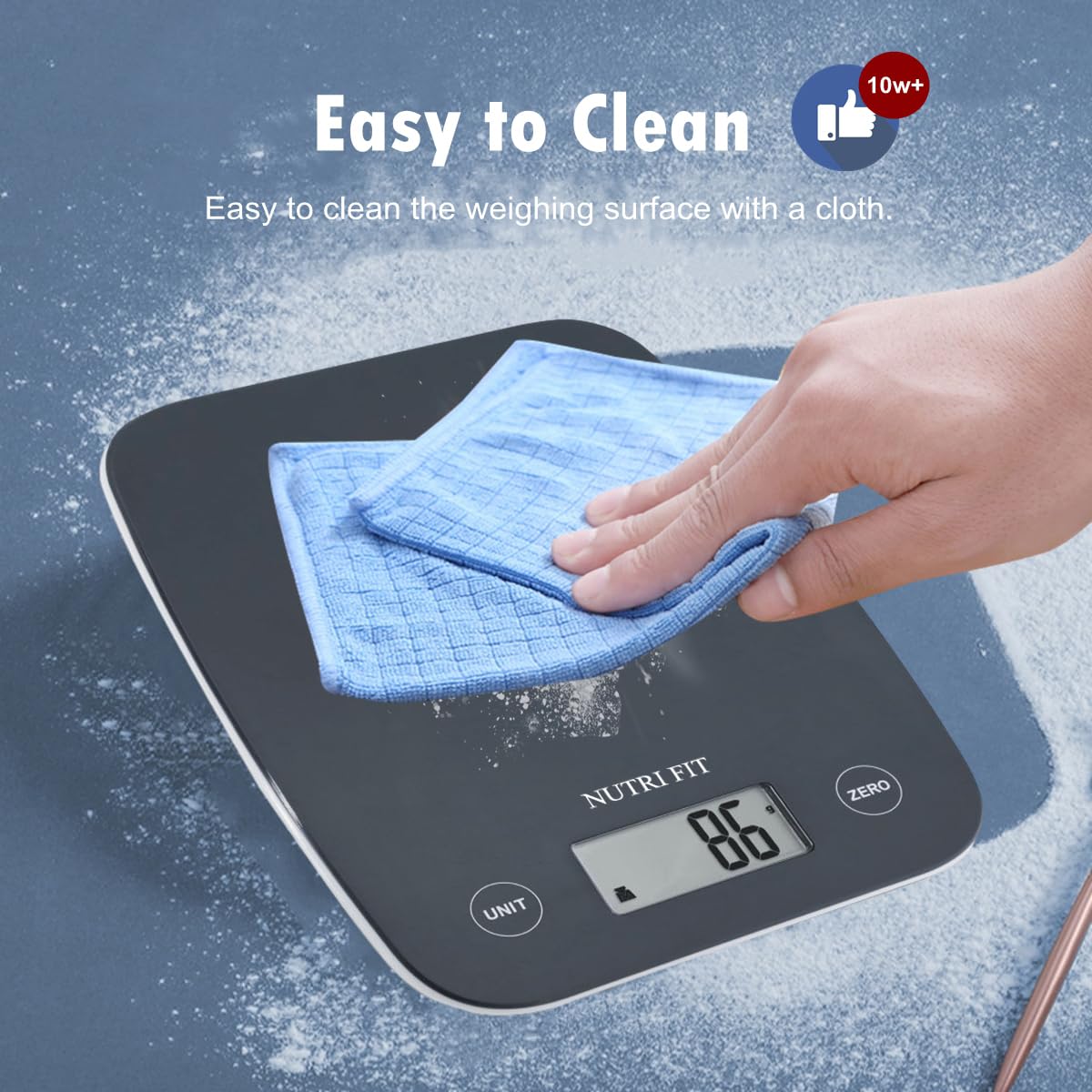
Image: A hand wiping the surface of the digital food scale with a blue cloth, demonstrating its easy-to-clean design.
6.2 Storage
The slim design of the NUTRI FIT Digital Food Scale allows for easy storage in cabinets or drawers. It also features a hanging design for convenient wall storage, saving counter space.
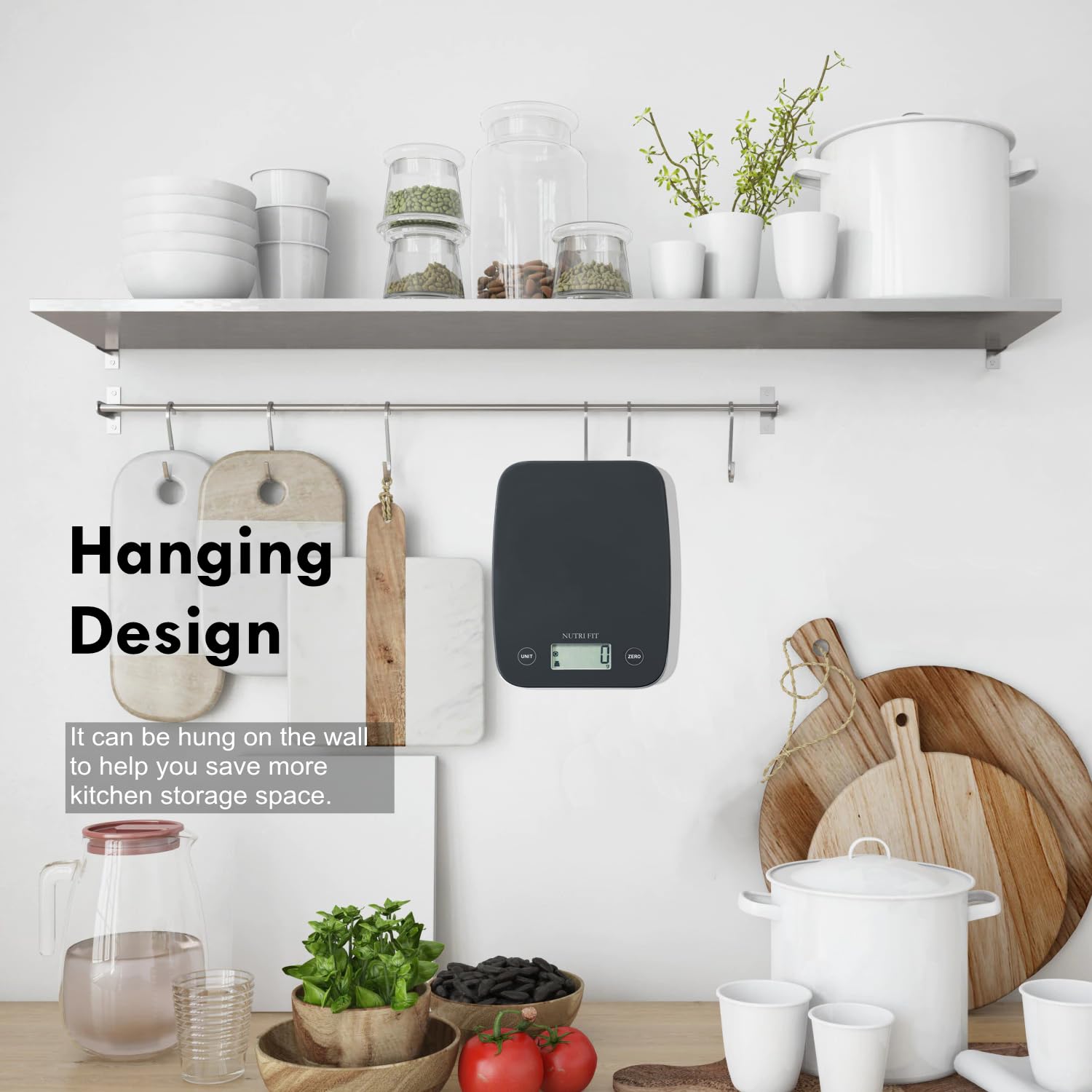
Image: The digital food scale hanging on a kitchen wall hook, illustrating its space-saving design.
7. Troubleshooting
- "Lo" displayed: Indicates low battery. Replace the 2 AAA batteries.
- "Err" displayed: Indicates overload. Remove items from the scale immediately to prevent damage.
- Inaccurate readings: Ensure the scale is on a flat, stable surface. Check if batteries are low. Recalibrate by turning off and on.
- Scale does not turn on: Check battery installation and ensure batteries are not depleted.
8. Specifications
| Feature | Detail |
|---|---|
| Brand | NUTRI FIT |
| Model | EK5950 |
| Max Capacity | 11 lbs / 5 kg |
| Precision | 0.1 oz / 1 g |
| Units of Measure | g, oz, ml, lb:oz |
| Display Type | LCD |
| Power Source | 2 x AAA Batteries (included) |
| Special Features | Auto Shut Off, Large Display, Lightweight, Tare Function |
| Dimensions | 8.43 x 6.73 x 1.14 inches |
9. Warranty and Support
NUTRI FIT provides lifetime support for this product. For any inquiries or assistance, please contact us at nutrifitlink@hotmail.com.
10. Product Demonstration
Video: A demonstration of the NUTRI FIT Digital Food Scale, showing how to power it on, use the tare function with a bowl, and measure spices. It also highlights the various unit modes available.