
Introduction
Thank you for choosing the Linocell 90W Dual PD Car Charger. This high-performance car charger is designed to provide rapid and efficient charging for your Apple iPhone 16 series, iPad, and other compatible USB-C powered devices while on the go. Featuring advanced safety protections and MFi certified cables, it ensures a reliable and secure charging experience.
Product Overview

Figure 1: Linocell 90W Dual PD Car Charger and included USB-C cables.
The Linocell 90W Dual PD Car Charger is a compact and powerful device designed for vehicle use. It features two USB-C Power Delivery (PD) ports, each capable of delivering up to 45W, for a combined total output of 90W. The package includes two MFi Certified USB-C to USB-C charge cables, ensuring optimal compatibility and charging performance for your devices.
What's in the Box:
- 1 x Linocell 90W Dual PD USB-C Car Power Cigarette Lighter Type-C Carplay Fast Charger Adapter
- 2 x MFi Certified USB-C to USB-C Charge Cables
Features
- Dual USB-C Power Delivery (PD) Ports: Equipped with two USB-C ports, each providing up to 45W output, allowing simultaneous fast charging of two devices. Total output up to 90W.
- Advanced Quantum Boost Tech & Smart Chip: Maximizes charging efficiency to over 98% and lowers power consumption. Achieves 80% charge in approximately 35 minutes for compatible devices.
- Built-in Intelligent Power Management Chip: Auto-detects connected devices and identifies appropriate current for uninterrupted fast charging. Features integrated superconductor material for reduced resistance and superior temperature control.
- Dynamic Temperature Sensors & Power Tuner Chip: Actively monitors temperature and adjusts power output to safeguard connected devices. Ensures minimal interference with radio or GPS signals.
- MFi Certified USB-C to USB-C Charge Cables: Includes cables with E-Marker Chip, C94 terminal, and Original USB-C Connector for 100% high-speed charge compatibility with Apple devices.
- Premium Materials and Design: All-aluminum alloy housing for scratch resistance and heat dissipation. Gold-plated tubing maximizes charging speed. Shrapnel contact design ensures stable connection. Features a soft blue LED indicator light.
- Universal Compatibility: Suitable for all USB-C powered devices and compatible with 12V and 24V vehicles (sedans, off-road vehicles, trucks, coaches).
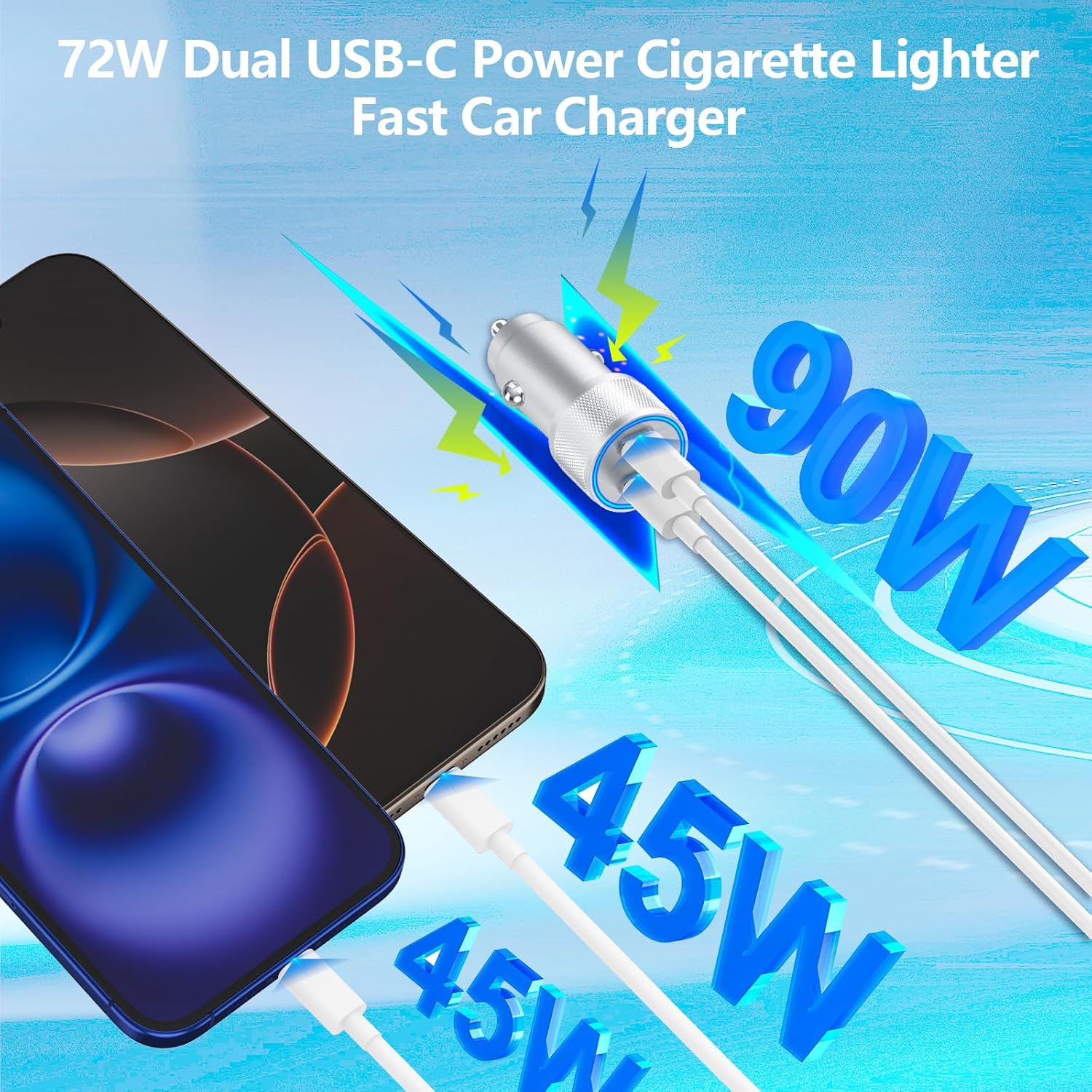
Figure 2: Dual USB-C ports for simultaneous fast charging.

Figure 3: Rapid charging capabilities of the Linocell car charger.
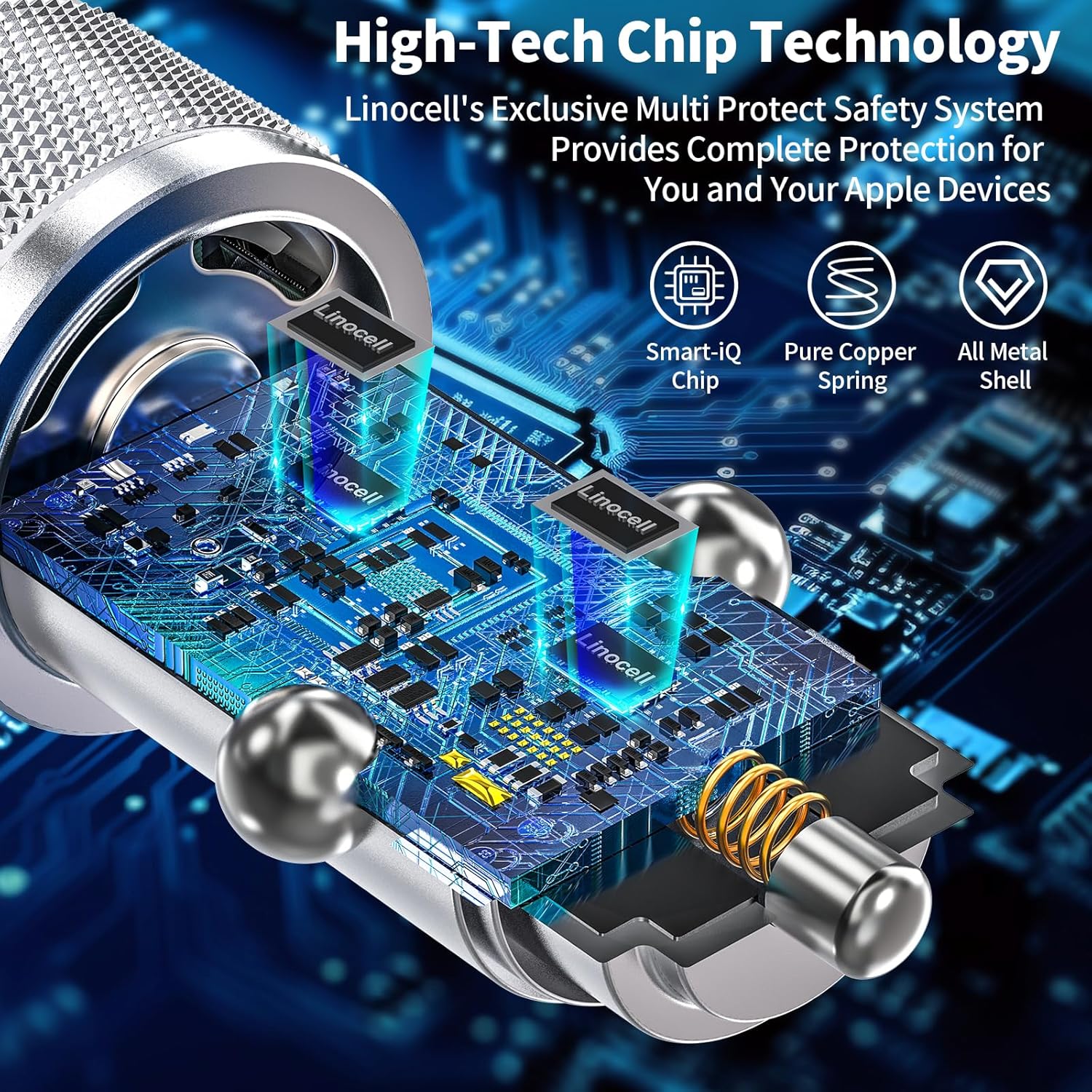
Figure 4: Internal smart chip technology for optimized charging.

Figure 5: Comprehensive safety protection features.

Figure 6: MFi Certified cable for reliable Apple device charging.

Figure 7: Broad compatibility with USB-C devices and vehicle types.
Setup
- Locate Cigarette Lighter Socket: Identify the 12V or 24V cigarette lighter socket in your vehicle. This is typically found in the dashboard, center console, or sometimes in the rear passenger area.
- Insert Car Charger: Firmly insert the Linocell 90W Dual PD Car Charger into the cigarette lighter socket. Ensure it is fully seated for a stable connection. The soft blue LED indicator light on the charger will illuminate, indicating it is powered on and ready for use.
- Connect USB-C Cable: Plug one end of the provided MFi Certified USB-C to USB-C cable into one of the USB-C ports on the car charger.
- Connect Device: Plug the other end of the USB-C cable into your compatible device (e.g., iPhone 16, iPad Pro). Your device should begin charging immediately.
Note: No official product setup videos are available from the seller.
Operating Instructions
Using your Linocell 90W Dual PD Car Charger is straightforward:
- Once the charger is plugged into your vehicle's cigarette lighter socket and the blue LED indicator is lit, it is ready to charge.
- Connect your USB-C compatible device using the provided MFi certified cables or other high-quality USB-C cables.
- You can charge two devices simultaneously, with each port delivering optimal power up to 45W, depending on your device's requirements and capabilities.
- The intelligent power management chip will automatically detect your device and deliver the appropriate charging current.
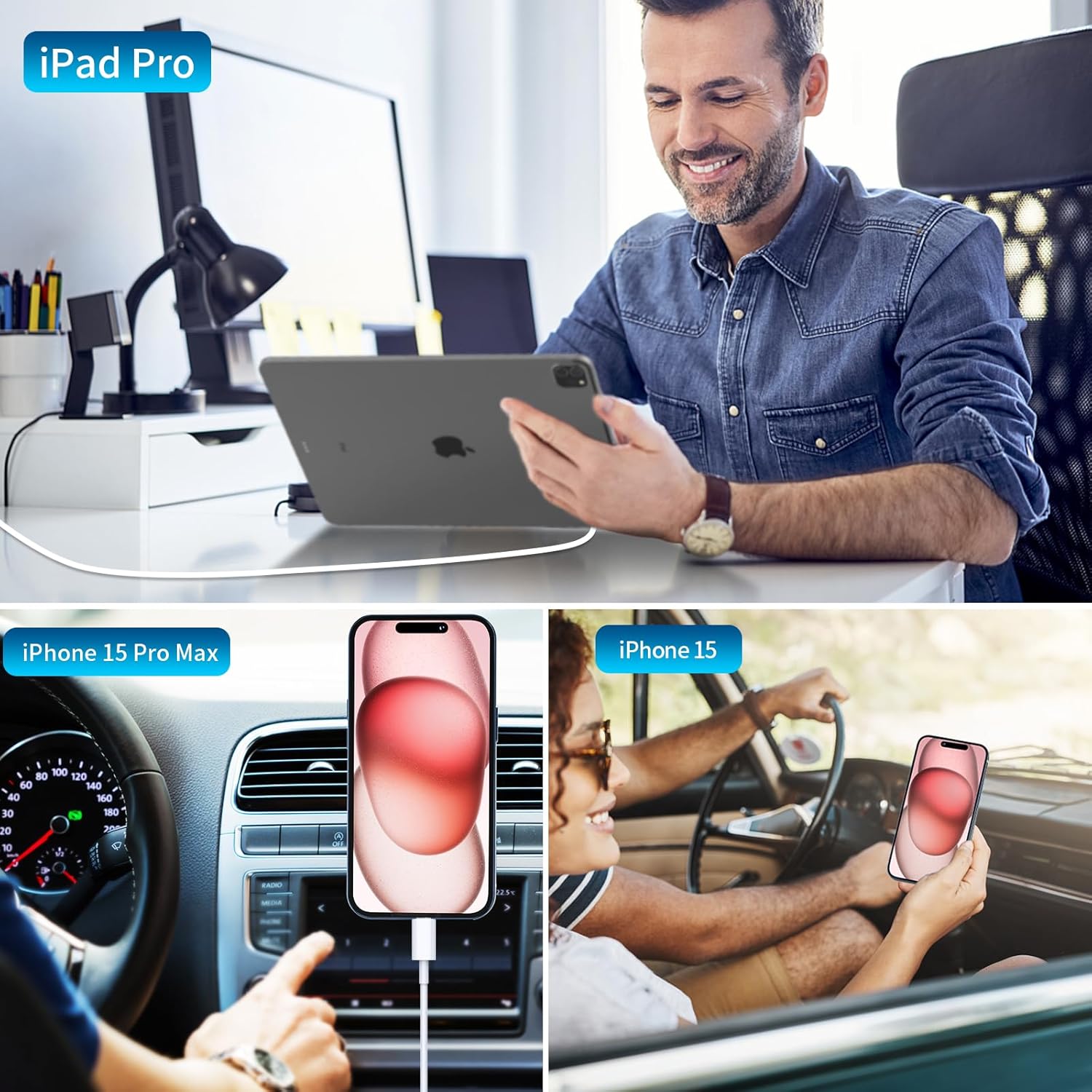
Figure 8: Examples of devices being charged with the Linocell car charger.
Maintenance
To ensure the longevity and optimal performance of your Linocell car charger, follow these simple maintenance guidelines:
- Cleaning: Disconnect the charger from the power source before cleaning. Use a soft, dry cloth to wipe the exterior of the charger. Do not use liquid cleaners, aerosols, or harsh chemicals.
- Storage: When not in use for extended periods, store the charger in a cool, dry place away from direct sunlight and extreme temperatures.
- Handling: Avoid dropping the charger or subjecting it to strong impacts. Do not attempt to disassemble or modify the charger, as this will void the warranty and could cause damage.
- Cable Care: Handle the USB-C cables gently. Avoid sharp bends, kinks, or excessive pulling, which can damage the internal wires.
Troubleshooting
If you encounter issues with your Linocell 90W Dual PD Car Charger, please refer to the following common problems and solutions:
| Problem | Possible Cause | Solution |
|---|---|---|
| Charger LED not lighting up / No power | Loose connection; Vehicle's power outlet is off or faulty; Blown fuse in vehicle. | Ensure the charger is firmly seated in the cigarette lighter socket. Check if the vehicle's ignition is on. Test the charger in another vehicle or test the vehicle's outlet with another device. Consult your vehicle's manual for fuse box location and replacement. |
| Device not charging or charging slowly | Cable issue; Device not compatible with fast charging; Charger overloaded; Device's charging port is dirty or damaged. | Try a different USB-C cable (preferably the included MFi certified one). Ensure your device supports USB Power Delivery (PD) fast charging. Disconnect one device if charging two power-intensive devices simultaneously. Clean the device's charging port carefully or seek professional repair. |
| Charger gets hot during use | Normal operation during high-power charging; Overload. | It is normal for the charger to become warm during fast charging. If it becomes excessively hot, disconnect it immediately. Ensure proper ventilation around the charger. Avoid charging in direct sunlight or extremely hot vehicle interiors. |
If the problem persists after attempting these solutions, please contact Linocell customer support for further assistance.
Specifications
| Feature | Detail |
|---|---|
| Model Number | HS-2C-40WE |
| Input Voltage | 12V / 24V DC |
| Output Power | 90W Total (45W per USB-C port) |
| Connector Type | Dual USB-C Power Delivery (PD) |
| Included Cables | 2 x MFi Certified USB-C to USB-C Cables |
| Material | All-aluminum alloy housing |
| Dimensions | 6.3 x 4.08 x 1.02 inches |
| Item Weight | 2.08 ounces |
| Special Features | MFi Certified Chipset, Intelligent Power Management, Dynamic Temperature Sensor, Overvoltage Protection, Overcurrent Protection, Short Circuit Protection, LED Indicator Light |
| Compatible Devices | iPhone 16/16 Plus/16 Pro/16 Pro Max, iPhone 15 series, iPad Pro/Air/Mini, Samsung Galaxy S/Note series, Google Pixel, and other USB-C devices. |
Warranty & Support
For information regarding warranty coverage and customer support for your Linocell 90W Dual PD Car Charger, please refer to the official Linocell website or contact the retailer from whom you purchased the product. Keep your proof of purchase for any warranty claims.
Linocell is committed to providing high-quality products and excellent customer service. If you have any questions or require assistance, please do not hesitate to reach out through their official support channels.


