
1. Introduction
Thank you for choosing the Clean Air Optima CA-904C Smart Design Fan Heater. This appliance is designed to provide both efficient heating during colder periods and a refreshing fan function during warmer days. It features a PTC heating element for energy-efficient operation, a digital thermostat for precise temperature control, and an oscillation function for wide air distribution. Please read this manual carefully before use to ensure proper operation and maintenance.
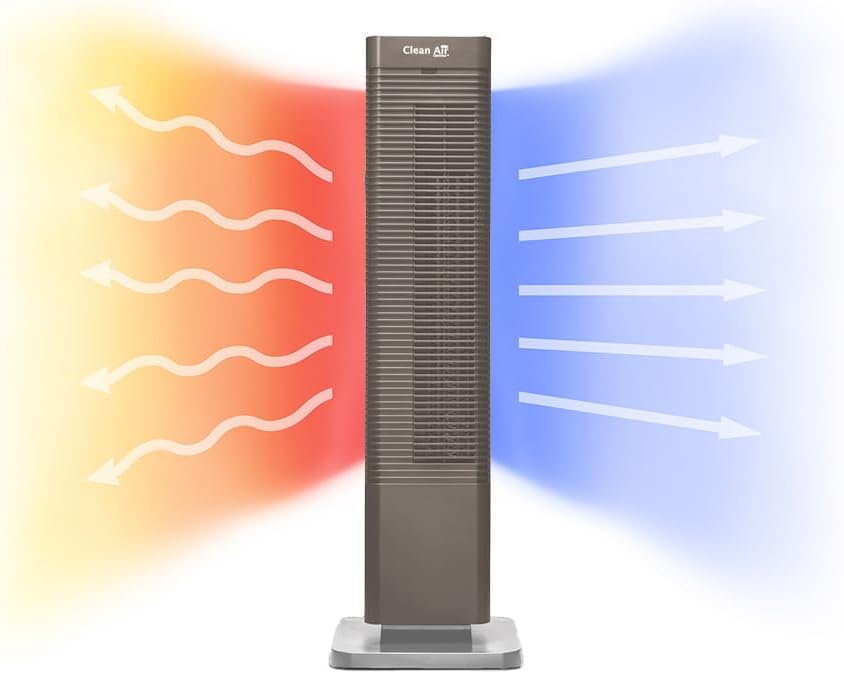
Image 1: The Clean Air Optima CA-904C Smart Design Fan Heater.
2. Safety Instructions
Always observe the following safety precautions when using electrical appliances to reduce the risk of fire, electric shock, and injury.
- Read all instructions before using the appliance.
- Ensure the voltage indicated on the rating label matches your mains voltage.
- Do not operate the appliance with a damaged cord or plug.
- Keep the appliance away from water or other liquids.
- Do not insert objects into any openings.
- Unplug the appliance when not in use or before cleaning.
- Do not cover the air inlet or outlet during operation.
- This appliance is for indoor use only.
- Keep children and pets away from the appliance during operation.
3. Product Overview
The CA-904C is a versatile fan heater designed for optimal air distribution and temperature control. It features a sleek tower design with an integrated control panel and comes with a remote control for convenience.
3.1 Components
- Main Unit (Tower)
- Base
- Digital Control Panel (on top of the unit)
- Remote Control
- Air Inlet with Dust Filter
- Air Outlet
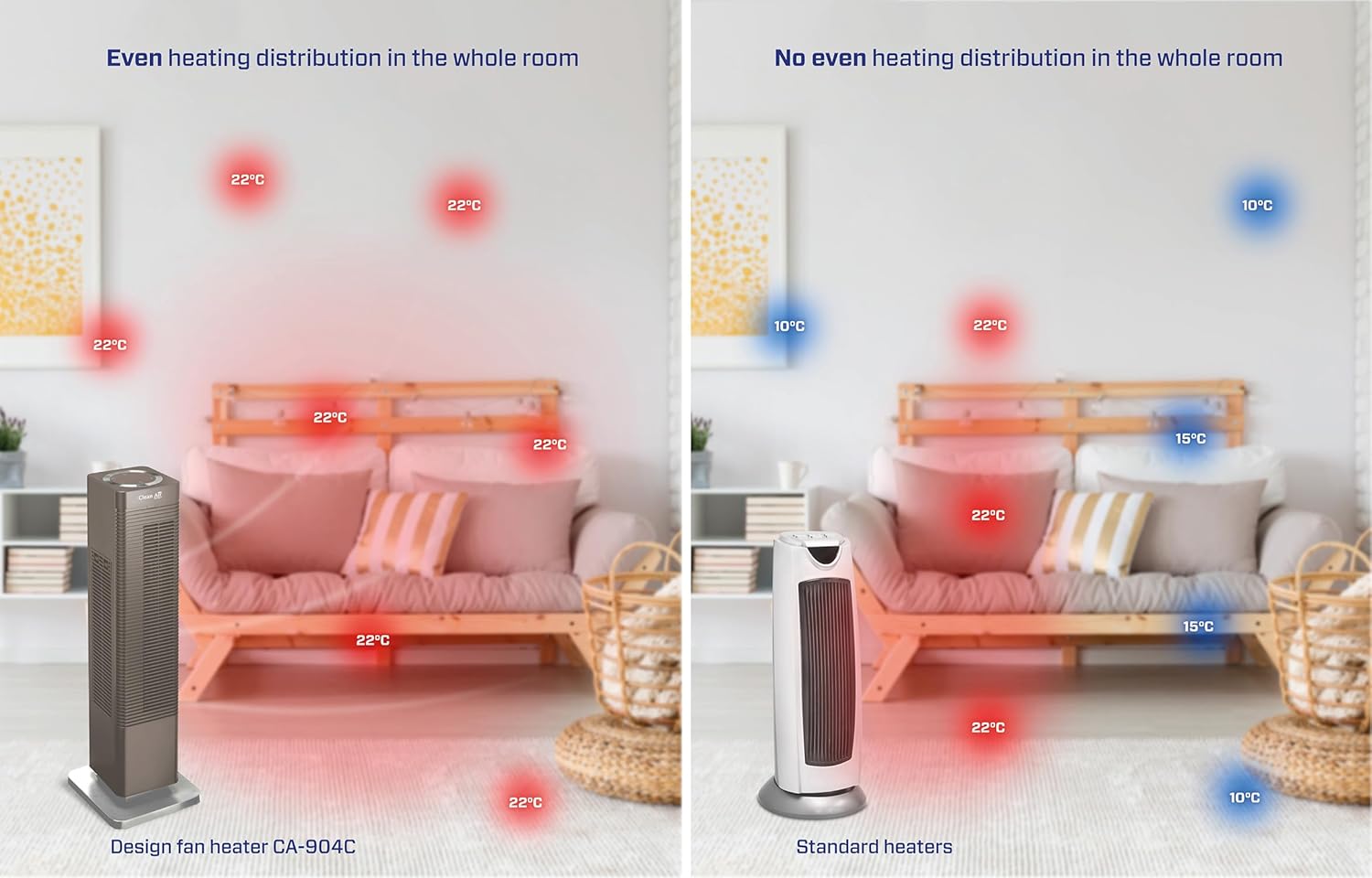
Image 2: Illustration demonstrating the heating (red arrows) and cooling (blue arrows) functions of the CA-904C.

Image 3: Top view of the unit, highlighting the digital control panel and remote control storage slot.

Image 4: Detailed view of the digital thermostat control panel, showing temperature display and function buttons.

Image 5: The remote control for convenient operation.

Image 6: Location of the dust filter on the side of the unit.
4. Setup
4.1 Unpacking
- Carefully remove the appliance from its packaging.
- Check for any damage during transit. If damaged, do not use and contact your retailer.
- Retain the packaging for future storage or transport.
4.2 Placement
- Place the fan heater on a firm, level surface.
- Ensure there is at least 30 cm (12 inches) clearance from walls, furniture, and curtains to allow for proper airflow.
- Do not place the unit directly under a power outlet.
- Avoid placing in areas with high humidity or direct sunlight.
4.3 Power Connection
- Plug the power cord into a suitable grounded electrical outlet.
- Ensure the power cord is not pinched or placed under heavy objects.
5. Operating Instructions
The CA-904C can be operated using the digital control panel on top of the unit or the included remote control.
5.1 Power On/Off
- Press the Power button (
 ) on the control panel or remote to turn the unit on or off.
5.2 Mode Selection
The unit offers both heating and fan-only modes.
- Press the Mode button (
 ) to cycle between heating modes (1000W / 2000W) and fan-only mode.
5.3 Temperature Setting
In heating mode, you can set the desired temperature between 15°C and 35°C.
- Use the Temperature Up (
 ) and Temperature Down (
 ) buttons to adjust the target temperature. The unit will automatically maintain the set temperature.
5.4 Oscillation Function
The oscillation function distributes air across an 80° angle for wider coverage.
- Press the Oscillation button (
 ) to activate or deactivate the 80° horizontal oscillation.
5.5 Timer Function
Set a timer for automatic shut-off.
- Press the Timer button (
 ) to set the desired operating duration.
6. Maintenance
Regular maintenance ensures optimal performance and longevity of your appliance.
6.1 Cleaning the Exterior
- Always unplug the unit before cleaning.
- Wipe the exterior surfaces with a soft, damp cloth.
- Do not use abrasive cleaners or solvents.
6.2 Cleaning the Dust Filter
The integrated dust filter helps maintain air quality and unit efficiency. Clean it regularly.
- Unplug the unit.
- Locate the dust filter compartment (refer to Image 6).
- Carefully remove the filter.
- Clean the filter with a soft brush or vacuum cleaner. If heavily soiled, rinse with lukewarm water and allow it to dry completely before reinserting.
- Reinsert the dry filter into its compartment.
7. Troubleshooting
If you encounter issues with your CA-904C, refer to the following table for common problems and solutions.
| Problem | Possible Cause | Solution |
|---|---|---|
| Unit does not turn on. | No power supply. | Check if the power cord is securely plugged into a working outlet. |
| No heat/cool air. | Incorrect mode selected or thermostat setting. | Ensure the correct mode (heating/fan) is selected and the thermostat is set to a desired temperature. |
| Reduced airflow. | Dust filter is dirty. | Clean the dust filter as described in Section 6.2. |
| Unit stops unexpectedly. | Overheating protection activated or timer expired. | Unplug the unit, allow it to cool down for 30 minutes, then restart. Check timer settings. |
If the problem persists after trying these solutions, please contact Clean Air Optima customer support.
8. Specifications
| Feature | Specification |
|---|---|
| Model Number | CA-904C |
| Brand | Clean Air Optima |
| Power (Heating) | 1000W / 2000W |
| Voltage | 230 VAC |
| Thermostat Range | 15°C - 35°C |
| Oscillation Angle | 80° Horizontal |
| Recommended Room Size | Up to 40m² / 100m³ |
| Product Dimensions (L x W x H) | 21 x 21 x 68.8 cm |
| Weight | 4.56 kg |
| Special Features | Heating and cooling functions, PTC heating element, Digital thermostat, Dust filter |
Image 7: Dimensional overview of the CA-904C unit.
9. Warranty and Support
For warranty information, please refer to the documentation included with your product or visit the official Clean Air Optima website. For technical support or service inquiries, please contact Clean Air Optima customer service directly.
Manufacturer: Clean Air Optima Int. B.V.


