Introduction
Welcome to the Fresh 'n Rebel Twins Rise Wireless Earbuds user manual. This guide provides essential information to help you set up, operate, and maintain your earbuds, ensuring an optimal audio experience. Please read these instructions carefully before using your device.
What's in the Box
Upon unboxing your Fresh 'n Rebel Twins Rise, you should find the following components:
- Fresh 'n Rebel Twins Rise Earbuds
- Charging Case
- USB to USB-C Charging Cable
- Soft Silicone Ear Tips (3 sizes: Small, Medium, Large)
- Quick Start Guide

Setup
1. Charging the Earbuds and Case
Before first use, fully charge the Twins Rise earbuds and their charging case. Place the earbuds into the charging case. Connect the provided USB-C cable to the charging case and a power source. The LED indicators on the case will show the charging status. The case also supports wireless charging.

2. Pairing with a Device
- Ensure the earbuds are charged and placed in the charging case.
- Open the charging case lid. The earbuds will automatically enter pairing mode, indicated by flashing LEDs.
- On your device (smartphone, tablet, laptop), enable Bluetooth and search for available devices.
- Select "Fresh 'n Rebel Twins Rise" from the list to connect.
- Once connected, the earbud LEDs will stop flashing.
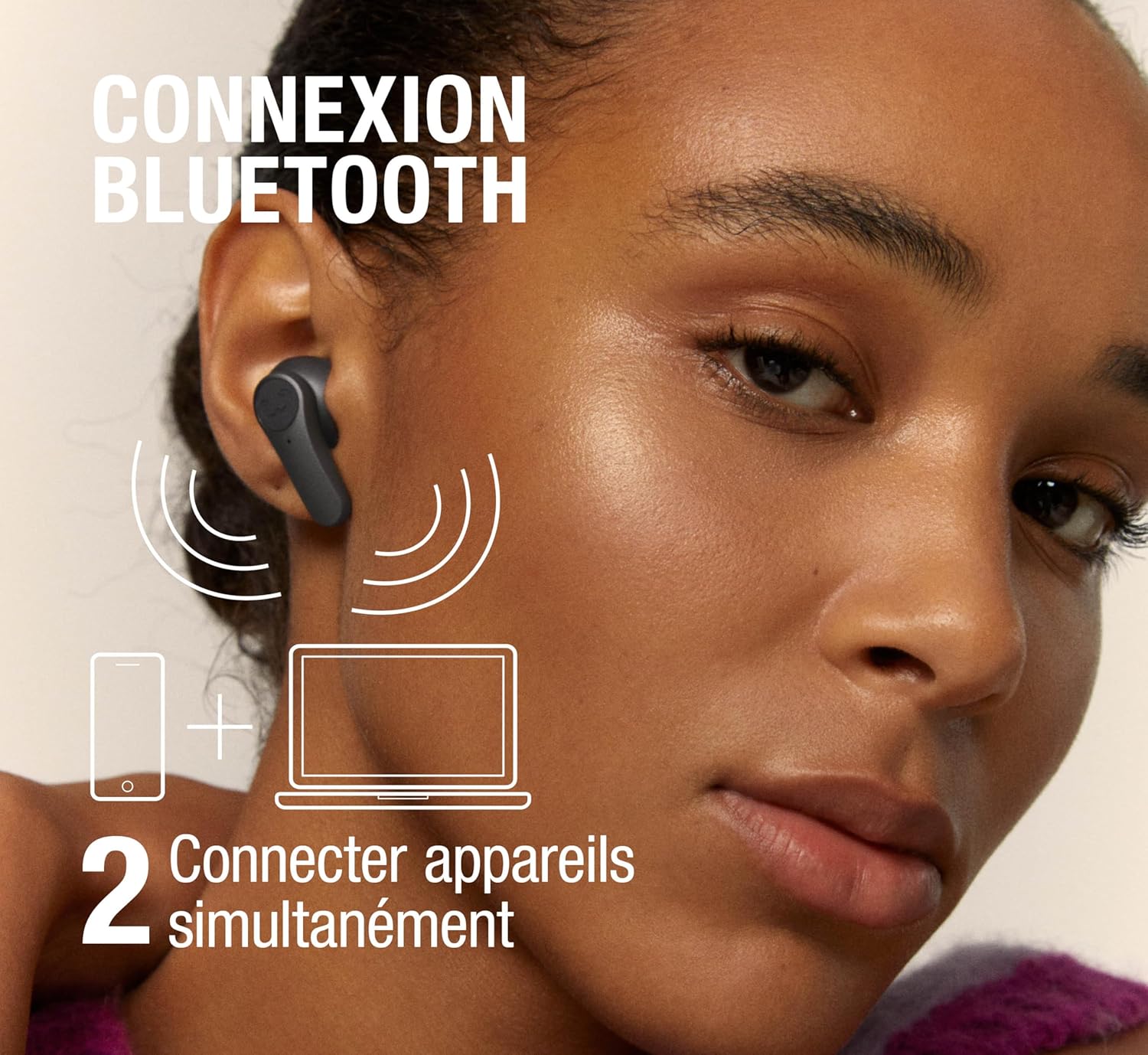
The Twins Rise support multipoint connection, allowing them to be connected to two devices simultaneously. This enables seamless switching between audio sources without re-pairing.
3. Fitting the Earbuds
Select the ear tips that provide the most comfortable and secure fit. A good seal is crucial for optimal sound quality and effective noise cancellation. Gently insert the earbuds into your ears and twist slightly to secure them.
Operating Instructions
1. Basic Controls
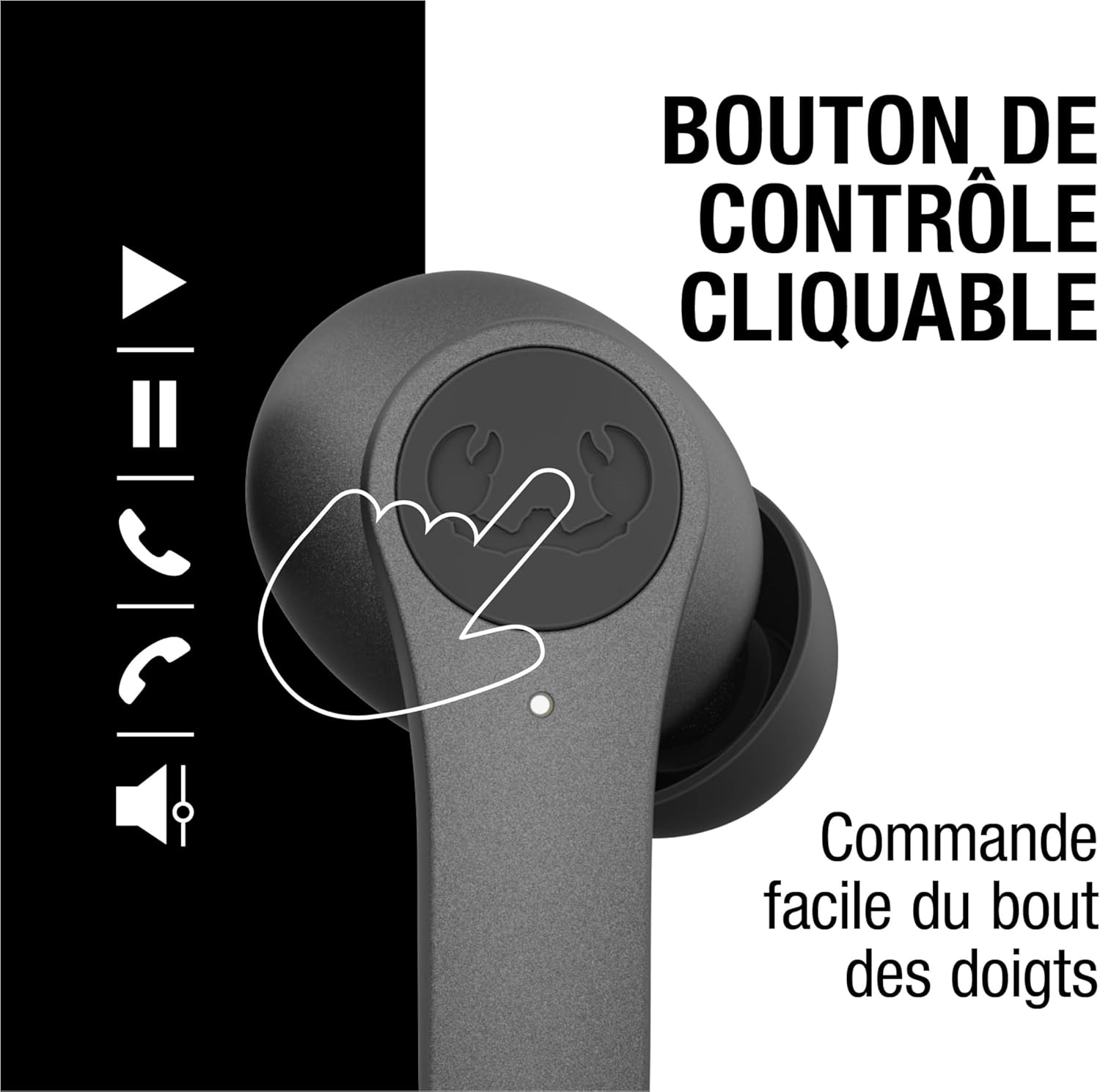
The Twins Rise earbuds feature clickable control buttons for easy management of audio and calls:
- Play/Pause: Single click on either earbud.
- Next Track: Double click on the right earbud.
- Previous Track: Double click on the left earbud.
- Volume Up: Triple click on the right earbud.
- Volume Down: Triple click on the left earbud.
- Answer/End Call: Single click on either earbud.
- Reject Call: Press and hold either earbud.

2. Active Noise Cancellation (ANC) and Ambient Sound Mode
The Twins Rise earbuds offer two distinct listening modes:
- Hybrid Active Noise Cancellation (ANC): Reduces up to 35 dB of unwanted ambient noise, providing an immersive audio experience.
- Ambient Sound Mode: Allows you to hear your surroundings without removing the earbuds, useful for awareness in busy environments.
To switch between ANC, Ambient Sound Mode, and normal mode, press and hold the control button on the left earbud for 2 seconds.

3. Making and Receiving Calls
The integrated microphone with wind noise reduction ensures clear calls, even in windy conditions.


4. In-Ear Detection
The earbuds feature in-ear detection. Audio playback will automatically pause when you remove an earbud and resume when you put it back in.
5. Voice Assistant
Activate your device's voice assistant (e.g., Siri, Google Assistant) with a simple touch. Refer to the quick start guide for specific touch commands.
Maintenance
Cleaning
Regularly clean your earbuds and charging case to ensure optimal performance and hygiene. Use a soft, dry, lint-free cloth. Do not use abrasive cleaners or solvents. Remove ear tips and clean them separately with mild soap and water if necessary, ensuring they are completely dry before reattaching.
Water Resistance
The Twins Rise earbuds are IPX4 splash-resistant, meaning they can withstand sweat and light rain. They are not designed for submersion in water. Avoid exposing them to excessive moisture or liquids.
Storage
When not in use, store the earbuds in their charging case to protect them and keep them charged. Store in a cool, dry place away from extreme temperatures.
Troubleshooting
If you encounter issues with your Twins Rise earbuds, try the following solutions:
- No Sound: Ensure earbuds are charged, connected to your device, and volume is turned up.
- Pairing Issues: Make sure Bluetooth is enabled on your device. Try unpairing and re-pairing the earbuds. Ensure no other devices are trying to connect simultaneously.
- One Earbud Not Working: Place both earbuds back in the case, close the lid, wait a few seconds, then open it again. Check for debris blocking the charging contacts.
- Poor Sound Quality: Ensure ear tips provide a good seal. Clean the earbuds. Move closer to your connected device to avoid interference.
- Battery Draining Quickly: Ensure earbuds are fully seated in the charging case. Reduce volume or turn off ANC if not needed.
If problems persist, consult the Fresh 'n Rebel support website or contact customer service.
Specifications
| Model Name | Twins Rise |
| Bluetooth Version | 5.3 |
| Noise Cancellation | Hybrid Active Noise Cancellation (up to 35 dB) |
| Ambient Sound Mode | Yes |
| Water Resistance | IPX4 (Splash-resistant) |
| Battery Life (Earbuds) | Up to 8 hours |
| Battery Life (Total with Case) | Up to 30 hours |
| Quick Charge | 15 minutes for 4 hours playback |
| Charging | USB-C, Wireless Charging |
| Microphone | Integrated with Wind Noise Reduction |
| Connectivity | Multipoint Connection |
| Control Type | Clickable Buttons, Volume Control |
| Voice Assistant Support | Yes |

Warranty Information
The Fresh 'n Rebel Twins Rise earbuds come with a 2-year manufacturer's warranty from the date of purchase. This warranty covers defects in materials and workmanship under normal use. It does not cover damage caused by misuse, accidents, unauthorized modifications, or normal wear and tear. Please retain your proof of purchase for warranty claims.
Support
For further assistance, frequently asked questions, or to register your product, please visit the official Fresh 'n Rebel website or contact their customer support. You can also visit the Fresh 'n Rebel Brand Store for more product information.


