Introduction
Thank you for choosing Coolife Luggage. This manual provides essential information for the proper setup, operation, and maintenance of your new 20-inch hardside carry-on suitcase. Please read these instructions carefully to ensure optimal use and longevity of your product.
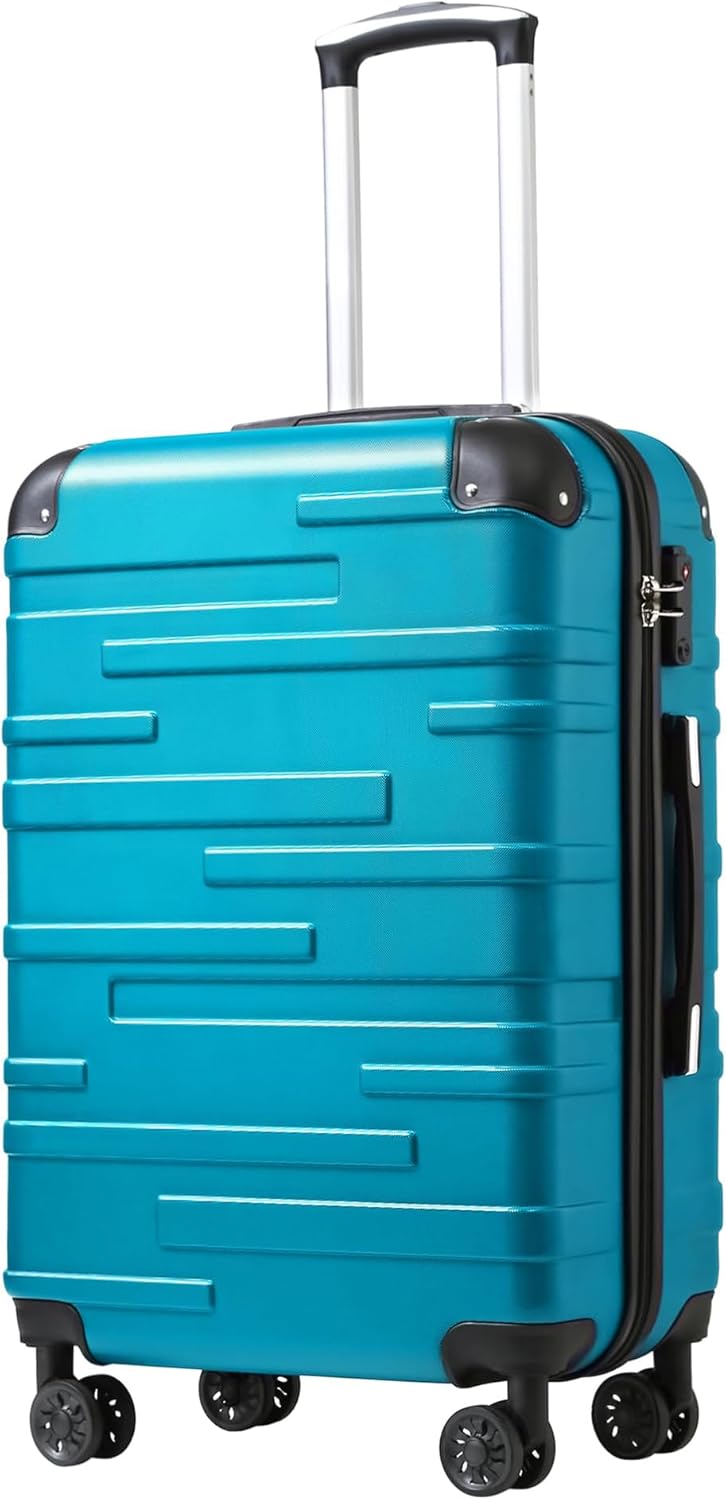
Image: The Coolife 20-inch hardside carry-on luggage, shown in lake blue, featuring its telescopic handle, spinner wheels, and TSA lock.
Key Features
- Durable ABS Material: Constructed from extra strong ABS material for enhanced protection of your belongings.
- Integrated TSA Combination Lock: Provides security and allows TSA agents to inspect luggage without damage.
- 360-Degree Spinner Wheels: Multi-directional wheels offer smooth and effortless mobility.
- Adjustable Telescopic Handle: Push-button locking handle adjusts to multiple heights for comfortable maneuvering.
- Organized Interior: Features a skirted division with compression straps and mesh pockets to keep items neatly packed.

Image: The luggage shown tilted, illustrating its crash-resistant ABS shell designed for durability.
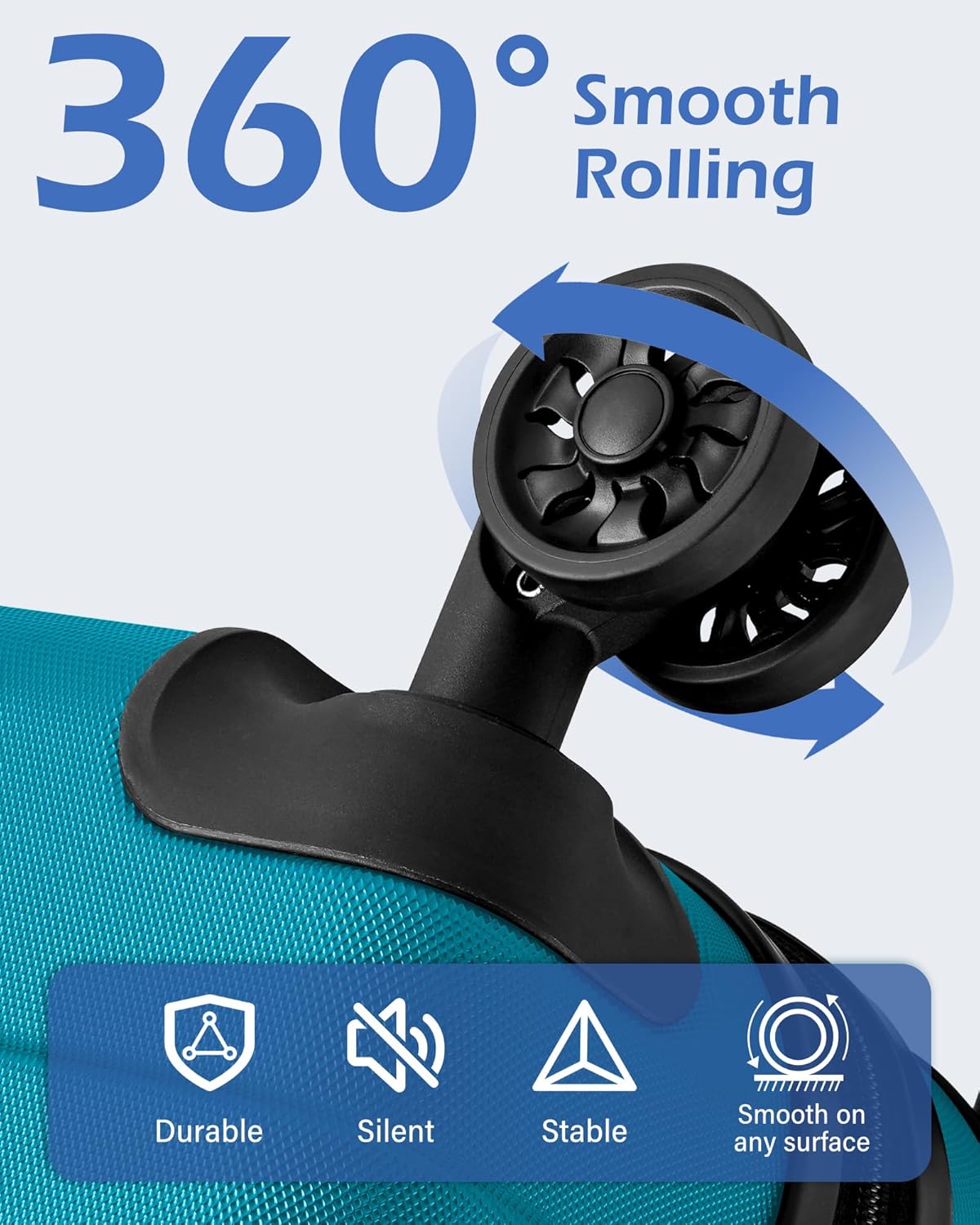
Image: A close-up view of the luggage's 360-degree spinner wheel, highlighting its smooth rolling capability.
Setup
Setting the TSA Combination Lock
Your Coolife luggage is equipped with an integrated TSA-approved combination lock. The default combination is 0-0-0.
- Ensure the lock is set to the default combination (0-0-0).
- Locate the small reset button, usually a tiny hole, on the side or bottom of the lock. Use a pen or a pointed object to press and hold this button until you hear a click.
- While holding the reset button, set your desired 3-digit combination by turning the dials.
- Release the reset button. Your new combination is now set. Test the new combination to ensure it works correctly before scrambling the numbers.

Image: A detailed view of the luggage's secure TSA combination lock and smooth zipper mechanism.
Operating Instructions
Using the Telescopic Handle
The aluminum telescopic handle can be adjusted to multiple heights for comfortable pulling or pushing of your luggage.
- To extend the handle, press the button located on the top of the handle grip and pull upwards.
- To retract the handle, press the button and push the handle downwards until it is fully nested.
Image: The luggage's 100% aluminum 3-stage telescopic handle, shown extended to various heights.
Packing Your Luggage
The interior of your Coolife carry-on is designed for efficient packing.
- Utilize the interior skirted division to separate contents and keep them organized.
- Secure your clothing with the compression straps to minimize shifting during transit.
- Use the mesh pockets for smaller items, toiletries, or accessories.

Image: The open interior of the luggage, displaying mesh pockets on one side and X-straps on the other for organized packing.
Maneuvering the Spinner Wheels
The 360-degree multi-directional spinner wheels allow for smooth movement in any direction, reducing strain on your arm.
- For upright rolling, push the luggage alongside you.
- For pulling behind you, tilt the luggage onto two wheels.
Maintenance
Cleaning the Exterior
To clean the ABS hardside exterior, wipe with a damp cloth and mild soap. Avoid abrasive cleaners that may scratch the surface.
Wheel and Handle Care
Periodically check the wheels for debris and clean as needed. Ensure the telescopic handle extends and retracts smoothly. Do not force the handle if it encounters resistance.
Troubleshooting
Lock Issues
- Cannot open lock: Ensure the correct combination is entered. If you forgot your combination, you may need to contact customer support for assistance.
- Reset button stuck: Gently try to dislodge it with a pointed object. Ensure it clicks back into place after setting a new combination.
Handle Issues
- Handle not extending/retracting: Check for any obstructions in the handle mechanism. Ensure the push-button is fully depressed.
Wheel Issues
- Wheels not rolling smoothly: Inspect for hair, lint, or other debris caught in the wheel axles. Clean as necessary.
Specifications
| Feature | Detail |
|---|---|
| Product Dimensions (including wheels and handles) | 22.4 x 15.4 x 8.7 inches |
| Item Weight | 7.63 pounds |
| Capacity | 38 Liters |
| Material | ABS Hardside |
| Lock Type | TSA Combination Lock |
| Wheels | 360-Degree Multi-directional Spinner Wheels |
| Handle | 100% Aluminum 3-Stage Telescopic Handle |

Image: Diagram illustrating the volume, weight, and dimensions of the 20-inch carry-on luggage.
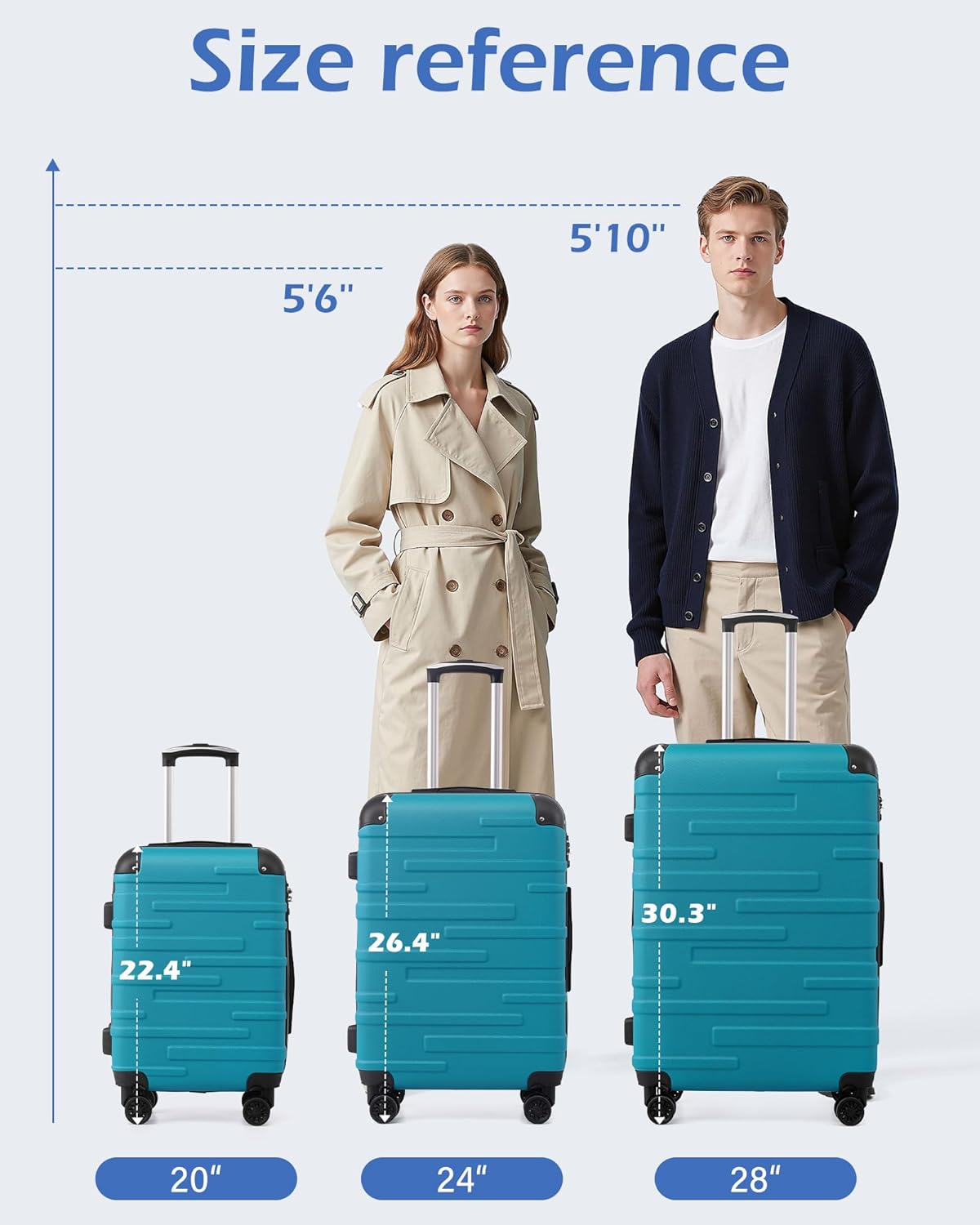
Image: A size reference chart showing 20-inch, 24-inch, and 28-inch luggage sizes next to male and female models.
Warranty and Support
For information regarding product warranty, returns, or additional support, please refer to the official Coolife website or contact their customer service directly. You can also visit the Coolife Store on Amazon for more details.


