
Introduction
Thank you for choosing the Rimoody 18IR Night Vision Rear View Camera. This camera is designed to enhance safety and convenience when reversing or maneuvering large vehicles. It features a robust design, advanced imaging capabilities, and a wide compatibility range.
Key features include:
- 18 IR LEDs: Provides automatic night vision for clear images in low-light conditions.
- IP69 Waterproof Rating: Ensures durability and reliable performance in various weather conditions.
- 120-Degree Wide Angle Lens: Minimizes blind spots for safer reversing.
- 4-Pin Aviation Connector: Offers strong anti-interference and a secure, stable connection.
- Wide Voltage Compatibility: Operates on 9V-36V DC, suitable for a broad range of vehicles.
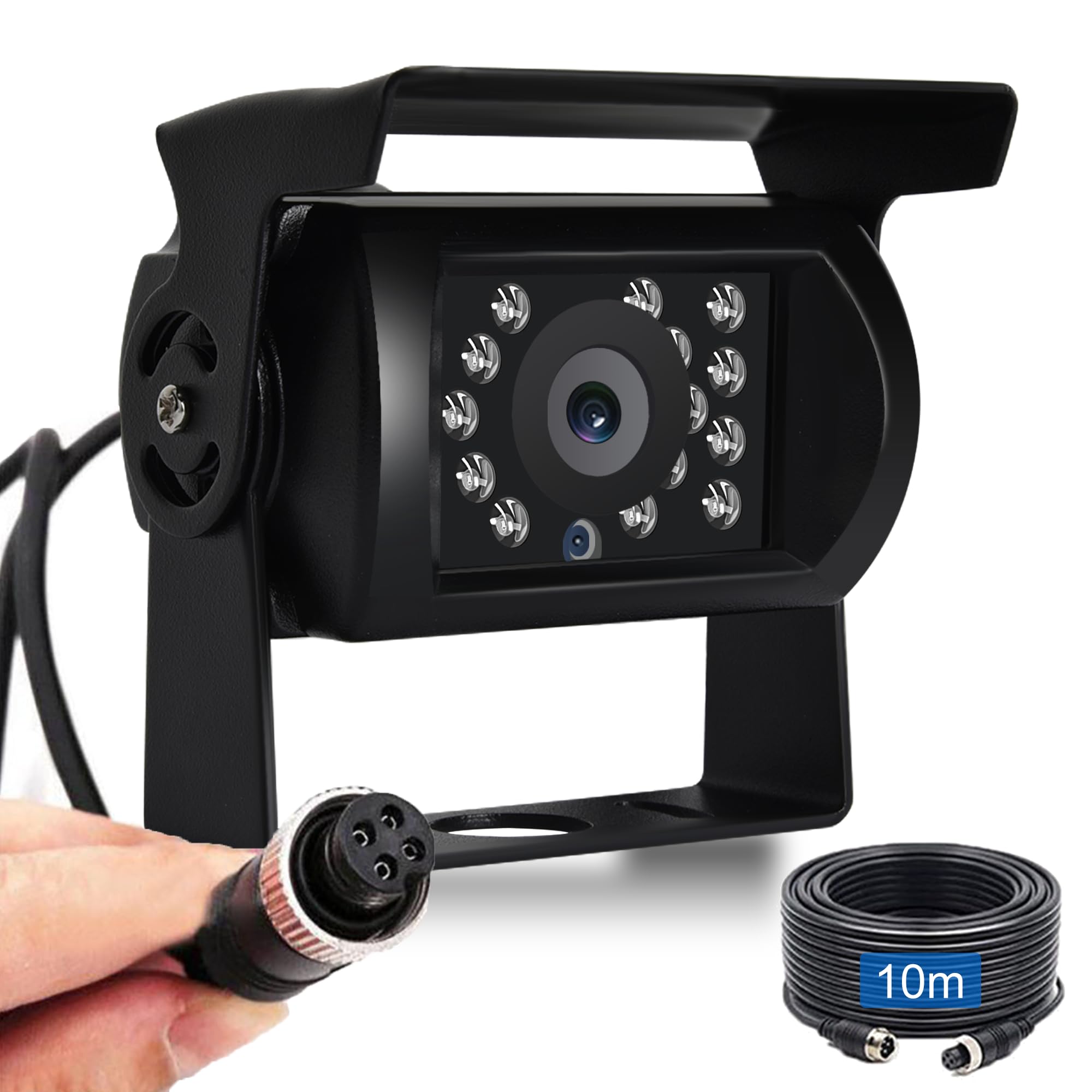
Image: The Rimoody 18IR Night Vision Rear View Camera demonstrating its night vision capabilities on a road at night.

Image: Illustration showing the camera's compatibility with various vehicle types including cars, RVs, pickups, trucks, SUVs, and buses.
Setup and Installation
This section provides instructions for installing your Rimoody rear view camera. Ensure the vehicle's power is off before beginning installation.
Package Contents
- 1 x Rimoody 18IR Night Vision Rear View Camera
- 1 x 10m (33ft) 4-Pin Aviation Connector Cable

Image: A visual representation of the camera and the 10m aviation cable included in the package, along with camera dimensions.
Installation Steps
- Choose Mounting Location: Select a suitable location at the rear of your vehicle that provides a clear, unobstructed view. Common locations include above the license plate or near the rear lights.
- Secure the Camera: Use the provided mounting bracket and screws to securely attach the camera to the chosen location. Ensure the camera is angled correctly for optimal viewing.
- Route the Cable: Carefully route the 10m 4-pin aviation connector cable from the camera to the monitor (not included) or vehicle's wiring system. Ensure the cable is protected from sharp edges, heat, and moving parts.
- Connect to Power: Connect the 4-pin aviation connector to your compatible monitor or vehicle's power supply (9V-36V DC). The aviation connector provides both power and video signal, eliminating the need for a separate power cable for the camera.
- Test the System: Once all connections are made, turn on the vehicle's power and engage reverse gear to test the camera's functionality. Adjust the camera angle if necessary.

Image: A diagram illustrating the simple connection process of the 4-pin aviation cable between the camera and the vehicle's system, highlighting its anti-interference properties.
Operating Instructions
The Rimoody rear view camera is designed for straightforward operation, automatically activating when needed.
- Automatic Activation: The camera typically activates automatically when the vehicle's reverse gear is engaged, displaying the rear view on your connected monitor.
- Night Vision: The integrated 18 IR LEDs automatically activate in low-light conditions, providing clear black and white images for enhanced visibility at night.
- Wide Angle View: Utilize the 120-degree wide-angle view to monitor a broad area behind your vehicle, reducing blind spots and assisting with safe maneuvering.

Image: An overhead view illustrating the 120-degree wide-angle coverage of the camera, showing how it helps in parking situations.
Maintenance
Proper maintenance ensures the longevity and optimal performance of your camera.
- Cleaning the Lens: Regularly clean the camera lens with a soft, damp cloth. Avoid abrasive cleaners or materials that could scratch the lens surface.
- Checking Connections: Periodically inspect the 4-pin aviation connector cable for any signs of wear, damage, or loose connections. Ensure it remains securely fastened.
- Waterproof Design: The camera features an IP69 waterproof rating, making it resistant to dust and high-pressure water jets. However, avoid directing high-pressure water directly at the lens or connections for extended periods.
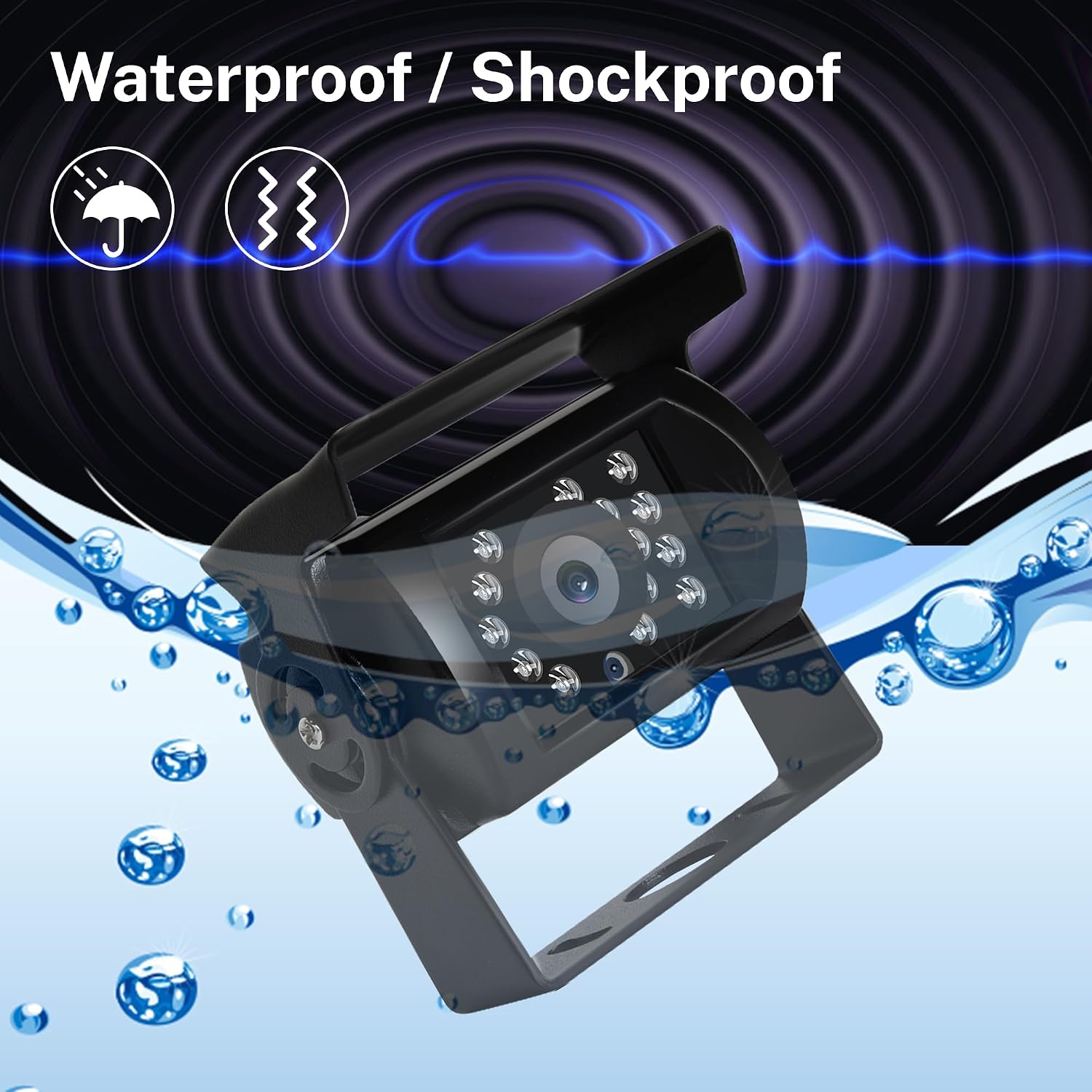
Image: An illustration highlighting the camera's waterproof and shockproof design, showing it submerged in water.
Troubleshooting
If you encounter issues with your camera, refer to the following common problems and solutions:
- No Image on Monitor:
- Ensure all cable connections are secure and properly seated.
- Verify that the camera is receiving power (12V-24V DC).
- Check if the monitor is functioning correctly and set to the correct input.
- Poor Image Quality (Blurry/Distorted):
- Clean the camera lens to remove any dirt, dust, or moisture.
- Ensure the camera is securely mounted and not vibrating.
- Check the cable for damage or kinks that might affect signal transmission.
- Flickering Image:
- Inspect the power supply for stability; unstable voltage can cause flickering.
- Check the aviation cable for any signs of damage or loose connections.
- Night Vision Not Working:
- Ensure there is sufficient darkness for the IR LEDs to activate automatically.
- Check for any physical obstructions blocking the IR LEDs.
Specifications
| Image Sensor | 1/3 Color CMOS |
| Resolution | 480 TV Lines (Video), 480 Lines per inch (Effective Still Image) |
| Viewing Angle | 120 Degrees |
| Night Vision | Yes (18 IR LEDs) |
| Waterproof Rating | IP69 |
| Power Input | 9V-36V DC |
| Connector Type | 4-Pin Aviation |
| Cable Length | 10m (33ft) |
| Product Dimensions (L x W x H) | 14 x 10 x 7 cm |
| Compatible Devices | Bus, RV, Truck, Trailer, Car, Van, Heavy-duty vehicles |
Warranty and Support
Warranty Information: For details regarding the product warranty, please refer to the purchase documentation or contact your retailer directly. Warranty terms may vary based on region and point of purchase.
Customer Support: If you have any questions, require technical assistance, or encounter issues not covered in this manual, please contact Rimoody customer service. Our professional customer service and technical team are available to assist you and will respond within 24 hours.
Contact information can typically be found on the product packaging, the seller's website, or your purchase invoice.