
1. Introduction
Thank you for choosing the JVC SPSA1BTB Portable Wireless Speaker. This manual provides essential information for setting up, operating, and maintaining your speaker. Please read it thoroughly before use to ensure optimal performance and longevity of your device.
2. Package Contents
Verify that all items are present in your package:
- 3 x JVC SPSA1BTB Portable Wireless Speakers
- 3 x Micro USB Charging Cables
- 1 x User Manual (this document)
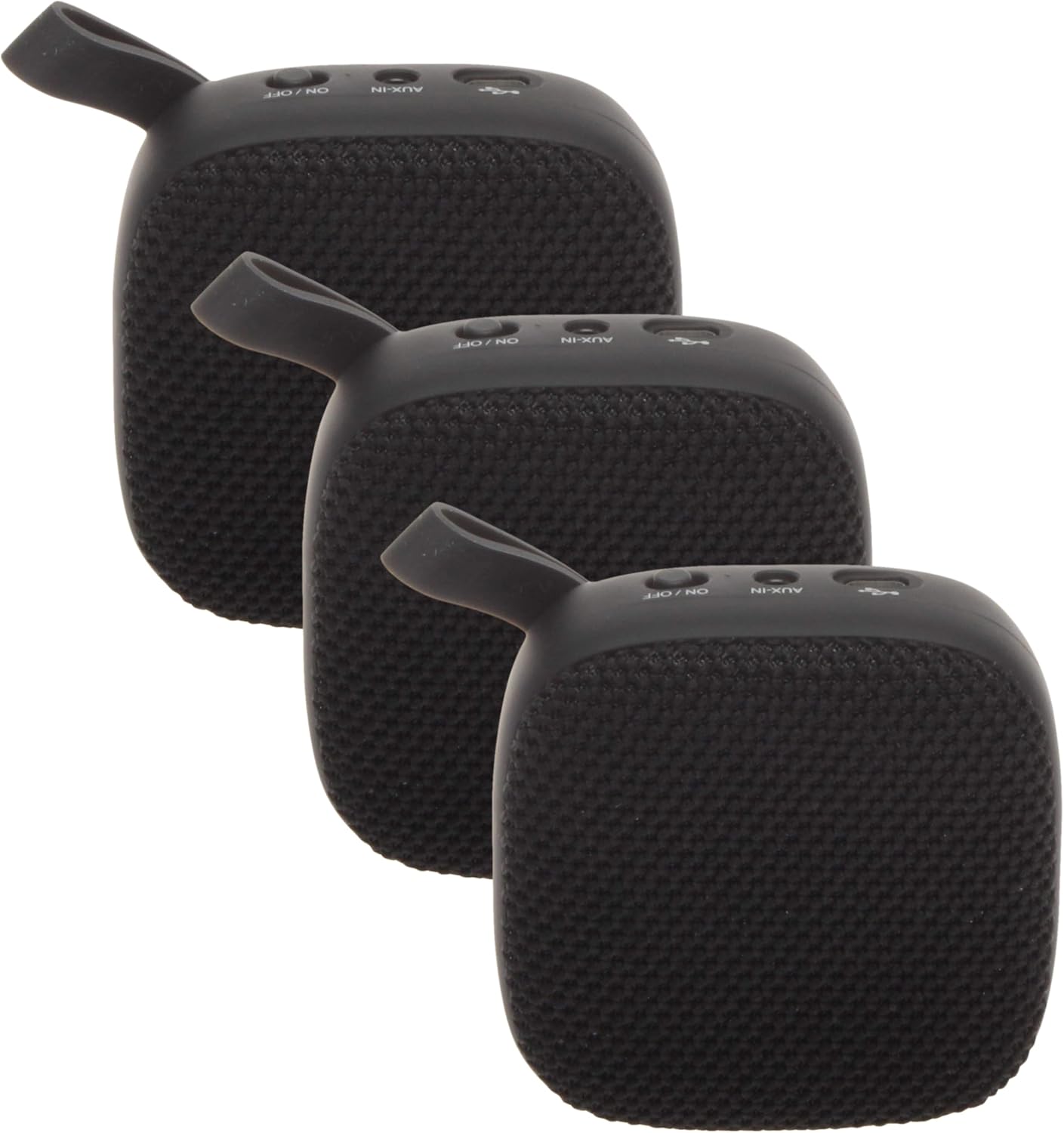
Image 2.1: Three JVC SPSA1BTB portable wireless speakers, as included in the package.
3. Product Overview
Familiarize yourself with the speaker's components and controls.
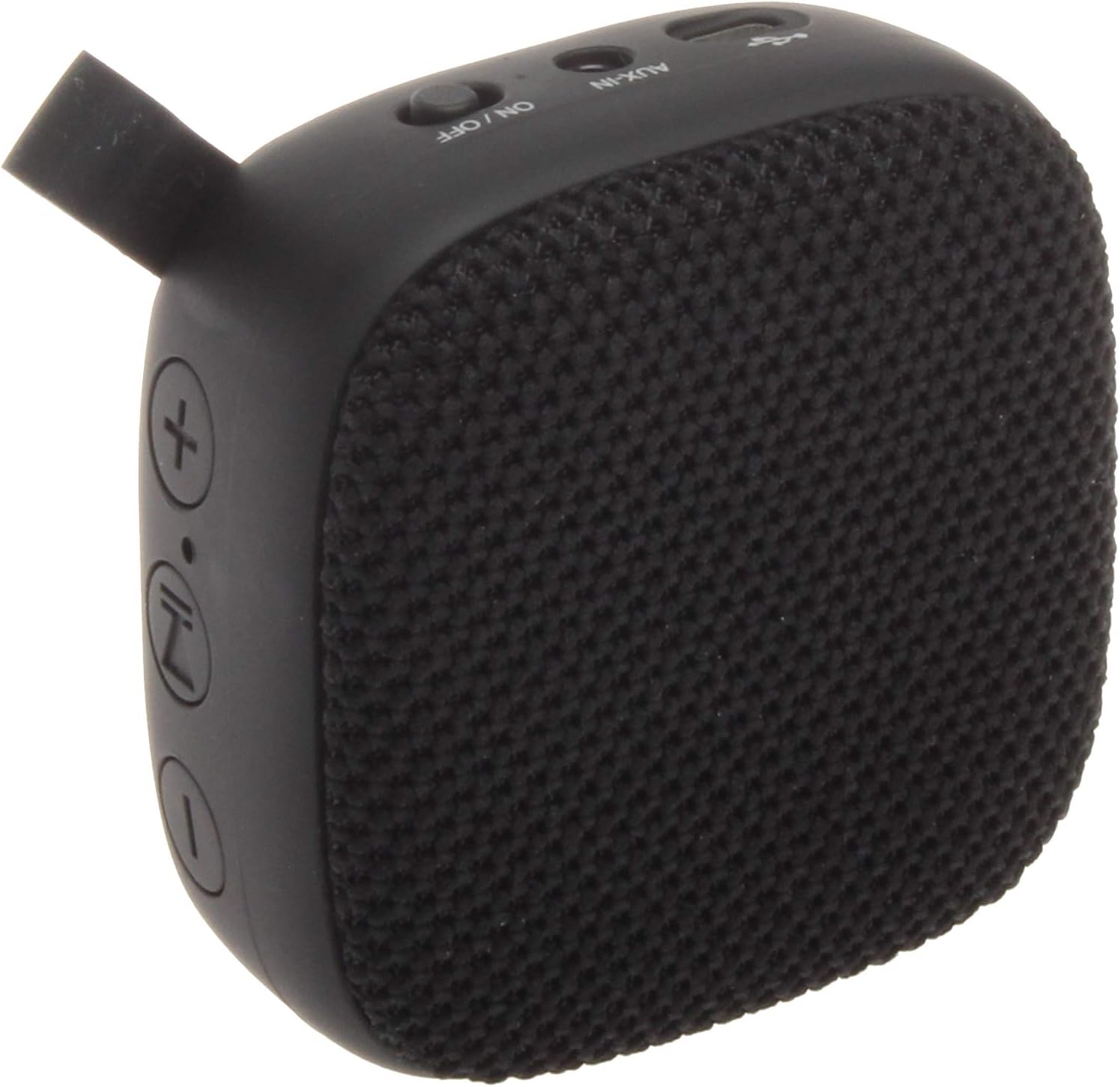
Image 3.1: Detailed view of the JVC SPSA1BTB speaker, highlighting the control buttons and input ports.

Image 3.2: Close-up of the speaker's side controls, including volume up (+), volume down (-), play/pause, and power buttons.
Key Features:
- Bluetooth 5.0: Provides stable and efficient wireless connectivity with a range of up to 33 feet.
- Compact and Portable Design: Lightweight for easy transport.
- 7-Hour Battery Life: Built-in rechargeable battery for extended playtime.
- Integrated Controls: Play/pause music, adjust volume, and built-in microphone for calls.
4. Setup
4.1 Charging the Speaker
- Connect the Micro USB charging cable to the speaker's charging port.
- Connect the other end of the USB cable to a USB power adapter (not included) or a computer's USB port.
- The charging indicator light will illuminate. It will turn off or change color once fully charged.
A full charge provides approximately 7 hours of playtime.

Image 4.1: The speaker is capable of up to 7 hours of playback on a single charge.
4.2 Powering On/Off
- To Power On: Press and hold the Power button (usually marked with an 'ON/OFF' or power symbol) for a few seconds until you hear an audible prompt or see an indicator light.
- To Power Off: Press and hold the Power button again for a few seconds until you hear an audible prompt or the indicator light turns off.
4.3 Bluetooth Pairing
- Ensure the speaker is powered on and in pairing mode (indicated by a flashing LED light, typically blue). If not, briefly press the Bluetooth button or power button to enter pairing mode.
- On your device (smartphone, tablet, laptop), go to the Bluetooth settings.
- Search for available devices. You should see "JVC SPSA1BTB" or a similar name in the list.
- Select the speaker to connect. Once paired, the LED indicator will typically stop flashing and remain solid, and you may hear a confirmation tone.

Image 4.2: The speaker offers superior wireless connectivity with a range of up to 33 feet.
5. Operating the Speaker
5.1 Music Playback
- Play/Pause: Press the Play/Pause button (often marked with a play/pause symbol) once to play or pause music.
- Volume Up: Press the '+' button to increase the volume.
- Volume Down: Press the '-' button to decrease the volume.
5.2 Using the Built-in Microphone
When connected to a smartphone, the speaker's built-in microphone allows you to answer calls hands-free.
- Answer/End Call: Press the Play/Pause button once to answer an incoming call or end an ongoing call.
- Reject Call: Press and hold the Play/Pause button for approximately 2 seconds to reject an incoming call.
6. Maintenance
To ensure the longevity and optimal performance of your JVC SPSA1BTB speaker, follow these maintenance guidelines:
- Cleaning: Use a soft, dry cloth to clean the speaker's exterior. Do not use abrasive cleaners, alcohol, or solvents.
- Storage: Store the speaker in a cool, dry place away from direct sunlight and extreme temperatures.
- Water Exposure: This speaker is not waterproof. Avoid exposing it to water or excessive moisture.
- Charging: Use only the provided Micro USB cable or a certified equivalent for charging.
7. Troubleshooting
If you encounter issues with your speaker, refer to the following common problems and solutions:
| Problem | Possible Cause | Solution |
|---|---|---|
| Speaker does not power on | Low battery; Power button not pressed correctly | Charge the speaker fully; Press and hold the Power button for 3-5 seconds. |
| Cannot pair via Bluetooth | Speaker not in pairing mode; Device Bluetooth off; Too far from device | Ensure speaker LED is flashing; Turn on Bluetooth on your device; Move speaker closer to your device (within 33ft). |
| No sound or low volume | Volume too low on speaker or device; Speaker not connected | Increase volume on both speaker and connected device; Re-pair the speaker with your device. |
| Sound distortion | Volume too high; Low battery; Interference | Reduce volume; Charge the speaker; Move away from other wireless devices. |
8. Specifications
| Feature | Detail |
|---|---|
| Model Name | SPSA1BTB |
| Brand | JVC |
| Connectivity Technology | Bluetooth, USB |
| Wireless Communication Technology | Bluetooth |
| Bluetooth Range | 33 Feet (10 meters) |
| Power Source | Battery Powered |
| Battery Life | Up to 7 hours |
| Speaker Type | Surround Sound |
| Audio Output Mode | Surround |
| Control Method | Touch |
| Compatible Devices | Laptop, Smartphone, Tablet |
| Product Dimensions | 4.25 x 1.57 x 3.7 inches |
| Item Weight | 12.5 ounces |
| Color | Black |
| Is Waterproof | FALSE |
9. Warranty and Support
This JVC SPSA1BTB Portable Wireless Speaker comes with a Limited Warranty. Please refer to the warranty card included in your package for specific terms and conditions.
For technical support, troubleshooting assistance, or warranty claims, please contact JVC customer service through their official website or the contact information provided with your product documentation.


