
Introduction
This manual provides detailed instructions for the installation, operation, and maintenance of your Lumishore Eclipse SL100 1 Meter Blue LED Strip Light. Please read this manual thoroughly before installation and use to ensure proper function and safety.
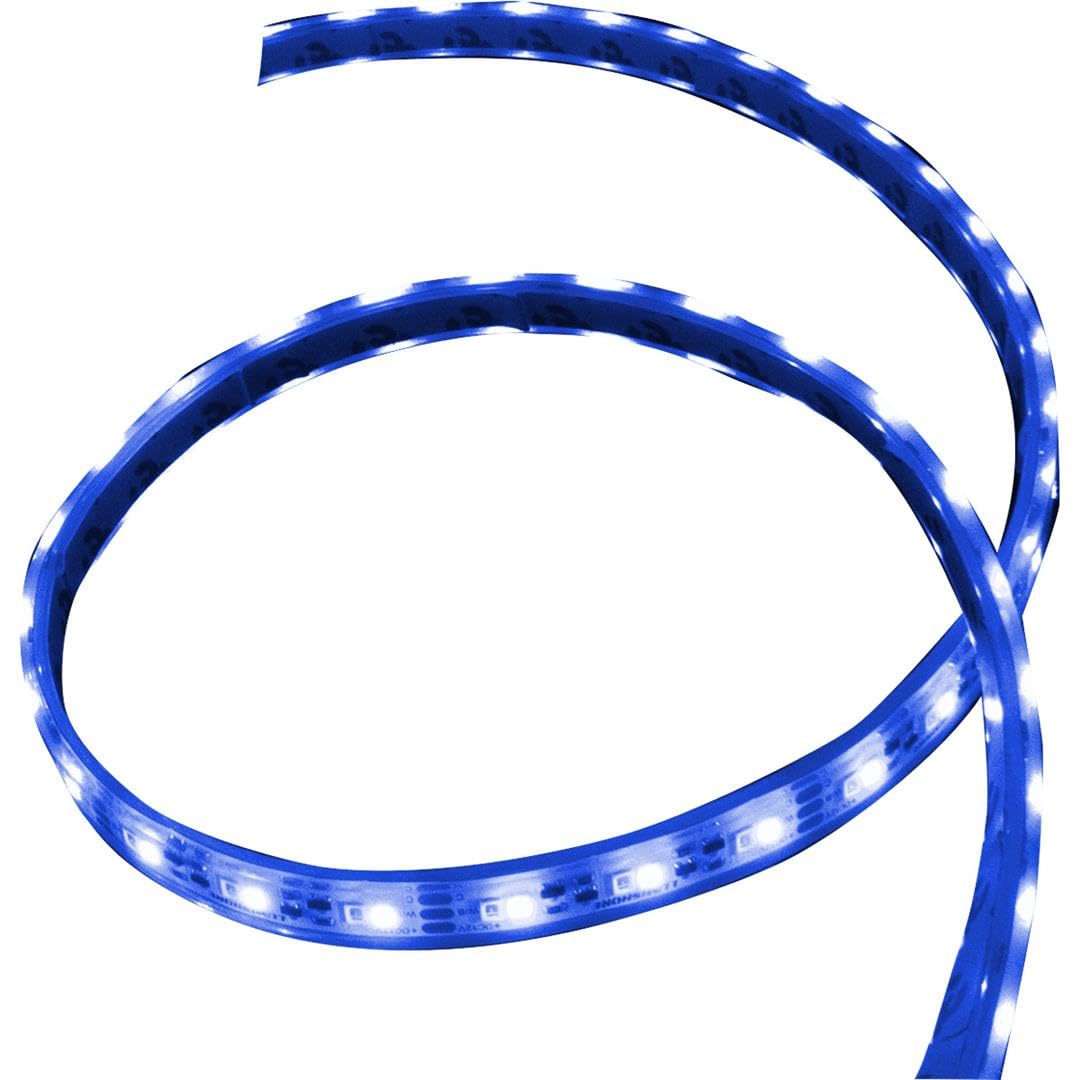
Image: The Lumishore Eclipse 1 Meter Blue LED Strip Light, coiled.
Safety Information
- Electrical Safety: Always ensure the power supply is disconnected before performing any installation, maintenance, or modification to the LED strip light. Incorrect wiring can lead to electrical shock, product damage, or fire. If you are unsure about electrical connections, consult a qualified electrician.
- Water Resistance: This product is rated IP68, indicating high resistance to water ingress, suitable for marine environments. However, it is crucial to ensure all connections and especially any cut ends are properly sealed according to the instructions to maintain this water resistance. Failure to do so will void the warranty and may cause product failure.
- Mounting: Use appropriate fasteners and adhesives to securely mount the strip light. Ensure the mounting surface is clean, dry, and capable of supporting the strip light to prevent detachment during operation or movement.
Package Contents
The Lumishore Eclipse SL100 package typically includes the following items:
- Lumishore Eclipse LED Strip Light (1 Meter Blue)
- Sealing kit (includes specialized glue and end caps for cut ends)
- Mounting fastener clips (optional, stainless steel)
Setup and Installation
The Lumishore Eclipse LED Strip Light is designed for flexible installation and can be customized to your desired length. Follow these steps for proper setup:
1. Planning the Installation Location
Identify the desired location for your LED strip light. Ensure the surface is clean, dry, and suitable for adhesive mounting. Consider the path of the strip and where power connections will be made.
2. Cutting to Length (Optional)
The strip light features designated cut points, spaced approximately every 2 inches (5 cm). This allows you to precisely tailor the length or create two shorter strips from one standard length. Use sharp, clean tools for a precise cut to avoid damaging the internal circuitry.

Image: Lumishore Eclipse LED strip light coiled, illustrating its flexible nature, fully encapsulated design, and potential cut points.
3. Sealing Cut Ends
After cutting the strip light, it is imperative to use the provided sealing kit (glue and end caps) to ensure the newly cut end is completely watertight. Apply the glue generously and securely fit the end cap to maintain the product's IP68 rating and prevent water ingress.
4. Wiring Connection
The strip light requires a simple 2-wire connection (power and ground). Refer to the wiring diagram below for connecting with a standard On/Off switch or integrating with an Eclipse Command Center.

Image: Wiring diagram illustrating connections for a single color neon flex strip light to a 12V power supply unit (PSU) via an On/Off switch, and an alternative connection to an Eclipse Command Center using a dedicated cable harness.
- For Standard On/Off Switch Connection: Connect the RED wire from the strip light to a 10.5-15V DC power supply, ensuring an appropriate fuse and an On/Off switch are in line. Connect the BLK wire from the strip light to the ground (GND) of the power supply.
- For Eclipse Command Center Connection: Connect the RED wire of the Eclipse cable harness to the strip's RED wire. Connect the BLUE wire of the Eclipse cable harness to the strip's BLK wire. Ensure any unused wires (typically YEL & WHT) are properly isolated to prevent short circuits.
5. Mounting the Strip Light
Carefully peel the protective backing from the durable 3M adhesive on the back of the strip light. Firmly press the strip light onto the prepared surface, ensuring good contact along its entire length. For enhanced security, especially in high-vibration environments, utilize the optional stainless steel fastener clips at regular intervals.
Operating Instructions
Your Lumishore Eclipse LED Strip Light can be controlled using one of two primary methods, depending on your installation:
1. Standard On/Off Switch Control
If your strip light is connected via a standard On/Off switch, simply toggle the switch to turn the LED strip light on or off. This provides basic power control.
2. Digital Control via Eclipse Command Center
For advanced control capabilities, if your strip light is integrated with a compatible Eclipse Command Center, you can manage its operation digitally. This typically involves using a compatible Multi-Function Display (MFD) or other internet-compatible display devices. Refer to your Eclipse Command Center's specific instruction manual for detailed operational procedures, including brightness adjustments and other features.

Image: A boat interior illuminated with blue LED strip lighting and downlights, showcasing the ambient lighting effects achievable with the Eclipse system.
Maintenance
To ensure the longevity and optimal performance of your Lumishore Eclipse LED Strip Light, adhere to the following maintenance guidelines:
- Cleaning: Periodically clean the surface of the LED strip light with a soft cloth and fresh water. This helps remove salt residue, dirt, and other marine debris that can accumulate. Avoid using abrasive cleaners, solvents, or high-pressure washers, as these can damage the encapsulation.
- Inspection: Regularly inspect the entire length of the strip light, including all connections and especially any sealed cut ends, for signs of wear, physical damage, or corrosion. Ensure that the encapsulation remains intact and that there are no visible cracks or breaches that could compromise water resistance.
- Connection Check: Verify that all electrical connections are secure and free from moisture or corrosion. Loose or corroded connections can lead to intermittent operation or complete failure.
Troubleshooting
If you encounter any issues with your Lumishore Eclipse LED Strip Light, refer to the following common problems and their potential solutions:
| Problem | Possible Cause | Solution |
|---|---|---|
| Light does not turn on | No power supply; Loose electrical connection; Faulty switch or controller; Incorrect wiring. | Verify power is supplied to the circuit; Check all connections for tightness and corrosion; Test the switch or controller for functionality; Review the wiring diagram in this manual and correct any improper connections. |
| Light is dim or flickers | Low voltage supply; Loose connection; Partial damage to the strip; Overheating. | Ensure the voltage supply is within the specified range (10.5-15V DC); Check and secure all electrical connections; Inspect the strip for any visible physical damage; Ensure adequate ventilation if installed in an enclosed space. |
| Water ingress or moisture inside strip | Improperly sealed cut end; Damage to the strip's encapsulation. | If a cut end, re-seal it immediately and thoroughly using the provided kit. If the main encapsulation is damaged, the strip's water resistance is compromised, and it may require replacement. |
If problems persist after attempting these solutions, please contact Lumishore customer support for further assistance.
Specifications
- Model: SL100
- Color: Blue
- Length: 1 Meter (3.3 ft)
- Light Source Type: LED
- Waterproof Rating: IP68
- Material: Stainless Steel (for mounting clips)
- Voltage Range: 10.5-15V DC
- Control Method: Standard On/Off Switch or Digital via Eclipse Command Center
- Cut Points: Approximately every 2 inches (5 cm)
Warranty and Support
Warranty Information
The Lumishore Eclipse LED Strip Light is covered by a 3-year manufacturer's warranty. This warranty protects against defects in materials and workmanship under normal use and service conditions. Please retain your original purchase receipt as proof of purchase for any warranty claims.
Customer Support
For technical assistance, troubleshooting guidance beyond this manual, or to initiate a warranty claim, please visit the official Lumishore website. You can also find additional product information and contact details through the Lumishore Store on Amazon.


