1. Introduction
The ecoCalm Heating Accessories Fan Booster Triple Set is designed to enhance the efficiency of your home heating system. By strategically circulating warm air, this smart ventilator helps to accelerate room heating, reduce energy consumption, and maintain a comfortable environment with minimal noise.
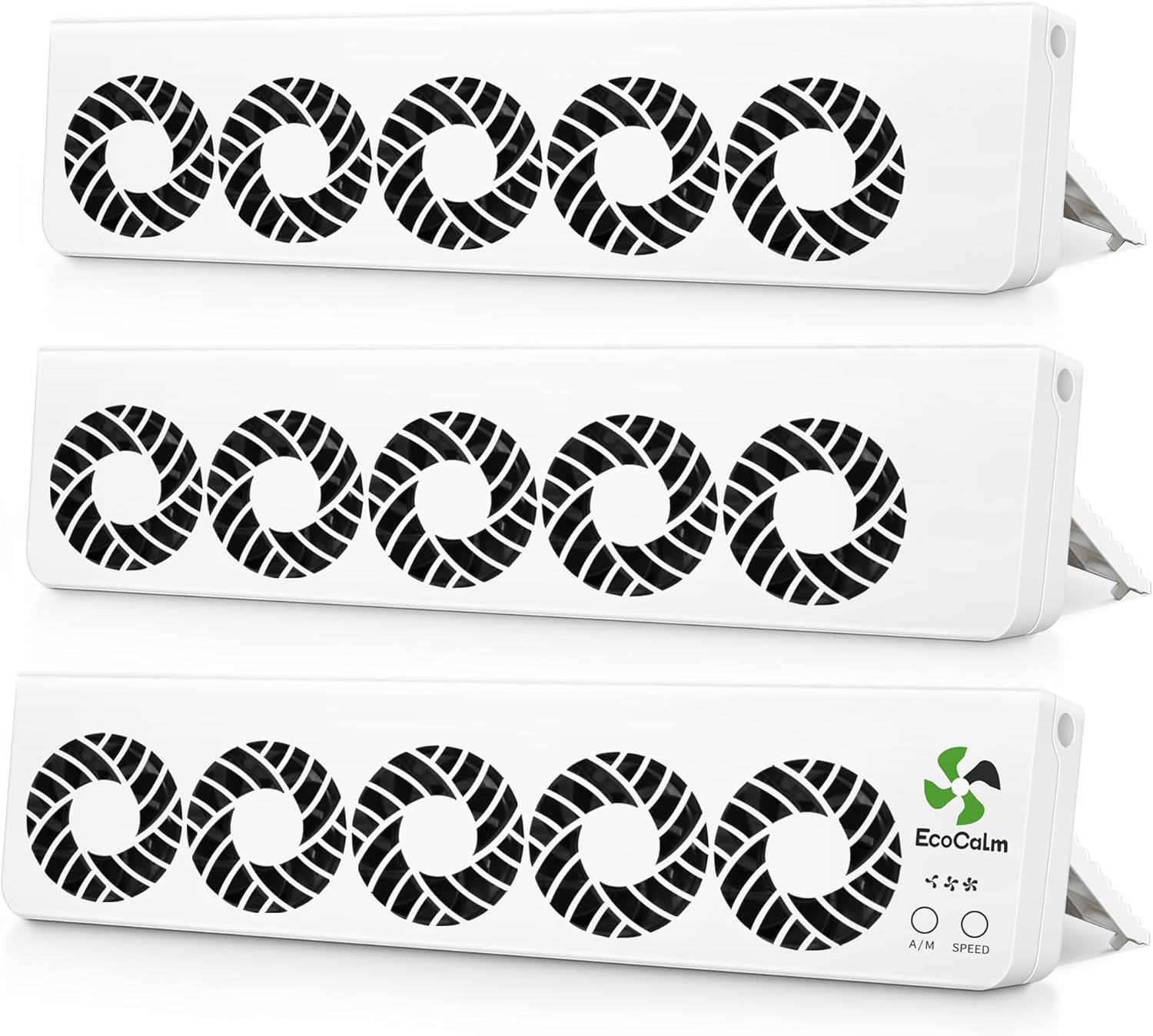
Image 1.1: The ecoCalm Heating Accessories Fan Booster Triple Set.
2. Product Features
- Accelerated Heating: Inclined placement directs hot air into the room, preventing heat loss to surrounding surfaces.
- Energy Saving: Equipped with 5 upgraded fans and 3 adjustable speeds, capable of reducing heating costs by up to 20%.
- Intelligent Thermostat: Features both default thermostat and manual modes for precise temperature control.
- Adaptable Design: Lightweight and suitable for various radiator types (TYPE21, TYPE22, TYPE32) with adjustable angles (30°/60°/180°).
- Low Noise Operation: Operates at less than 39dB at L1 speed, ensuring minimal disturbance.
3. Setup and Installation
3.1 Unpacking
Carefully remove all components from the packaging. Ensure all three fan booster units and the power adapter are present.
3.2 Placement Recommendations
The ecoCalm fan booster is designed for versatile placement. It can be positioned at 30°, 60°, or 180° angles to optimize heat distribution. Place the unit(s) on top of or near your radiator, ensuring the fans are directed towards the center of the room.
- For rooms up to 15 ㎡ (161 sq ft): Use a single set.
- For rooms up to 35 ㎡ (377 sq ft): Use a double set.
- For rooms up to 48 ㎡ (517 sq ft): Use a triple set (as provided in this package).

Image 3.1: Example of fan booster placement on a desk.
3.3 Power Connection
Connect the power adapter to the fan booster unit. Plug the adapter into a standard AC power outlet. The unit will automatically enter the default electronic thermostat setting upon power connection.
4. Operating Instructions
4.1 Modes of Operation
The ecoCalm fan booster offers two operating modes: Thermostat Mode and Manual Mode.
- Thermostat Mode (Default): When connected to power, the unit automatically activates. Fans will turn on at L1 speed when the ambient temperature reaches 30°C (86°F) and deactivate when the temperature drops below 24°C (75.2°F). This mode protects the fan and radiator from overheating.
- Manual Mode: Allows you to manually control the fan speed.

Image 4.1: Smart Thermostat Operation.
4.2 Adjusting Fan Speed
Use the 'SPEED' button on the control panel to cycle through the available fan speeds (L1, L2, L3). The current speed setting will be indicated by LED lights.
4.3 Switching Between Modes
Use the 'A/M' button to switch between Automatic (Thermostat) and Manual modes. The corresponding LED indicator will illuminate to show the active mode.
4.4 Low Noise Operation
At L1 speed, the fan booster operates at a noise level below 39dB, ensuring a quiet environment suitable for sleeping or working.
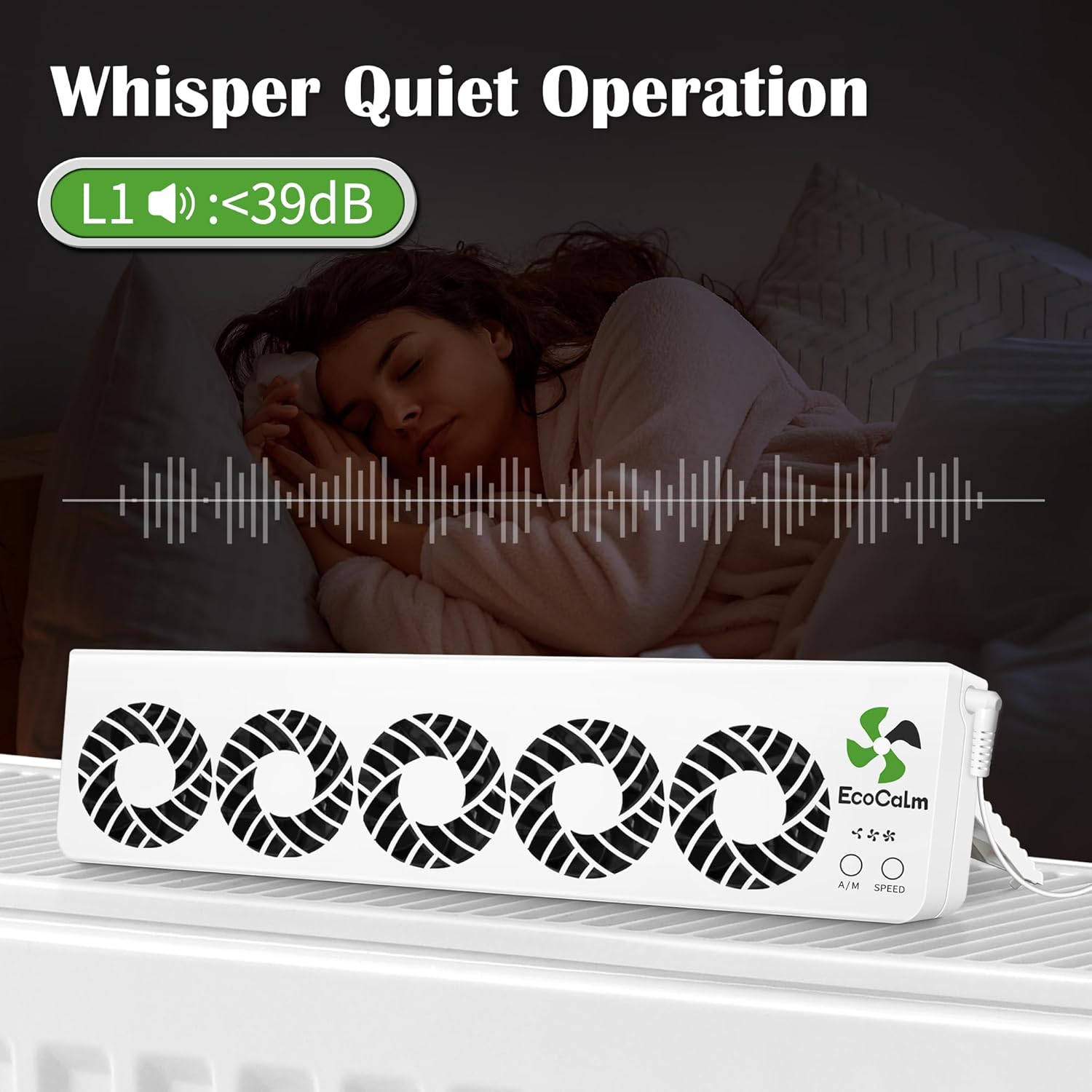
Image 4.2: Low Noise Operation at L1 Speed.
5. Maintenance
5.1 Cleaning
To ensure optimal performance, periodically clean the fan booster units. Disconnect the power before cleaning. Use a soft, dry cloth to wipe down the exterior. For dust accumulation on the fan blades, use a soft brush or compressed air. Do not use abrasive cleaners or immerse the unit in water.
5.2 Storage
If storing the unit for an extended period, ensure it is clean and dry. Store in a cool, dry place away from direct sunlight and extreme temperatures.
6. Troubleshooting
6.1 Unit Not Turning On
- Check if the power adapter is securely plugged into both the unit and the wall outlet.
- Verify that the wall outlet is functional by plugging in another device.
- Ensure the power adapter is not damaged.
6.2 Fans Not Activating in Thermostat Mode
- Confirm the ambient temperature is above 30°C (86°F). The fans will only activate when this threshold is met.
- Ensure the unit is in Thermostat Mode (A/M button LED indicator).
6.3 Unusual Noise During Operation
- Check for any obstructions around the fan blades.
- Ensure the unit is placed on a stable, flat surface.
- If the noise persists, contact customer support.
7. Specifications
| Feature | Detail |
|---|---|
| Brand | ecoCalm |
| Model Number | B0CHDP3115 (Item model number: 8c8e57d9-823f-425d-8b1d-6d60b8d4c0e6) |
| Color | White |
| Electric Fan Design | Window Fan |
| Power Source | AC/DC |
| Style | Desk Fan |
| Product Dimensions | 1.2"D x 16.5"W x 4"H |
| Room Type | Universal |
| Special Feature | Manual |
| Recommended Uses | Indoor |
| Noise Level | 39 Decibels (at L1 speed) |
| Switch Type | Push Button |
| Included Components | Cord |
| Indoor/Outdoor Usage | Indoor |
| Control Method | Touch |
| Cordless | No |
| Size | Triple Set |
| Item Weight | 4.4 pounds |
| Date First Available | September 6, 2023 |
8. Warranty and Support
For warranty information or technical support, please refer to the ecoCalm official website or contact their customer service directly. Keep your purchase receipt for warranty claims.
Customer Support: Please visit ecoCalm Store on Amazon for further assistance or contact information.
