
Ansmann 1900-0116
ANSMANN Moisture Meter Model 1900-0116 Instruction Manual
Professional Measurement of Moisture in Wood and Building Materials
Introduction
This manual provides detailed instructions for the safe and effective use of your ANSMANN Moisture Meter, Model 1900-0116. This device is designed for quick and easy detection of surface moisture in various wood types and building materials. Please read this manual thoroughly before operating the device to ensure proper usage and to prevent damage or injury.
Safety Information
Always observe the following safety precautions to prevent injury or damage to the device:
- Keep the device away from children.
- Do not attempt to measure live electrical circuits. The probes are conductive.
- Avoid exposing the device to extreme temperatures, direct sunlight, or high humidity.
- Do not immerse the device in water or other liquids.
- Handle the measuring probes with care; they are sharp. Always replace the protective cap when not in use.
- Use only the specified battery type. Ensure correct polarity during installation.
Package Contents
Verify that all items are present in the package:
- 1 x ANSMANN Moisture Meter (Model 1900-0116)
- 2 x AAA Micro Batteries
- 1 x Protective Cap for Measuring Probes
- 1 x Instruction Manual
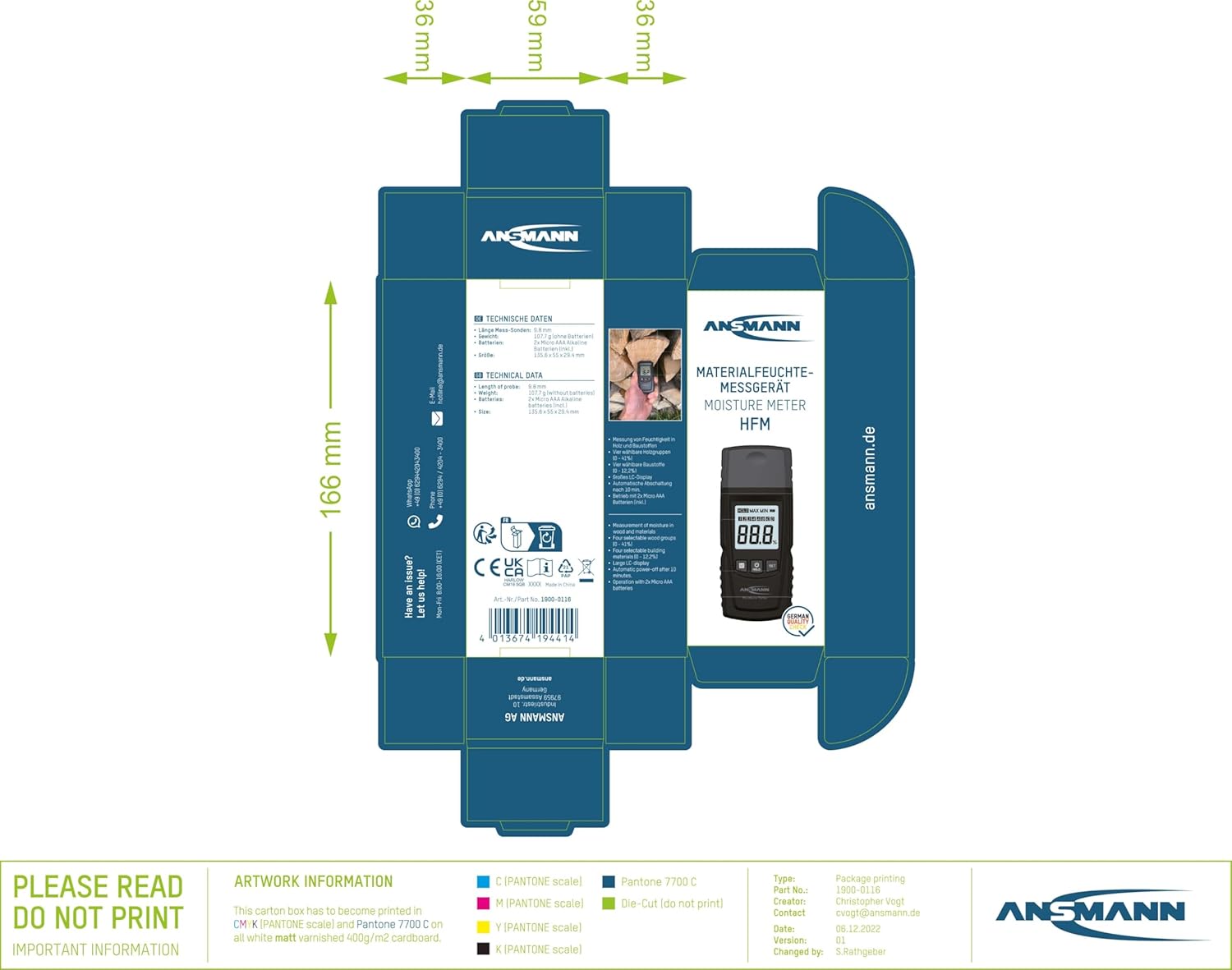
Image: The ANSMANN Moisture Meter packaging, illustrating the device and its included accessories.
Setup: Battery Installation
- Locate the battery compartment on the back of the device.
- Unscrew the battery compartment cover.
- Insert the two supplied AAA micro batteries, ensuring correct polarity (+/-) as indicated inside the compartment.
- Replace the battery compartment cover and secure it with the screw.

Image: Front view of the ANSMANN Moisture Meter, displaying its LCD screen and control buttons.
Operating Instructions
Power On/Off
- To power on the device, press and hold the HOLD button (power symbol) for approximately 2 seconds.
- To power off the device, press and hold the HOLD button again for approximately 2 seconds.
Material Selection
- With the device powered on, press the M (Mode) button to cycle through the available material groups.
- The display will show a number (1-4) corresponding to the selected wood group or building material group. Refer to the "Material Selection Guide" section for details on each group.
Taking a Measurement
- Remove the protective cap from the measuring probes.
- Carefully insert the two measuring probes into the material you wish to test. Ensure both probes penetrate the surface adequately for an accurate reading.
- The moisture content will be displayed on the LCD screen as a percentage (%).
- To hold the current reading on the display, briefly press the HOLD button. Press it again to release the hold function.
- After measurement, carefully withdraw the probes and replace the protective cap.
Material Selection Guide
The ANSMANN Moisture Meter offers four selectable groups for wood and four for building materials to ensure accurate measurements. Select the appropriate group using the M button.
Wood Groups:
- Group 1: Softwoods (e.g., Pine, Spruce, Fir)
- Group 2: Medium Hardwoods (e.g., Maple, Oak, Ash)
- Group 3: Hardwoods (e.g., Beech, Cherry, Walnut)
- Group 4: Dense Hardwoods (e.g., Teak, Ipe)
Building Material Groups:
- Group 1: Brick, Cement Mortar
- Group 2: Concrete, Plaster
- Group 3: Anhydrite Screed, Gypsum Plaster
- Group 4: Lime Mortar, Sandstone
Maintenance
Cleaning:
- Wipe the device with a soft, dry cloth. Do not use abrasive cleaners or solvents.
- Ensure the measuring probes are clean and free of debris after each use.
Storage:
- Always replace the protective cap over the measuring probes when storing the device.
- Store the device in a cool, dry place, away from direct sunlight and extreme temperatures.
- If the device will not be used for an extended period, remove the batteries to prevent leakage.
Troubleshooting
| Problem | Possible Cause | Solution |
|---|---|---|
| Device does not power on. | Batteries are depleted or incorrectly installed. | Check battery polarity or replace with new AAA batteries. |
| Inaccurate readings. | Incorrect material group selected; probes not fully inserted; probes are dirty. | Ensure correct material group is selected. Insert probes fully into the material. Clean probes. |
| Display shows "LO" or similar low battery indicator. | Batteries are low. | Replace batteries with new AAA batteries. |
Specifications
- Model: 1900-0116
- Power Source: 2 x AAA Micro Batteries (included)
- Battery Cell Type: Alkaline
- Product Dimensions: 5.34 x 2.17 x 1.16 inches (approx. 13.56 x 5.51 x 2.95 cm)
- Item Weight: 3.8 ounces (approx. 107.7 grams)
- Probe Length: 9.8 mm (steel)
- Display: Large LCD
Warranty and Support
ANSMANN products are manufactured with high-quality materials and undergo strict quality control. This device is covered by a manufacturer's warranty against defects in materials and workmanship. For specific warranty terms, duration, and to obtain support, please refer to the warranty card included with your product or visit the official ANSMANN website.
For technical assistance, troubleshooting, or service inquiries, please contact ANSMANN customer support through their official channels. Keep your purchase receipt as proof of purchase for warranty claims.
Ask a question about this manual
Ask about setup, troubleshooting, compatibility, parts, safety, or missing instructions. Manuals+ will review the question and use this page’s manual context to help answer it.