
1. Introduction
This manual provides detailed instructions for the operation and maintenance of your MONODEAL Portable CD Player. This versatile device combines a CD player, FM radio, Bluetooth speaker, and USB media player, designed for both indoor and outdoor use. Please read this manual thoroughly before using the product to ensure proper function and longevity.

Figure 1.1: Front view of the MONODEAL Portable CD Player.
2. Safety Information
- Do not expose the device to extreme temperatures or direct sunlight.
- Keep the device away from water and moisture, despite its IPX7 waterproof rating, prolonged submersion is not recommended.
- Do not attempt to disassemble or repair the unit yourself. Refer all servicing to qualified personnel.
- Use only the specified charging cable and power source.
- Avoid listening at high volume levels for extended periods to prevent hearing damage.
3. Package Contents
Verify that all items are present in the package:
- MONODEAL Portable CD Player
- Type-C Charging Cable
- User's Guide (this manual)
- After-sales Manual
4. Product Features
- CD Player & FM Radio: Compatible with CD-DA/CD-R/CD-RW/MP3/WMA discs. Features random play, repeat play, and programming functions. Built-in FM tuner with 3 preset stations, long antenna, and upgraded DSP chip for enhanced reception.
- Bluetooth & USB Playback: Bluetooth receiving function allows pairing with mobile phones and tablets for wireless music streaming (15-meter range). USB port supports MP3 or WMA music files from flash drives.
- High-Quality Sound: Equipped with built-in 2x 3W high-power speakers for clear and full stereo sound.
- Portable Design: Features a convenient handle and IPX7 waterproof rating, making it suitable for various environments like kitchens, bathrooms, camping, and travel.
- Dual Power Supply: Built-in 2000mAh rechargeable battery for portable use, or power via USB-C cable.
- Additional Functions: Includes sleep timer, alarm clock, and a 3.5mm headphone jack for private listening.
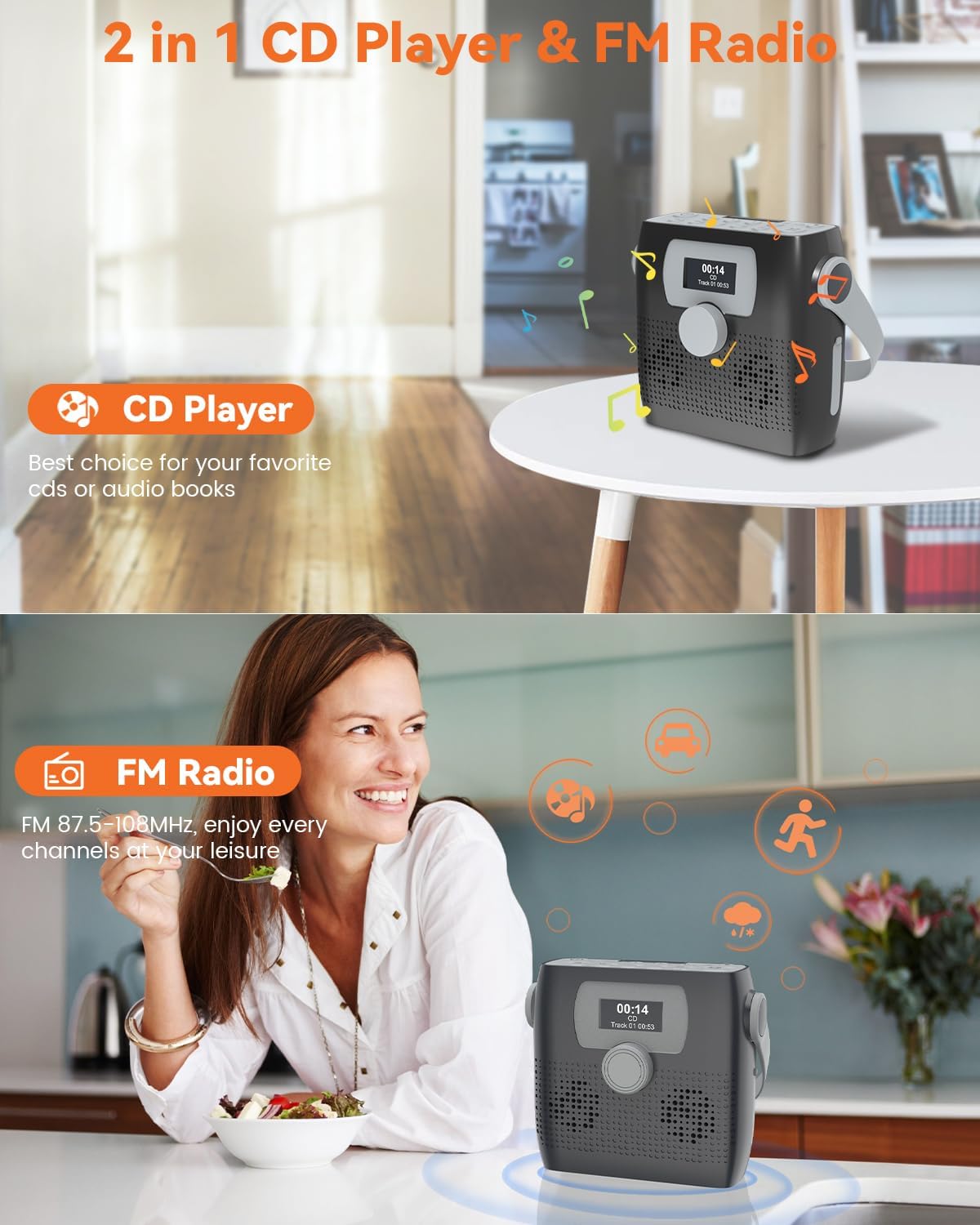
Figure 4.1: The device functions as both a CD player and an FM radio.
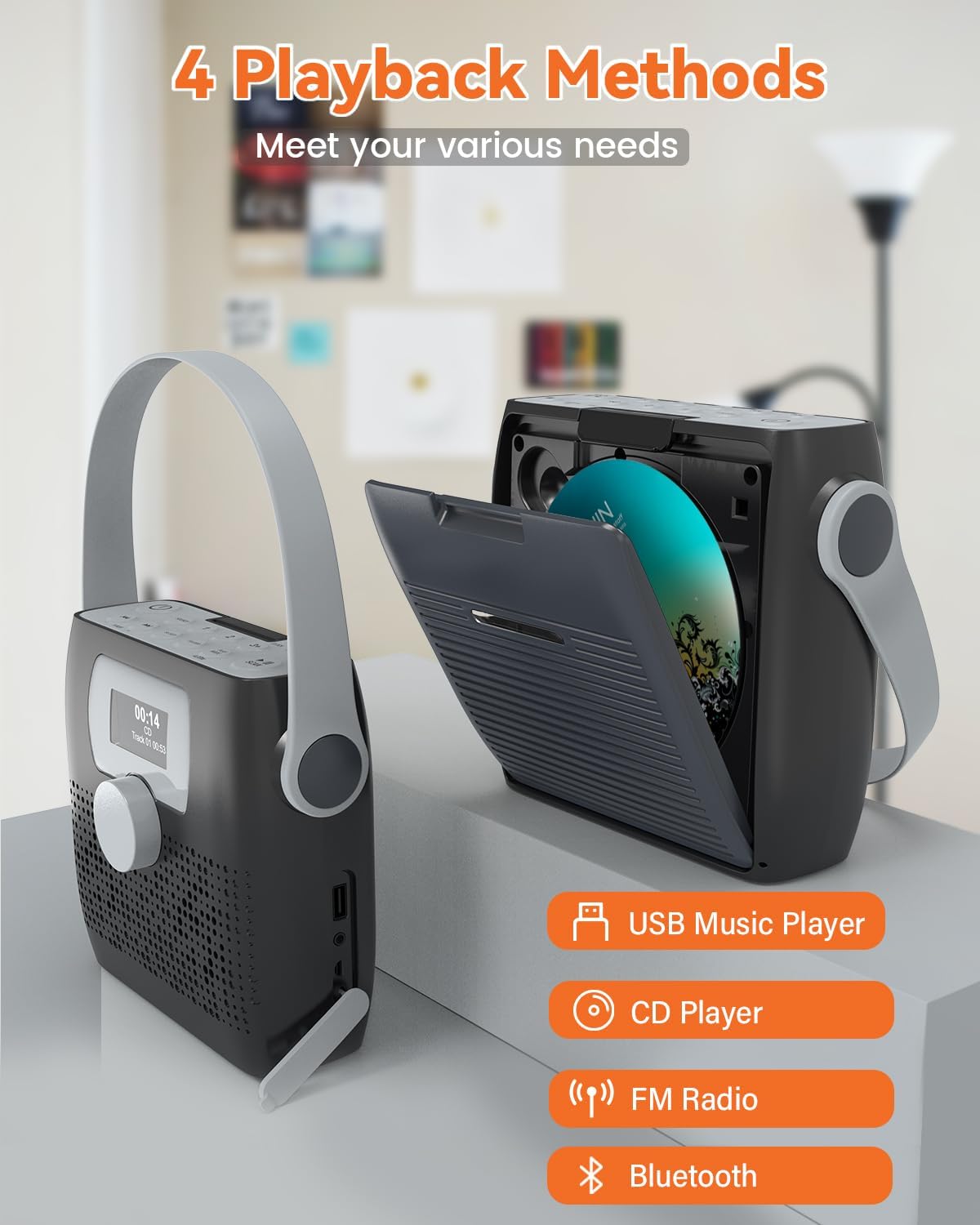
Figure 4.2: Four playback methods: USB Music Player, CD Player, FM Radio, and Bluetooth.
5. Controls and Display
The device features an intuitive layout for easy operation:
- LED Display: Shows current mode, track information, time, and other settings.
- Volume Dial: Smooth rotary dial for precise volume control.
- Buttons: Clearly labeled buttons for power, source selection, track navigation, sleep timer, folder navigation, play mode, scan, and alarm settings.

Figure 5.1: Top view highlighting the control buttons and LED display.
Video 5.1: A demonstration of the MONODEAL Portable CD Player and FM Radio's controls and display in action.
6. Setup
6.1 Power Supply
The MONODEAL CD Player can be powered in two ways:
- Built-in Battery: The device has a built-in 2000mAh rechargeable battery. Fully charge the device before first use.
- USB-C Power: Connect the provided Type-C charging cable to the USB-C port on the side of the player and plug the other end into a compatible USB power adapter (not included) or a USB port.

Figure 6.1: The device features a built-in 2000mAh battery for extended use.
6.2 Initial Setup (Clock & Alarm)
Refer to the "Clock" and "Alarm" buttons on the top panel to set the current time and configure alarm settings. Detailed instructions are provided in the "Operating Instructions" section.
7. Operating Instructions
7.1 CD Playback
- Open the CD compartment cover located on the back of the unit.
- Insert a CD (CD-DA/CD-R/CD-RW/MP3/WMA compatible) with the label side facing up.
- Close the CD compartment cover securely.
- Press the SOURCE button to select CD mode.
- Use the PLAY/PAUSE button to start or pause playback.
- Use the PREVIOUS/NEXT buttons to skip tracks.
- Adjust volume using the VOLUME/ENTER dial.

Figure 7.1: The CD compartment is located on the back of the unit.
7.2 FM Radio
- Extend the FM antenna for optimal reception.
- Press the SOURCE button to select FM mode.
- Press the SCAN button to automatically scan and save available stations.
- Use the 1, 2, 3+ buttons to quickly select preset stations.
- Manually tune using the TUNER +/- buttons.
7.3 Bluetooth Mode
- Press the SOURCE button to select Bluetooth mode. The display will show "Bluetooth" and the device will enter pairing mode.
- On your mobile device (phone, tablet, etc.), enable Bluetooth and search for "MONODEAL MD708".
- Select "MONODEAL MD708" to pair. Once connected, you can stream audio wirelessly to the CD player.
Video 7.1: A demonstration of the MONODEAL Bluetooth Boombox CD Player with Speakers, showcasing its Bluetooth connectivity.
7.4 USB Playback
- Insert a USB flash drive containing MP3 or WMA audio files into the USB port on the side of the unit.
- Press the SOURCE button to select USB mode.
- The device will automatically begin playing audio files from the USB drive.
- Use the PREVIOUS/NEXT buttons to navigate tracks.
- Use the FOLDER button to navigate between folders on the USB drive.
7.5 Headphone Use
Connect 3.5mm headphones (not included) to the headphone jack on the side of the unit for private listening. The internal speakers will automatically mute when headphones are connected.
7.6 Sleep Timer
The sleep timer allows the unit to automatically turn off after a set period.
- Press the SLEEP button repeatedly to cycle through available sleep timer settings (e.g., 120 min, 90 min, 60 min, 30 min, 15 min, 5 min, OFF).
- The selected time will be displayed on the screen. The unit will power off automatically after the set duration.

Figure 7.2: The display shows the current time and sleep timer settings.
8. Maintenance
- Cleaning: Wipe the unit with a soft, dry cloth. Do not use abrasive cleaners or solvents.
- CD Care: Handle CDs by their edges. Clean dirty CDs with a soft, lint-free cloth, wiping from the center outwards.
- Storage: When not in use for extended periods, store the device in a cool, dry place away from direct sunlight.
- Water Resistance: While IPX7 waterproof, ensure the USB and headphone port covers are securely closed when exposed to water. Do not submerge the unit.

Figure 8.1: The device is designed with IPX7 water resistance for outdoor use.
9. Troubleshooting
| Problem | Possible Cause | Solution |
|---|---|---|
| No power | Battery is depleted or power cable is not connected. | Charge the battery using the USB-C cable. Ensure the cable is securely connected. |
| CD not playing | CD is dirty, scratched, or inserted incorrectly. Incorrect source selected. | Clean the CD. Reinsert the CD correctly. Press the SOURCE button to select CD mode. |
| Poor FM reception | Antenna not extended or weak signal. | Fully extend the FM antenna. Try repositioning the unit for better signal. |
| Bluetooth not pairing | Device is not in pairing mode or too far from the source. | Ensure the unit is in Bluetooth mode. Move the devices closer. Restart both devices. |
| No sound from speakers | Volume too low or headphones connected. | Increase volume. Disconnect headphones if not desired. |
10. Specifications
- Product Dimensions: 6.3 x 2.17 x 6.3 inches
- Item Weight: 2.03 pounds
- Model Number: MD708
- Brand: MONODEAL
- Connectivity Technology: Auxiliary, USB, Bluetooth
- Color: Grey
- Speaker Type: Stereo (2x 3W)
- Battery: Built-in 2000mAh
- Water Resistance: IPX7
- Supported CD Formats: CD-DA, CD-R, CD-RW, MP3, WMA
- FM Frequency Range: 87.5-108MHz
11. Warranty and Support
MONODEAL is committed to providing quality products. For any issues or inquiries, please contact our customer service. We offer 24-hour customer service to assist you with any problems you may encounter.
For further assistance, please refer to the After-sales Manual included in your package or visit the official MONODEAL store online.
