
1. Product Overview
The XIAOMI 50-inch X Series 4K Smart Google LED TV (Model L50M8-A2IN) offers a premium viewing experience with its 4K Dolby Vision display and smart features powered by Google TV. This manual provides essential information for setting up, operating, and maintaining your television.
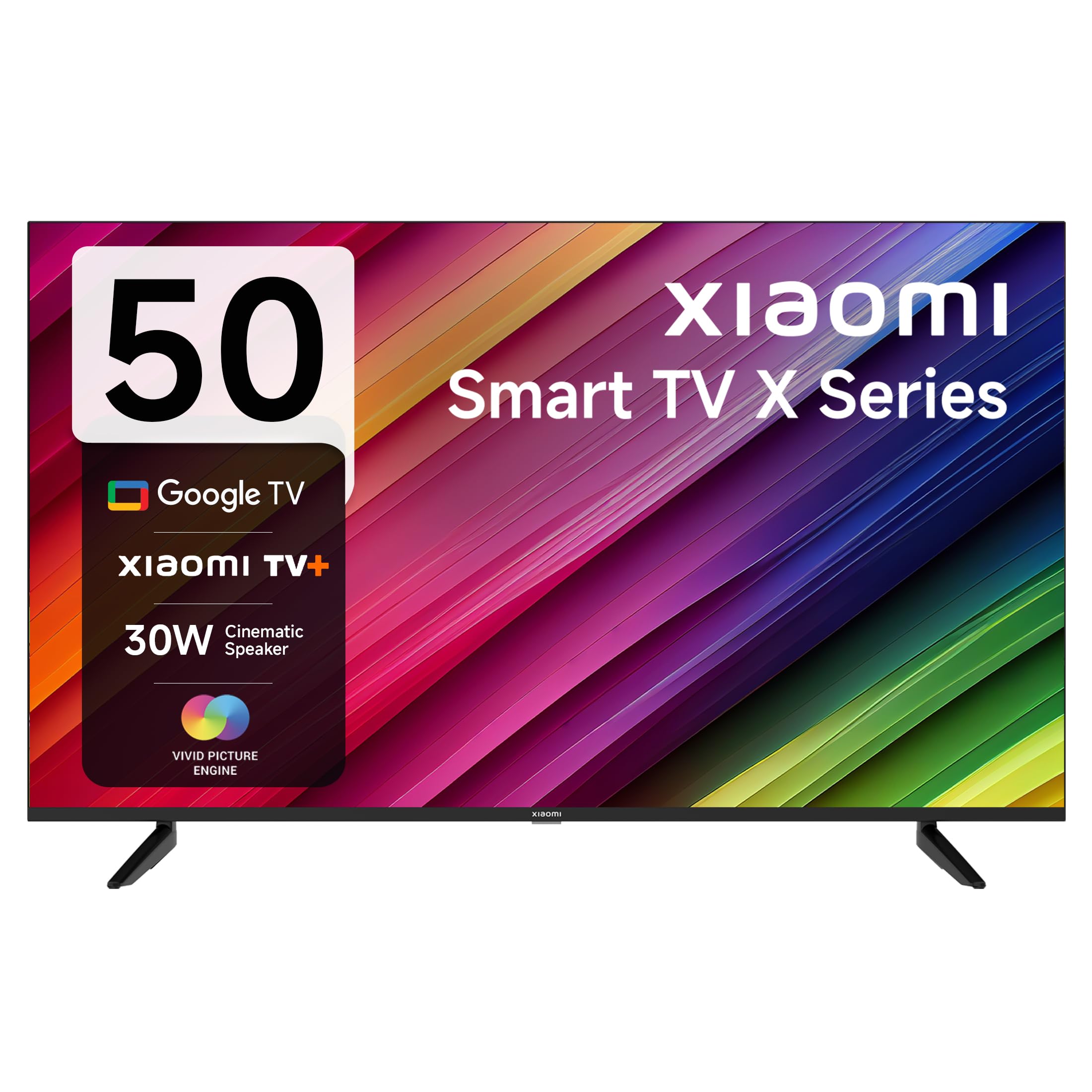
Image 1.1: Front view of the XIAOMI 50-inch X Series 4K Smart Google LED TV.
2. What's in the Box
Carefully unpack the box and ensure all items are present:
- 1 LED TV
- 2 Table Stand Bases along with screws
- 1 Remote Control
- 2 AAA Batteries
3. Setup Instructions
3.1 Attaching the TV Stand
To ensure stability, attach the provided table stand bases to the bottom of the TV. Place the TV face down on a soft, flat surface to prevent screen damage. Align the stand bases with the screw holes on the TV and secure them using the provided screws.
3.2 Initial Power-On and Configuration
- Connect the power cord to the TV and then to a power outlet.
- Press the power button on the remote control or the TV to turn it on.
- Follow the on-screen instructions to select your language, region, and connect to your Wi-Fi network.
- Sign in with your Google account to access Google TV features and apps.
4. Operating Instructions
4.1 Remote Control Functions
The included remote control provides easy access to all TV functions. Insert the two AAA batteries into the remote control before use.

Image 4.1: Overview of the sleek remote control for the XIAOMI Smart TV.
- Power Button: Turns the TV on or off.
- Google Assistant Button: Activates voice commands.
- Navigation Pad: Use Up, Down, Left, Right, and OK buttons to navigate menus.
- Volume Buttons: Adjust the volume. Double-tap volume down for Quick Mute.
- Channel Buttons: Change TV channels.
- Home Button: Returns to the Google TV home screen.
- Back Button: Returns to the previous screen.
- Quick Wake: Turn on the TV in less than 5 seconds.
- Quick Settings: Long press the PatchWall button to enter the quick settings menu.
- Dedicated App Buttons: Direct access to Netflix, Prime Video, Disney+ Hotstar, and YouTube.
4.2 Smart TV Features (Google TV & PatchWall)
Your XIAOMI TV runs on Google TV, providing a personalized content experience. It also features PatchWall, an intuitive interface that curates content based on your viewing habits.

Image 4.2: Google TV and Google Assistant features for enhanced entertainment.
- Content First UI: Discover new movies and shows easily.
- Recommendations: Personalized suggestions based on your viewing history.
- Chromecast Built-in: Cast content from your mobile devices directly to the TV.
- Google Assistant: Use voice commands to search for content, control smart home devices, and more.
- Supported Apps: Access popular streaming services like Netflix, Prime Video, YouTube, Disney+ Hotstar, Zee5, and many others from the Google Play Store.
- PatchWall: Offers a unified content experience with over 30+ OTT apps and 300+ Live channels.
- Kids Mode: Provides a safe viewing environment for children.
5. Features and Connectivity
5.1 Display and Audio
- Resolution: 4K Ultra HD (3840 x 2160) for stunning clarity.
- Refresh Rate: 60 Hertz for smooth motion.
- Viewing Angle: 178 degrees for wide visibility.
- Display Technologies: 4K Dolby Vision, HDR 10, HLG, Reality Flow MEMC, Vivid Picture Engine, Wide Colour Gamut- DCI-P3 94% (typ) for vibrant and accurate colors.
- Audio Output: 30 Watts with Dolby Audio, DTS-X, and DTS Virtual: X for immersive sound.
- eARC (Dolby Atmos Pass-through): Enhanced audio return channel for high-quality sound.

Image 5.1: Display technologies including Dolby Vision, HDR 10, and HLG.

Image 5.2: Enhanced audio experience with Dolby Audio and DTS-X technologies.
5.2 Connectivity Ports
The TV offers a variety of ports for connecting external devices:

Image 5.3: Close-up view of the connectivity ports on the XIAOMI Smart TV.
- HDMI 2.1 x 3: Connect high-definition devices like gaming consoles, Blu-ray players, or set-top boxes.
- USB 2.0 x 2: For connecting USB storage devices to play media or for software updates.
- Ethernet Port: For a wired internet connection.
- AV Port: For connecting older analog devices.
- Optical Port: For digital audio output to soundbars or home theater systems.
- 3.5 mm Jack: For connecting headphones or external speakers.
- Dual Band Wi-Fi: For wireless internet connectivity.
- Bluetooth 5.0: For connecting wireless accessories like headphones or game controllers.
6. Specifications
Detailed technical specifications for the XIAOMI 50-inch X Series 4K Smart Google LED TV (Model L50M8-A2IN):
| Feature | Specification |
|---|---|
| Brand | XIAOMI |
| Model | L50M8-A2IN |
| Model Name | GTV Series |
| Model Year | 2023 |
| Screen Size | 50 Inches (125 cm) |
| Display Technology | LED |
| Resolution | 4K Ultra HD (3840 x 2160) |
| Refresh Rate | 60 Hz |
| Viewing Angle | 178 Degrees |
| Operating System | Google TV |
| RAM Memory | 2 GB |
| Storage Capacity | 8 GB |
| Graphics Coprocessor | Mali G52 MP1 |
| Audio Output | 30 Watts |
| Audio Features | Dolby Audio, DTS-X, DTS Virtual: X |
| Connectivity | Dual Band Wi-Fi, Bluetooth 5.0, 3 HDMI, 2 USB, Ethernet, AV, Optical, 3.5mm Audio |
| Product Dimensions (LxWxH) | 111.12 x 27.99 x 70.89 cm |
| Item Weight | 9.4 kg |

Image 6.1: Dimensions of the XIAOMI Smart TV X Series (50 inches).
7. Maintenance
Proper maintenance ensures the longevity and optimal performance of your TV.
- Cleaning the Screen: Use a soft, lint-free cloth specifically designed for electronics. Do not use harsh chemicals or abrasive materials. Lightly dampen the cloth with water if necessary, and gently wipe the screen.
- Cleaning the Body: Wipe the TV frame and stand with a soft, dry cloth.
- Ventilation: Ensure the TV's ventilation openings are not blocked to prevent overheating. Maintain adequate space around the TV for air circulation.
- Power Off: Unplug the TV from the power outlet during lightning storms or when it will be unused for extended periods.
8. Troubleshooting
If you encounter issues with your TV, refer to the following common troubleshooting steps:
- No Power: Check if the power cord is securely connected to both the TV and the power outlet. Ensure the outlet is functional.
- No Picture/Sound: Verify that the correct input source is selected. Check all cable connections (HDMI, AV, etc.).
- Remote Control Not Working: Replace the AAA batteries. Ensure there are no obstructions between the remote and the TV.
- No Internet Connection: Check your Wi-Fi router and ensure it is working correctly. Reconnect the TV to the Wi-Fi network in the settings menu. For wired connections, check the Ethernet cable.
- Apps Not Loading/Freezing: Restart the TV by unplugging it for a few minutes and then plugging it back in. Clear the cache for the problematic app in the TV settings.
- Picture Quality Issues: Adjust picture settings (brightness, contrast, color) in the TV menu. Ensure the content source is high quality (e.g., 4K content for 4K display).
If the issue persists after trying these steps, please contact customer support.
9. Warranty and Support
Your XIAOMI TV comes with a standard brand warranty. For specific warranty details and terms, please refer to the warranty card included with your product or visit the official XIAOMI website.
- Warranty Period: Enjoy 2 Years of Warranty - 1st Year Comprehensive Warranty + 1 Additional Year of Free Warranty on the Display Panel.
- Exclusions: Any kind of physical damages to the unit will not be covered under Warranty.
- Customer Support: For assistance, service requests, or further information, please visit the brand's official website or contact their customer service.


