
YOTON YB06
YOTON YB06 Baby Monitor User Manual
Model: YB06
Introduction
Thank you for choosing the YOTON YB06 Baby Monitor. This device is designed to provide a secure and reliable way to monitor your baby or pet, offering features such as a 4.3-inch LCD display, infrared night vision, two-way audio, and zoom capabilities. This manual provides detailed instructions for setup, operation, maintenance, and troubleshooting to ensure optimal performance and safety.
What's in the Box
Please check the contents of your package to ensure all items are present and undamaged.

Image Description: A visual representation of the YOTON baby monitor package contents, including the baby camera unit, the parent monitor unit, two USB-C power adapters, a user manual, and a bag of screws for mounting.
- 1 x Baby Unit (Camera)
- 1 x Parent Unit (Monitor)
- 2 x Power Adapters (with 1.8m USB-C Charging Cables)
- 1 x User Manual
- 1 x Screw Bag (for mounting the camera)
Product Overview
The YOTON YB06 Baby Monitor system consists of two main components: the Baby Unit (camera) and the Parent Unit (monitor).
Parent Unit (Monitor)

Image Description: A white YOTON baby monitor parent unit with a 4.3-inch LCD screen displaying a baby, alongside the white baby camera unit. Two USB-C charging cables and power adapters are also shown.
- 4.3-inch LCD Display: Provides a clear view of your baby.
- Rechargeable 1500mAh Battery: For portable use of the parent unit.
- Two-Way Audio: Allows you to speak to your baby.
- Buttons: Navigation, OK, Menu, Zoom, Lullaby, Microphone.
- Antenna: For stable 2.4GHz wireless connection.
- USB-C Charging Port: For convenient charging.
Baby Unit (Camera)

Image Description: The YOTON baby camera unit is shown next to a shield icon with "FHSS 2.4 GHz" and text indicating "NO WIFI" and "NO APP", highlighting its secure, non-WiFi operation.
- Camera Lens: Captures video feed.
- Infrared LEDs: For automatic night vision.
- Microphone: Picks up sounds from the baby's room.
- Speaker: For playing lullabies or your voice.
- Temperature Sensor: Monitors room temperature.
- USB-C Power Port: The camera requires continuous power.
Setup Guide
Follow these steps to set up your YOTON YB06 Baby Monitor.
- Charge the Parent Unit: Connect the parent unit to a power outlet using one of the provided USB-C cables and power adapters. Charge it fully before first use (approximately 3-4 hours). The battery indicator on the screen will show charging status.
- Power the Baby Unit: Place the baby unit (camera) in a suitable location in your baby's room, ensuring it has a clear view of the crib or play area. Connect the baby unit to a power outlet using the second USB-C cable and power adapter. The baby unit requires continuous power to operate.
- Positioning:
- Place the baby unit at least 1 meter (3 feet) away from the baby to avoid potential hazards.
- Ensure the camera is positioned to capture the desired viewing area.
- Avoid placing the camera in direct sunlight or near heat sources.
- Power On: Once both units are connected to power, turn on the parent unit by pressing and holding the power button. The units should automatically pair. If they do not pair, refer to the "Troubleshooting" section for pairing instructions.
- Adjust View: Manually adjust the angle of the baby unit camera to get the best view.
Operating Instructions
Basic Functions
- Power On/Off: Press and hold the power button on the parent unit.
- Volume Control: Use the volume buttons on the parent unit to adjust the sound level.
- Screen On/Off: Briefly press the power button to turn the screen on or off while the unit remains active.
Two-Way Audio
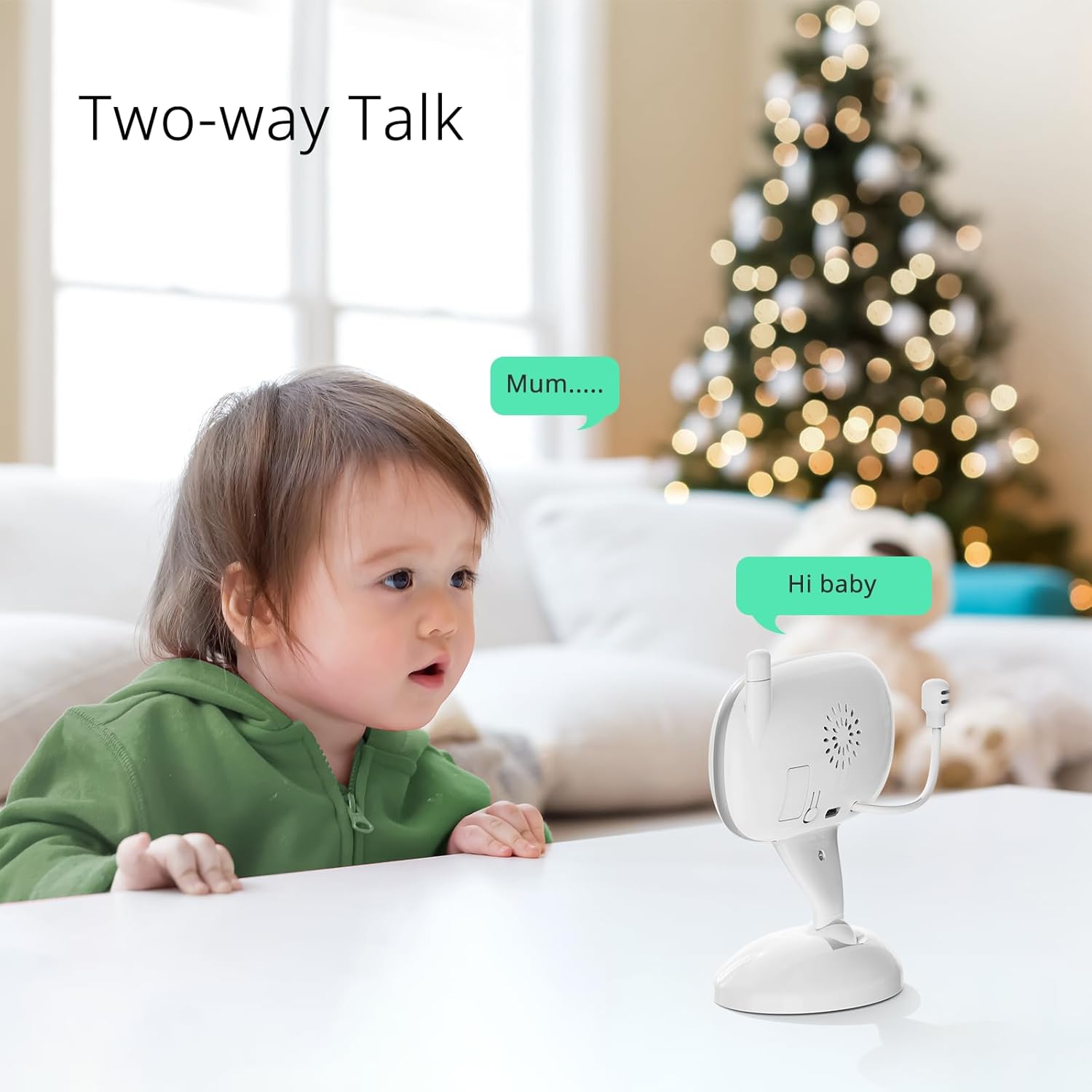
Image Description: An image depicting a young child looking towards the baby camera unit, with speech bubbles showing "Mum...." and "Hi baby", illustrating the two-way talk feature.
To speak to your baby through the camera, press and hold the microphone button on the parent unit. Release the button to stop speaking and resume listening.
Zoom Function (2X and 4X)
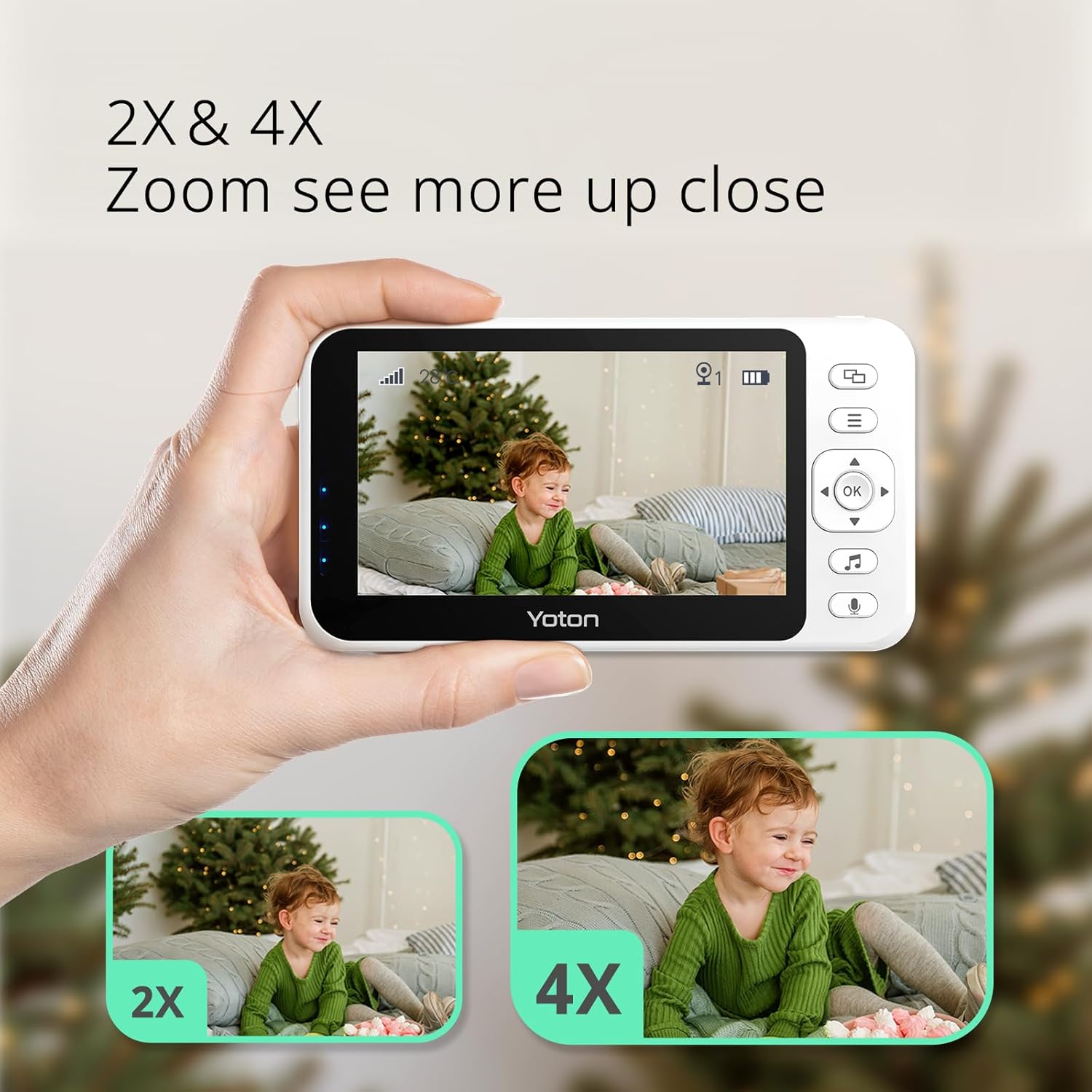
Image Description: The YOTON baby monitor screen is shown with two smaller inset images demonstrating the 2X and 4X zoom capabilities on a child, allowing for closer observation.
The YB06 baby monitor offers 2X and 4X digital zoom. Press the zoom button (often indicated by a magnifying glass icon) on the parent unit to cycle through 1X (normal), 2X, and 4X zoom levels. This allows for closer observation of your baby's movements.
Infrared Night Vision
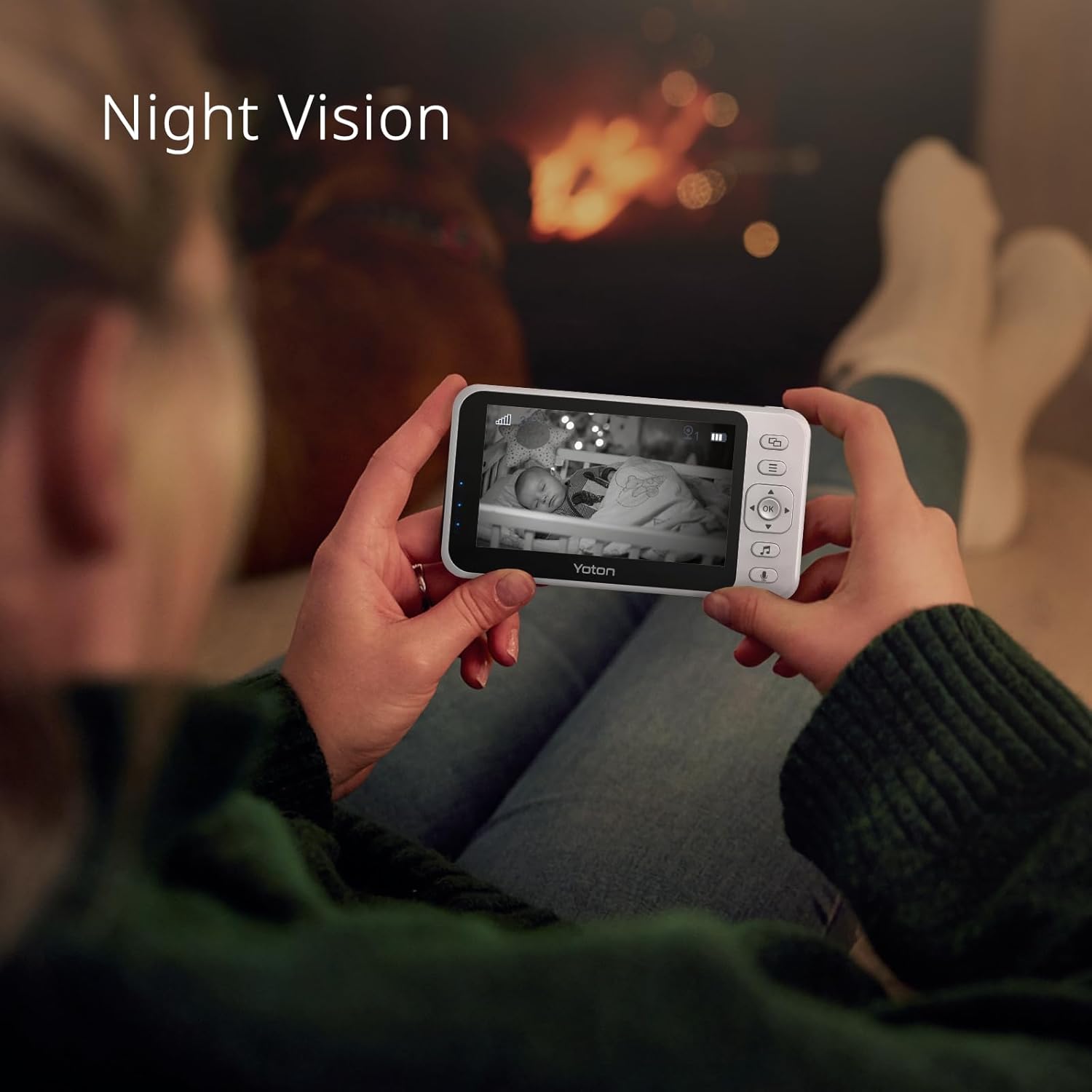
Image Description: A person is holding the YOTON baby monitor, which displays a black and white image of a sleeping baby in a crib, illustrating the automatic infrared night vision feature.
The baby unit is equipped with infrared LEDs for automatic night vision. When the ambient light in the room is low, the monitor will automatically switch to black and white night vision mode, ensuring a clear view of your baby even in complete darkness.
Lullabies and Room Temperature Monitoring
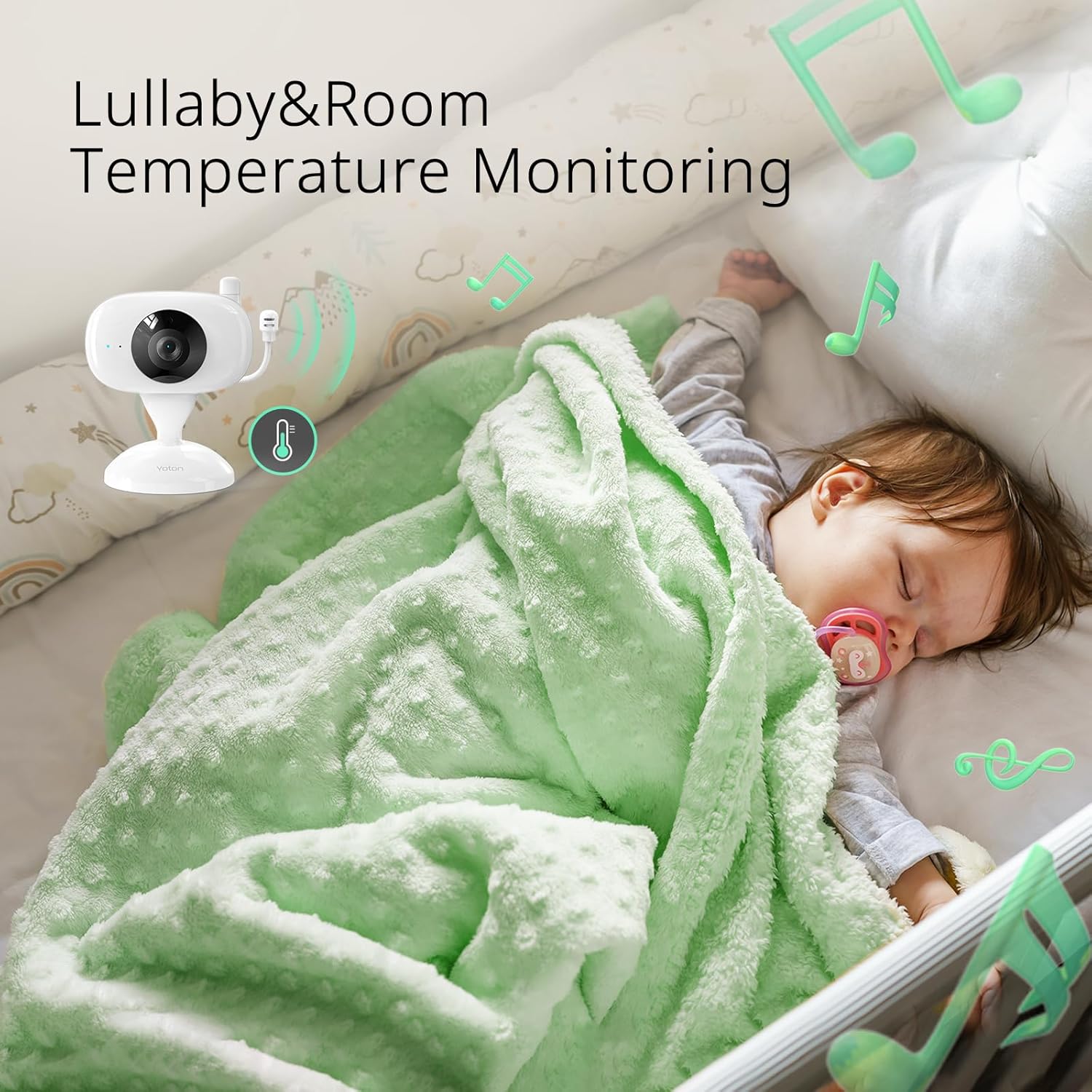
Image Description: A sleeping baby covered in a green blanket, surrounded by musical notes and a thermometer icon, representing the lullaby playback and room temperature monitoring features of the baby monitor.
- Lullabies: Press the lullaby button (often indicated by a music note icon) on the parent unit to play soothing melodies for your baby. Press again to cycle through available lullabies or turn them off.
- Temperature Monitoring: The baby unit has a built-in temperature sensor. The current room temperature will be displayed on the parent unit's screen, allowing you to ensure a comfortable environment for your baby.
Connecting Multiple Cameras (Up to 4)
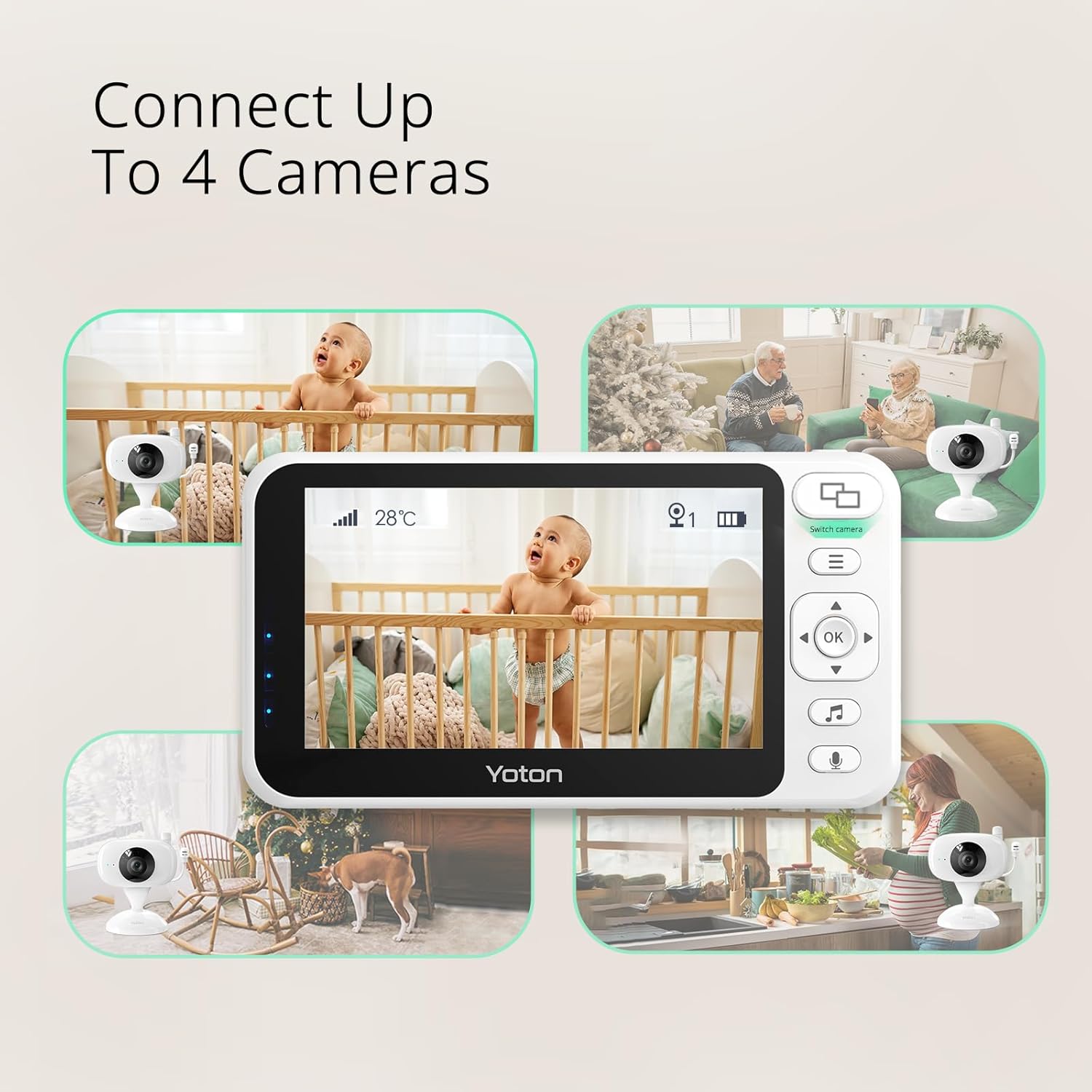
Image Description: The YOTON baby monitor screen is centrally displayed, surrounded by four smaller images showing different camera views (baby in crib, dog, grandparents, person cooking), illustrating the ability to connect up to four cameras.
The YB06 system supports up to four baby units (cameras). To add additional cameras:
- Access the menu on the parent unit.
- Navigate to the "Camera" or "Add Camera" option.
- Follow the on-screen prompts to pair the new baby unit. Ensure the new baby unit is powered on during the pairing process.
- Once paired, you can switch between camera views using the designated button on the parent unit or set it to cycle through views automatically.
Maintenance
Proper maintenance ensures the longevity and optimal performance of your baby monitor.
- Cleaning: Use a soft, dry cloth to clean the surfaces of both the parent and baby units. Do not use abrasive cleaners or solvents.
- Avoid Water: Keep both units away from water and moisture. They are not waterproof.
- Storage: If storing the monitor for an extended period, ensure the parent unit's battery is partially charged (around 50%) and store in a cool, dry place.
- Cable Care: Handle charging cables carefully. Do not bend or crimp them excessively.
Troubleshooting
If you encounter issues with your YOTON YB06 Baby Monitor, please refer to the following common problems and solutions.
| Problem | Possible Cause | Solution |
|---|---|---|
| No image/sound on parent unit |
|
|
| Poor video quality / Black and white image |
|
|
| Static or interference |
|
|
| Parent unit battery drains quickly |
|
|
Specifications
| Feature | Detail |
|---|---|
| Model Number | YB06 |
| Screen Size | 4.3 inches LCD |
| Connectivity | 2.4GHz FHSS (No WiFi, No App) |
| Parent Unit Battery | 1500mAh Rechargeable |
| Charging Port | USB-C |
| Zoom | 2X, 4X Digital Zoom |
| Night Vision | Automatic Infrared |
| Audio | Two-Way Audio |
| Temperature Sensor | Yes |
| Lullabies | Yes |
| Max Cameras Supported | 4 |
| Material | Acrylonitrile Butadiene Styrene (ABS) |
| Dimensions (L x W x H) | 11.8 x 9.42 x 5.62 cm |
| Item Weight | 590 g |
Warranty Information
The YOTON YB06 Baby Monitor comes with a 1-year warranty from the date of purchase. This warranty covers manufacturing defects and malfunctions under normal use. It does not cover damage caused by misuse, accidents, unauthorized repairs, or normal wear and tear. Please retain your proof of purchase for warranty claims.
Customer Support
For any questions, concerns, or technical assistance, please contact YOTON customer support.
- Email: support@yoton.co
- WhatsApp: +8618588265782
- Website: yoton.co

Image Description: A side view of the product box displaying YOTON's social media handles (YouTube, Facebook, Instagram) and email contact for support.
Related documentsYB06


Ask a question about this manual
Ask about setup, troubleshooting, compatibility, parts, safety, or missing instructions. Manuals+ will review the question and use this page’s manual context to help answer it.