
1. Important Safety Information
Please read this manual carefully before using your dishwasher. Keep it for future reference. This appliance is intended for household use only.
- Ensure the dishwasher is properly installed and grounded by a qualified technician.
- Do not allow children to operate, play with, or crawl inside the dishwasher.
- Use only detergents and rinse aids specifically designed for automatic dishwashers.
- Never touch the heating element during or immediately after use.
- Load sharp items so they are not likely to damage the door seal or interior.
- In case of a malfunction, switch off the appliance and disconnect it from the power supply before attempting any repairs. Contact authorized service personnel.
2. Product Overview
The Westpoint WYS-1323I is a full-size dishwasher designed for efficient and hygienic cleaning of your dishes. It features 13 place settings, 8 washing programs, and a durable stainless steel interior.
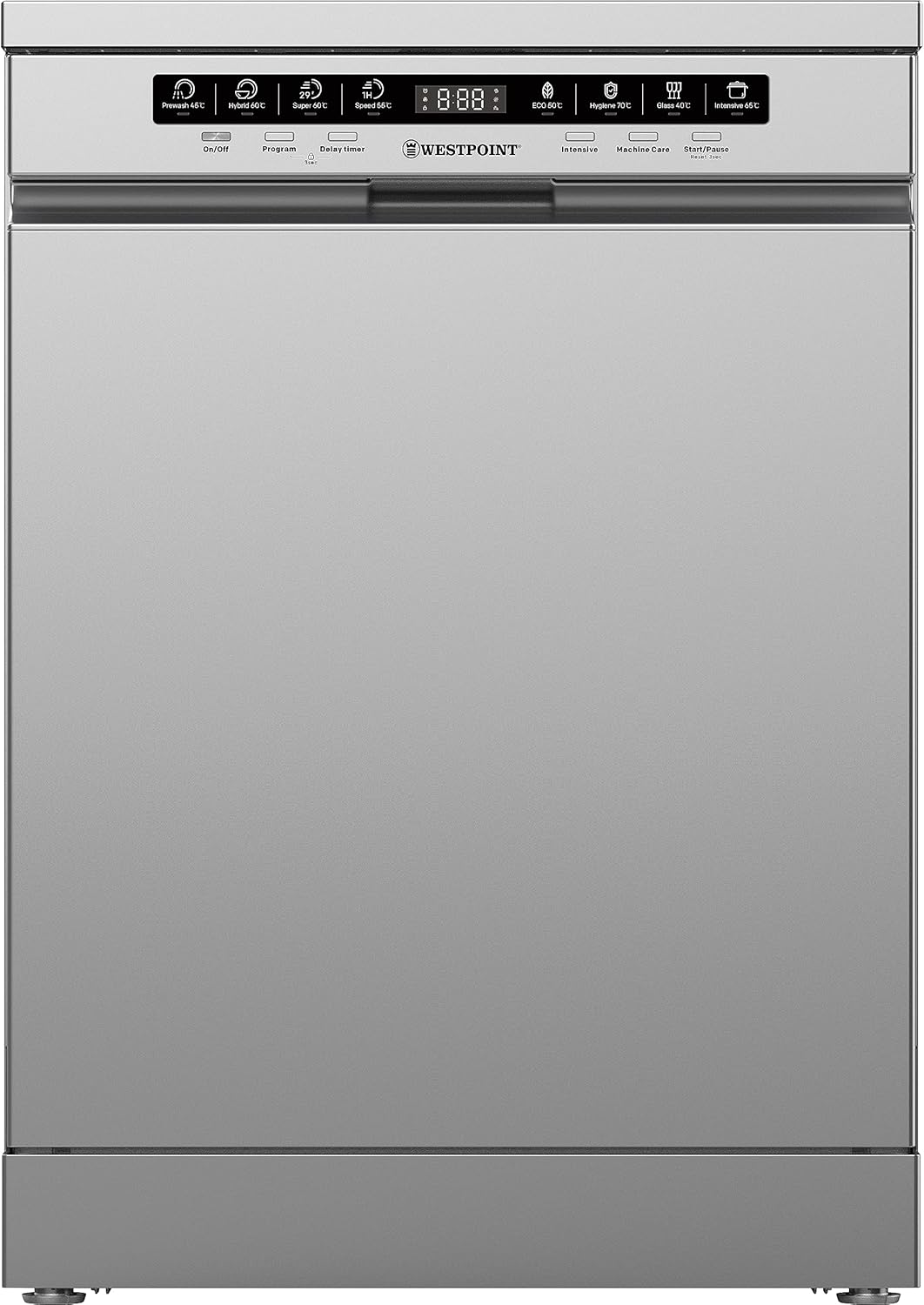
Front view of the Westpoint WYS-1323I dishwasher, showcasing its sleek stainless steel finish and integrated control panel.

Angled view of the Westpoint WYS-1323I dishwasher, highlighting its compact yet spacious design.
3. Setup and Installation
3.1 Unpacking and Placement
Carefully remove all packaging materials. This is a freestanding dishwasher. Place the appliance on a flat, stable surface, ensuring it is level using the adjustable feet. Allow adequate space for door opening and closing.
3.2 Water Connection
Connect the water inlet hose to a cold water supply. Ensure all connections are tight to prevent leaks. The dishwasher is equipped with a water softening device to reduce water hardness, which helps protect your dishes and the appliance.

This image illustrates the water softening process within the dishwasher, showing dishes submerged in water. The water softening device helps reduce mineral buildup and improve cleaning performance.
3.3 Drain Connection
Connect the drain hose to your household drainage system. Ensure the hose is not kinked or obstructed to allow proper water drainage.
3.4 Electrical Connection
Connect the dishwasher to a grounded electrical outlet. The appliance operates on 241 Volts and has a power consumption of 1920 Watts. Do not use extension cords or adapters.
4. Operating Instructions
4.1 Control Panel
The dishwasher features a touch control panel with an LED display for easy program selection and monitoring. Salt and rinse aid warning lights indicate when these consumables need refilling.

The control panel displays various program icons, including Prewash, Hybrid, Super, Speed, ECO, Hygiene, Glass, and Intensive, along with a digital timer.
4.2 Loading the Dishwasher
Proper loading ensures optimal cleaning results. The dishwasher has an adjustable upper basket with cup racks and pot holders, and a lower basket with a cutlery basket and foldable front and rear racks for flexible loading.

Interior view of the dishwasher showing the upper and lower racks, designed for efficient loading of various dishware.
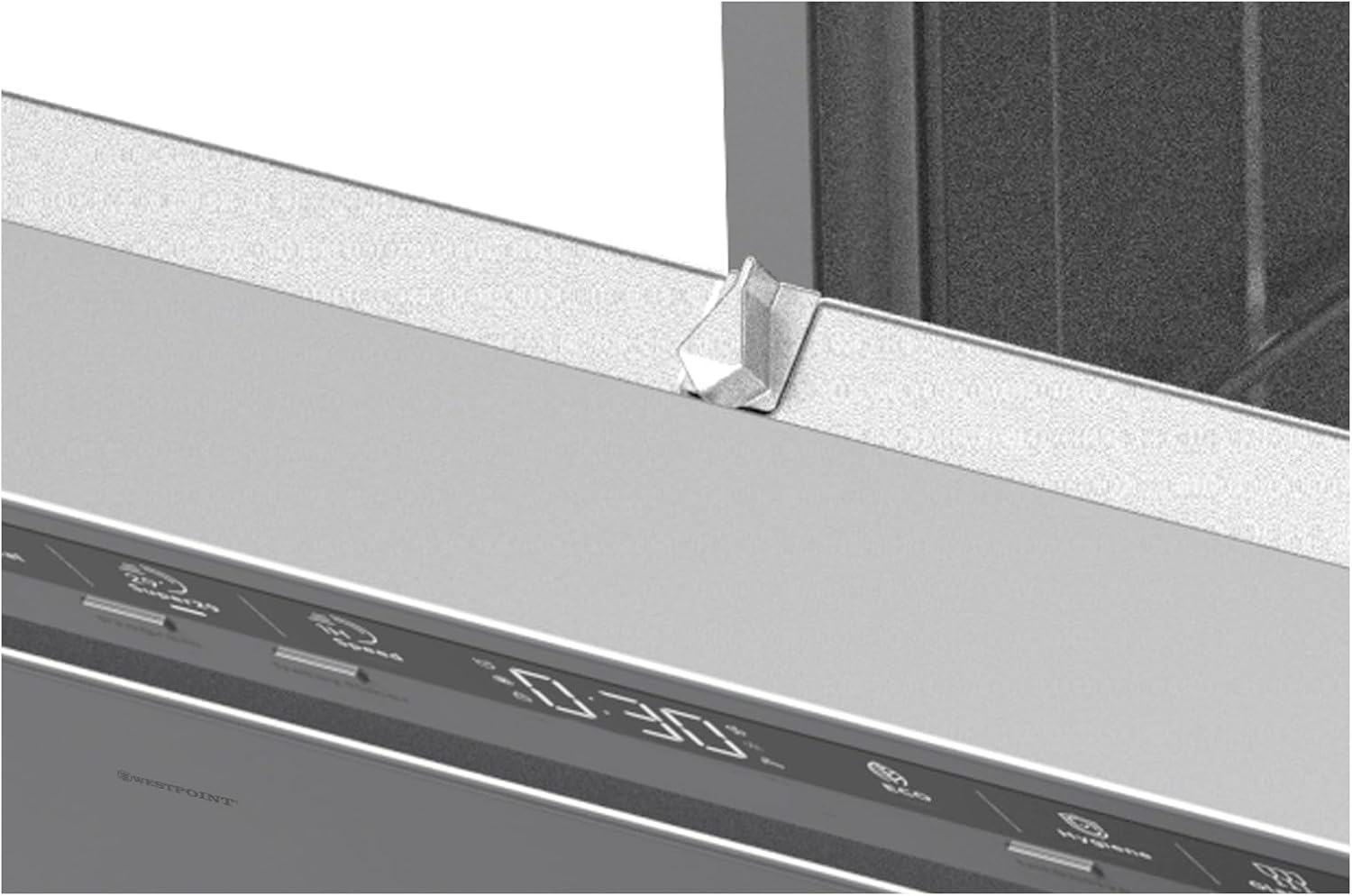
A close-up view of the upper rack's height adjustment mechanism, allowing flexibility for taller items in the lower basket.
4.3 Program Selection
Choose from 8 washing programs based on the type and soil level of your dishes:
- Prewash 45°C: For rinsing dishes that will be washed later.
- Hybrid 60°C: A balanced program for mixed loads.
- Super 60°C: For heavily soiled dishes and pots.
- Speed 55°C: A quick wash for lightly soiled items.
- ECO 50°C: Energy-efficient program for normal soil, using lower temperatures and less water.
- Hygiene 70°C: High-temperature wash for maximum sanitization.
- Glass 40°C: Gentle wash for delicate glassware.
- Intensive 65°C: For very heavily soiled items and dried-on food.

This image depicts a wine glass being gently washed, illustrating the effectiveness of the dedicated Glass program for delicate items.
4.4 Special Functions
- Half Load Setting: Allows you to wash smaller loads, saving water and energy without waiting for a full dishwasher.
- Intensive Drying: Rinses dishes with hot water at the end of the cycle, promoting condensation on the stainless steel interior for effective drying.
- Delay Timer: Allows you to postpone the start of a wash cycle.
5. Maintenance and Care
5.1 Filter System
The dishwasher is equipped with 3 eco-friendly filters. Regularly clean the filter system to ensure optimal performance and prevent blockages. Refer to the detailed instructions in the included user manual for filter removal and cleaning procedures.

An interior view of the dishwasher, focusing on the lower rack and the filter system located at the bottom, which requires regular cleaning.
5.2 Cleaning the Interior and Exterior
- Wipe the exterior with a soft, damp cloth. Do not use abrasive cleaners.
- Clean the door seal regularly to remove food particles.
- Run a dishwasher cleaning cycle periodically using a specialized dishwasher cleaner.
5.3 Winterization (if applicable)
If the dishwasher is to be left in an unheated location during winter, ensure all water is drained from the appliance to prevent freezing and damage.
6. Troubleshooting
Before contacting service, check the following common issues:
| Problem | Possible Cause | Solution |
|---|---|---|
| Dishwasher does not start | Power cord not plugged in; door not closed properly; program not selected. | Check power connection; ensure door is latched; select a program and press start. |
| Dishes are not clean | Improper loading; clogged spray arms; insufficient detergent; clogged filters. | Reload dishes correctly; clean spray arm nozzles; use appropriate detergent; clean filters. |
| Error message on display | Specific fault detected by the system. | Refer to the full user manual for specific error codes. Try resetting the dishwasher by turning it off and on. |
| Water leakage | Hose connections loose; door seal damaged; excessive suds. | Check and tighten hose connections; inspect door seal for damage; use less detergent. The dishwasher has leak protection. |
| Dishwasher is noisy | Dishes rattling; foreign object in pump; motor noise. | Rearrange dishes; check for foreign objects; some motor noise is normal (49 dB). |
7. Specifications
| Feature | Specification |
|---|---|
| Brand | Westpoint |
| Model | WYS-1323I |
| Installation Type | Freestanding |
| Capacity | 13 Place Settings |
| Number of Programs | 8 |
| Voltage | 241 Volts |
| Power | 1920 Watts |
| Product Dimensions (WxDxH) | 59.8 x 59.8 x 84.5 cm |
| Item Weight | 42 Kilograms |
| Material Type | Stainless Steel Metal |
| Control Type | Touch |
| Noise Level | 49 dB |
| Special Features | Adjustable Height, Leak Protection, Delay Timer, Digital Display, Half Load |
| Included Components | User Manual |
8. Warranty and Support
This Westpoint WYS-1323I dishwasher comes with a 1-year warranty from the date of purchase. Please retain your proof of purchase for warranty claims.
For technical assistance, service requests, or to inquire about spare parts, please contact Westpoint customer support:
- Website: www.westpoint.com (placeholder)
- Email: support@westpoint.com (placeholder)
- Phone: +1-800-XXX-XXXX (placeholder)
When contacting support, please have your model number (WYS-1323I) and purchase date ready.