
1. Introduction
This manual provides detailed instructions for the installation, operation, and maintenance of your Foscam SD4 Dual-Band Wi-Fi PTZ Dome Surveillance Camera. The Foscam SD4 is a 4-megapixel pan-tilt-zoom (PTZ) surveillance camera designed for outdoor use, featuring two-way audio, 4x optical zoom, 50-meter night vision, and advanced detection capabilities. It supports both 2.4 GHz and 5 GHz Wi-Fi networks and is compatible with smart home assistants like Amazon Alexa and Google Assistant.
2. Package Contents
Please verify that all items listed below are included in your package:
- Foscam SD4 Surveillance Camera (Black)
- Wi-Fi Antenna
- Power Adapter
- Network Cable
- Quick Start Guide
- Mounting Plate
- Screwdriver
3. Physical Features
Familiarize yourself with the various components of your Foscam SD4 camera.
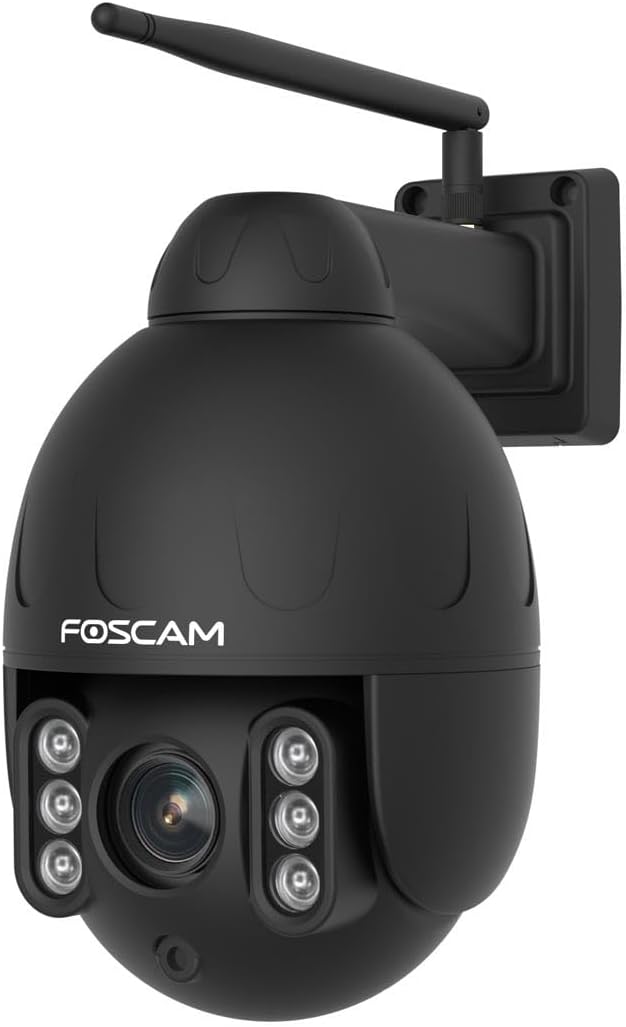
Figure 3.1: Angled view of the Foscam SD4 camera, highlighting its dome design, Wi-Fi antenna, and integrated wall mount bracket.
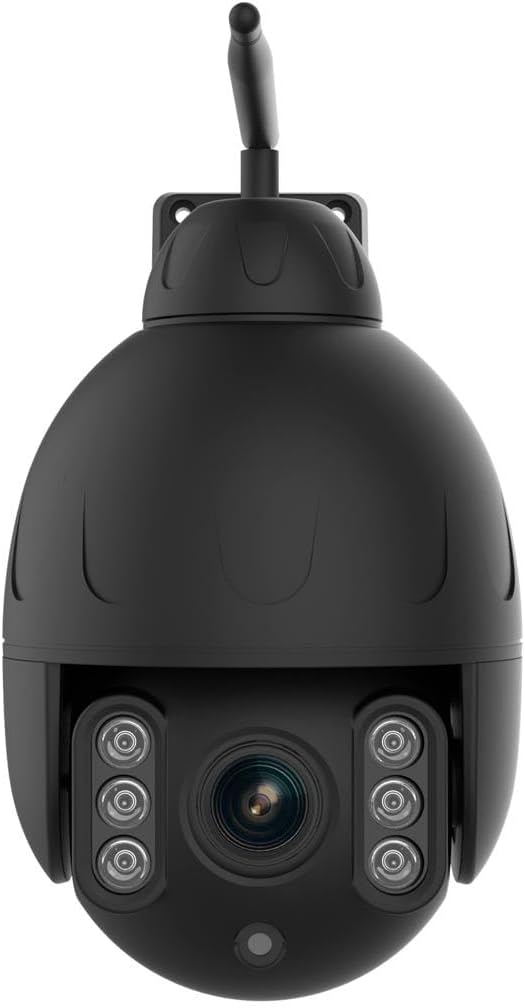
Figure 3.2: Front view of the Foscam SD4 camera, displaying the central optical lens and the surrounding infrared LEDs for night vision.
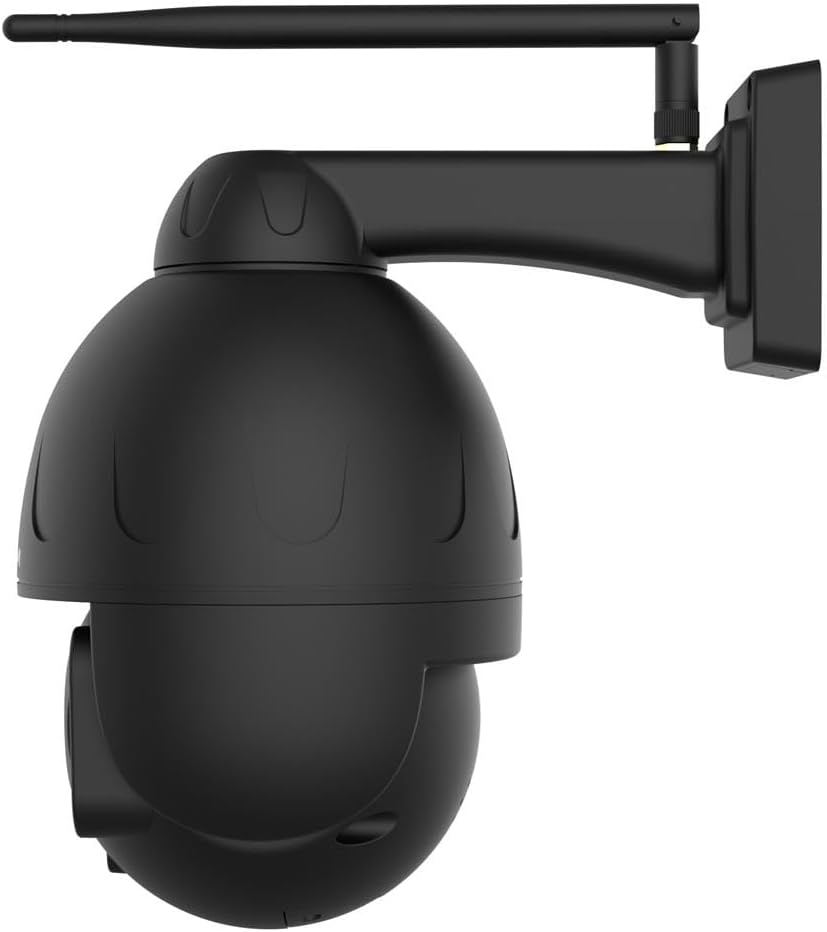
Figure 3.3: Side profile of the Foscam SD4 camera, illustrating its compact dome shape and the attachment point for the Wi-Fi antenna.
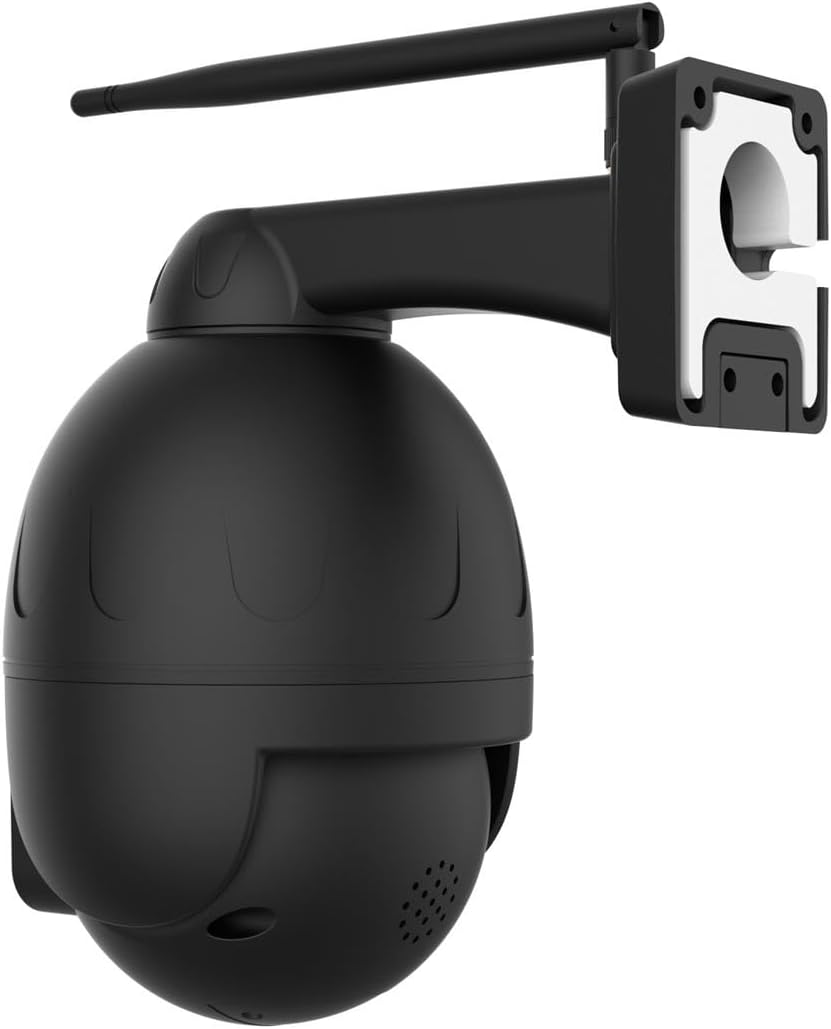
Figure 3.4: Rear view of the Foscam SD4 camera, detailing the robust wall mounting bracket and the protected cable entry point.
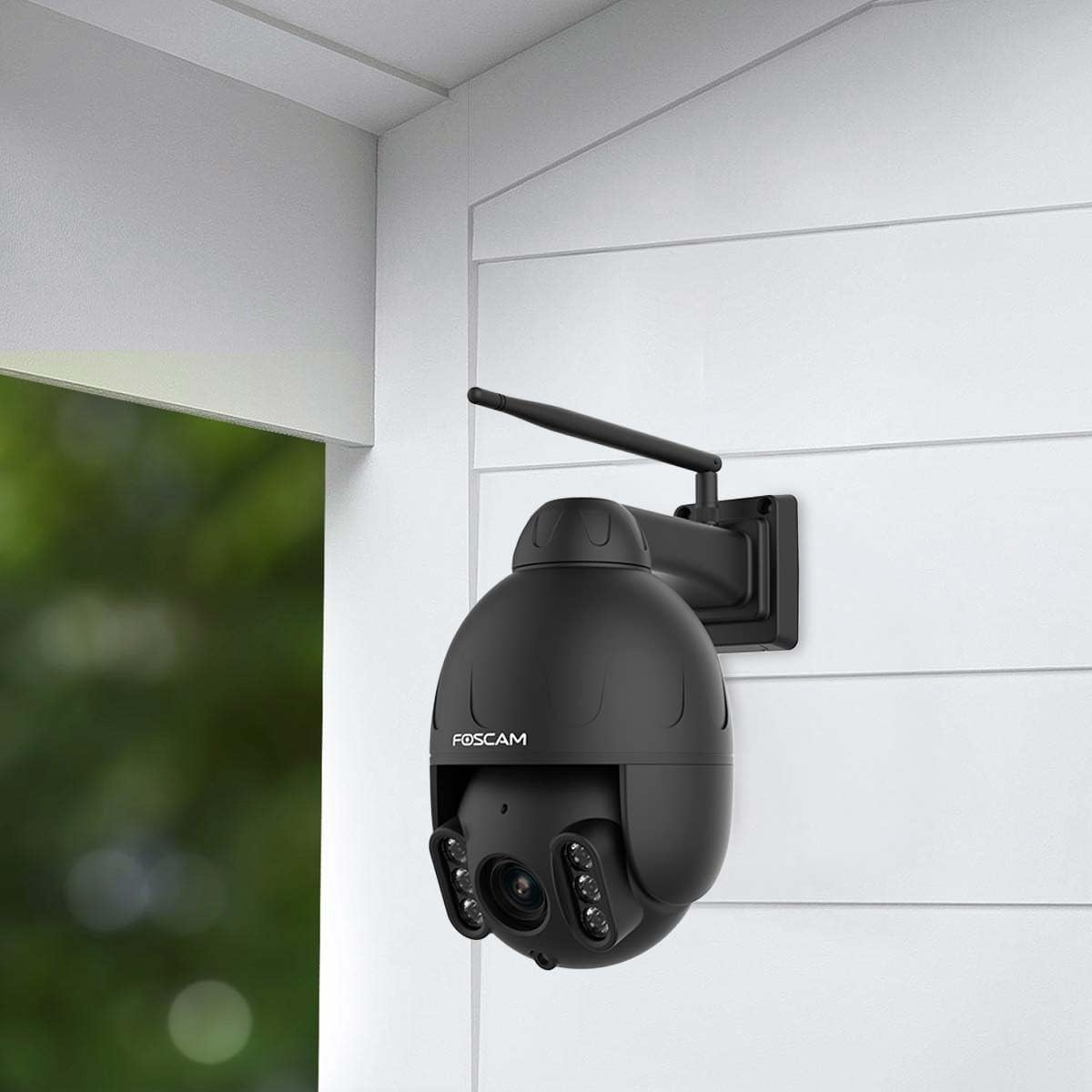
Figure 3.5: The Foscam SD4 camera mounted on an exterior wall, demonstrating its discreet integration into a home surveillance setup.
4. Setup
4.1. Mounting the Camera
- Choose a Location: Select an outdoor location that provides the desired viewing angle and is within Wi-Fi range. Ensure the surface is sturdy enough to support the camera.
- Attach Mounting Plate: Use the provided mounting plate as a template to mark drill holes on the wall. Drill the holes, insert wall plugs if necessary, and secure the mounting plate with screws.
- Attach Camera: Align the camera with the mounting plate and secure it firmly.
- Connect Antenna: Screw the Wi-Fi antenna onto the designated port on the camera.
4.2. Powering On and Network Connection
- Connect Power: Connect the power adapter to the camera and plug it into a power outlet. The camera will power on and initiate its self-test.
- Download Foscam App: Download the official Foscam app from your smartphone's app store (iOS or Android).
- Add Camera: Open the Foscam app, create an account if you don't have one, and follow the in-app instructions to add your new camera. This typically involves scanning a QR code on the camera and connecting it to your 2.4 GHz or 5 GHz Wi-Fi network.
- Initial Configuration: Follow the prompts to set a strong password for your camera and complete the initial setup.
5. Operating the Camera
5.1. Live View and PTZ Control
Access the live video feed through the Foscam app. Use the on-screen controls to pan (350° horizontal) and tilt (90° vertical) the camera, providing a near 360° view without blind spots. The 4x optical zoom allows you to magnify specific areas for closer inspection.
5.2. Two-Way Audio
The integrated microphone and speaker enable two-way communication. Use the app to speak through the camera or listen to audio from the camera's vicinity.
5.3. Detection Settings
The Foscam SD4 supports intelligent detection:
- Human Detection: Configures the camera to specifically detect human shapes, reducing false alarms from pets or other moving objects.
- Motion Detection: Triggers recording and alerts when any movement is detected within the configured zones.
- Sound Detection: Activates recording and alerts upon detecting significant sound events.
Configure these settings within the Foscam app to receive real-time push notifications.
5.4. Night Vision
The camera automatically switches to night vision mode in low-light conditions, utilizing its efficient LEDs to provide clear black-and-white video up to 50 meters.
5.5. Local Storage (SD Card)
The camera supports a Micro SD card up to 128 GB for local video storage. Insert the SD card into the designated slot (refer to the quick start guide for location) before powering on the camera. Manage recordings and storage settings via the Foscam app.
5.6. Smart Assistant Integration
The Foscam SD4 is compatible with Amazon Alexa and Google Assistant. Link your Foscam account within the Alexa or Google Home app to enable voice commands for viewing your camera feed on compatible smart displays.
6. Maintenance
- Cleaning: Regularly clean the camera lens and housing with a soft, damp cloth. Avoid abrasive cleaners or solvents.
- Firmware Updates: Check the Foscam app periodically for firmware updates. Keeping your camera's firmware up-to-date ensures optimal performance and security.
- Power Supply: Ensure the power adapter and cable are free from damage.
- Wi-Fi Signal: Monitor your Wi-Fi signal strength in the app to ensure a stable connection.
7. Troubleshooting
- Camera Offline: Check the power connection and Wi-Fi signal. Restart the camera and your router. Ensure the camera is within Wi-Fi range.
- Cannot Connect to Wi-Fi: Verify your Wi-Fi password. Ensure you are connecting to the correct network (2.4 GHz or 5 GHz). Try moving the camera closer to the router during setup.
- Poor Image Quality: Clean the camera lens. Ensure there are no obstructions. Check your internet speed.
- False Alarms: Adjust the sensitivity settings for motion, human, or sound detection in the Foscam app. Define specific detection zones to exclude irrelevant areas.
- SD Card Not Recording: Ensure the SD card is correctly inserted and formatted within the app. Check if the card is full or corrupted.
8. Specifications
| Feature | Specification |
|---|---|
| Model Number | SD4 |
| Resolution | 4 MP (2304 x 1536) |
| Optical Zoom | 4x |
| Pan/Tilt Range | Pan: 350°, Tilt: 90° |
| Night Vision Range | Up to 50 meters |
| Wireless Technology | Dual-Band Wi-Fi (2.4 GHz / 5 GHz) |
| Connectivity Protocol | Wi-Fi |
| Ingress Protection (IP) Rating | IP66 (Weatherproof) |
| Local Storage | Supports Micro SD card up to 128 GB |
| Two-Way Audio | Yes (Built-in microphone and speaker) |
| Detection Features | Human, Motion, Sound Detection |
| Smart Assistant Compatibility | Amazon Alexa, Google Assistant |
| Power Source | Electric Cable (12 Volts, 20 Watts) |
| Material | Metal |
| Color | Black |
| Dimensions (L x W x H) | 18 x 11.1 x 18 cm |
| Weight | 1 kg |
| Recommended Use | Outdoor Surveillance |
| Country of Origin | China |
9. Warranty and Support
The Foscam SD4 camera typically comes with a manufacturer's warranty. Spare parts availability is generally supported for 1 year from the date of purchase. For specific warranty terms, technical support, or service inquiries, please refer to the warranty card included with your product or visit the official Foscam website. You can also contact Foscam customer support directly through their website or the Foscam app for assistance.


