
KSIX BXTW09B
KSIX Orion Wireless Earbuds User Manual
Model: BXTW09B | Brand: KSIX
Introduction
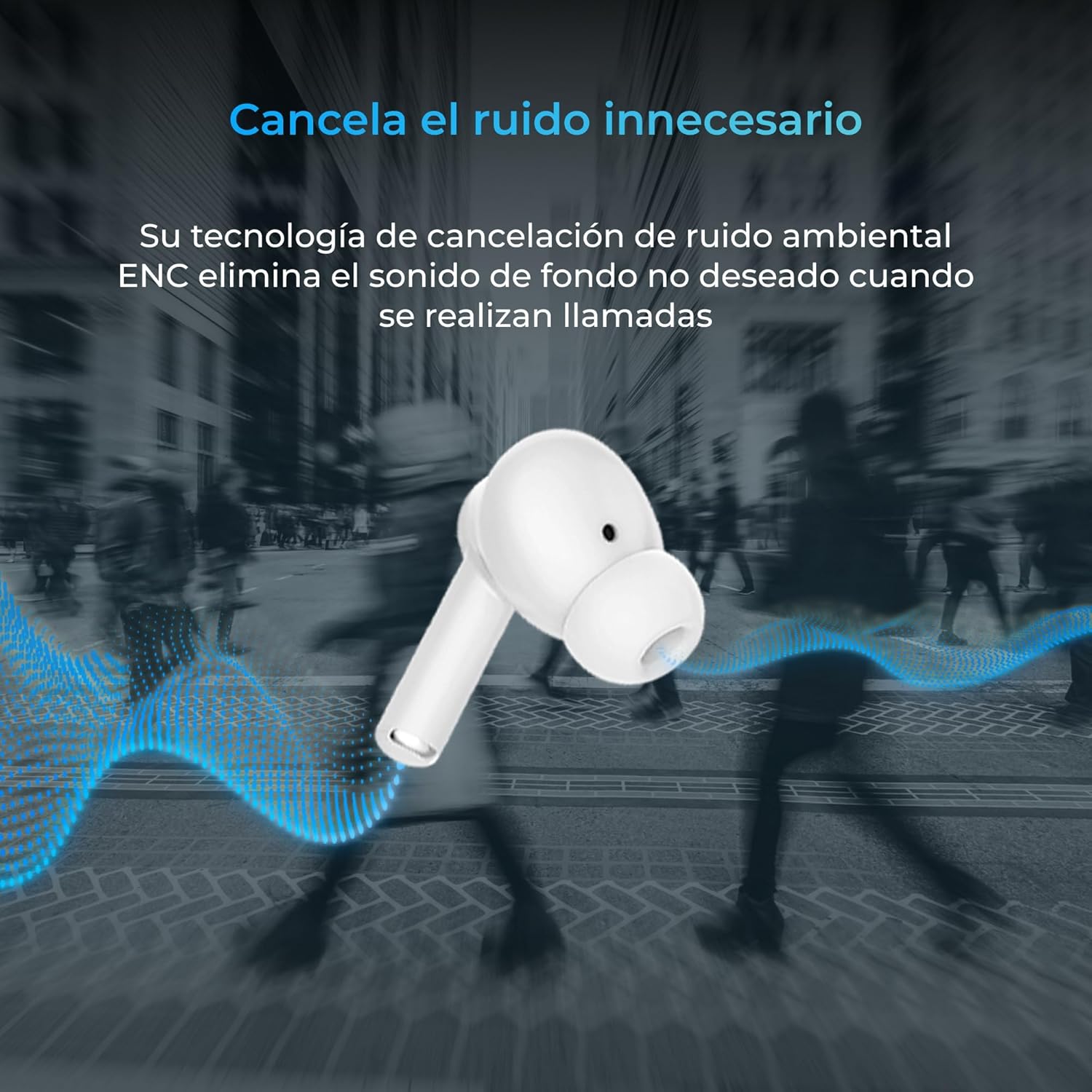
Thank you for choosing the KSIX Orion Wireless Earbuds. These earbuds are designed to provide a superior audio experience with features such as HD calls, Environmental Noise Cancellation (ENC), True Wireless Stereo (TWS), and intuitive touch controls. With up to 15 hours of total battery life and IPX4 water resistance, they are perfect for music, sports, and travel. This manual will guide you through the setup, operation, and maintenance of your new earbuds to ensure optimal performance and longevity.
Product Overview




Setup
1. Charging the Earbuds and Case
Before first use, fully charge your KSIX Orion earbuds and charging case. The case and earbuds can be fully charged in approximately 1 hour. The earbuds provide up to 5 hours of playback, and the charging case provides an additional 10 hours, for a total of 15 hours of autonomy.
- Place the earbuds into the charging case.
- Connect the charging case to a power source using a compatible USB-C cable.
- The indicator light on the case will show charging status.
2. Pairing with Your Device
The KSIX Orion earbuds utilize Bluetooth 5.3 for a stable and uninterrupted connection.
- Ensure the earbuds are in the charging case and the case lid is open, or take them out of the case. They will automatically enter pairing mode.
- On your smartphone, tablet, or other Bluetooth-enabled device, go to the Bluetooth settings.
- Search for "KSIX Orion" in the list of available devices.
- Select "KSIX Orion" to connect. Once connected, you will hear a confirmation tone, and the earbuds will be ready for use.
- If pairing fails, place the earbuds back in the case, close the lid, wait a few seconds, then open the lid and try again.
Operating Instructions
The KSIX Orion earbuds feature intuitive touch controls for easy management of music and calls.
Touch Controls
| Action | Left Earbud | Right Earbud |
|---|---|---|
| Play/Pause Music | Single tap | Single tap |
| Next Song | Triple tap | Triple tap |
| Previous Song | Double tap | Double tap |
| Volume Up | Long press (Right) | Long press (Right) |
| Volume Down | Long press (Left) | Long press (Left) |
| Answer/End Call | Single tap | Single tap |
| Reject Call | Long press | Long press |
| Activate Voice Assistant | Tap and hold for 2 seconds | Tap and hold for 2 seconds |
Voice Assistant
The KSIX Orion earbuds are compatible with popular voice assistants such as Siri, Amazon Alexa, and Google Assistant. To activate your preferred voice assistant, use the designated touch control (tap and hold for 2 seconds). You can then issue commands for calls, music control, and more.
Maintenance
Proper maintenance ensures the longevity and optimal performance of your KSIX Orion earbuds.
- Cleaning: Regularly clean the earbuds, especially the ear tips and charging contacts, with a soft, dry, lint-free cloth. Do not use abrasive cleaners or solvents.
- Water Resistance: The earbuds are IPX4 water resistant, meaning they are protected against splashing water from any direction. They are resistant to sweat and light rain. Do not submerge the earbuds in water or expose them to strong jets of water. Ensure the earbuds are dry before placing them back in the charging case to prevent damage.
- Storage: When not in use, store the earbuds in their charging case to protect them from dust and physical damage. Store in a cool, dry place away from extreme temperatures.
- Battery Care: To preserve battery life, avoid fully discharging the earbuds and case frequently. Charge them regularly, even if not in constant use.
Troubleshooting
If you encounter issues with your KSIX Orion earbuds, try the following solutions:
| Problem | Possible Solution |
|---|---|
| Earbuds not pairing |
|
| No sound from one or both earbuds |
|
| Earbuds not charging |
|
| Poor call quality / ENC not working |
|
Specifications
| Feature | Detail |
|---|---|
| Model Number | BXTW09B |
| Brand | KSIX smart your tech |
| Color | White |
| Connectivity Technology | Wireless (Bluetooth 5.3) |
| Ear Placement | In-Ear |
| Form Factor | In-Ear |
| Sound Insulation | Environmental Noise Cancellation (ENC) |
| Water Resistance Level | IPX4 (Splash-proof) |
| Battery Life (Earbuds) | Up to 5 hours |
| Total Battery Life (with Case) | Up to 15 hours |
| Charging Time | Approx. 1 hour |
| Frequency Range | 20 Hz - 20,000 Hz |
| Control Type | Touch Control, Voice Control |
| Compatible Devices | Smartphones, tablets, laptops, desktops, smart speakers |
| Recommended Uses | Calls, Music, Sport, Travel |
| Included Components | Wireless charging case |
Warranty and Support
For detailed warranty information and customer support, please refer to the official KSIX website or contact their customer service directly. Information regarding spare parts availability and software update guarantees is not available in this manual.
For further assistance, please visit: www.ksix.com
Related documentsBXTW09B


Ask a question about this manual
Ask about setup, troubleshooting, compatibility, parts, safety, or missing instructions. Manuals+ will review the question and use this page’s manual context to help answer it.