
Introduction
The Hdiwousp HDMI Audio Extractor is designed to separate audio signals from an HDMI source, providing both an HDMI video output and a high-quality optical audio output. This device supports 4K video resolution and various audio formats, making it ideal for integrating modern HDMI devices with audio systems that utilize optical connections. It is compatible with a wide range of devices including Blu-ray players, gaming consoles, and streaming devices.
Important Safety Information
- Ensure proper ventilation around the device to prevent overheating.
- Do not expose the device to water or excessive moisture.
- Use only the provided power cable or a compatible 5V DC power adapter.
- Avoid disassembling the device; refer servicing to qualified personnel.
- Keep out of reach of children.
Package Contents
Verify that all items are present in your package:
- HDMI Audio Extractor Unit
- HDMI Cable
- Type-C Power Cable (Note: Power adapter not included)
- Optical Cable
- User Manual

Image: Contents of the Hdiwousp HDMI Audio Extractor package.
Product Overview
The Hdiwousp HDMI Audio Extractor features a compact design with essential ports for seamless integration into your home entertainment or professional setup. Below is a diagram illustrating the various input and output ports.

Image: Front and rear view of the HDMI Audio Extractor with labeled ports.
Port Descriptions:
- HDMI IN: Connect your HDMI source device (e.g., Blu-ray player, PS4, Fire Stick).
- DC 5V IN: Connect the Type-C power cable for power supply.
- 5.1CH/2CH/PASS Switch: Select the desired audio output mode.
- 5.1CH: For 5.1 channel audio output (DTS/Dolby AC3).
- 2CH: For 2 channel stereo audio output (PCM).
- PASS: Passes through the original HDMI audio format.
- HDMI OUT: Connect to your display device (e.g., TV, monitor, projector).
- SPDIF OUT: Optical audio output for connecting to soundbars, amplifiers, or other audio systems.
- AUDIO OUT: 3.5mm stereo audio output for headphones or stereo speakers.
Setup Instructions
Follow these steps to connect your Hdiwousp HDMI Audio Extractor:
- Connect your HDMI source device (e.g., Blu-ray player, PS4, Fire Stick) to the HDMI IN port on the extractor using an HDMI cable.
- Connect the HDMI OUT port of the extractor to your display device (e.g., TV, monitor, projector) using another HDMI cable.
- For audio output, choose one of the following:
- Connect the SPDIF OUT port to your soundbar, amplifier, or audio system using the optical cable.
- Connect the AUDIO OUT (3.5mm) port to headphones or stereo speakers.
- Connect the provided Type-C power cable to the DC 5V IN port on the extractor and plug the other end into a 5V USB power source (power adapter not included).
- Select the desired audio output mode using the 5.1CH/2CH/PASS switch on the extractor. For most stereo setups, 2CH is appropriate. For surround sound, select 5.1CH.
- Power on all connected devices.
Video: Demonstrates the unboxing and connection process for the HDMI Audio Extractor.
Video: Shows a typical connection setup for the HDMI Audio Extractor.

Image: Detailed connection diagram for the HDMI Audio Extractor.
Operating Instructions
Once connected, the HDMI Audio Extractor operates automatically. Ensure your source device is outputting audio in a compatible format and your audio system is set to the correct input.
- Audio Format Support: The extractor supports DTS-HD, Dolby-trueHD, LPCM7.1, DTS, Dolby-AC3, and DSD.
- Resolution Support: Supports resolutions up to 4K@30Hz, HDMI 1.4, HDCP 1.4, Full HD 1080P, 3D, and 36-bit deep color.
- Audio Mode Selection: Use the switch to select between 5.1CH, 2CH, or PASS-through audio modes based on your audio receiver's capabilities and desired sound experience.
- Important Note: This device does NOT support ARC (Audio Return Channel) or eARC. An HDTV cannot be used as an HDMI input source for this extractor.

Image: Information on audio quality and a crucial note regarding PCM settings for sound output.

Image: Details on supported resolutions and a reminder about ARC/eARC limitations.
Typical Applications:
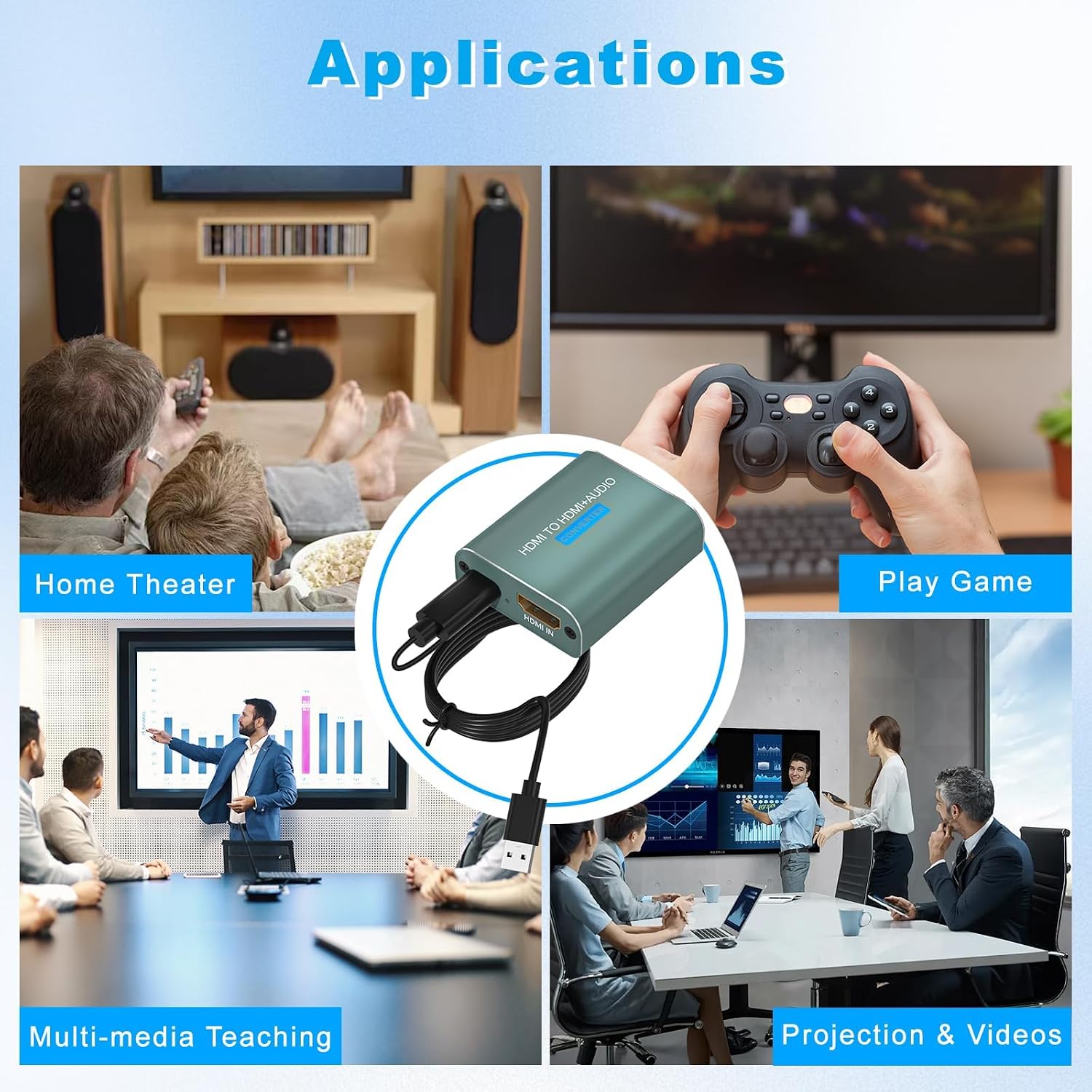
Image: Examples of how the HDMI Audio Extractor can be used in different environments.
Maintenance
To ensure the longevity and optimal performance of your HDMI Audio Extractor, follow these maintenance guidelines:
- Keep the device clean by wiping it with a soft, dry cloth. Avoid using liquid or aerosol cleaners.
- Store the device in a cool, dry place away from direct sunlight and extreme temperatures.
- Ensure cables are connected securely but do not force them into ports.
- Disconnect power when the device is not in use for extended periods.
Troubleshooting
If you encounter issues with your HDMI Audio Extractor, refer to the following common problems and solutions:
- No Sound Output:
- Ensure all cables are securely connected.
- Verify that your audio system is set to the correct input source (e.g., Optical In).
- Check the audio settings on your HDMI source device (e.g., PS4, Blu-ray player). Set the audio output format to PCM if you are using a stereo audio system or experiencing no sound.
- Confirm the 5.1CH/2CH/PASS switch on the extractor is set correctly for your audio setup.
- No Video Output:
- Ensure the HDMI IN and HDMI OUT cables are correctly connected and secure.
- Verify your display device is set to the correct HDMI input.
- Check the power connection to the extractor. The power indicator light should be on.
- Intermittent Audio/Video:
- This can sometimes be caused by low-quality or damaged HDMI/optical cables. Try replacing cables with high-quality, certified ones.
- Ensure the power supply is stable.
- If your display is acting up, try unplugging and re-plugging the USB power cable to reset the device.
- TV Not Supported as Input Source:
- This extractor is designed to take input from an HDMI source device (like a media player or console) and output to a display and audio system. It does not support an HDTV as an HDMI input source.
Specifications
| Feature | Detail |
|---|---|
| Brand | Hdiwousp |
| Model Number | 0d98f3e6-c54c-4191-b6a3-445fc5ba0171 |
| HDMI Version | HDMI 1.4 |
| HDCP Version | HDCP 1.4 |
| Max Resolution | 4K@30Hz (Supports 1080P, 3D) |
| Deep Color Support | 36-bit |
| Supported Audio Formats | DTS-HD/Dolby-trueHD/LPCM7.1/DTS/Dolby-AC3/DSD |
| Audio Output Channels | 7 (via HDMI), 2 (via 3.5mm), 5.1 (via SPDIF) |
| Input Ports | 1x HDMI, 1x DC 5V (Type-C) |
| Output Ports | 1x HDMI, 1x SPDIF (Optical), 1x 3.5mm Audio |
| Material | Metal |
| Item Weight | 5 ounces |
| Dimensions | 7.76 x 5.71 x 1.57 inches (Package) |
Warranty and Support
Hdiwousp provides a 1-year warranty for this product, covering damaged defects and other problems. If you encounter any issues during use, please contact the Musou Store for assistance. Our support team is dedicated to helping you resolve any problems until satisfaction.
For further assistance, please visit the Hdiwousp Store on Amazon.