
BINNUNE BW06
BINNUNE 2.4GHz Wireless Gaming Headset User Manual
Model: BW06
Brand: BINNUNE
1. Product Overview
The BINNUNE 2.4GHz Wireless Gaming Headset (Model BW06) offers a versatile audio solution for gamers and multimedia users. Featuring dual-mode wireless connectivity (2.4GHz and Bluetooth 5.3), a long-lasting battery, and an ENC noise-cancelling microphone, this headset is designed for immersive audio and clear communication across multiple platforms including PlayStation consoles, PC, Mac, and mobile devices.

Figure 1: BINNUNE 2.4GHz Wireless Gaming Headset and USB Dongle.
2. What's Included
Upon unboxing your BINNUNE BW06 headset, please ensure all the following components are present:
- BINNUNE Wireless Gaming Headset
- USB Dongle (2.4GHz Wireless Transmitter)
- Type-C Charging Cable
- User Manual (this document)
3. Key Product Features
3.1. Seamless Dual-Mode Wireless
The headset supports both 2.4GHz wireless and Bluetooth 5.3 connectivity, allowing simultaneous connection to two devices. This enables users to switch between gaming audio and phone calls effortlessly.

Figure 2: Smartswitch Dual Wireless capability, allowing connection to multiple devices.
3.2. Impressive Battery Life
Enjoy extended usage with the headset's efficient battery. A full 2-hour charge provides up to 48 hours of continuous gaming in 2.4GHz mode or an impressive 63 hours in Bluetooth mode.
3.3. Immersive Gaming Audio & ENC Mic
Equipped with 50mm audio drivers, the headset delivers high-fidelity sound for an immersive gaming experience. The Environmental Noise Cancelling (ENC) microphone ensures crystal-clear communication by reducing background noise.

Figure 3: Internal view of the 50mm Titanium Driver for enhanced audio quality.

Figure 4: Advanced ENC Microphone for clear voice transmission.
3.4. Tailored Comfort and Fit
Designed for comfort during extended use, the headset features an adjustable headband to accommodate various head sizes, ensuring a secure and comfortable fit for all users.

Figure 5: Lightweight and comfortable design for prolonged wear.
3.5. Multi-Device Compatibility
The BW06 headset is compatible with a wide range of devices, including PS5, PS4, PC, Mac, smartphones, and tablets, offering versatile usage options.
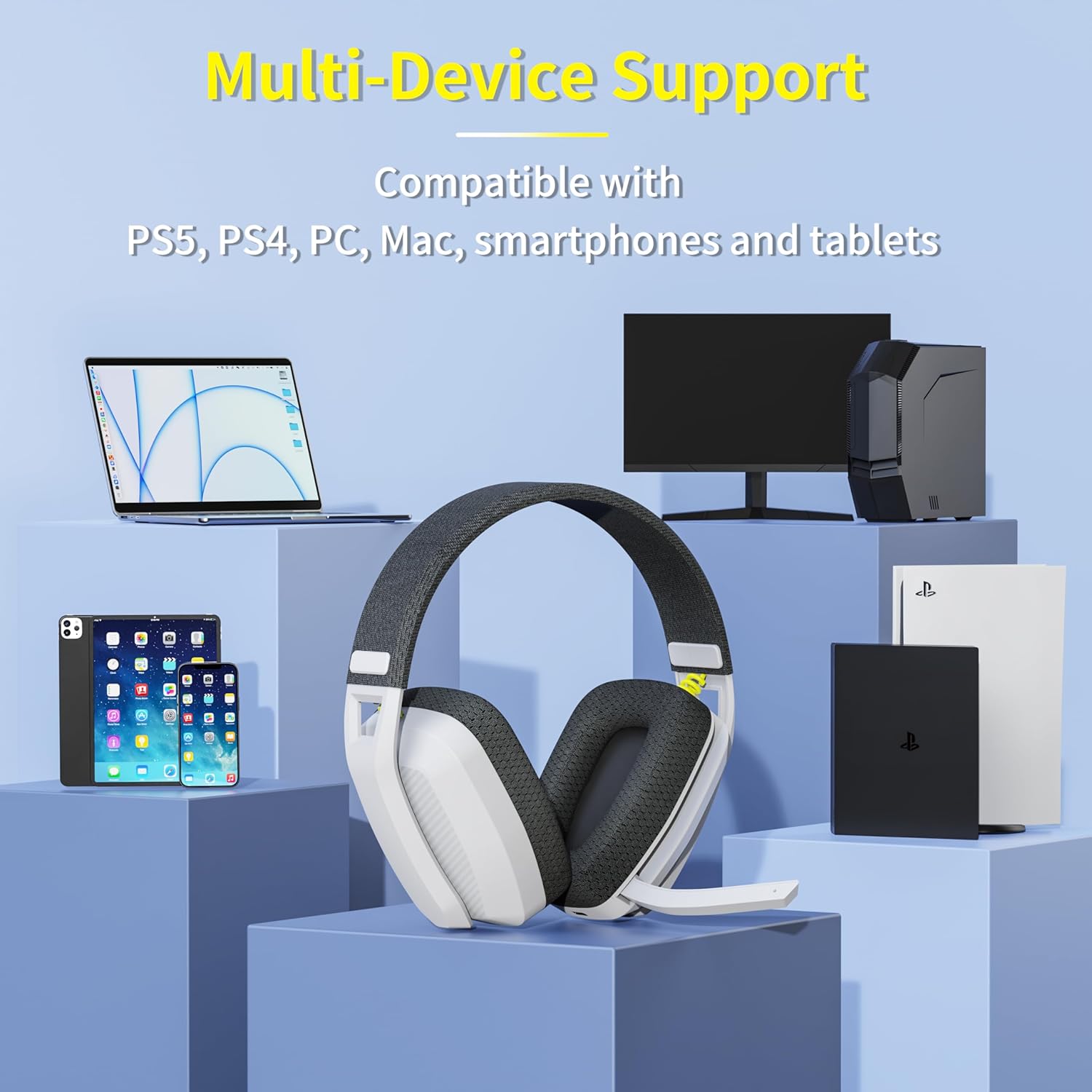
Figure 6: Multi-Device Support for a wide range of platforms.
4. Setup Guide
4.1. Initial Charging
Before first use, fully charge the headset using the provided Type-C charging cable. Connect the cable to the headset's charging port and a USB power source. The charging indicator light will provide status updates.
4.2. 2.4GHz Wireless Connection (for PS4, PS5, PC, Mac)
- Insert the USB dongle into an available USB port on your gaming console or computer.
- Power on the headset by pressing and holding the power button until the indicator light illuminates.
- The headset and dongle should automatically pair. A solid indicator light on the headset typically signifies a successful connection.
- Adjust audio settings on your device to ensure the headset is selected as the input and output audio device.
4.3. Bluetooth Connection (for Smartphones, Tablets, PC, Mac)
- Ensure the headset is powered on.
- Press and hold the Bluetooth pairing button (refer to headset controls for exact button) until the indicator light flashes rapidly, indicating pairing mode.
- On your device, navigate to Bluetooth settings and search for available devices.
- Select "BINNUNE BW06" (or similar name) from the list to connect.
- The indicator light on the headset will become solid once connected.
5. Operating Instructions
5.1. Power On/Off
- Power On: Press and hold the power button for 3 seconds.
- Power Off: Press and hold the power button for 5 seconds.
5.2. Volume Control
Use the volume up (+) and volume down (-) buttons located on the headset to adjust audio levels.
5.3. Microphone Mute/Unmute
The microphone can be muted or unmuted using the dedicated microphone button or by flipping the microphone boom up (mute) or down (unmute), depending on the model's design.
5.4. Switching Between 2.4GHz and Bluetooth Modes
To switch between 2.4GHz and Bluetooth modes, double-tap the power button. The headset will indicate the active mode via its indicator light or an audio prompt.
6. Care and Maintenance
- Clean the headset regularly with a soft, dry cloth. Avoid using harsh chemicals or abrasive materials.
- Store the headset in a cool, dry place away from direct sunlight and extreme temperatures.
- Do not expose the headset to water or excessive moisture.
- Avoid dropping or subjecting the headset to strong impacts.
- Charge the headset fully at least once every three months if not in regular use to preserve battery health.
7. Troubleshooting
7.1. No Sound from Headset
- Ensure the headset is powered on and fully charged.
- Verify the headset is correctly paired/connected to your device (2.4GHz dongle inserted, Bluetooth connected).
- Check the volume levels on both the headset and your connected device.
- Confirm the headset is selected as the default audio output device in your system settings.
7.2. Microphone Not Working
- Ensure the microphone is not muted (check the mute button/flip-up function).
- Verify the headset is selected as the default audio input device in your system settings.
- Check microphone privacy settings on your operating system.
7.3. Connection Issues
- For 2.4GHz: Ensure the USB dongle is securely inserted and within range. Try a different USB port.
- For Bluetooth: Ensure Bluetooth is enabled on your device. Try unpairing and re-pairing the headset.
- Move closer to the connected device to reduce interference.
- Restart both the headset and the connected device.
8. Technical Specifications
| Feature | Specification |
|---|---|
| Model Name | BW06 |
| Connectivity Technology | 2.4GHz Wireless, Bluetooth 5.3 |
| Audio Driver Size | 50mm |
| Noise Control | Sound Isolation, ENC Noise Cancelling Mic |
| Frequency Response | 20 Hz - 20 KHz |
| Battery Life (2.4GHz) | Up to 48 Hours |
| Battery Life (Bluetooth) | Up to 63 Hours |
| Charging Time | Approx. 2 Hours |
| Item Weight | 6.7 Ounces (approx. 190g) |
| Compatible Devices | PS4, PS5, PC, Mac, Smartphones, Tablets |
9. Official Product Video
Video 1: Official BINNUNE BW06 Wireless Gaming Headset Overview. This video provides a visual demonstration of the headset's features, design, and multi-device compatibility.
10. Warranty and Support
BINNUNE products are manufactured to high quality standards. For warranty information, technical support, or customer service inquiries, please refer to the contact details provided on the product packaging or visit the official BINNUNE website. Please retain your proof of purchase for warranty claims.
Related documentsBW06


Ask a question about this manual
Ask about setup, troubleshooting, compatibility, parts, safety, or missing instructions. Manuals+ will review the question and use this page’s manual context to help answer it.