
Introduction
The BOSS ME-90 Guitar Multiple Effects processor is a versatile and intuitive unit designed to provide guitarists with a wide array of high-quality effects and amplifier models. This manual provides essential information for setting up, operating, and maintaining your ME-90, ensuring optimal performance and longevity.
What's in the Box
Upon opening your BOSS ME-90 package, please verify that all the following items are included:
- BOSS ME-90 Guitar Multiple Effects Processor
- Power Adapter
- 10ft Instrument Cable
- 6-inch Patch Cable
- Variety Pack of Picks
- Owner's Manual (this document)
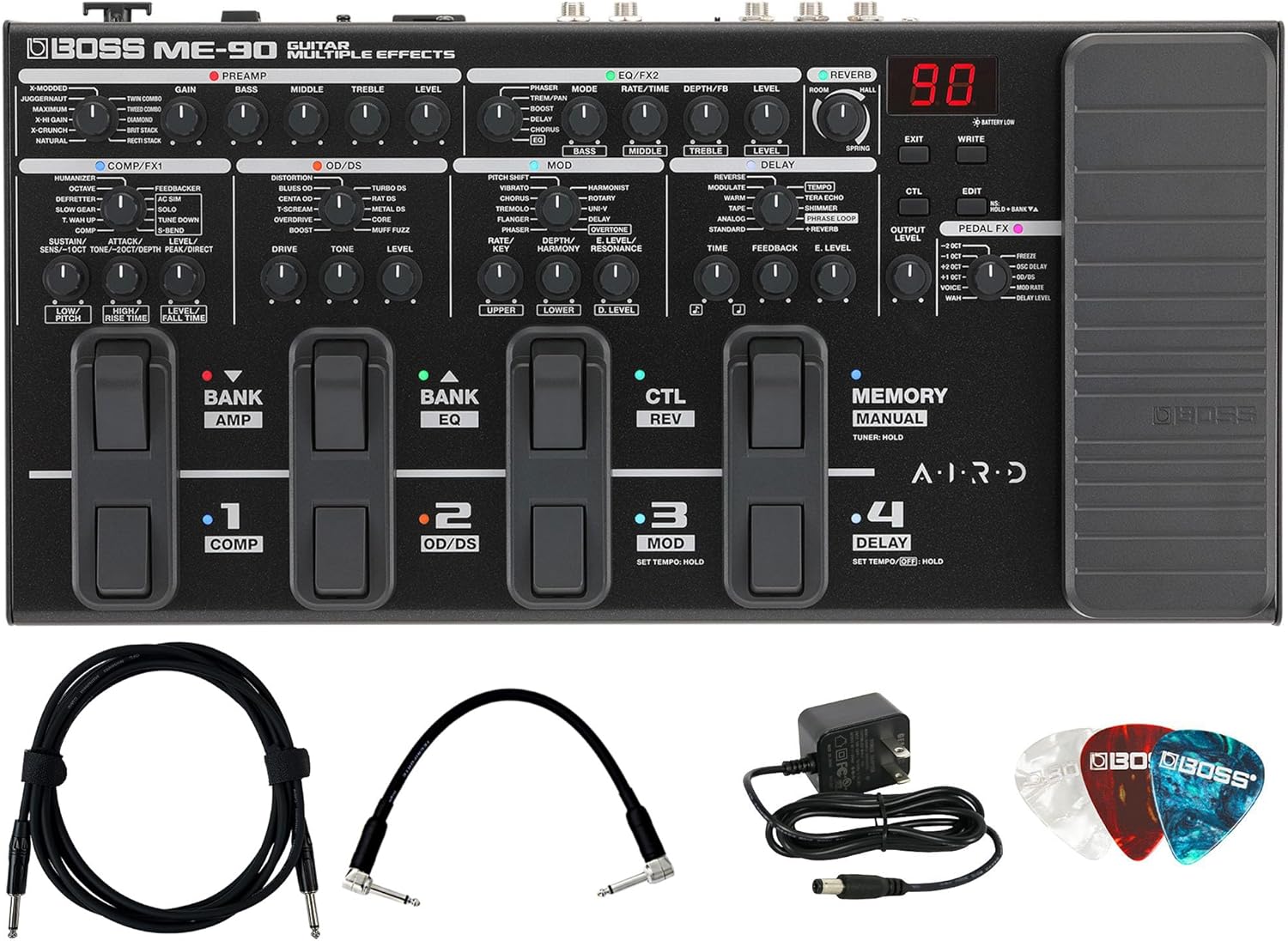
Figure 1: Contents of the BOSS ME-90 bundle, including the multi-effects unit, power adapter, instrument cable, patch cable, and guitar picks.
Setup
Follow these steps to set up your BOSS ME-90 for the first time:
- Power Connection: Connect the included power adapter to the DC IN jack on the rear panel of the ME-90 and plug it into a standard AC outlet. The unit can also be powered by four AA batteries for portable use.
- Guitar Input: Connect your guitar to the INPUT jack on the ME-90 using the 10ft instrument cable.
- Output to Amplifier/PA: Connect the OUTPUT L/MONO jack of the ME-90 to your guitar amplifier's input or a PA system using an appropriate cable. If using a stereo setup, connect both L/MONO and R outputs.
- Headphones (Optional): For silent practice, connect headphones to the PHONES jack.
- External Effects Loop (Optional): Use the SEND and RETURN jacks to integrate external effects pedals into your signal chain. The position of this loop can be adjusted within the ME-90's settings.

Figure 2: Rear panel connections of the BOSS ME-90, highlighting input, output, and effects loop ports.
Key Features
- 36 Preset & 36 User Patches: The ME-90 features a knob-driven interface that allows for intuitive configuration and tone tweaking, similar to a traditional pedalboard. Easily dial in amp models or effect types within categories using dedicated knobs.

Figure 3: The top panel of the ME-90, illustrating the layout of control knobs and footswitches for easy access to effects and settings.
- 8 Footswitches with Integrated Toe Switch: Navigate between Memory mode for recalling complete patch setups and Manual mode for direct on/off control of individual effect categories. Footswitch LEDs illuminate in different colors for quick identification during performance.
- Massive Effect Library: Access a comprehensive range of effects including overdrives, distortions, pitch/mod effects, delays, and high-quality reverbs. The unit also includes 11 dedicated Pedal FX, a looper, acoustic simulation, and down tuning. Over 60 effect types are available onboard, with more accessible via BOSS Tone Studio.
- Premium Sound with AIRD Technology: The ME-90 incorporates advanced AIRD technology from the GT-1000, providing authentic tube tone and touch response through 11 onboard amp types. Each amp includes a dedicated cab sound for direct connection to a PA or recording device. Three favorite speaker IRs can be loaded for personalized sounds.
- Light, Durable, and Portable Design: The ME-90 is built for reliability and ease of transport, making it suitable for both studio and live use.
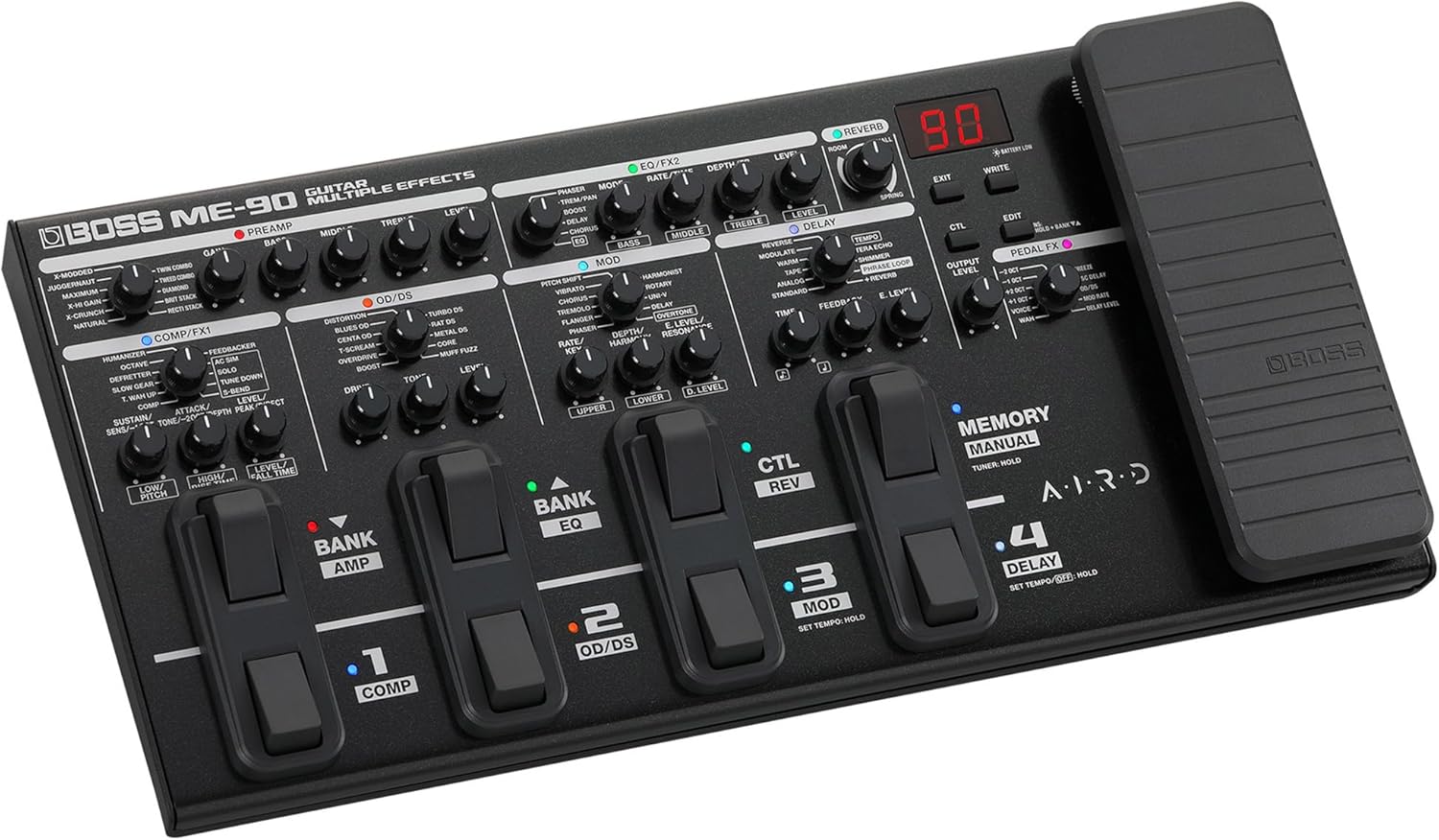
Figure 4: The BOSS ME-90's durable construction and compact form factor, ideal for portability.
Official Product Video
Video 1: An official overview of the BOSS ME-90 Guitar Multiple Effects processor, demonstrating its features and sound capabilities.
Operating Instructions
Modes of Operation
- Memory Mode: In this mode, the footswitches are used to select complete patches (combinations of effects and amp settings). The ME-90 offers 36 preset patches and 36 user patches that can be customized and saved.
- Manual Mode: Switch to Manual mode to individually turn on/off specific effect categories (e.g., COMP/FX1, OD/DS, MOD, DELAY) within the currently selected patch. This provides direct stompbox-style control.
Adjusting Effects and Amp Models
Each effect category and amp model has dedicated knobs for quick and intuitive adjustments. Simply turn the corresponding knob to modify parameters such as gain, tone, level, rate, depth, and more.
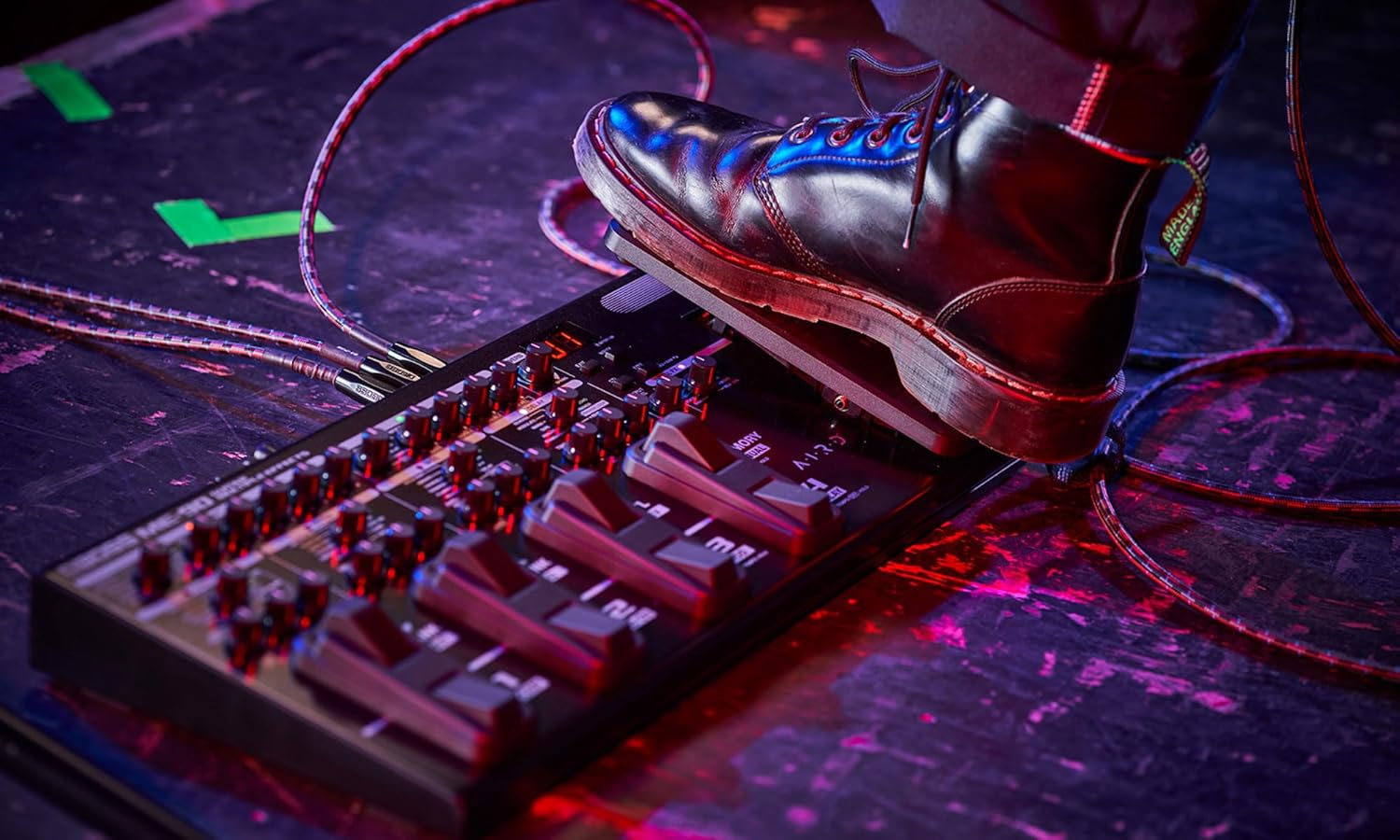
Figure 5: A user adjusting the control knobs on the ME-90, demonstrating the hands-on approach to tone shaping.
Using the Expression Pedal
The integrated expression pedal can be assigned to control various parameters, such as volume, wah, or other effect parameters, providing dynamic real-time control over your sound.
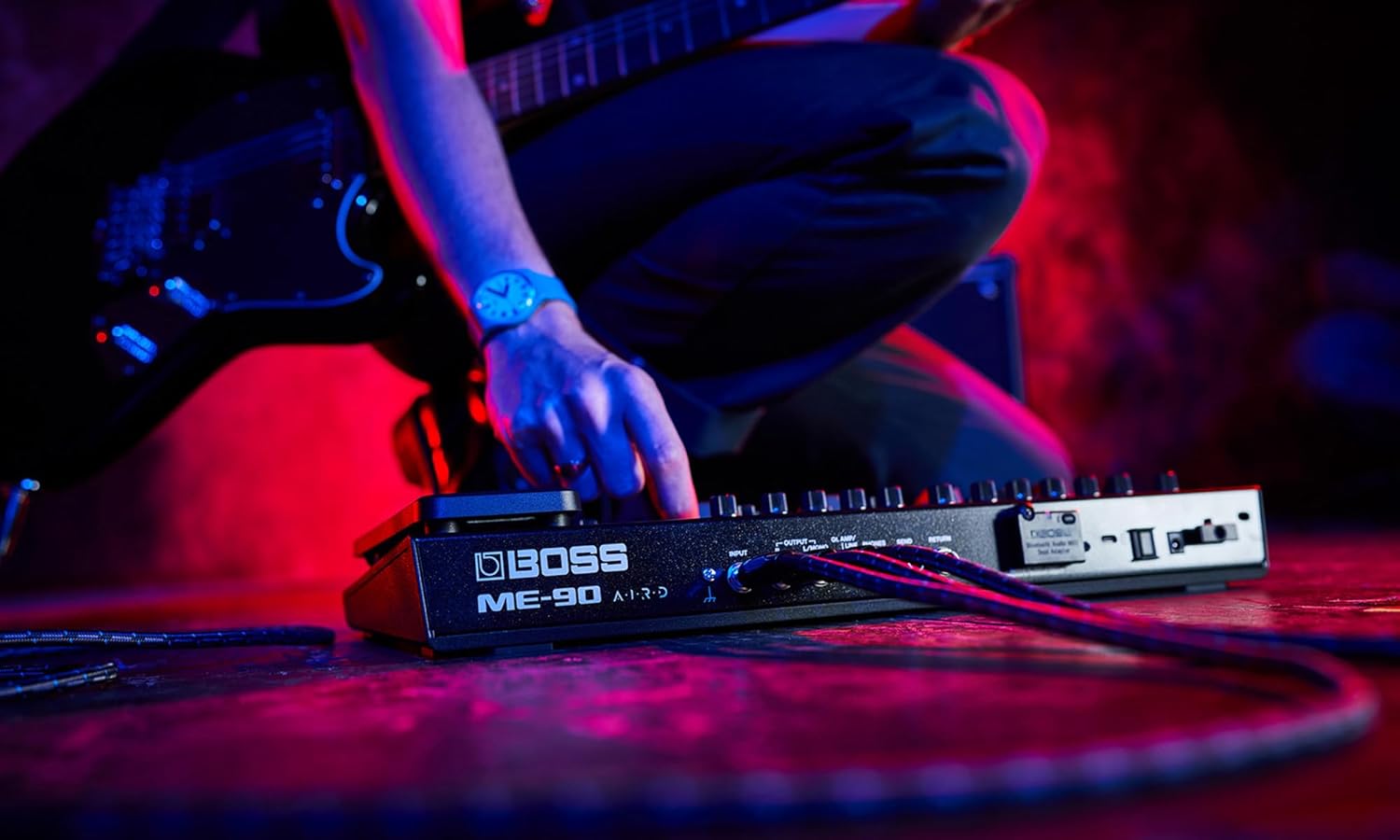
Figure 6: A user's foot on the expression pedal of the ME-90, illustrating its use for dynamic control.
BOSS Tone Studio Integration
Connect your ME-90 to a computer via USB to access BOSS Tone Studio. This software allows for deeper editing of patches, access to additional effects, and the ability to manage and share your custom tones online through BOSS Tone Exchange.
The USB connection also enables direct recording of your guitar signal to a computer, functioning as an audio interface.
Maintenance
To ensure the longevity and optimal performance of your BOSS ME-90, follow these maintenance guidelines:
- Cleaning: Wipe the unit regularly with a soft, dry cloth. Avoid using abrasive cleaners, waxes, or solvents.
- Storage: Store the ME-90 in a cool, dry place away from direct sunlight, extreme temperatures, and high humidity.
- Battery Replacement: If using batteries, replace all four AA batteries simultaneously when the low battery indicator appears or when performance degrades. Ensure correct polarity.
- Connections: Periodically check all cable connections for secure fit and signs of wear.
Troubleshooting
If you encounter issues with your BOSS ME-90, consider the following common troubleshooting steps:
- No Sound:
- Check all cable connections (guitar to ME-90, ME-90 to amp/PA).
- Ensure the power adapter is securely connected and the unit is powered on.
- Verify that your guitar and amplifier are working correctly.
- Check the ME-90's output level knob.
- Distorted or Unwanted Noise:
- Ensure input levels are not too high, causing clipping.
- Check for faulty cables.
- Reduce gain settings on amp models or distortion effects.
- Footswitches Not Responding:
- Ensure the unit is powered on.
- If in Memory mode, try switching to Manual mode and back.
- Unit Freezes or Behaves Erratically:
- Disconnect the power adapter, wait a few seconds, and reconnect it.
- Consider performing a factory reset (refer to the full owner's manual for specific instructions on this procedure).
For persistent issues, please refer to the comprehensive troubleshooting section in the full owner's manual or contact BOSS customer support.
Specifications
| Specification | Value |
|---|---|
| Model Number | BOS-ME-90 |
| Item Weight | 5 pounds |
| Product Dimensions | 9 x 17.5 x 3 inches |
| Material Type | Plastic |
| Power Source | Corded Electric |
| Voltage | 9 Volts |
| Signal Format | Analog |
| Audio Output Effects | Distortion, Delay, Modulation, Reverb |
| Proficiency Level | All |
Important Safety Information
Please read and understand all safety warnings and instructions before using the BOSS ME-90. Retain this manual for future reference.
- Do not expose the unit to rain, moisture, dripping, or splashing.
- Do not place objects filled with liquids, such as vases, on the unit.
- Ensure proper ventilation and do not block ventilation openings.
- Use only the specified power adapter.
- Avoid placing the unit near heat sources or in direct sunlight.
- Do not attempt to service this product yourself. Refer all servicing to qualified service personnel.
Warranty and Support
For detailed warranty information and customer support, please visit the official BOSS website or contact your local BOSS distributor. Keep your purchase receipt as proof of purchase for warranty claims.
Official BOSS Website: www.boss.info


