
1. Introduction
Thank you for choosing Jectse Heart Shaped Bluetooth Earbuds. These lightweight, noise-canceling in-ear headphones are designed for comfort and high-quality audio, featuring a unique heart-shaped design and Bluetooth connectivity for a seamless wireless experience. This manual provides essential information for setup, operation, maintenance, and troubleshooting to ensure optimal performance.
2. Package Contents
Please verify that all items are present in your package:
- Jectse Heart Shaped Bluetooth Earbuds (Left and Right)
- Charging Case
- USB Charging Cable
- Multiple Pairs of Ear Tips (Small, Medium, Large)
- User Manual
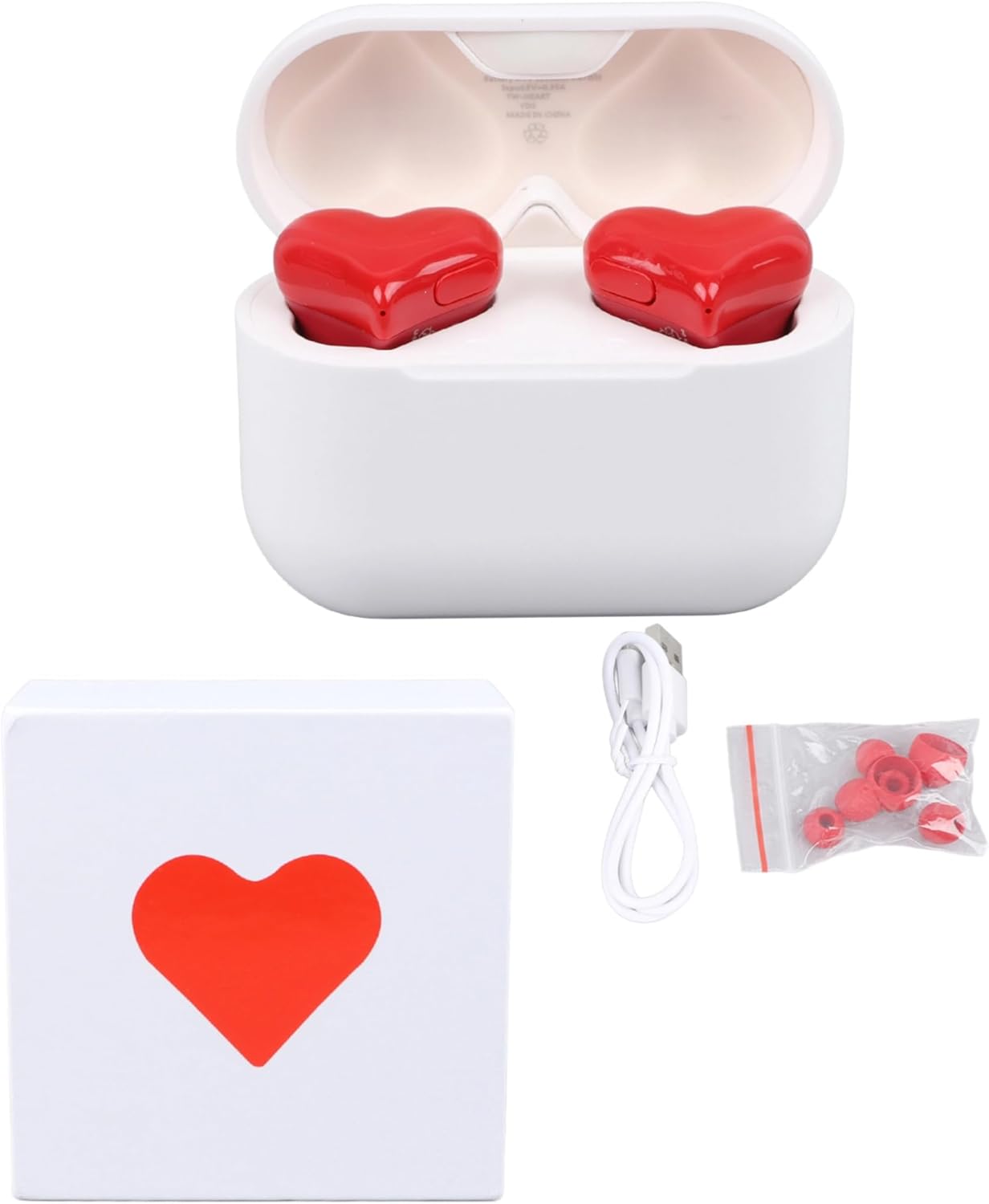
Image: The Jectse Heart Shaped Bluetooth Earbuds package contents, showing the white charging case, two red heart-shaped earbuds, a white USB charging cable, and a small bag of red silicone ear tips in various sizes.
3. Product Overview
The Jectse Heart Shaped Bluetooth Earbuds feature a distinctive design combined with advanced audio technology. The compact charging case protects and recharges your earbuds, making them ideal for on-the-go use. The earbuds are designed for a comfortable and secure fit, with interchangeable ear tips to suit different ear sizes.

Image: A close-up view of the two red heart-shaped earbuds nestled within their open white charging case, highlighting their unique design.
4. Setup
4.1 Charging the Earbuds and Case
Before first use, fully charge the earbuds and charging case. Place the earbuds into the charging case. Connect the USB charging cable to the charging port on the case and to a compatible USB power source. The indicator lights on the case will show the charging status.
- Charging Case Battery Capacity: 100mAh
- Earbud Battery Capacity: 30mAh
- Approximate Charging Time: 1 hour
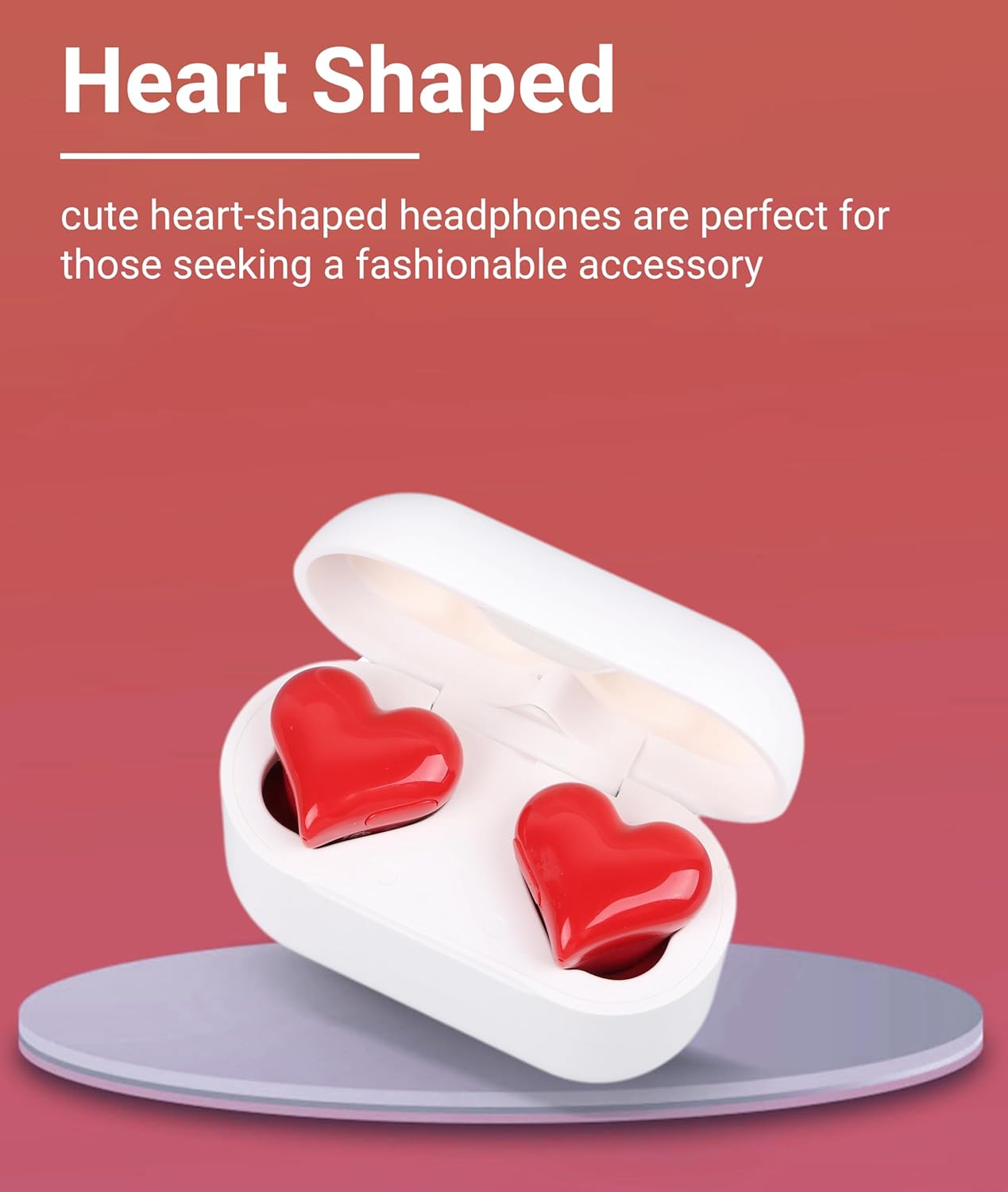
Image: The white charging case with red heart-shaped earbuds, illustrating the charging process and displaying battery capacities for the case (100mAh) and earbuds (30mAh), along with a 1-hour charging time.
4.2 Bluetooth Pairing
To connect your Jectse Heart Shaped Bluetooth Earbuds to your device:
- Ensure the earbuds are charged and inside the charging case.
- Open the charging case. The earbuds will automatically enter pairing mode.
- On your device (smartphone, tablet, computer), enable Bluetooth.
- Search for available Bluetooth devices and select "Heartbuds" (or similar name) from the list.
- Once connected, you will hear an audio prompt, and the earbuds will be ready for use.

Image: A smartphone displaying its Bluetooth settings, with the Jectse Heart Shaped Bluetooth Earbuds (labeled as 'Heartbuds') shown as a connected device, demonstrating the pairing process.
Video: An unboxing and initial setup demonstration of the Jectse Heart Shaped Bluetooth Earbuds, showing the contents of the box and how to prepare them for use.
5. Operating Instructions
5.1 Wearing the Earbuds
Select the ear tips that provide the most comfortable and secure fit for your ears. Gently insert the earbuds into your ear canals, ensuring a snug seal for optimal sound quality and noise cancellation.

Image: The Jectse Heart Shaped Bluetooth Earbuds shown with three pairs of red silicone ear tips in varying sizes (small, medium, large), allowing users to choose the best fit.
5.2 Media Control
The earbuds feature touch controls for managing your audio and calls. Refer to the quick start guide included in the package for specific touch gestures for functions such as play/pause, skip tracks, answer/end calls, and activate voice assistant.
5.3 Sound Quality and Noise Cancellation
These earbuds are engineered to deliver superior sound quality with HIFI surging bass and rich layers, providing an immersive listening experience. They also feature active noise cancellation to reduce ambient distractions, allowing you to focus on your audio.

Image: A person wearing the red heart-shaped Jectse earbuds, illustrating their comfortable fit and use for enjoying audio.
6. Maintenance
6.1 Cleaning
Regularly clean your earbuds and charging case with a soft, dry, lint-free cloth. Avoid using abrasive materials or harsh chemicals. For ear tips, remove them from the earbuds and clean with mild soap and water, then dry thoroughly before reattaching.
6.2 Storage
When not in use, store the earbuds in their charging case to protect them from dust, damage, and to keep them charged. Store in a cool, dry place away from extreme temperatures.
6.3 Sweat Resistance
The earbuds feature a sweat-resistant design with a waterproof coating on internal components, making them suitable for sports and active use. However, they are not fully waterproof; avoid submerging them in water.

Image: Two red heart-shaped earbuds and their white charging case resting on a wet wooden surface, indicating their sweat-resistant properties.
7. Troubleshooting
7.1 Earbuds Not Pairing
- Ensure both earbuds are charged.
- Turn off Bluetooth on your device, then turn it back on.
- Forget the device in your Bluetooth settings and attempt to pair again.
- Place earbuds back in the case, close the lid, wait a few seconds, then open to re-enter pairing mode.
7.2 No Sound or Low Volume
- Check the volume level on both your device and the earbuds.
- Ensure earbuds are properly seated in your ears and the ear tips provide a good seal.
- Reconnect the earbuds to your device.
7.3 Charging Issues
- Verify the charging cable is securely connected to both the case and the power source.
- Try a different USB cable or power adapter.
- Ensure the charging contacts on the earbuds and inside the case are clean and free of debris.
8. Specifications
| Feature | Detail |
|---|---|
| Model Name | Jectsecm1fa8uwvt |
| Connectivity Technology | Wireless (Bluetooth) |
| Wireless Communication Technology | Bluetooth |
| Bluetooth Version | 4.0 |
| Earpiece Shape | Heart-shaped |
| Ear Placement | In Ear |
| Form Factor | In Ear |
| Noise Control | Active Noise Cancellation |
| Control Type | Media Control |
| Control Method | App |
| Audio Driver Type | Dynamic Driver |
| Material | Acrylonitrile Butadiene Styrene (ABS) |
| Item Weight | 6.3 ounces (0.18 Kilograms) |
| Compatible Devices | Cellphones, Computers |
| Included Components | User Manual |
| Color | Red |
9. Warranty and Support
9.1 Warranty Information
Jectse products are manufactured to high-quality standards. For specific warranty details, please refer to the warranty card included in your product packaging or contact Jectse customer support. Keep your purchase receipt as proof of purchase for warranty claims.
9.2 Customer Support
If you encounter any issues or have questions regarding your Jectse Heart Shaped Bluetooth Earbuds, please contact our customer support team. Contact information can typically be found on the product packaging, our official website, or through your retailer.