Introduction
Thank you for choosing the OISE ART STORE Lavalier USB-C Microphone. This high-sensitivity, omnidirectional microphone is designed to capture clear and precise audio for a variety of applications, including online tutorials, lectures, vlogging, interviews, streaming, and podcasting. Its compact design, 2-meter braided cable, and 360-degree rotating clip offer convenience and versatility for on-the-go use.
Package Contents
- 1 x OISE ART STORE Lavalier USB-C Microphone (Model: Tpc3539m)
- 1 x Integrated 2-meter Braided Cable with USB-C Connector
- 1 x Integrated 360-degree Rotating Clip
- 1 x Windscreen/Foam Cover (pre-installed)

Image: The OISE ART STORE Lavalier USB-C Microphone shown with its retail packaging, highlighting the 2-meter cable and USB-C connector.
Setup
- Unpack the Microphone: Carefully remove the microphone from its packaging.
- Identify the USB-C Connector: Locate the USB-C connector at the end of the 2-meter braided cable.
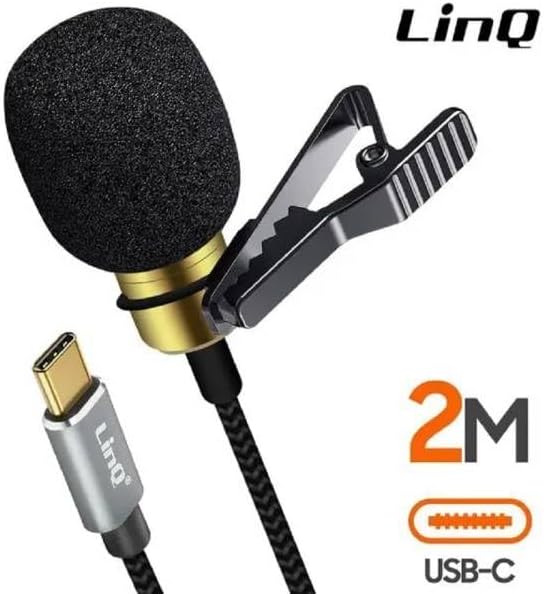
Image: A detailed view of the microphone's USB-C connector and the microphone head with its foam cover.
- Connect to Device: Insert the USB-C connector into a compatible USB-C port on your recording device (smartphone, tablet, laptop, etc.). The microphone is Plug and Play, meaning no additional drivers or software are typically required.
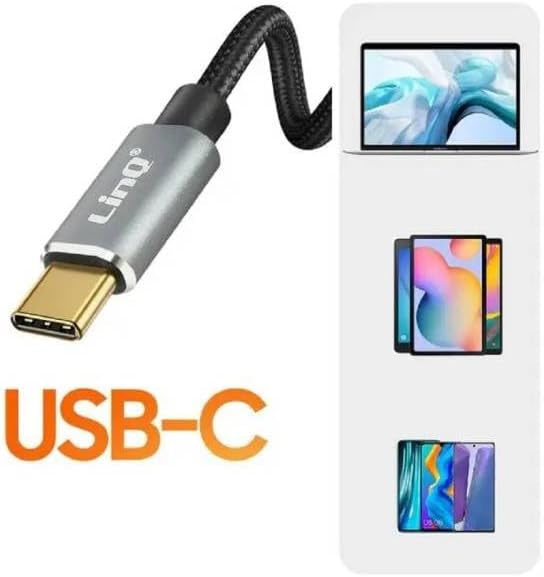
Image: An illustration showing the USB-C connector and its compatibility with laptops, tablets, and smartphones.
- Position the Microphone: Use the integrated 360-degree rotating clip to attach the microphone to your clothing, such as a shirt collar or tie, approximately 6-8 inches (15-20 cm) from your mouth for optimal sound capture.
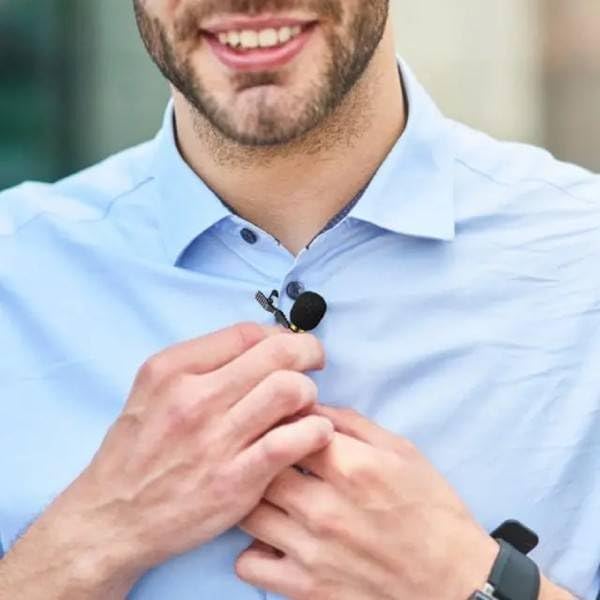
Image: A person wearing the lavalier microphone clipped to their shirt collar, demonstrating proper placement.

Image: A close-up of the microphone's clip, illustrating its 360-degree rotation capability for flexible positioning.
Operating Instructions
The OISE ART STORE Lavalier USB-C Microphone is designed for ease of use. Once connected, your device should automatically recognize it as an audio input source.
- Recording: Open your preferred audio or video recording application on your device. Select the USB-C microphone as the input source in the application's settings, if necessary.
- Omnidirectional Sound: The microphone features an omnidirectional pickup pattern, meaning it captures sound equally from all directions. This is ideal for situations where multiple speakers are present or when you need to capture ambient sound along with your voice.
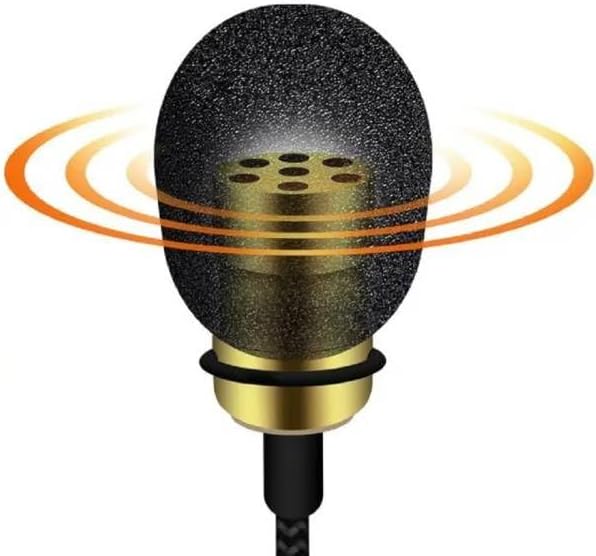
Image: A graphic representation of omnidirectional sound pickup, showing sound waves emanating from all sides of the microphone.
- Monitoring: For best results, use headphones connected to your device to monitor the audio quality during recording.
- Applications: This microphone is suitable for a wide range of uses, including:
- Online tutorials and e-learning
- Vlogging and content creation
- Interviews and field recording
- Podcasting and streaming
- Conferences and presentations

Image: A collage of four scenarios demonstrating the microphone's versatility: a person streaming, applying makeup, playing guitar, and conducting an interview.
Maintenance
- Cleaning: Gently wipe the microphone body and cable with a soft, dry cloth. Do not use liquid cleaners or abrasive materials.
- Storage: When not in use, store the microphone in a clean, dry place, away from extreme temperatures and direct sunlight. Avoid tightly coiling the cable to prevent damage.

Image: The 2-meter braided cable of the microphone, highlighting its durable and tangle-resistant design.
- Handling: Handle the microphone and its cable with care. Avoid pulling on the cable or subjecting the microphone to strong impacts.
Troubleshooting
- No Sound or Low Volume:
- Ensure the USB-C connector is fully inserted into your device's port.
- Check your device's audio input settings to confirm the USB-C microphone is selected as the active input.
- Increase the input volume/gain settings within your recording application or device's sound settings.
- Test the microphone with another compatible device to rule out device-specific issues.
- Distorted Sound:
- Reduce the input volume/gain settings to prevent clipping.
- Ensure the microphone is not too close to the sound source. Maintain an optimal distance (e.g., 6-8 inches from mouth).
- Check for any physical damage to the microphone or cable.
- Microphone Not Recognized:
- Disconnect and reconnect the microphone.
- Restart your device.
- Ensure your device's USB-C port supports audio input. Some USB-C ports are for charging only.
- Check for any available system updates for your device.
Specifications
| Brand: | OISE ART STORE |
| Model: | Tpc3539m (Manufacturer Reference: linq43405) |
| Connectivity: | Wired USB-C |
| Cable Length: | 2 meters (approx. 6.5 feet) |
| Polar Pattern: | Omnidirectional |
| Clip: | 360-degree Rotating Lavalier Clip |
| Weight: | 450 g (approx. 0.99 lbs) |
| First Available Date: | August 23, 2023 |
Warranty and Support
For warranty information and customer support, please refer to the purchase documentation or contact your retailer. OISE ART STORE is committed to providing quality products and assistance.
For further assistance, you may also visit the official OISE ART STORE website or contact their customer service department.


