
Deeyaple A10
Deeyaple Bluetooth Speaker User Manual
Model: A10
1. Introduction
Thank you for choosing the Deeyaple Bluetooth Speaker. This manual provides essential information for the safe and effective operation of your device. Please read it thoroughly before use and retain it for future reference.
Package Contents:
- Deeyaple Bluetooth Speaker (Model A10)
- Charging Cable (USB-C)
- User Manual

Image: The Deeyaple Bluetooth Speaker, a compact black cylindrical device with a light-up top panel and side controls.

Image: A person holding the Deeyaple Bluetooth Speaker, demonstrating its portable and compact design.
2. Safety Instructions
- Do not expose the speaker to extreme temperatures or direct sunlight for prolonged periods.
- Do not disassemble, repair, or modify the device.
- Keep the speaker away from strong magnetic fields.
- Use only the provided charging cable or a certified equivalent.
- Ensure the charging port cover is securely closed when the speaker is exposed to water to maintain IPX7 waterproof rating.
- Clean the speaker with a soft, dry cloth. Do not use harsh chemicals or abrasive materials.
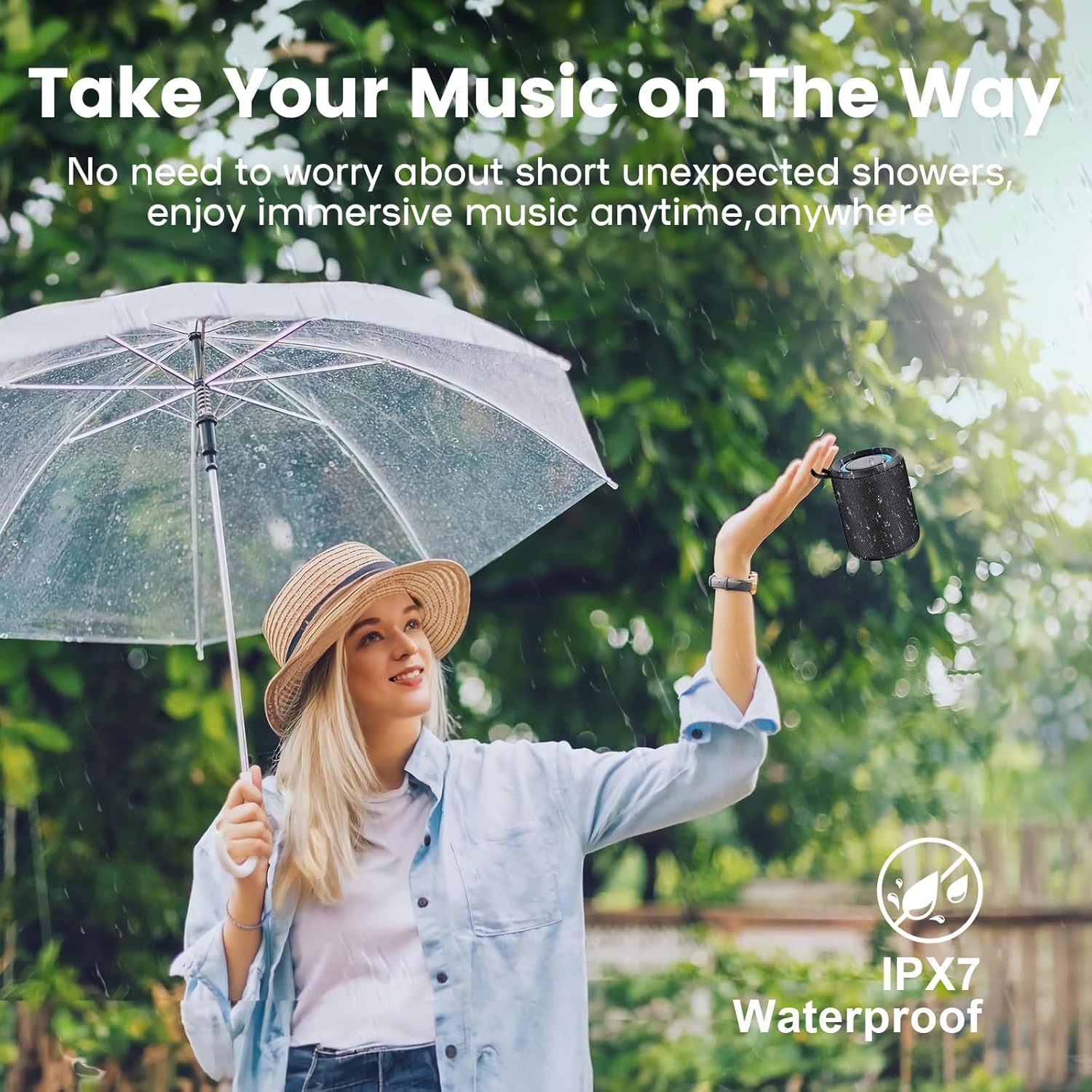
Image: A woman holding the Deeyaple Bluetooth Speaker outdoors in the rain under an umbrella, emphasizing its IPX7 waterproof capability.
3. Setup
3.1 Charging the Speaker
Before first use, fully charge the speaker. Connect the USB-C charging cable to the speaker's charging port and the other end to a USB power adapter (not included) or a computer's USB port. The charging indicator light will show the charging status.
- Charging Time: Approximately 3-4 hours for a full charge.
- Battery Life: Up to 10-12 hours of playback at 50% volume.

Image: The Deeyaple Bluetooth Speaker with annotations showing its dimensions (10cm height, 8cm width) and battery specifications (3-4 hours fast charging, 2500mAh battery, 12 hours playback at 50% volume).
4. Operating Instructions
4.1 Power On/Off
- To Power On: Press and hold the Power button (symbol: circle with vertical line) for 2 seconds.
- To Power Off: Press and hold the Power button for 2 seconds.
4.2 Bluetooth Pairing
The speaker will automatically enter pairing mode when powered on for the first time or if no device is connected.
- Ensure the speaker is powered on and in pairing mode (indicated by a flashing LED).
- Enable Bluetooth on your device (smartphone, tablet, etc.).
- Search for "Deeyaple A10" in the list of available Bluetooth devices.
- Select "Deeyaple A10" to connect. Once connected, the LED indicator will become solid.

Image: The Deeyaple Bluetooth Speaker shown next to a smartphone displaying its Bluetooth settings, indicating a successful Bluetooth 5.3 connection to "P1S" (likely the model name in the device list).
4.3 True Wireless Stereo (TWS) Pairing
You can pair two Deeyaple A10 speakers together for a stereo sound experience.
- Ensure both speakers are powered on and not connected to any other Bluetooth device.
- On one speaker (this will be the primary speaker), press the TWS button (symbol: infinity sign). The speaker will enter TWS pairing mode.
- The two speakers will automatically connect to each other. Once connected, the primary speaker's LED will flash slowly, and the secondary speaker's LED will be solid.
- Connect your device to the primary speaker via Bluetooth as described in section 4.2.

Image: An overhead view showing two Deeyaple Bluetooth Speakers on a table, with a dotted line and a Bluetooth symbol indicating their True Wireless Stereo connection for 360-degree surround sound.
4.4 Controls
| Button/Action | Function |
|---|---|
| Power Button (long press) | Power On/Off |
| Power Button (short press) | Play/Pause music, Answer/End call |
| Volume Up (short press) | Increase Volume |
| Volume Down (short press) | Decrease Volume |
| Volume Up (long press) | Next Track |
| Volume Down (long press) | Previous Track |
| TWS Button (short press) | Enter/Exit TWS Pairing Mode |
| TWS Button (long press) | Change Light Mode |
4.5 Light Modes
The speaker features pulsating RGB lights. Press and hold the TWS button to cycle through different light modes or to turn the lights off.

Image: Three Deeyaple Bluetooth Speakers displayed with their top panels illuminated in red, green, and blue, illustrating the pulsating light effects.
5. Maintenance
5.1 Cleaning
Wipe the speaker with a soft, damp cloth. Do not use abrasive cleaners, alcohol, or other chemical solvents, as these may damage the surface or internal components.
5.2 Storage
When not in use for extended periods, store the speaker in a cool, dry place, away from direct sunlight and extreme temperatures. It is recommended to charge the speaker at least once every three months to maintain battery health.
6. Troubleshooting
| Problem | Possible Cause | Solution |
|---|---|---|
| Speaker does not turn on. | Low battery. | Charge the speaker fully. |
| Cannot pair with Bluetooth device. | Speaker not in pairing mode; device's Bluetooth is off; too far from speaker. | Ensure speaker is in pairing mode. Turn on Bluetooth on your device. Move device closer to speaker (within 10 meters). |
| No sound or distorted sound. | Volume too low; speaker not connected; audio source issue. | Increase volume on both speaker and device. Reconnect Bluetooth. Check audio source. |
| TWS pairing fails. | Speakers already connected to other devices; too far apart. | Disconnect speakers from all other devices. Ensure speakers are close to each other. Try re-pairing. |
7. Specifications
| Feature | Detail |
|---|---|
| Model Number | A10 |
| Bluetooth Version | 5.3 |
| Output Power | 15 Watts |
| Frequency Response | 20 KHz |
| Waterproof Rating | IPX7 |
| Battery Capacity | 2500mAh |
| Battery Life | Up to 10-12 hours (at 50% volume) |
| Charging Time | 3-4 hours |
| Wireless Range | Up to 10 meters (33 feet) |
| Dimensions (L x W x H) | 9 x 12 x 9 cm |
| Weight | 350 grams |
| Material | Metal |
8. Warranty Information
Deeyaple products come with a standard manufacturer's warranty. For detailed warranty terms and conditions, please refer to the warranty card included in your product packaging or visit the official Deeyaple website. This warranty typically covers defects in materials and workmanship under normal use.
9. Customer Support
If you encounter any issues or have questions regarding your Deeyaple Bluetooth Speaker, please contact our customer support team. You can find contact information on our official website or through the retailer where you purchased the product.
For more information, visit: www.deeyaple.com (Note: This is a placeholder URL, please refer to actual product documentation for correct support links).
Related documentsA10


Ask a question about this manual
Ask about setup, troubleshooting, compatibility, parts, safety, or missing instructions. Manuals+ will review the question and use this page’s manual context to help answer it.