
1. Introduction
Thank you for choosing the EBODA B18P Star Bluetooth Shower Speaker. This portable, waterproof speaker is designed to provide high-quality audio with vibrant LED lights, suitable for various outdoor and indoor environments. Please read this manual carefully before use to ensure proper operation and to maximize your experience with the device.

Image: The EBODA B18P Star speaker, showcasing its design and water-resistant nature.
2. Safety Information
- Do not disassemble, repair, or modify the speaker. This may cause damage, electric shock, or fire.
- Keep the speaker away from extreme temperatures, direct sunlight, and heat sources.
- Ensure the charging port cover is securely closed when the speaker is exposed to water to maintain its IP67 waterproof rating.
- Avoid prolonged exposure to loud volumes to prevent hearing damage.
- Dispose of the speaker and its battery responsibly according to local regulations.
3. Package Contents
Please check the package for the following items:
- 1 × EBODA B18P Star Speaker
- 1 × User Manual
- 1 × Type-C Charging Cable
- 1 × Carabiner
4. Product Overview
Familiarize yourself with the speaker's components and controls:

Image: Detailed view of the speaker with labels for its dimensions and control buttons.
- Power Button: Press and hold to turn on/off.
- Volume Control Buttons (+/-): Short press for volume adjustment, long press for track skip.
- Light Button: Short press to cycle through LED light modes.
- TF Card Slot: For playing music directly from a Micro SD card.
- Type-C Charging Port: For charging the speaker.
5. Setup and Basic Operation
5.1. Charging the Speaker
- Open the rubber flap covering the Type-C charging port.
- Connect the provided Type-C cable to the speaker and a USB power adapter (not included).
- The LED indicator will show charging status (e.g., red for charging, off when fully charged).
- Charging time is approximately 3 hours.
- Ensure the rubber flap is securely closed after charging to maintain water resistance.
5.2. Power On/Off
- To Power On: Press and hold the Power button for 2-3 seconds until you hear an audible prompt and the LED lights activate.
- To Power Off: Press and hold the Power button for 2-3 seconds until you hear an audible prompt and the LED lights turn off.
5.3. Bluetooth Pairing
- Turn on the speaker. It will automatically enter Bluetooth pairing mode, indicated by a flashing LED light.
- On your device (smartphone, tablet, etc.), enable Bluetooth and search for available devices.
- Select "EBODA B18P Star" from the list.
- Once paired, you will hear a confirmation sound, and the LED light will stop flashing.
- The speaker will automatically reconnect to the last paired device when powered on, if within range.
5.4. True Wireless Stereo (TWS) Pairing
To pair two EBODA B18P Star speakers for a stereo sound experience:
- Ensure both speakers are powered off and not connected to any Bluetooth device.
- Turn on both speakers. They will enter Bluetooth pairing mode.
- On one of the speakers (this will be the primary speaker), double-press the Power button. The speakers will attempt to pair with each other.
- Once successfully paired, you will hear a confirmation sound. The primary speaker's LED will flash, and the secondary speaker's LED will be solid.
- Now, connect your device to the primary speaker via Bluetooth as described in section 5.3.
5.5. TF Card Playback
The speaker supports music playback directly from a Micro SD (TF) card.

Image: The speaker in an outdoor setting, highlighting its TF card playback capability.
- Insert a Micro SD card (up to 32GB, FAT32 format) with MP3 audio files into the TF card slot.
- The speaker will automatically switch to TF card mode and begin playing music.
- Use the Volume Control buttons to adjust volume or skip tracks.
6. Operating Instructions
6.1. Controlling Playback and Volume
- Play/Pause: Short press the Power button.
- Volume Up: Short press the '+' button.
- Volume Down: Short press the '-' button.
- Next Track: Long press the '+' button.
- Previous Track: Long press the '-' button.
6.2. LED Light Modes
The speaker features 5 different LED light modes to enhance your listening experience.

Image: The speaker displaying its LED lights in an outdoor environment.
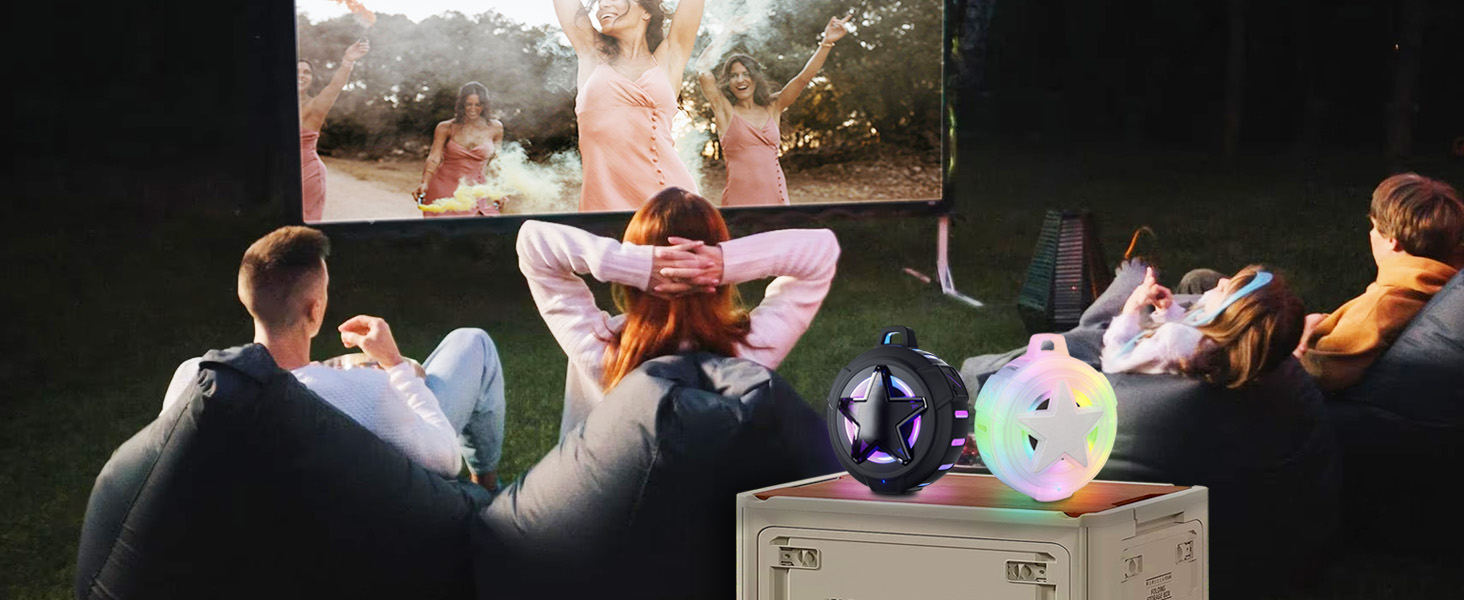
Image: A visual comparison highlighting the speaker's party light feature.
- Short press the Light button to cycle through the available light modes.
- Press and hold the Light button to turn the LED lights off.
7. Water Resistance (IP67)
The EBODA B18P Star speaker is rated IP67, meaning it is fully protected against dust and can withstand immersion in water up to 1 meter (3.3 feet) for 30 minutes.

Image: Speakers submerged underwater, demonstrating their IP67 waterproof capability.

Image: A visual comparison highlighting the speaker's IP67 water resistance rating.
- Always ensure the charging port cover is tightly sealed before exposing the speaker to water.
- Do not intentionally submerge the speaker for extended periods or beyond the specified depth.
- After exposure to saltwater or chlorinated water, rinse the speaker with fresh water and dry thoroughly.
8. Maintenance and Care
- Clean the speaker with a soft, damp cloth. Do not use abrasive cleaners or solvents.
- Store the speaker in a cool, dry place when not in use.
- Avoid dropping or subjecting the speaker to strong impacts.
- If the speaker will not be used for a long period, charge it at least once every three months to preserve battery life.
9. Troubleshooting
| Problem | Possible Cause | Solution |
|---|---|---|
| Speaker does not turn on. | Low battery. | Charge the speaker for at least 30 minutes. |
| Cannot pair via Bluetooth. | Speaker is not in pairing mode; device's Bluetooth is off; speaker is already connected to another device. | Ensure speaker is in pairing mode (flashing LED). Turn on Bluetooth on your device. Disconnect from other devices. Restart both speaker and device. |
| No sound. | Volume too low; device not connected; media paused. | Increase speaker and device volume. Ensure successful Bluetooth connection. Check if media is playing. |
| TWS pairing fails. | Speakers are too far apart; one speaker is already paired to a device. | Ensure speakers are close to each other. Disconnect both speakers from any Bluetooth devices before TWS pairing. |
| TF card not playing. | Card not inserted correctly; unsupported file format; card corrupted. | Reinsert TF card. Ensure files are MP3 format. Try a different TF card. |
10. Specifications
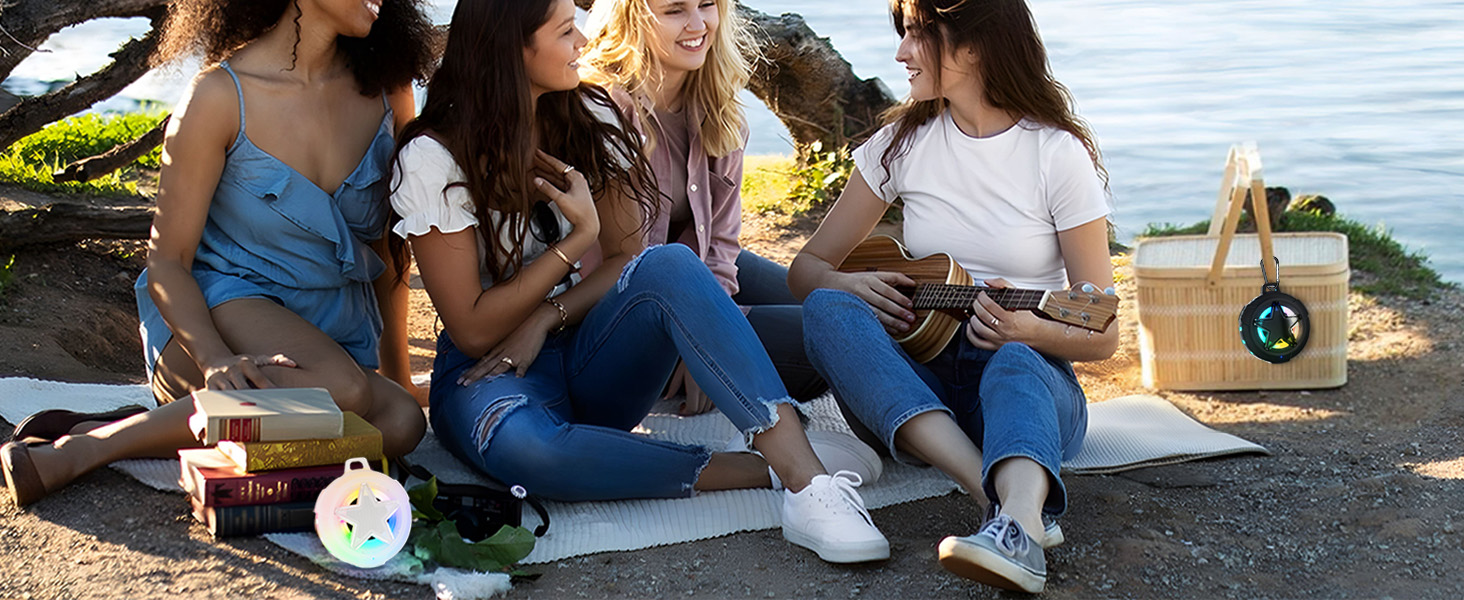
Image: An exploded view illustrating the internal components and design of the speaker.
| Feature | Detail |
|---|---|
| Model Name | B18P Star |
| Speaker Type | Portable Bluetooth Speaker |
| Connectivity Technology | Bluetooth V5.3, TF Card |
| Wireless Range | Up to 33 feet (10 meters) |
| Output Power | 8 Watts |
| Water Resistance | IP67 (Dustproof, Waterproof up to 1m for 30 mins) |
| Playtime | Up to 24 hours (at 50% volume, without LED lights) |
| Charging Time | Approximately 3 hours |
| Battery Type | Lithium Polymer (included) |
| Dimensions (D x W x H) | 2.09"D x 3.9"W x 4.52"H |
| Item Weight | 0.31 Kilograms (10.8 ounces) |
| Special Features | LED Light Modes, True Wireless Stereo (TWS), Floating capability |

Image: The speaker in use, highlighting its extended playtime.

Image: A visual comparison highlighting the speaker's superior battery life.

Image: The speaker in an outdoor setting, emphasizing its robust Bluetooth 5.3 connectivity.

Image: A visual comparison highlighting the speaker's advanced Bluetooth 5.3 technology.
11. Warranty and Customer Support
EBODA products are covered by a 1-year limited warranty from the date of purchase. This warranty covers manufacturing defects and workmanship under normal use. It does not cover damage caused by misuse, accidents, unauthorized modifications, or normal wear and tear.
For any questions, technical support, or warranty claims, please contact our professional customer service team. We are committed to providing lifetime professional customer service.
Contact Information:
Please refer to the contact details provided on your purchase platform or the official EBODA website for the most up-to-date support information.