
1. Introduction
Thank you for choosing the Retoo Wireless Doorbell. This manual provides detailed instructions for the installation, operation, and maintenance of your new doorbell system. Designed for convenience and durability, this wireless doorbell features 38 selectable chimes, 4 adjustable volume levels, a 180-meter wireless range, and an IP68 waterproof rating for the push button, making it suitable for various indoor and outdoor environments.
Please read this manual thoroughly before use to ensure proper functionality and to maximize the lifespan of your product. Keep this manual for future reference.
2. Package Contents
Upon unpacking, please verify that all components are present and in good condition:
- 1 x Wireless Doorbell Push Button (Transmitter)
- 1 x Plug-in Doorbell Receiver (Chime Unit)
- 1 x Double-sided Adhesive Tape
- 1 x User Manual (This document)

Image: The wireless doorbell push button and the plug-in receiver unit.
3. Specifications
| Feature | Specification |
|---|---|
| Brand | Retoo |
| Model | Wireless Doorbell (B0CG1QM7VX) |
| Chimes | 38 selectable melodies |
| Volume Levels | 4 adjustable levels |
| Wireless Range | Up to 180 meters (open area) |
| Waterproof Rating (Push Button) | IP68 |
| Receiver Voltage | 110 Volts |
| Push Button Power | Battery-free / Self-powered (or long-life pre-installed battery) |
| Color | White |
| Product Dimensions (L x W x H) | 9 x 9 x 7 cm (overall) |
| Weight | 150 grams |
| Country of Origin | China |

Image: Detailed dimensions of the doorbell push button and receiver unit.
4. Safety Information
- Do not expose the receiver unit to water or high humidity. The push button is IP68 waterproof, but the receiver is for indoor use only.
- Do not attempt to disassemble or repair the device yourself. Contact customer support for assistance.
- Keep the device away from direct heat sources and open flames.
- Ensure the receiver is plugged into a standard 110V electrical outlet.
- Keep out of reach of children.
5. Setup and Installation
5.1. Receiver Placement
Plug the doorbell receiver into a standard 110V electrical outlet in a central location within your home. Ensure it is within the 180-meter wireless range of the push button. Avoid placing it near large metal objects or other electronic devices that might interfere with the signal.
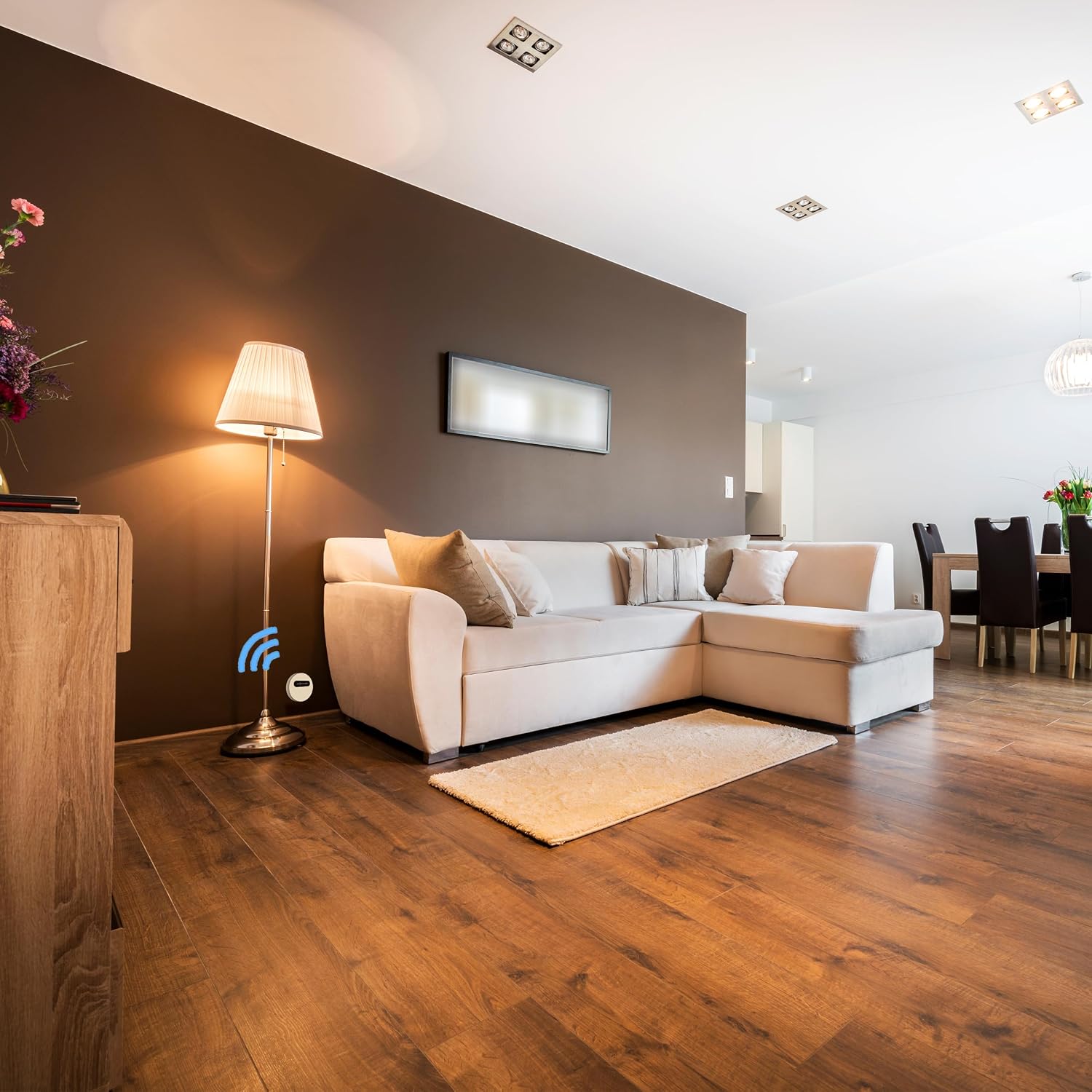
Image: Receiver plugged into a living room outlet.

Image: Receiver plugged into a bathroom outlet.
5.2. Push Button Installation
The wireless push button is IP68 waterproof and designed for outdoor use. It can be easily installed using the provided double-sided adhesive tape.
- Choose a flat, clean surface near your door or gate for the push button.
- Clean the surface thoroughly to ensure good adhesion.
- Peel off one side of the double-sided adhesive tape and apply it firmly to the back of the push button.
- Peel off the other side of the tape and press the push button firmly onto the chosen surface for at least 30 seconds.
- Ensure the button is securely attached.

Image: A person pressing the doorbell push button installed next to a door.
6. Operating Instructions
6.1. Changing Chimes
To select a different melody from the 38 available chimes:
- Locate the "Music Selection" button on the side of the receiver unit.
- Press the button repeatedly to cycle through the available melodies.
- Once you hear your desired chime, stop pressing the button. The doorbell will remember your selection.
6.2. Adjusting Volume
To adjust the volume level (4 levels available):
- Locate the "Volume Control" button on the side of the receiver unit.
- Press the button repeatedly to cycle through the 4 volume levels (low, medium, high, mute).
- Release the button when the desired volume is reached.

Image: The receiver unit with an illuminated sound wave indicator, showing it is active.
6.3. Pairing Additional Push Buttons/Receivers (If applicable)
If you have purchased additional Retoo wireless doorbell components, follow these steps to pair them:
- Plug in the new receiver unit.
- On the receiver, press and hold the "Volume Control" button for approximately 5 seconds until you hear a "ding-dong" sound and the indicator light flashes. This indicates it is in pairing mode.
- Within 10 seconds, press the new push button. The receiver will chime, confirming successful pairing.
- Repeat for any additional push buttons or receivers.
7. Maintenance
- Cleaning: Wipe the doorbell push button and receiver with a soft, dry cloth. Do not use abrasive cleaners or solvents.
- Push Button: The push button is designed to be maintenance-free and IP68 waterproof. No battery replacement is typically required for self-powered models.
- Receiver: Ensure the receiver's ventilation holes are not blocked to prevent overheating.
- Environmental Conditions: While the push button is waterproof, extreme temperatures (below -20°C or above 50°C) may affect performance.
8. Troubleshooting
| Problem | Possible Cause | Solution |
|---|---|---|
| Doorbell does not chime. |
|
|
| Short wireless range. |
|
|
| Chime sound is distorted. |
|
|
9. Warranty and Support
Retoo products are designed for quality and reliability. For warranty information or technical support, please refer to the contact details provided with your purchase or visit the official Retoo website. Please have your product model (B0CG1QM7VX) and purchase date ready when contacting support.
Spare parts availability information is currently unavailable.