1. Introduction
This manual provides essential information for the safe and efficient operation of your Frigidaire 10,000 BTU Smart Inverter Window Air Conditioner (Model FHWW105WE1). Please read all instructions carefully before installation and use, and retain this manual for future reference.
The Frigidaire FHWW105WE1 is a 10,000 BTU smart window room air conditioner designed to cool areas up to 450 sq. ft. It features Wi-Fi connectivity for remote management via the Frigidaire app, inverter technology for energy efficiency, and quiet operation at 42 dBA. The unit operates at 115V and 920W.
2. Safety Information
WARNING: To reduce the risk of fire, electrical shock, or injury when using your air conditioner, follow these basic precautions:
- Read all instructions before using this appliance.
- Plug into a grounded 3-prong outlet. Do not remove grounding prong.
- Do not use an adapter or extension cord.
- Do not operate any air conditioner with a damaged cord or plug.
- Do not use near water or in wet environments.
- Always use two or more people to move and install the air conditioner.
- Ensure the window opening and installation area are structurally sound.
- Disconnect power before servicing or cleaning.
3. Package Contents
Verify that all components are present in the package:
- Frigidaire 10,000 BTU Smart Inverter Window Air Conditioner Unit
- Window Installation Kit
- Remote Control (with 2 AAA batteries included)
- Washable Dust Filter (pre-installed)
- User Manual (this document)
4. Product Overview
4.1. Unit Components
The following image illustrates the main components of the air conditioner unit.

Front view of the Frigidaire 10,000 BTU Smart Inverter Window Air Conditioner, showing the digital display, control panel, and a smartphone with the Frigidaire app.
4.2. Control Panel and Display
The control panel is located on the front of the unit and features a digital display and various buttons for operation.
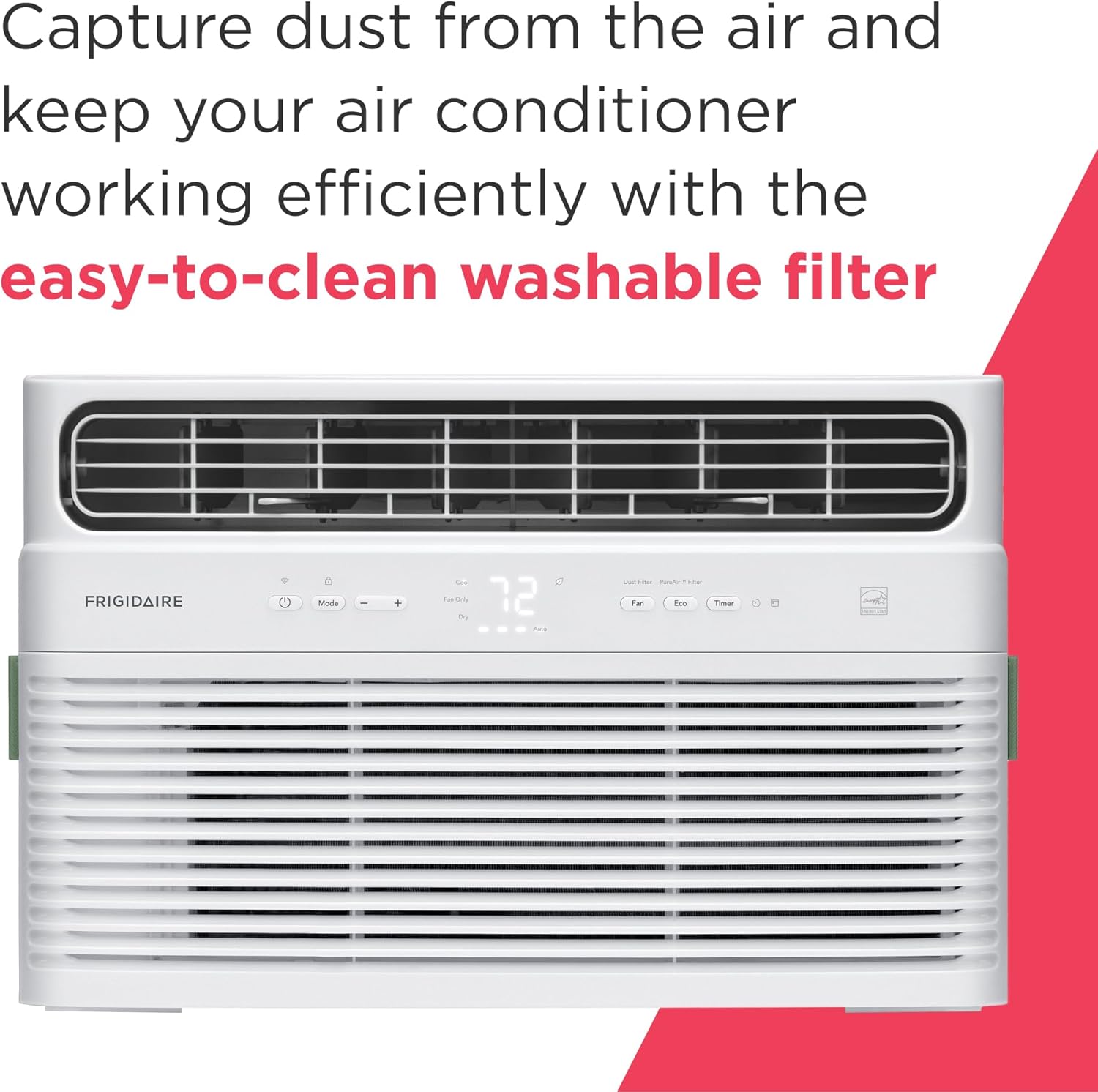
Detailed view of the air conditioner's control panel, including buttons for Mode, Fan Speed, Timer, Eco, and the digital temperature display.
4.3. Dimensions and Specifications Overview
Understanding the unit's dimensions is crucial for proper installation.

Dimensional diagram of the air conditioner, indicating a height of 13.25 inches, width of 18.5 inches, and depth of 19.75 inches. Key features like 3 fan speeds, 42 dBA noise level, 450 sq. ft. cooling area, and Wi-Fi connectivity are also highlighted.
5. Setup
5.1. Installation
The Frigidaire FHWW105WE1 is designed for window installation. Refer to the separate detailed installation guide included with your window kit for specific instructions. Ensure the window opening is suitable for the unit's dimensions.

The air conditioner unit properly installed in a window opening.
5.2. Wi-Fi Setup
Your air conditioner is Wi-Fi enabled, allowing for remote control via the Frigidaire app. Follow these steps to connect your unit:
- Download the Frigidaire app from your smartphone's app store.
- Create an account or log in.
- Follow the in-app instructions to add your new air conditioner. This typically involves putting the unit into pairing mode and connecting to your home Wi-Fi network.
- Once connected, you can control your AC unit from anywhere. The unit is compatible with Amazon Alexa and Google Home devices for voice control.
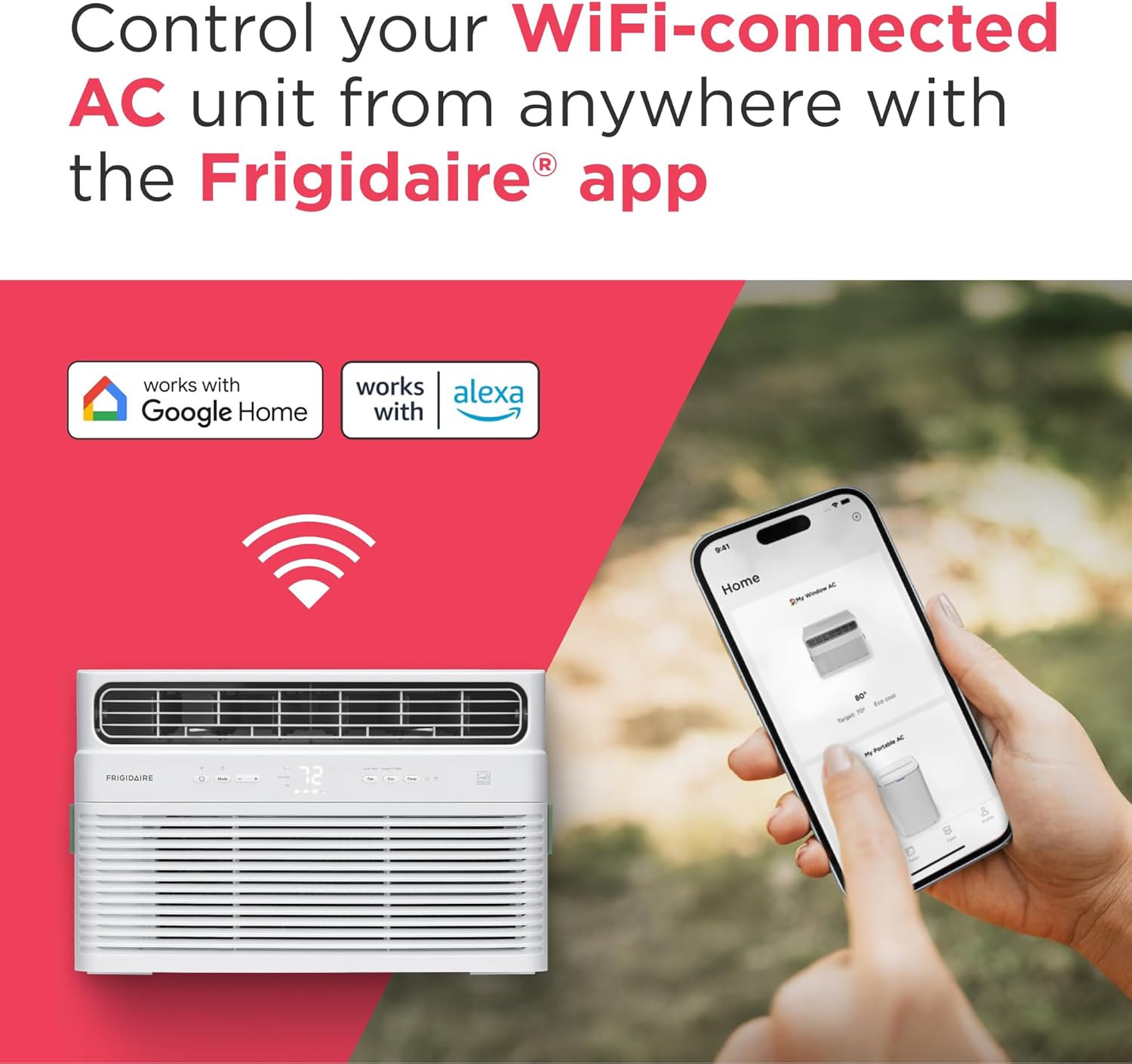
The air conditioner unit demonstrating Wi-Fi connectivity and compatibility with Google Home and Amazon Alexa.
6. Operating Instructions
6.1. Basic Operation
Use the control panel on the unit or the remote control to operate the air conditioner.
- Power On/Off: Press the Power button to turn the unit on or off.
- Temperature Setting: Use the '+' and '-' buttons to adjust the desired temperature.
6.2. Operating Modes
The unit offers several operating modes for customized comfort:
- Cool Mode: Provides cooling to reach the set temperature.
- Fan Only Mode: Circulates air without cooling.
- Dry Mode (Dehumidifying): Removes excess moisture from the air, creating a more comfortable environment.
- Eco Mode: This unit turns on and off at different intervals to ensure that the room stays at your desired temperature while helping keep energy costs low.
- Sleep Mode: The temperature gradually increases by a few degrees throughout the night to conserve energy and create a more comfortable sleeping environment.
6.3. Fan Speeds
The unit features three different fan speeds to adjust airflow intensity.
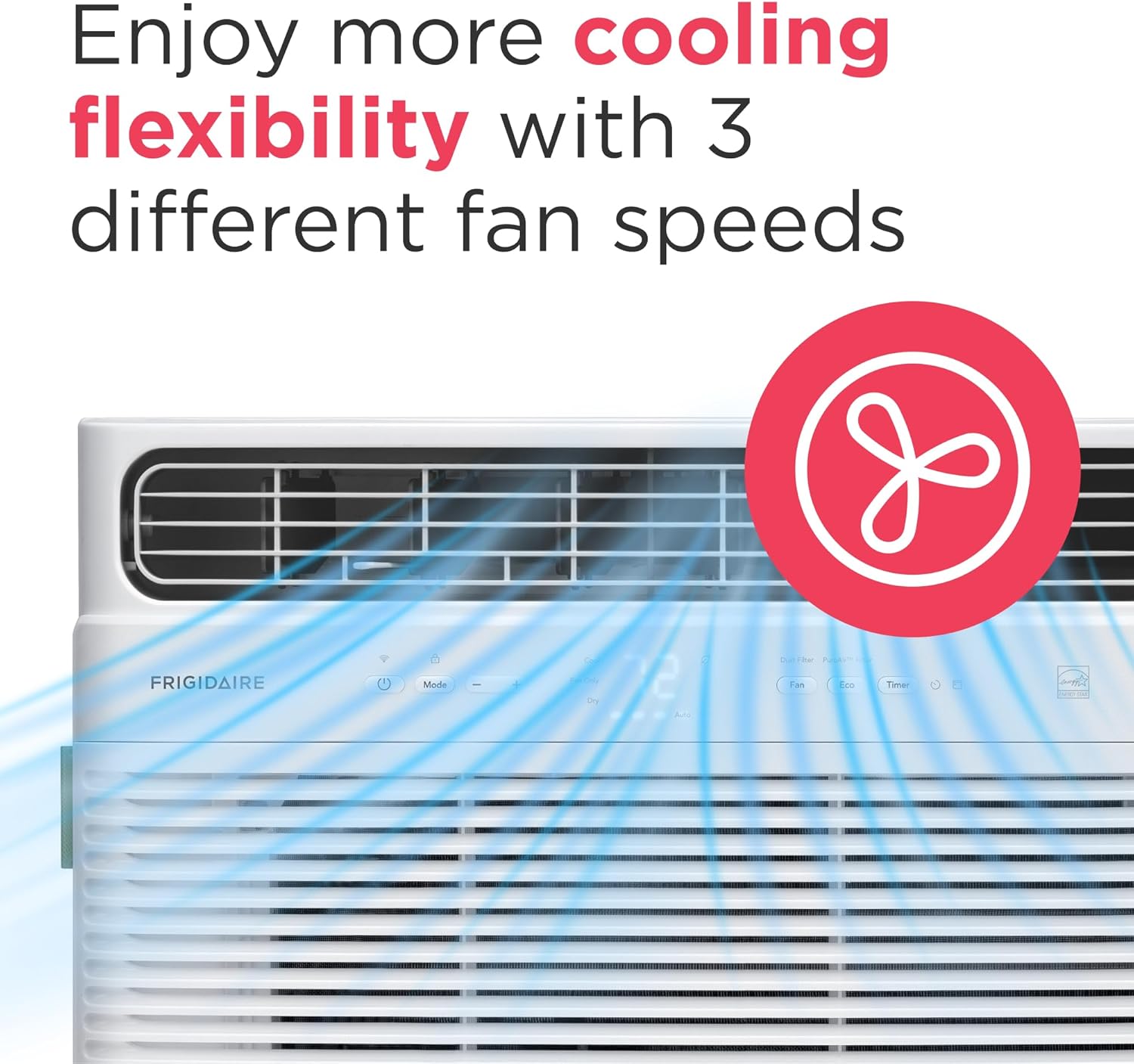
Illustration of the air conditioner's multi-directional airflow and the availability of three fan speeds for flexible cooling.
6.4. 24-Hour On/Off Timer
Easily customize your cooling schedule by setting the unit to turn on and off in half-hour increments, providing optimal cooling whenever you need it.
6.5. Remote Control
Effortlessly manage your room's temperature and fan speed from anywhere in the room with the included remote control, offering maximum convenience.
6.6. Auto Restart
The air conditioner automatically resumes operating at its previous settings once power is restored to the unit, ensuring continuous comfort without interruption.
7. Maintenance
Regular maintenance ensures optimal performance and longevity of your air conditioner.
7.1. Cleaning the Washable Dust Filter
The unit is equipped with an easy-to-clean washable dust filter. A 'Clean Filter' alert will notify you when it's time for cleaning.
- Turn off the air conditioner and unplug it from the power outlet.
- Open the front panel of the unit.
- Carefully remove the dust filter.
- Wash the filter with warm, soapy water. Rinse thoroughly.
- Allow the filter to air dry completely before re-installing. Do not use heat to dry.
- Re-insert the dry filter and close the front panel.
The washable dust filter being removed from the air conditioner for cleaning.
7.2. Optional PureAir® Advanced Filter
For enhanced air quality, you may purchase and install the PureAir® Advanced Filter (sold separately).
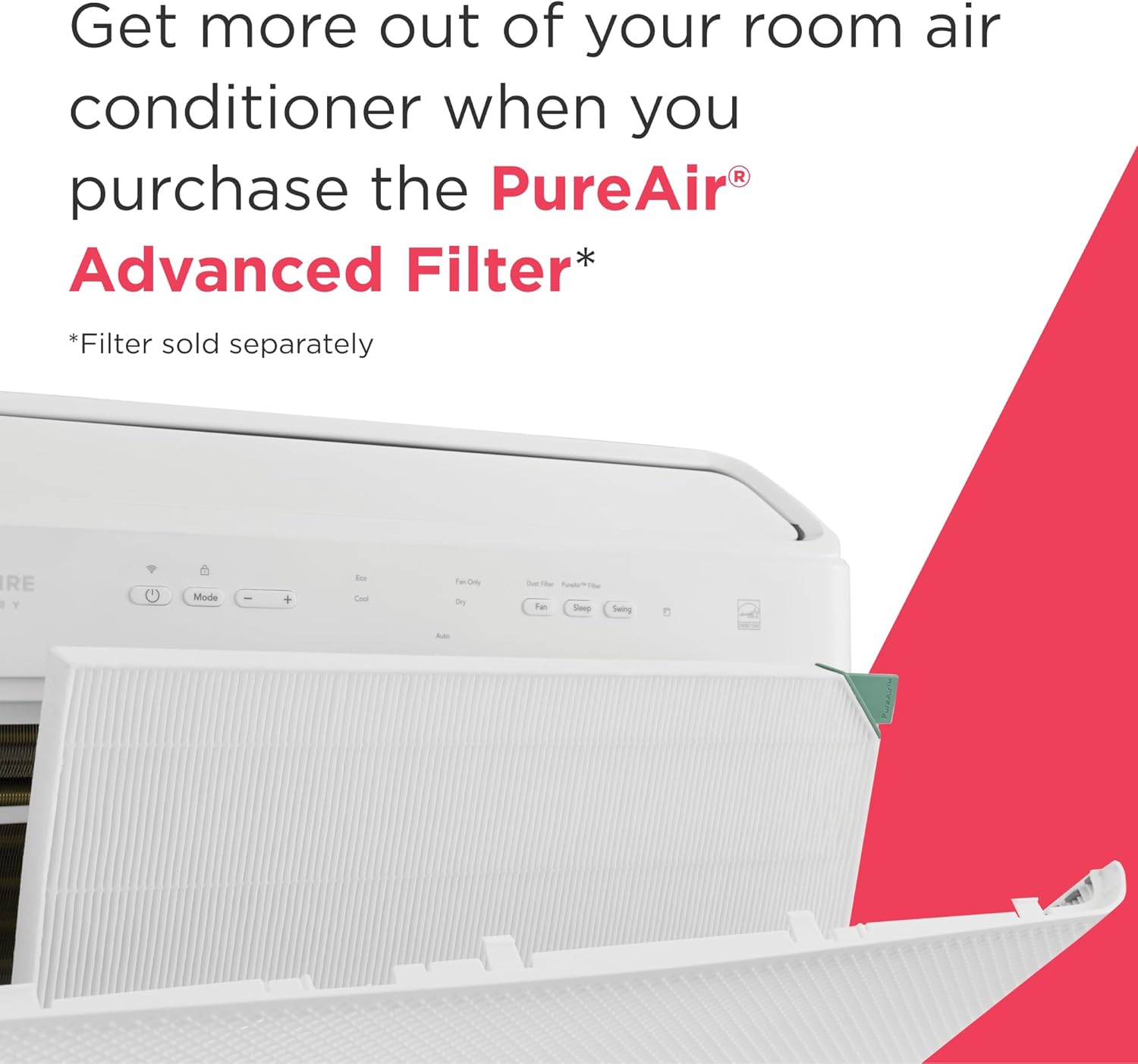
Installation of the optional PureAir® Advanced Filter into the air conditioner.
7.3. General Cleaning
- Wipe the exterior of the unit with a soft, damp cloth.
- Do not use harsh chemicals, abrasive cleaners, or waxes.
8. Troubleshooting
Before contacting customer service, refer to the following table for common issues and solutions.
| Problem | Possible Cause | Solution |
|---|---|---|
| Unit does not turn on | No power, tripped circuit breaker, unit unplugged | Check power cord, reset circuit breaker, ensure plug is fully inserted. |
| Unit not cooling effectively | Dirty air filter, blocked air intake/outlet, room too large, temperature setting too high | Clean air filter, ensure clear airflow, verify room size (up to 450 sq. ft.), lower set temperature. |
| Noisy operation | Loose parts, unit not level, fan obstruction | Check for loose components, ensure unit is level, remove any obstructions from fan. Note: Inverter technology provides quiet operation at 42 dBA. |
| Wi-Fi connection issues | Incorrect Wi-Fi password, router too far, app issues | Re-enter Wi-Fi password, move unit closer to router, restart app or unit. |
| Water dripping inside | Unit not properly tilted for drainage | Ensure unit is slightly tilted outwards for proper condensation drainage. |
9. Specifications
Detailed technical specifications for the Frigidaire FHWW105WE1:
- Model: FHWW105WE1
- Cooling Capacity: 10,000 BTU
- Power Source: Corded Electric
- Voltage: 115 Volts (AC)
- Wattage: 890 watts
- Item Weight: 56 pounds
- Product Dimensions (D x W x H): 23 x 19.5 x 13.9 inches
- Cooling Area: Up to 450 sq. ft.
- Noise Level: 42 dB (on lowest fan setting)
- Fan Speeds: 3
- Special Features: Dust Filter, Filter Light Reminder, Inverter Compressor, Remote Controlled, WiFi Enabled
- Energy Certification: Energy Star Certified
- Included Components: Window Kit, Washable filter, remote (2 AAA batteries included)
- Material: Metal, Plastic
- Color: White
- Installation Method: Window
- Seasonal Energy Efficiency Ratio (SEER): 15

Recommended room size for the 10,000 BTU unit, suitable for medium-sized bedrooms (400-450 sq. ft.).
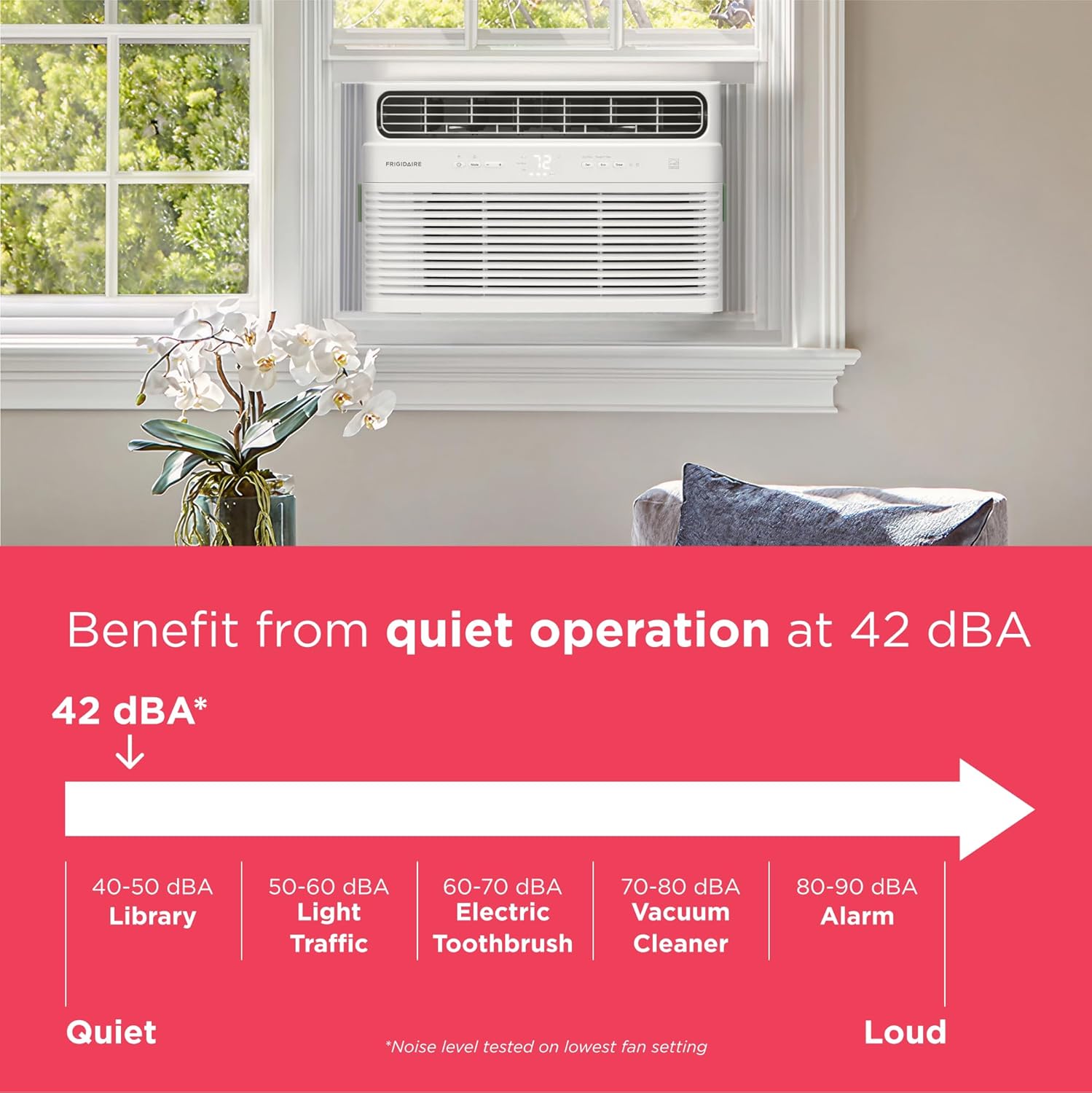
Noise level comparison chart, highlighting the unit's quiet operation at 42 dBA.
10. Warranty and Support
10.1. Manufacturer's Warranty
This Frigidaire air conditioner comes with a 1 Year Manufacturer's Warranty. Please retain your proof of purchase for warranty claims.
10.2. Customer Support
For technical assistance, troubleshooting beyond this manual, or warranty inquiries, please contact Frigidaire Customer Support. Refer to the official Frigidaire website or your product registration card for contact details.


