1. Introduction and Overview
This manual provides instructions for the Anker HDMI Cable, Model A8743001. This high-speed HDMI 2.1 cable is designed to deliver superior audio and video quality, supporting resolutions up to 8K at 60Hz and 4K at 120Hz. It features a bandwidth of 48 Gbps for seamless data transfer and is built for durability and wide compatibility with various devices.
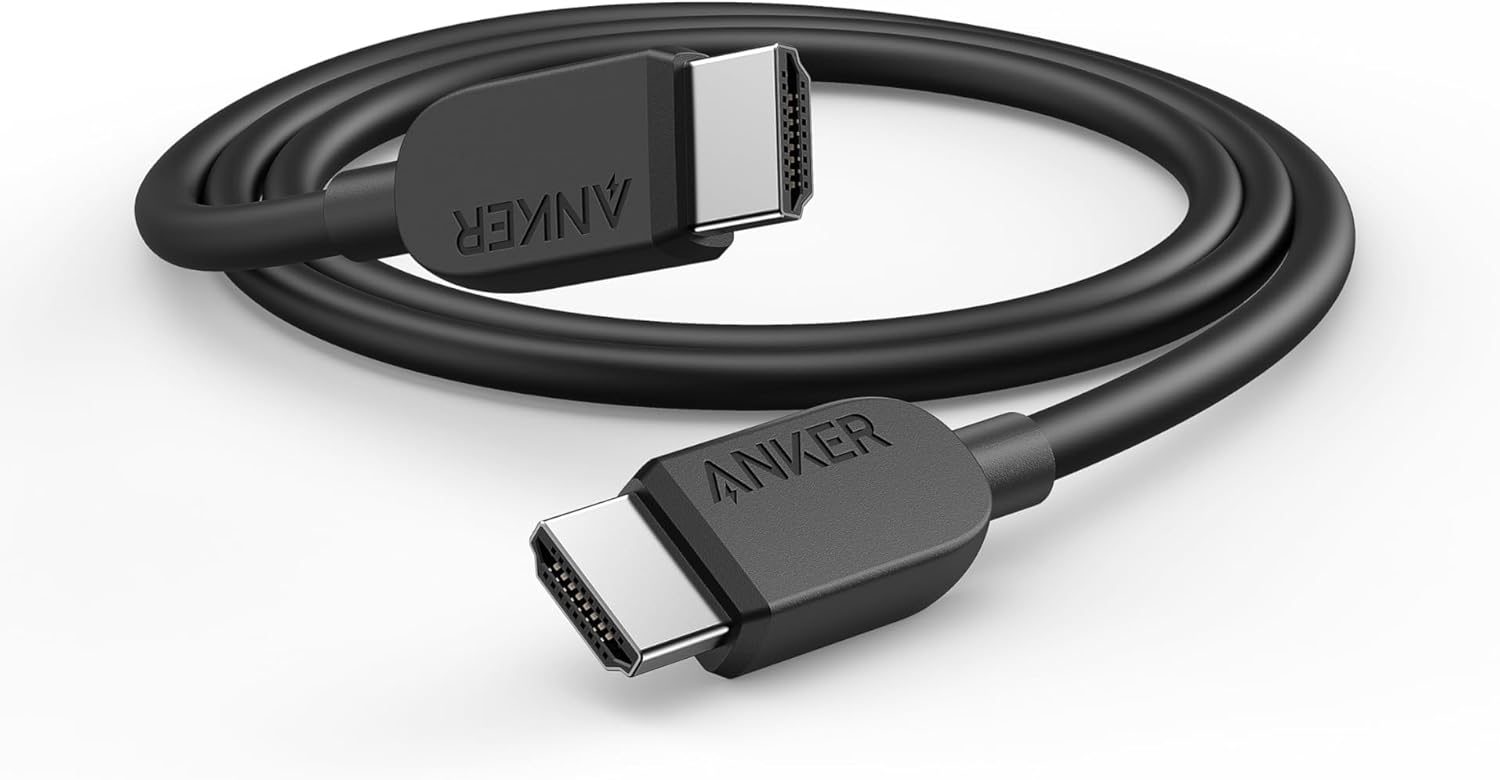
Image 1.1: The Anker HDMI Cable, coiled, showcasing its black nylon braided exterior and robust connectors.
2. Package Contents
Verify that all items are present in your package:
- 1 x Anker HDMI Cable (6 ft, 8K)
- 1 x Welcome Guide
- 1 x 18-Month Warranty Card
3. Setup Instructions
Connecting your Anker HDMI Cable is a straightforward process. Ensure all devices are powered off before making connections.
- Identify HDMI Ports: Locate the HDMI output port on your source device (e.g., gaming console, laptop, streaming box) and the HDMI input port on your display device (e.g., TV, monitor, projector).
- Connect the Cable: Insert one end of the Anker HDMI Cable firmly into the HDMI output port of your source device.
- Connect to Display: Insert the other end of the Anker HDMI Cable firmly into the HDMI input port of your display device.
- Power On Devices: Power on both your source device and your display device. Select the correct HDMI input on your display device using its remote or on-screen menu.

Image 3.1: Diagram illustrating the Anker HDMI Cable's compatibility with various devices such as laptops, projectors, home theater systems, and computer monitors.
4. Operating Instructions
The Anker HDMI Cable operates on a plug-and-play principle, requiring no additional software or drivers. Once connected, it automatically facilitates the transfer of audio and video signals between compatible devices.
Supported Display Modes:
- Mirror Mode: Duplicates the display of your source device onto your external display.
- Extended Mode: Extends your desktop across multiple displays, allowing for increased workspace.
- Game Mode: Optimized for gaming consoles, providing high refresh rates and low latency for an enhanced gaming experience.

Image 4.1: Visual representation of Game Mode (PS5 connected to TV) and Extended Mode (laptop connected to external monitor) using the Anker HDMI Cable.
5. Features and Benefits
- High Resolution and Refresh Rates: Supports 8K@60Hz and 4K@120Hz, ensuring crisp, clear visuals and smooth motion for demanding applications like gaming and high-definition video playback.
- Ultra High-Speed Bandwidth: With 48 Gbps bandwidth, the cable ensures rapid and uninterrupted video and audio signal transfer, preventing lag and buffering.
- Enhanced Durability: Constructed with a robust nylon exterior, the cable is designed to withstand over 1,000 bends, offering long-lasting performance and reliability.
- Wide Compatibility: Connects seamlessly with a broad range of HDMI-enabled devices, including gaming consoles (PlayStation 5, Xbox Series X/S), streaming devices (Apple TV, Roku Ultra), laptops, projectors, and 8K/4K televisions.
- HDMI Forum Certified: Rigorously tested and certified by the HDMI Forum to minimize interference with wireless networks, streaming media players, Bluetooth devices, and mobile phones, ensuring a stable connection.

Image 5.1: Visual highlighting the cable's support for 8K@60Hz, 4K@120Hz, 4K@60Hz, 48 Gbps bandwidth, and HDR.

Image 5.2: Display of the HDMI Forum ATC Testing Certificate, confirming the cable's adherence to high-quality standards and minimal interference.
6. Maintenance
To ensure the longevity and optimal performance of your Anker HDMI Cable, follow these simple maintenance guidelines:
- Handle with Care: Avoid excessive bending, twisting, or pulling of the cable, especially near the connectors.
- Clean Connectors: If connectors appear dusty, gently wipe them with a dry, lint-free cloth. Do not use liquid cleaners.
- Storage: When not in use, store the cable in a clean, dry place, preferably coiled loosely to prevent kinks.
- Avoid Extreme Conditions: Do not expose the cable to extreme temperatures, direct sunlight, or moisture.
7. Troubleshooting
If you encounter issues with your Anker HDMI Cable, refer to the following common problems and solutions:
| Problem | Possible Cause | Solution |
|---|---|---|
| No video or audio signal | Loose connection, incorrect input selected, incompatible resolution. | Ensure cable is securely plugged into both devices. Select the correct HDMI input on your display. Check if your source device's output resolution is supported by your display. |
| Flickering screen or intermittent signal | Cable interference, faulty port, or resolution mismatch. | Try a different HDMI port on your display. Reduce the resolution or refresh rate on your source device. Ensure no other cables are causing electromagnetic interference. |
| Poor picture quality (e.g., blurry, distorted colors) | Cable damage, display settings, or source device issues. | Check the cable for visible damage. Adjust picture settings on your display. Test with another HDMI cable to rule out the source device or display as the cause. |
8. Specifications
| Feature | Detail |
|---|---|
| Model Number | A8743001 |
| Connector Type | HDMI Male-to-Male |
| Cable Type | HDMI 2.1 |
| Data Transfer Rate | 48 Gbps |
| Supported Resolutions | 8K@60Hz, 4K@120Hz, 4K@60Hz |
| Special Features | Ultra high-speed HDMI 2.1 technology, compatibility with various versions, HDMI Forum Certified |
| Outer Material | Nylon |
| Length | 6 feet (approx. 1.8 meters) |
| Item Weight | 2.4 ounces |
| Product Dimensions | 70.87 x 0.68 x 0.34 inches |
9. Warranty and Support
Anker provides an 18-month warranty for this HDMI cable, covering manufacturing defects and ensuring peace of mind. For warranty claims, technical assistance, or any product-related inquiries, please refer to the contact information provided in your welcome guide or visit the official Anker support website.